18

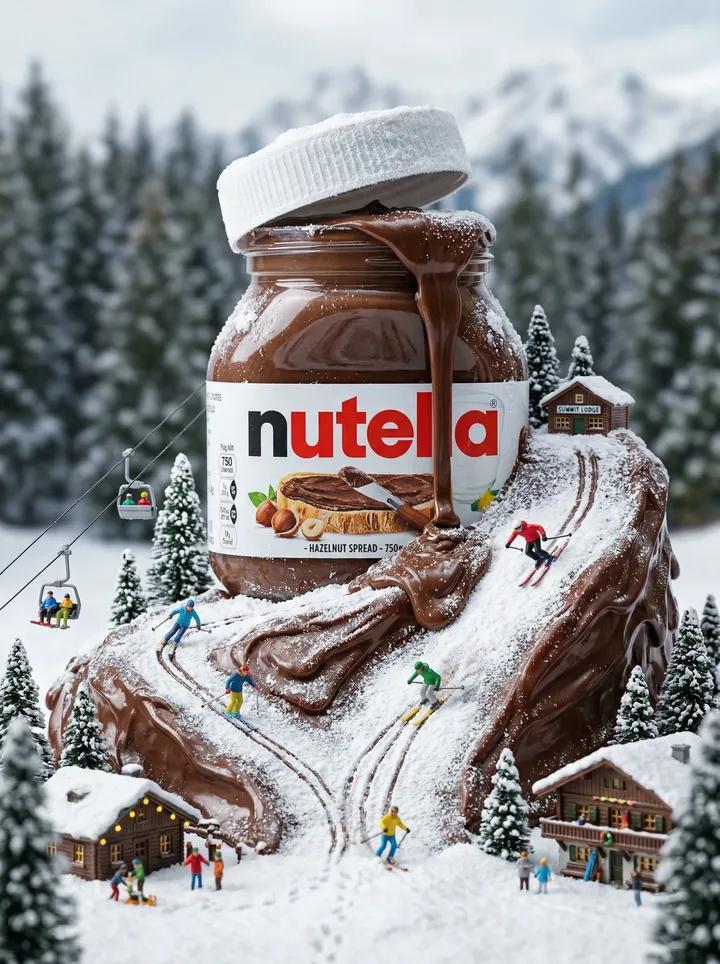
能多益巧克力雪山微缩奇境
Enlarge

能多益巧克力雪山微缩奇境

Prompt
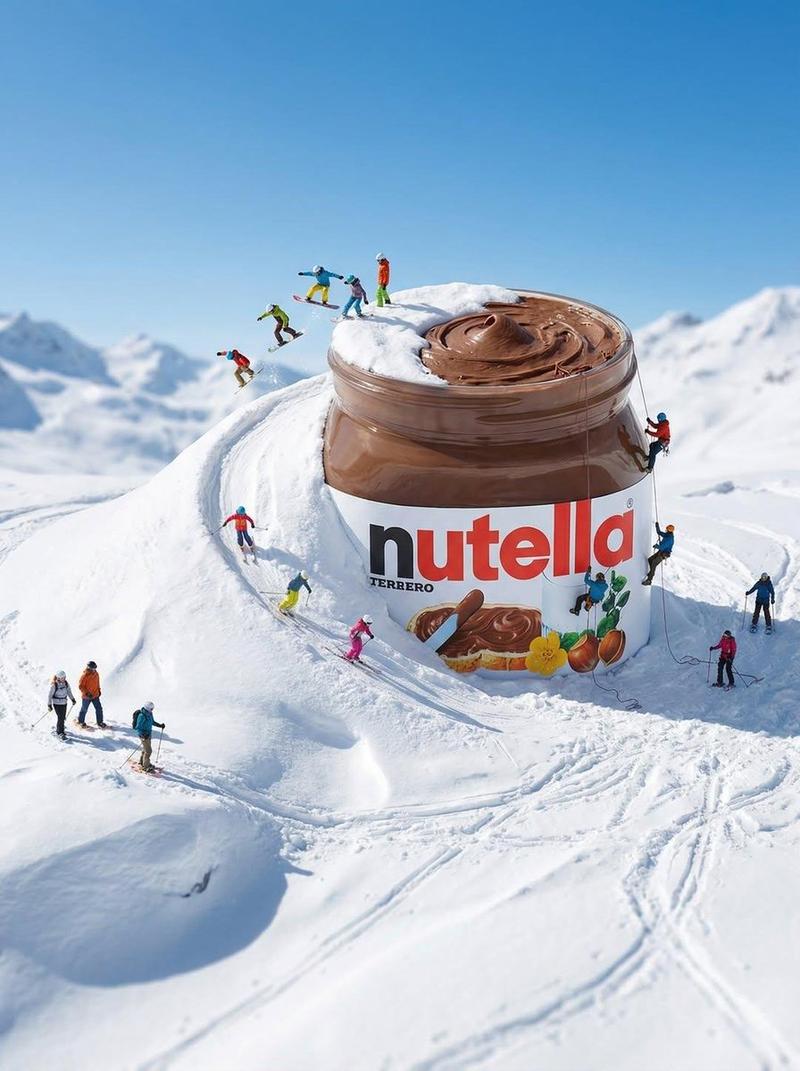
{ "cinematic miniature winter world built around a giant Nutella jar, thick chocolate hazelnut spread flowing out forming a glossy mountain ski slope, tiny skiers skiing down the chocolate hill covered with light snow powder, miniature alpine village with wooden cabins and pine trees, ski lift with small gondolas carrying people, snowy forest background and distant mountains, soft winter lighting, ultra realistic textures of melting chocolate and snow, macro tilt shift photography, fantasy food landscape, commercial food advertising style, highly detailed, 8k", "negative_prompt": "blurry, low resolution, distorted jar, incorrect logo, messy composition, unrealistic proportions, extra limbs, duplicate people", "aspect_ratio": "4:5", "style": "ultra realistic macro photography", "lighting": "soft cinematic winter daylight", "camera": "macro lens, tilt shift effect", "quality": "high detail, 8k" }
Category
Posters & Typography
Model
Nano Banana Pro
Views70
Source ID
13228
Published
Apr 8, 2026

Guide

About "能多益巧克力雪山微缩奇境"

What is this prompt for?

"能多益巧克力雪山微缩奇境" AI image prompt for Nano Banana Pro (Posters & Typography). { "cinematic miniature winter world built around a giant Nutella jar, thick chocolat…

The full copyable prompt and example visuals above are ready for AI image generation or one-click recreate in Picva.

How to use this prompt

  1. Step 1

    Open the prompt detail

    Review the example visuals, category, and full prompt text for "能多益巧克力雪山微缩奇境".

  2. Step 2

    Copy the prompt

    Copy the prompt body from this page, or load it directly in Studio.

  3. Step 3

    Pick a model (Nano Banana Pro)

    Prefer Nano Banana Pro. If you switch models, keep subject and composition and tweak style terms.

  4. Step 4

    Generate and export

    Recreate the look in Picva, or export into your workflow for editing and publishing.

FAQ

What is the "能多益巧克力雪山微缩奇境" prompt?
It is an AI image-generation prompt for Nano Banana Pro in the Posters & Typography category. This page includes the full prompt text, example visuals, and a one-click recreate path in Picva.
How do I use this prompt to generate an image?
Copy the prompt from this page, or use Generate / Studio. Paste it into a compatible image model, or recreate the look in Picva with optional reference images.
Which model is this prompt for?
This page lists Nano Banana Pro. Most descriptive prompts also transfer to nearby image models such as GPT Image, Flux, or Midjourney with light style tweaks.
Can I use the result commercially?
You can usually copy the prompt for creation, but commercial use of the final image depends on the model terms, reference-image rights, and the generated content. Follow the source author and platform rules.