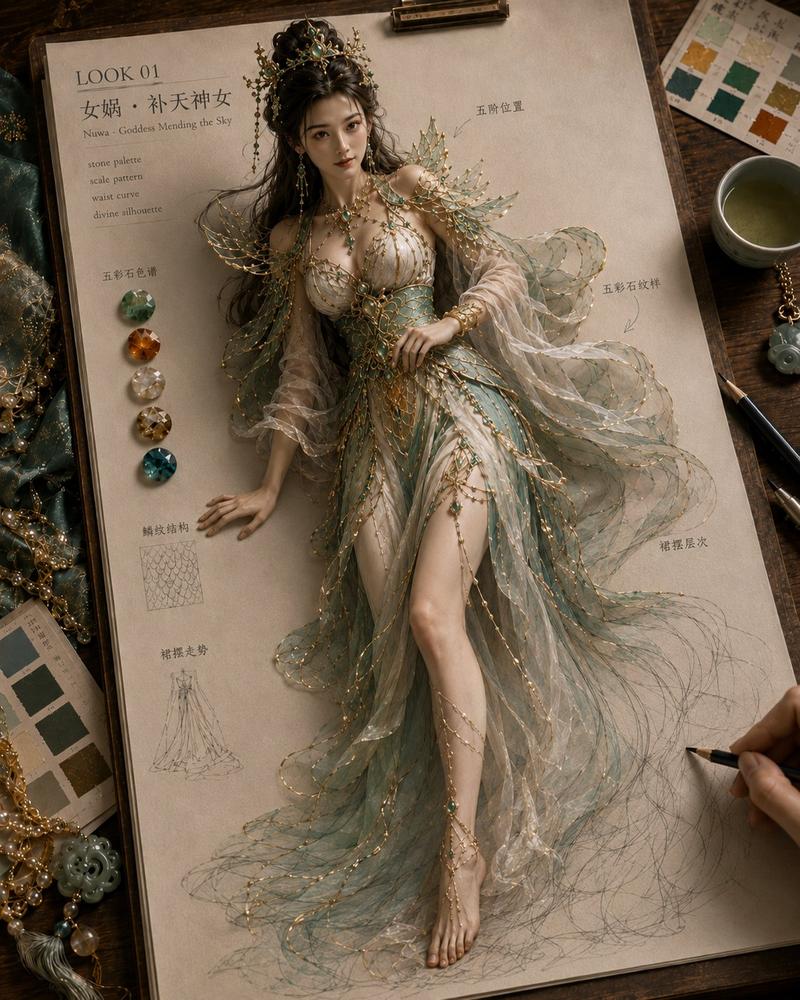
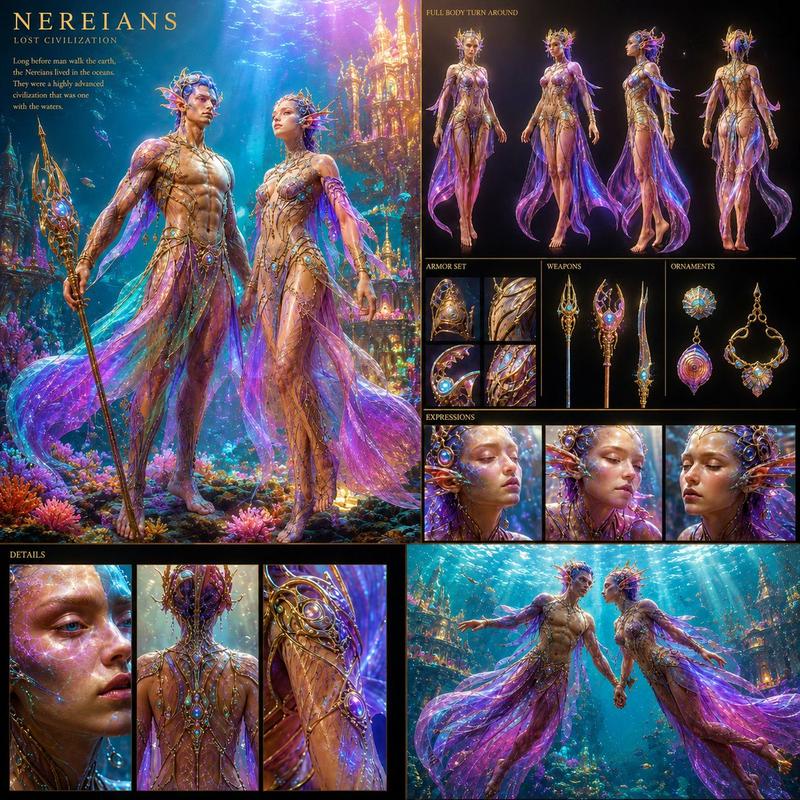
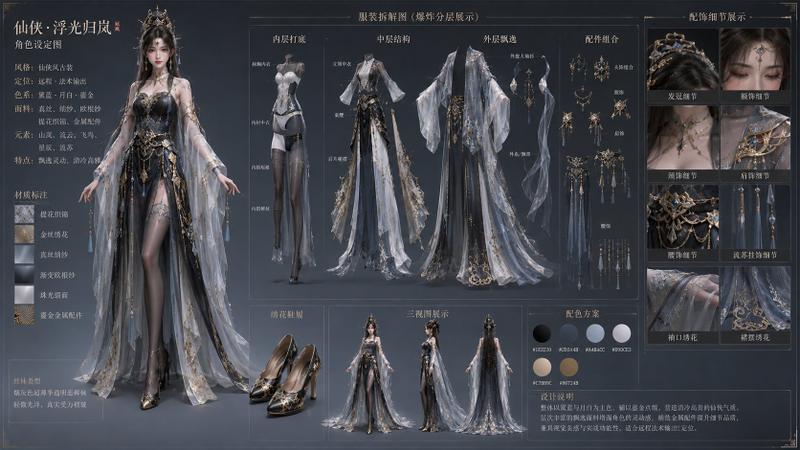
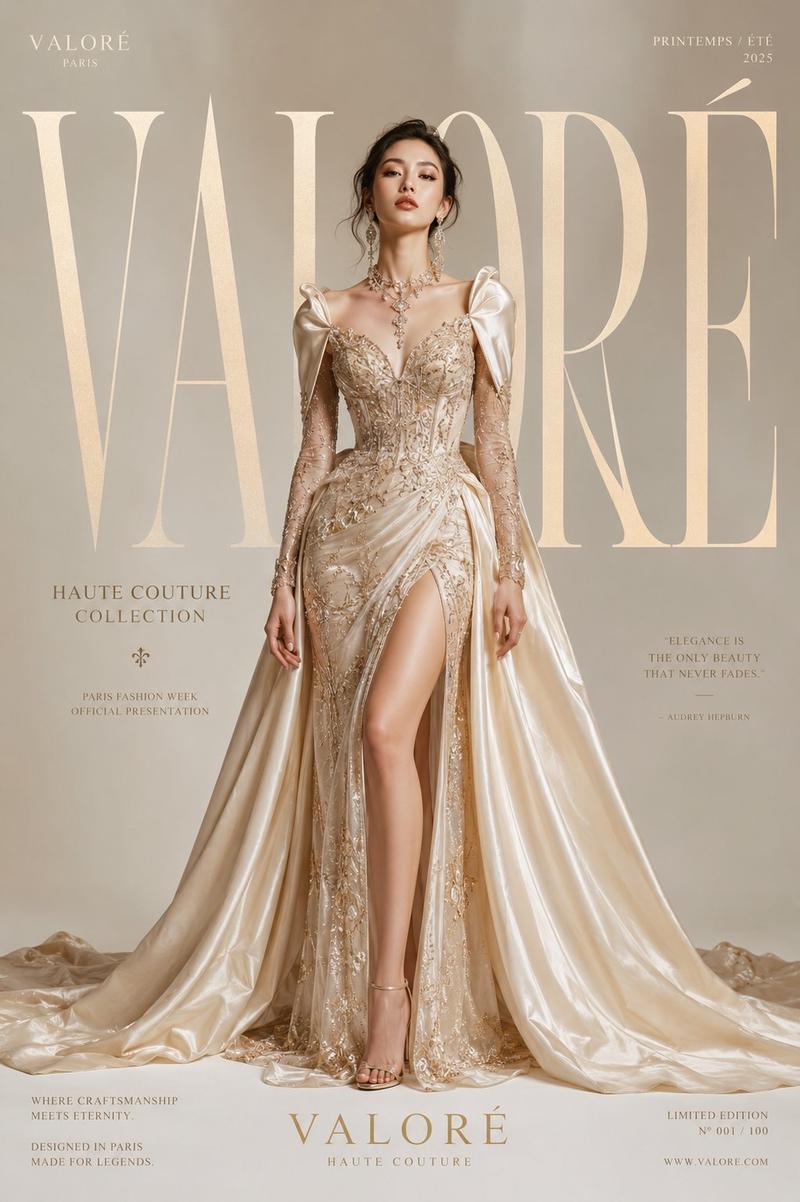
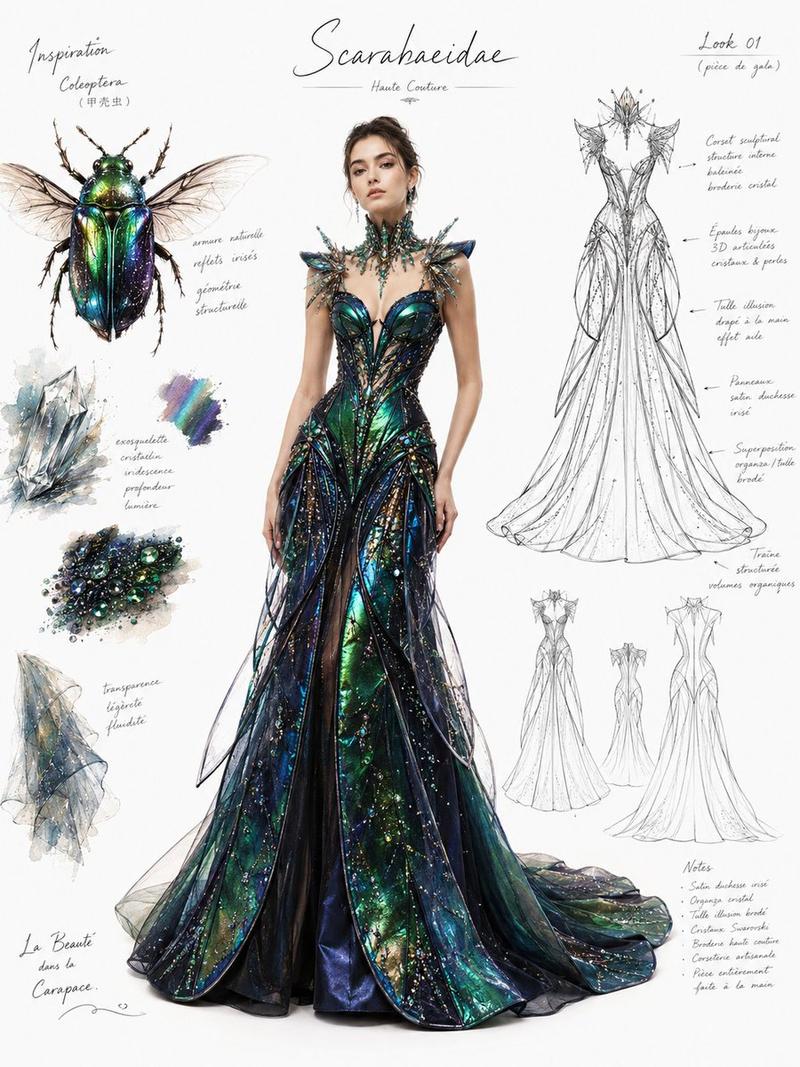
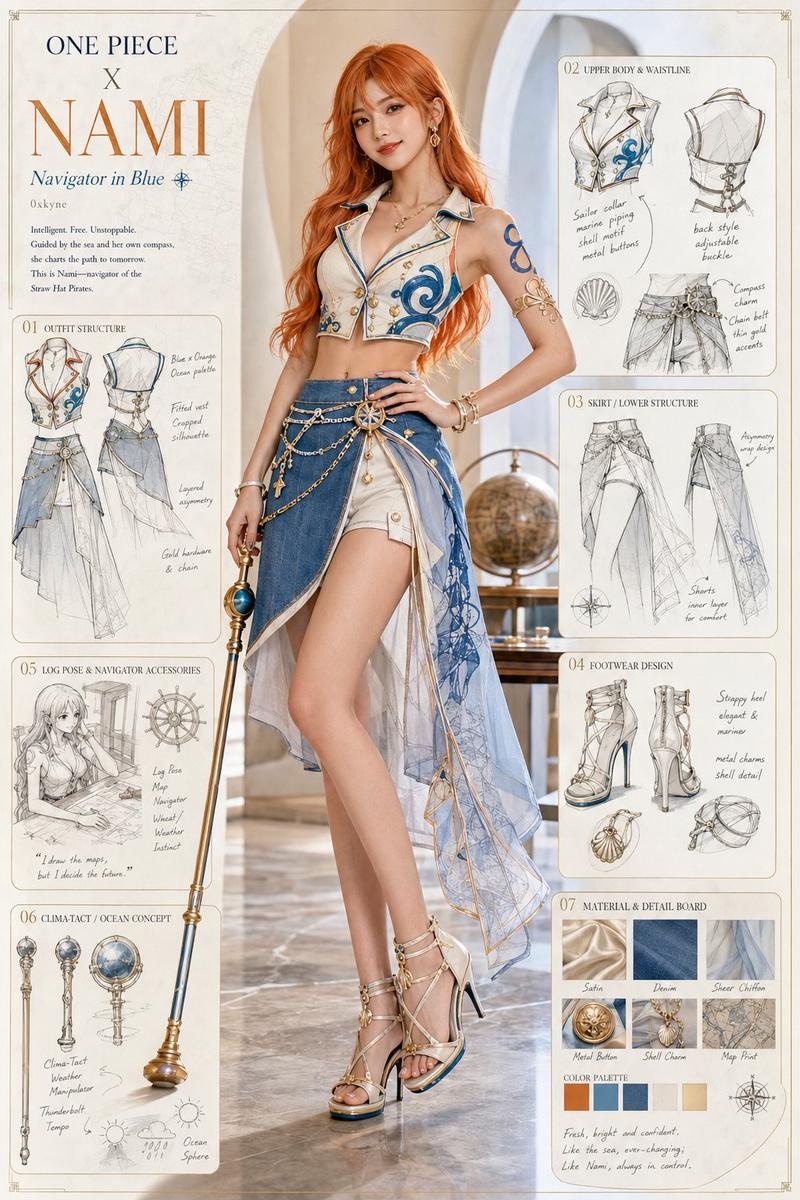
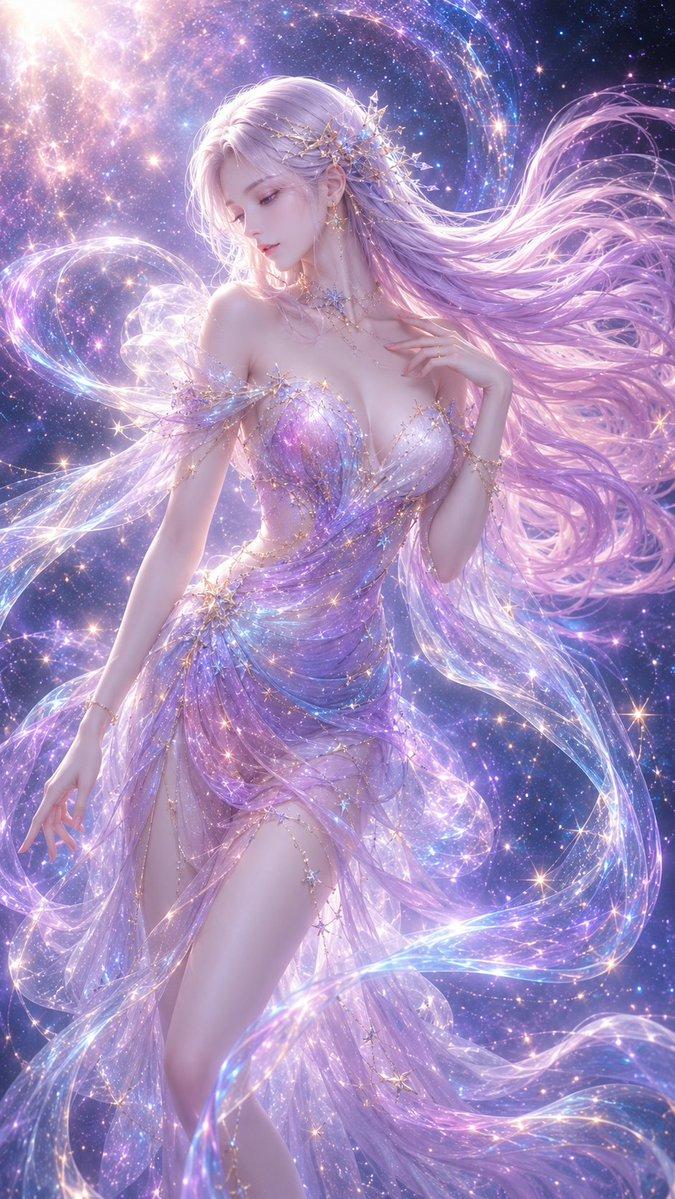
万物拟人化实物成装角色设计
Prompt
Generate a 'Humanization of Everything · Physical Object to Outfit' style image, 4:5 vertical composition.

Place a physical reference object with a realistic photographic feel on the left side: [{{Object Name}}]. The object should look like a photographic picture or a product sample, with materials, structure, color, metallic reflections, transparent parts, textures, and functional details clearly visible. The physical object on the left can be placed in a circular reference frame, a design drawing frame, or a white background display area, and includes a small amount of handwritten annotations, such as: Reference, material, shape, texture, key detail.

On the right side of the screen is an adult 3D anime-style female character humanized from the object, with slender and natural proportions, approximately 7–7.5 heads tall, in an elegant and design-oriented pose, like a high-quality 3D character setting sheet. The character is not simply wearing ordinary clothes; instead, the shape, structure, material, and function of the object on the left are translated into clothing, hair accessories, weapons, accessories, and silhouette language.

Humanized design requirements:
1. The character's outfit must clearly echo the core characteristics of the physical object on the left.
2. Transform the primary shapes of the object into the main silhouette of the clothing, such as hat brims, shoulder armor, capes, skirt hems, back accessories, umbrella-like structures, ring structures, streamlined shells, etc.
3. Transform the material of the physical object into the clothing material, such as metallic silver, ceramic white, transparent glass, crystal, rubber, plastic, wood grain, fabric, fluid, glossy coatings, etc.
4. Transform the function of the object into imaginative elements, such as water flow, light beams, wind, flames, mechanical structures, plant growth, star orbits, energy lines, charms, wings, streamers, etc.
5. The character's hair accessories, earrings, brooches, waist seals, canes, footwear, and skirt details should all exhibit design logic derived from the physical object.
6. The color system should be unified, with the main color palette coming from the object on the left; avoid mottled or messy colors.

Visual style:
High-end 3D anime character design, exquisite modeling feel, delicate materials, soft studio lighting, clean white or light gray background, with a clear design association between the character and the physical object. The overall look is like an 'Object Humanization Character Design Draft,' with the reality reference on the left and the fantasy-generated character on the right.

Composition requirements:
The physical object on the left occupies 25%–35% of the frame, and the character on the right occupies 60%–70%. The left side is more realistic, while the right side is a 3D anime character. Faint design connecting lines, structural sketches, material annotations, and color sampling points can be added between the two, allowing the audience to immediately see that the character's outfit originates from the physical object on the left.

Character requirements:
Adult character, delicate features but not excessively juvenile, eyes have a sense of interaction, looking toward the camera, toward the object on the left, or as if showcasing their own costume design. Skin has an exquisite 3D anime texture, avoiding a plastic feel or low resolution. Body proportions are natural, with correct hand, leg, and foot structures; clothing coverage is complete, avoiding excessive exposure.

Clothing requirements:
High-end fantasy couture, blending Oriental mythology, futurism, mechanical aesthetics, or elven vibes. Clothing layers are rich but not chaotic, with clear primary silhouettes, secondary decorations, and detailed textures. Emphasis on: headpieces, shoulder structures, chest decorations, waist structures, skirt hems, silk wraps, streamers, footwear, and iconic elements corresponding to the physical object.

A small amount of design annotations can be included in the image:
LOOK 01, object reference, silhouette, material sample, ornament detail, function motif, color palette, structural translation, material sampling, silhouette source, decorative details.

High quality, high definition, exquisite, imaginative, strong design sense, physical humanization, 3D anime character design, fantasy couture, object-inspired costume design, clean composition, soft studio lighting.

Avoid: ordinary cosplay, simply copying and pasting the object onto the body, clothing unrelated to the object, low-quality modeling, incorrect proportions, deformed fingers, deformed legs, collapsed faces, excessive juvenility, excessive exposure, garbled text, messy colors, dirty backgrounds, unclear objects, overly flat characters, 2D draft feel, low resolution.- Category
- Charts & Infographics
- Model
- ChatGPT
- Creator
- @GeekCatX
- Source ID
- 17071
- Published
- Jun 29, 2026
Views70