18

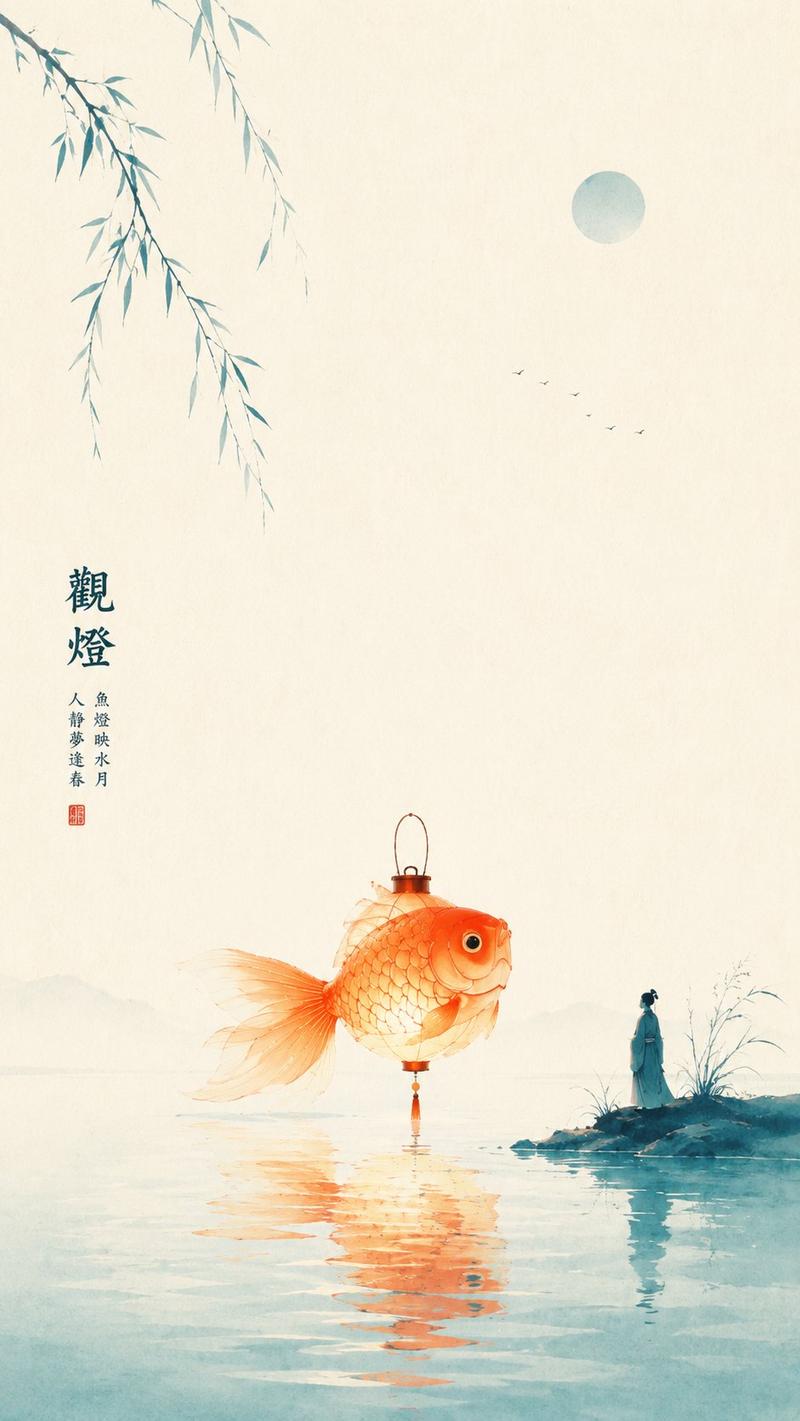
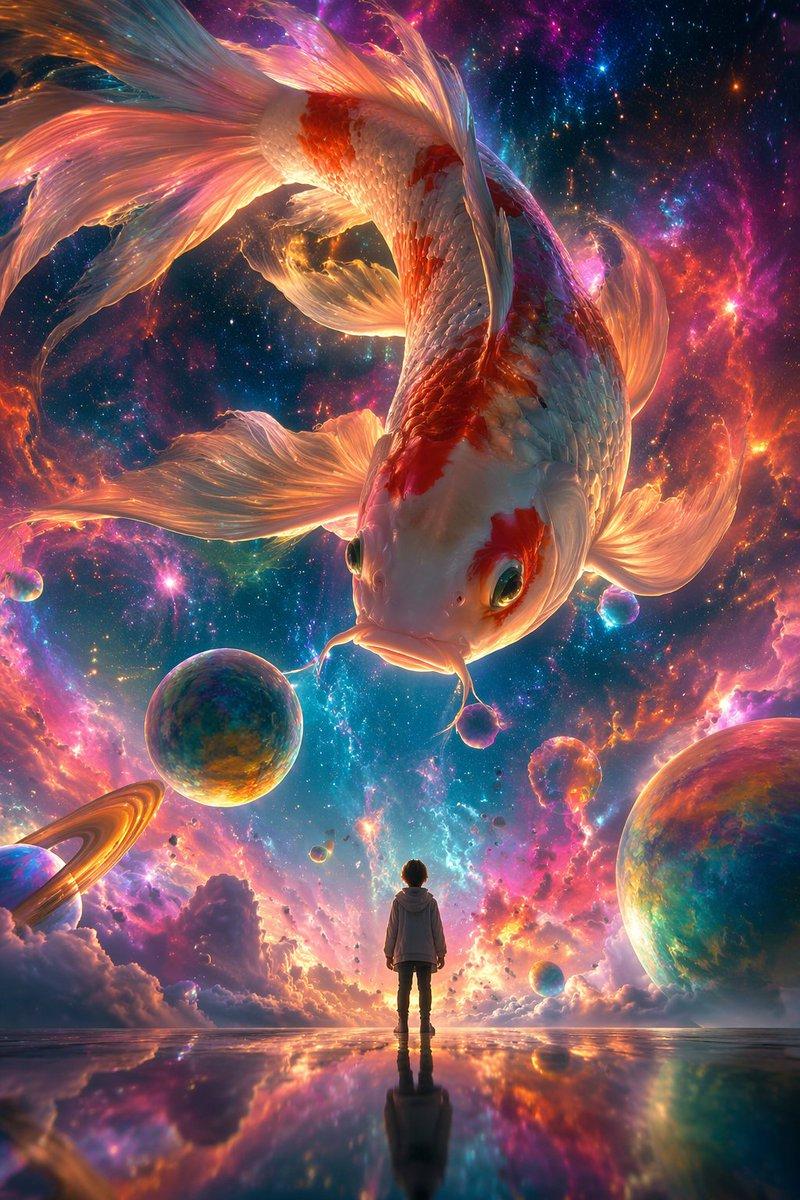
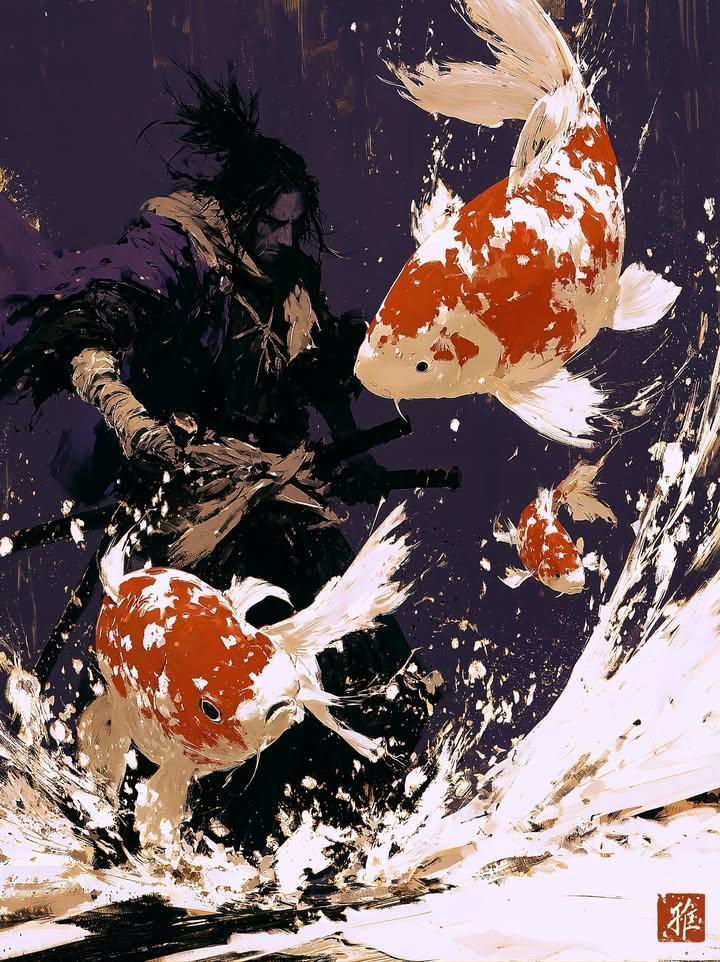
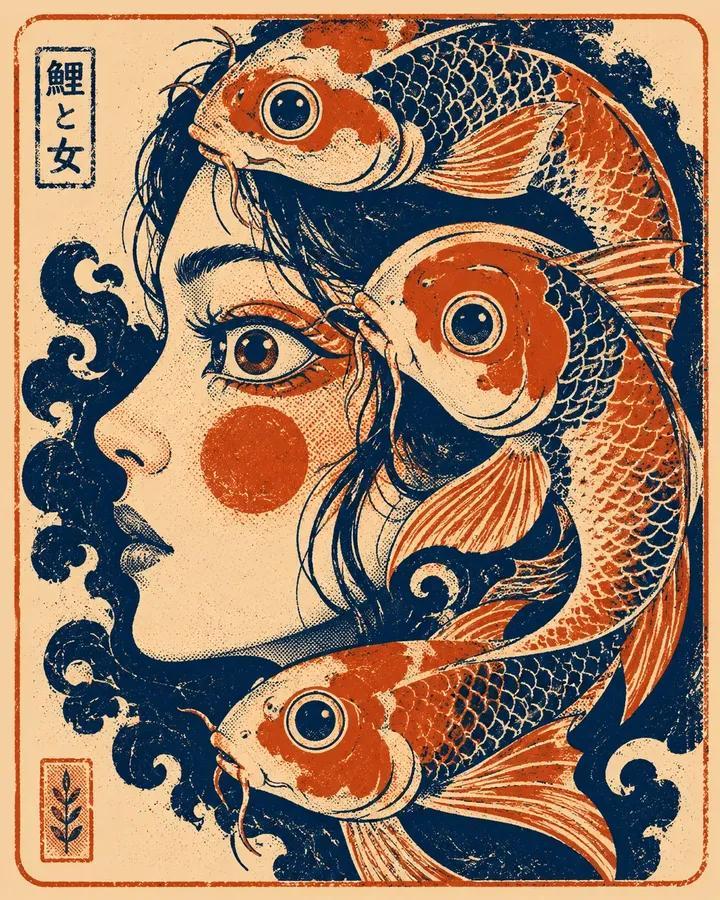
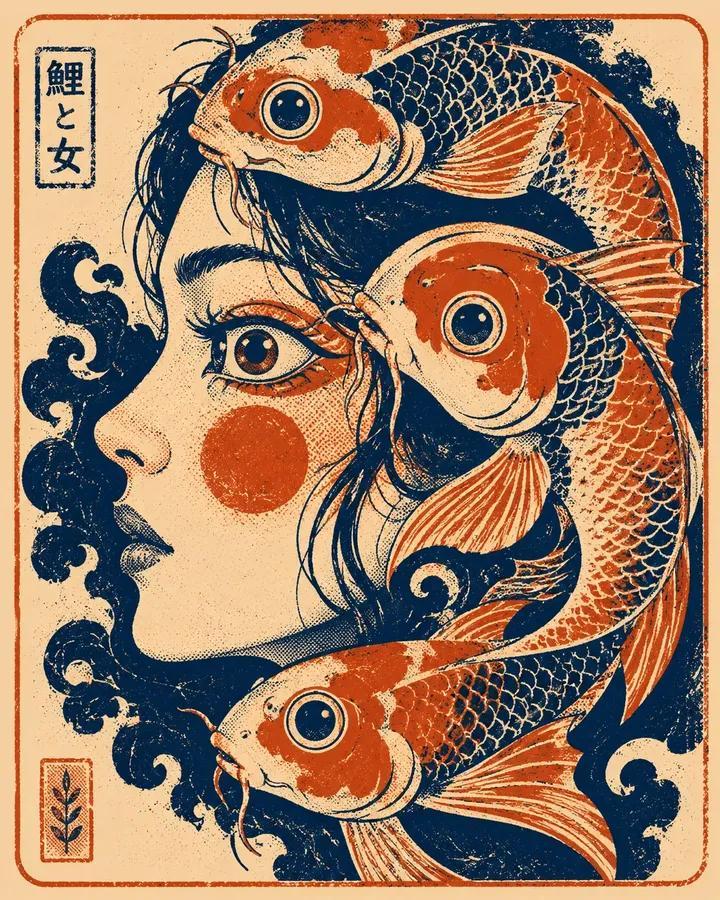
东方禅意极简朱橘锦鲤海报
Enlarge

东方禅意极简朱橘锦鲤海报

Prompt
Theme: Oriental Zen minimalist poster
Style: High-contrast bright type
Subject: A vermilion koi fish leaping out of minimalist water
Mood/Theme: Vitality, agility, good luck, motion within stillness
Scene/Imagery: Peacock blue water, jade white negative space, leaping koi, a few splashes, very faint lotus leaf shadows
Composition/Space: Center-down composition, koi as main visual, water occupies bottom space, large area of bright negative space reserved at the top
Color Control: Jade white as background, peacock blue for water surface and distant air layers, vermilion only for the koi subject and small amount of water surface reflection; avoid the whole image turning blue or orange
Light/Texture: Bright natural light, light water reflection, rice paper texture, clear graininess
Aspect Ratio: 9:16
Additional Requirements: Koi should be simple and powerful, do not draw as complex schools of fish, overall fresh and lively but restrained, with an Oriental good luck poster feel
Category
Posters & Typography
Model
ChatGPT
Creator
@liyue_ai
Views26
Source ID
16988
Published
Jun 29, 2026

Guide

About "东方禅意极简朱橘锦鲤海报"

What is this prompt for?

"东方禅意极简朱橘锦鲤海报" AI image prompt for ChatGPT (Posters & Typography). 主题方向:东方禅意极简海报 风格分支:高对比明亮型 主体内容:一条朱橘色锦鲤从极简水面中跃起 情绪母题:生机、灵动、好运、静中有动 场景与意象:孔雀蓝水面、玉白留白空间、跃起锦鲤、少量…

The full copyable prompt and example visuals above are ready for AI image generation or one-click recreate in Picva.

How to use this prompt

  1. Step 1

    Open the prompt detail

    Review the example visuals, category, and full prompt text for "东方禅意极简朱橘锦鲤海报".

  2. Step 2

    Copy the prompt

    Copy the prompt body from this page, or load it directly in Studio.

  3. Step 3

    Pick a model (ChatGPT)

    Prefer ChatGPT. If you switch models, keep subject and composition and tweak style terms.

  4. Step 4

    Generate and export

    Recreate the look in Picva, or export into your workflow for editing and publishing.

FAQ

What is the "东方禅意极简朱橘锦鲤海报" prompt?
It is an AI image-generation prompt for ChatGPT in the Posters & Typography category. This page includes the full prompt text, example visuals, and a one-click recreate path in Picva.
How do I use this prompt to generate an image?
Copy the prompt from this page, or use Generate / Studio. Paste it into a compatible image model, or recreate the look in Picva with optional reference images.
Which model is this prompt for?
This page lists ChatGPT. Most descriptive prompts also transfer to nearby image models such as GPT Image, Flux, or Midjourney with light style tweaks.
Can I use the result commercially?
You can usually copy the prompt for creation, but commercial use of the final image depends on the model terms, reference-image rights, and the generated content. Follow the source author and platform rules.