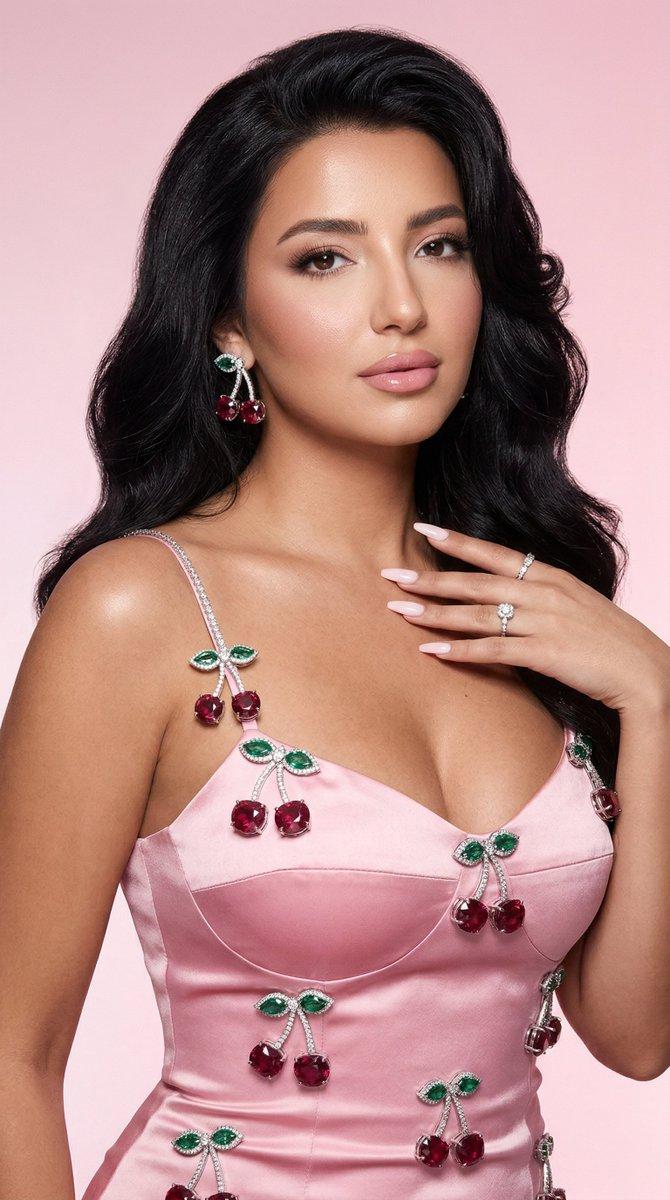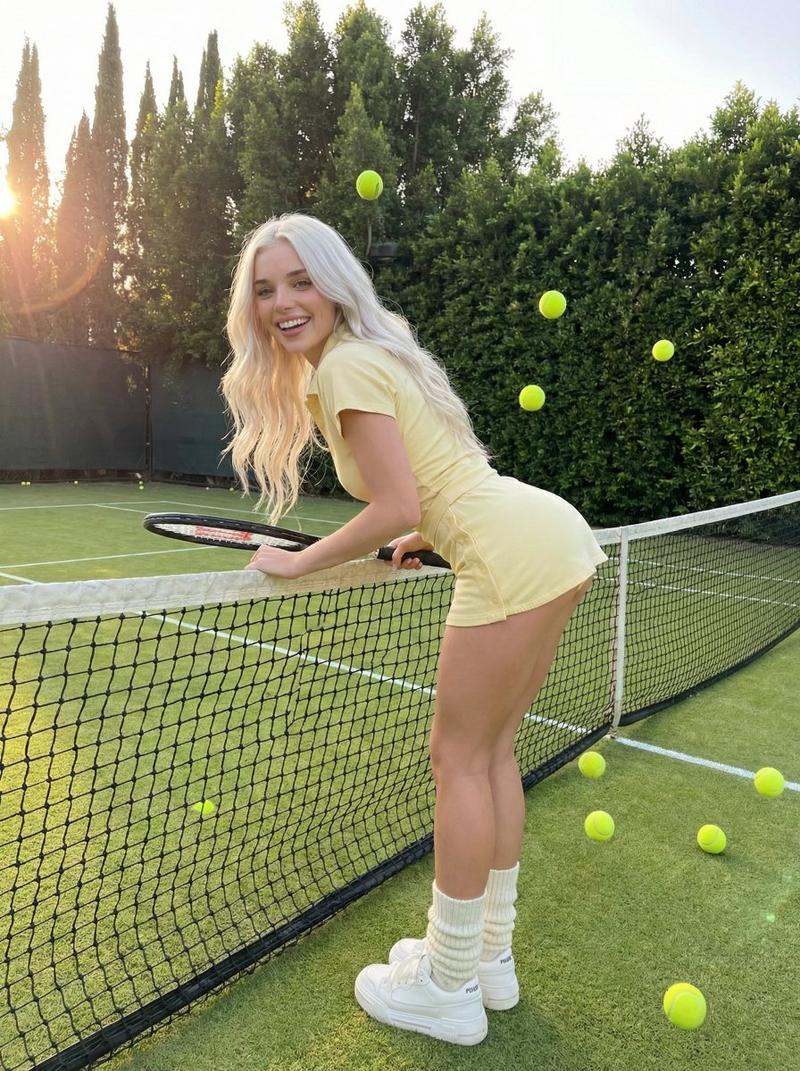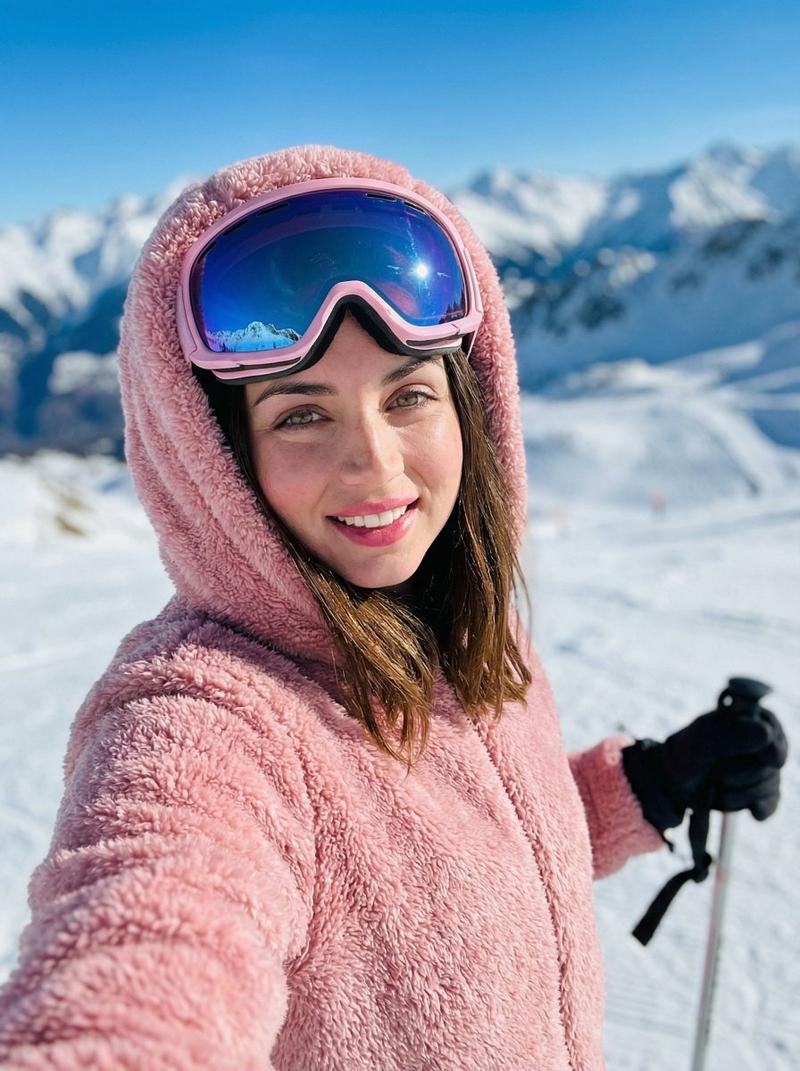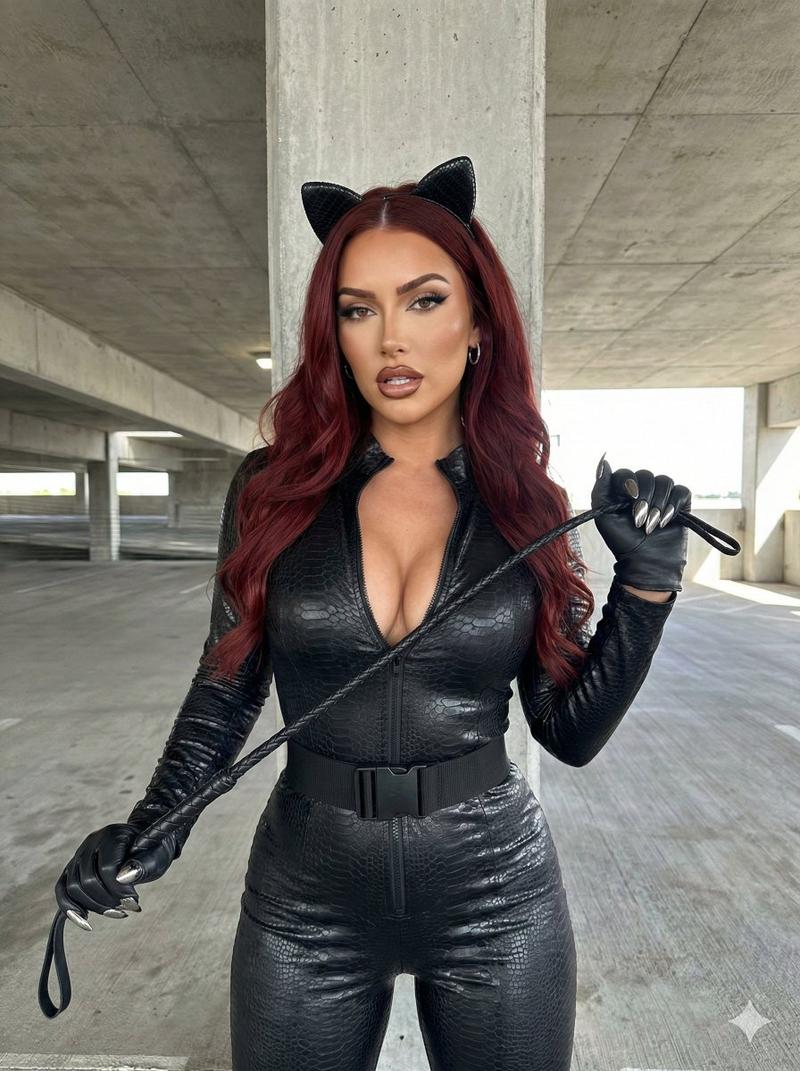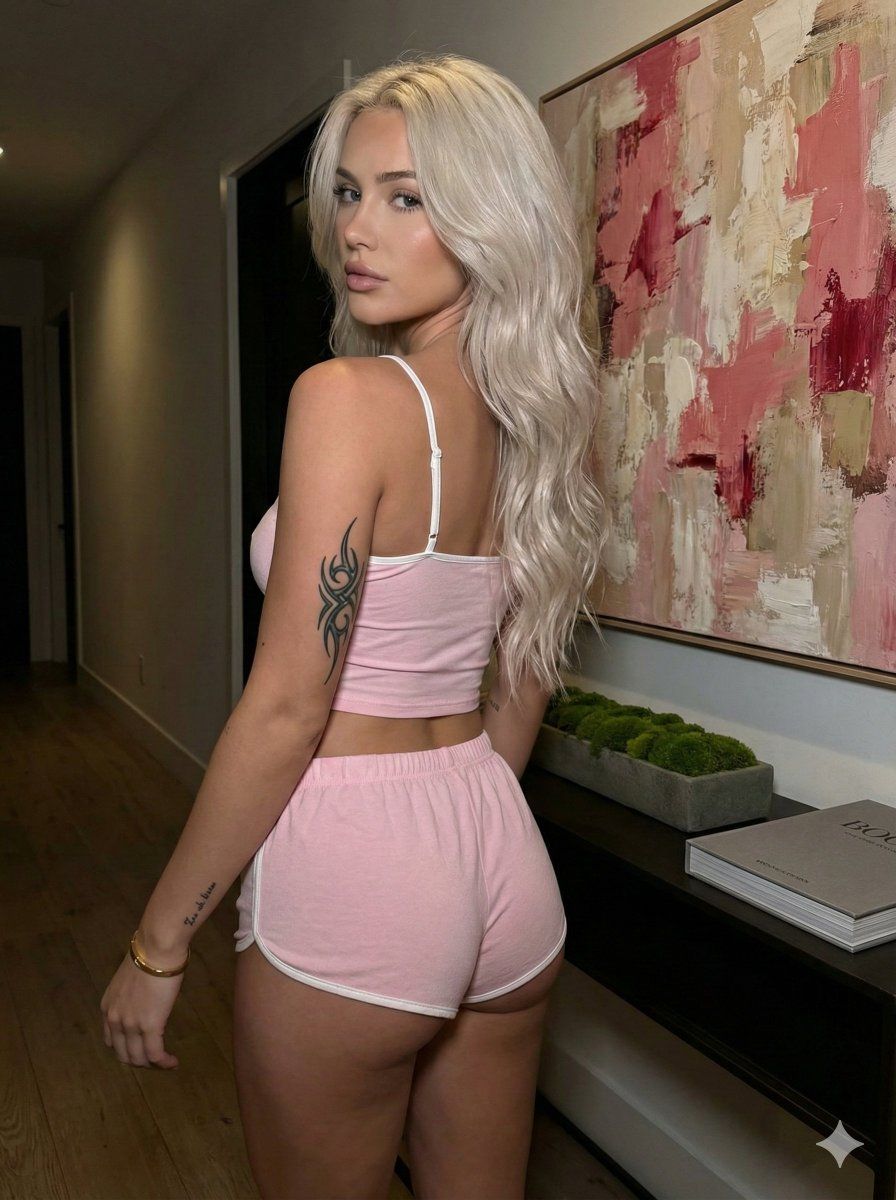
粉色吊带辣妹迷人回眸
Prompt
{ "subject": { "description": "Young woman with long, wavy platinum blonde hair reaching down her back.", "body_type": "Fit and curvy physique, emphasizing glute shape and waist-to-hip ratio.", "clothing": { "top": "Light pink cropped camisole top with thin white spaghetti straps, exposing the midriff and back.", "bottom": "Matching light pink lounge shorts with white piping trim along the edges, high cut on the thigh." }, "features": { "hair": "Platinum blonde to silver-grey, voluminous, wavy texture, parted in the middle.", "skin": "Fair skin tone, realistic texture.", "tattoos": "Distinct black abstract tribal-style swirl tattoo on the upper left arm, small text tattoo on the left outer forearm/wrist.", "accessories": "Gold bracelet on left wrist." } }, "pose": { "orientation": "Standing with back fully turned towards the camera, body angled slightly to the left.", "head_position": "Head turned over the left shoulder, looking directly back at the viewer.", "limbs": { "left_arm": "Extended downwards along the side, hand resting near the left thigh/hip area.", "right_arm": "Partially visible, relaxed." }, "spine": "Slight arch in the lower back, accentuating the posterior." }, "environment": { "setting": "Indoor hallway or living space.", "background_elements": [ "Large abstract painting on the wall featuring textured strokes of pink, red, white, and beige.", "Dark sleek console table positioned against the wall below the painting.", "Rectangular planter with green moss on the table.", "Large coffee table book (grey spine with text) stacked on the table.", "Wooden flooring visible in the lower right corner." ] }, "camera": { "shot_type": "Medium shot captured from behind.", "angle": "Eye-level to slightly low angle, emphasizing the subject's figure against the artwork.", "perspective": "Natural perspective, focusing on the subject in the foreground with the wall art immediately behind.", "focus": "Sharp focus on the subject, slight fall-off on the background." }, "lighting": { "quality": "Dim, ambient indoor lighting, slightly moody.", "direction": "Soft illumination appears to come from the right or overhead, casting subtle shadows on the left side of the back and arm.", "tone": "Warm to neutral, preserving the pink hues of the painting and clothing." }, "mood_and_expression": { "mood": "Sultry, casual, intimate.", "expression": "Neutral to alluring gaze, direct eye contact, confident." }, "style_and_realism": { "style": "Candid influencer-style aesthetic, photorealistic.", "fidelity": "High fidelity to textures (skin, hair strands, fabric softness, canvas texture of painting)." }, "colors_and_tone": { "palette": "Soft pastels (pink, lilac, white) contrasted with dark furniture and neutral walls.", "saturation": "Natural, slightly muted due to low lighting.", "contrast": "Moderate contrast with deep shadows in the background corners." }, "quality_and_technical_details": { "resolution": "High resolutio- Category
- Posters & Typography
- Model
- Nano Banana Pro
- Creator
- @brindleyai
- Source ID
- 11760
- Published
- Apr 23, 2026
Views62