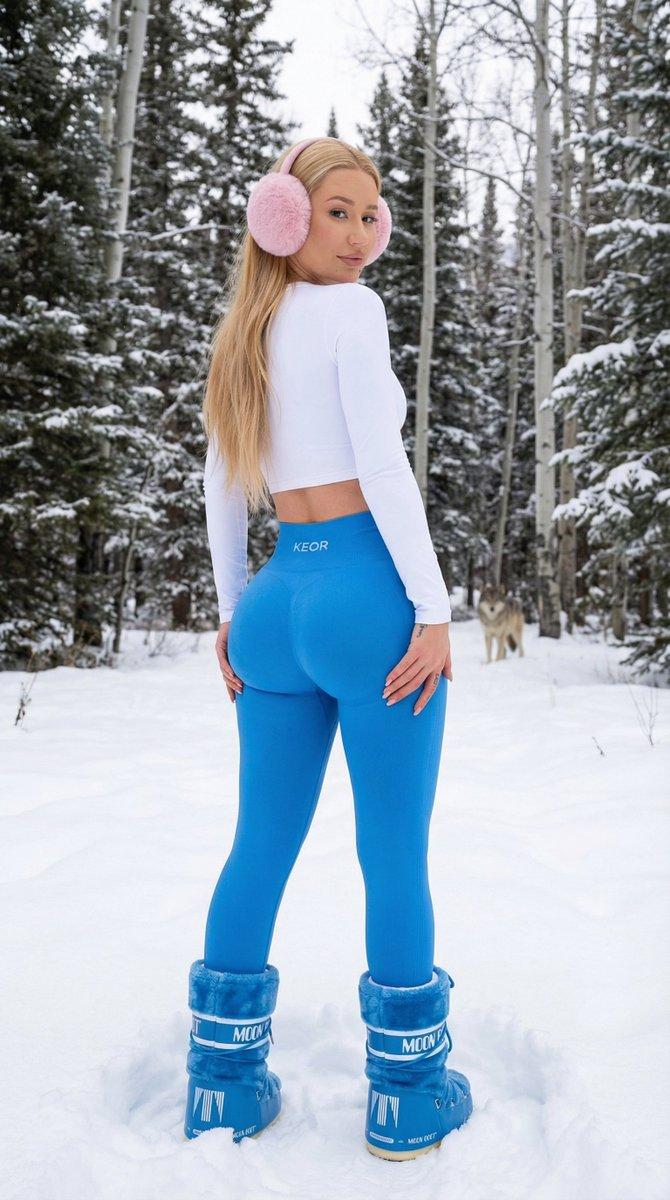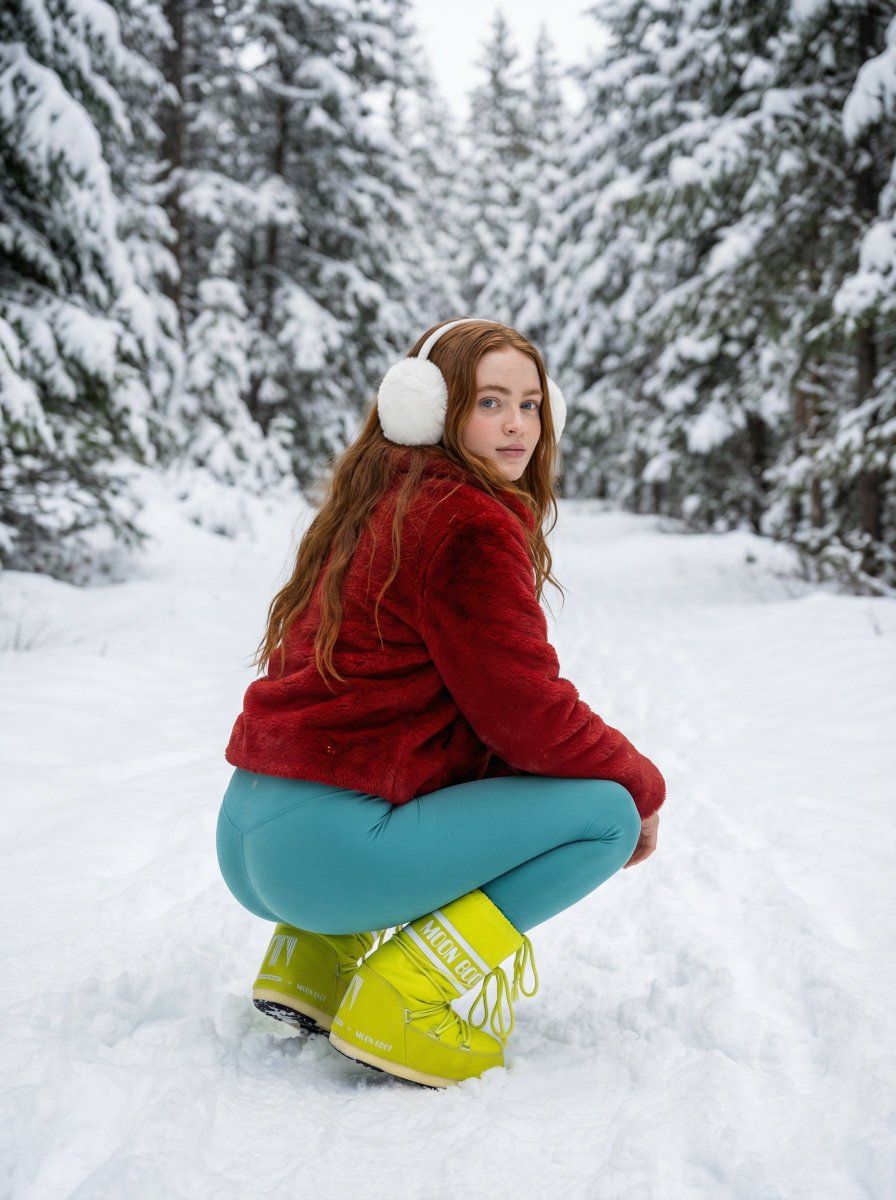
粉绿撞色:雪地深蹲的超模时尚人像
Prompt
{ "subject": { "description": "Ester Expósito, young actress with a fit and slim but curvy frame. The image is captured from a rear 3/4 angle in a low squat position. She has long, straight brown hair cascading over her shoulders. Her complexion is naturally tanned with a subtle glow.", "apparel": { "headwear": "Large, fluffy white faux-fur earmuffs completely covering the ears.", "upper_body": "Short, cropped bright pink faux-fur jacket with a plush, textured surface, ending at the waist and revealing a hint of the lower back.", "lower_body": "Tight, bright lime green cotton-spandex leggings that stretch naturally over the glutes and thighs, showing realistic fabric tension and texture.", "footwear": "Chunky bright orange knee-high snow boots (Moon Boot style) with white laces and prominent white branding on the heel and shaft, firmly planted in the snow." } }, "physical_attributes": { "body_type": "Fit, slim but curvy, subtly highlighted in the squat position.", "skin_texture": "Tanned, natural skin with subtle texture, no artificial smoothing." }, "pose": { "type": "Deep squat / crouch.", "orientation": "Body angled away from the camera in a rear 3/4 view, back and glutes prominent.", "head_position": "Head sharply turned over the right shoulder to face the camera.", "eye_contact": "Direct, calm, and engaging gaze.", "limb_placement": "Legs deeply bent at the knees, feet firmly planted in the snow. Arms relaxed, likely resting on knees, mostly obscured by the jacket.", "dynamics": "Static but balanced, conveying the weight of the body settling naturally into the squat." }, "environment": { "setting": "Dense winter forest covered in heavy snow.", "ground": "Thick, powdery snow with visible footprints and uneven surface where the boots have disturbed it.", "background": "Tall evergreen trees heavily laden with snow, creating a textured natural backdrop.", "atmosphere": "Cold, crisp winter air." }, "camera": { "type": "Professional DSLR or mirrorless (e.g., Sony A7R, Canon R5).", "lens": "50mm–85mm portrait lens.", "perspective": "Low angle, roughly eye-level with the crouching subject.", "depth_of_field": "Moderate (f/4.0–f/5.6), subject sharp, background slightly softened but still defined.", "focus": "Sharp focus on the face and eyes." }, "lighting": { "type": "Natural overcast daylight (diffused).", "quality": "Soft, even, shadowless light. Snow acts as a natural reflector, filling in shadows.", "direction": "Omnidirectional skylight.", "highlights": "Subtle highlights on the faux-fur jacket and earmuffs.", "shadows": "Very soft contact shadows under boots and body." }, "mood_and_expression": { "emotion": "Calm, confident, slightly alluring.", "facial_expression": "Neutral to slight smile, relaxed lips, soft gaze.", "vibe": "Cozy winter fashion, 'snow bunny' aesthetic, candid influencer style." }, "style_and_realism": { "aesthe- Category
- Posters & Typography
- Model
- Nano Banana Pro
- Creator
- @JustBethanyai
- Source ID
- 9579
- Published
- May 14, 2026
Views29