19

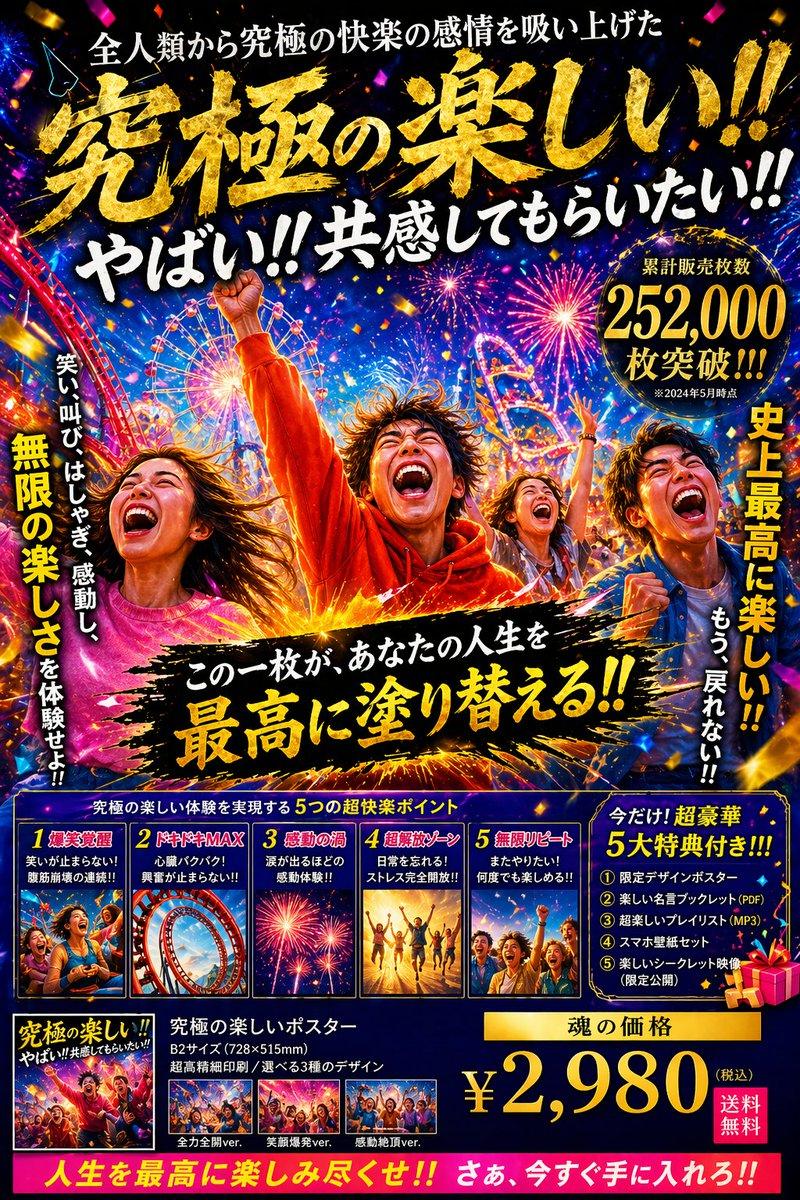
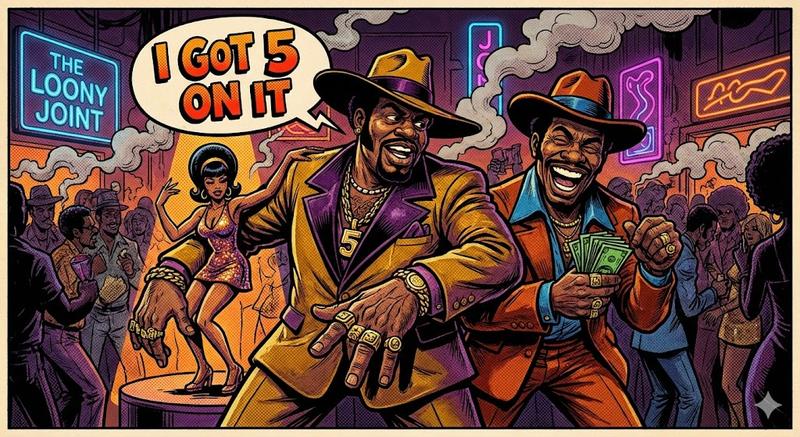
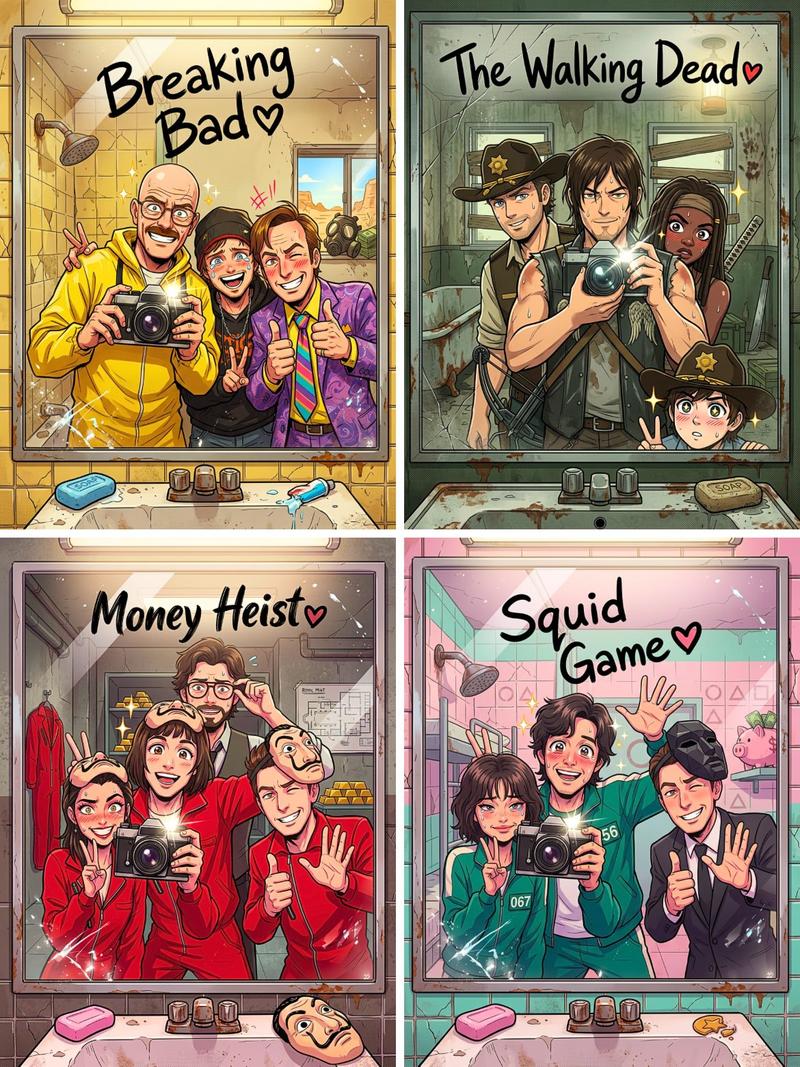
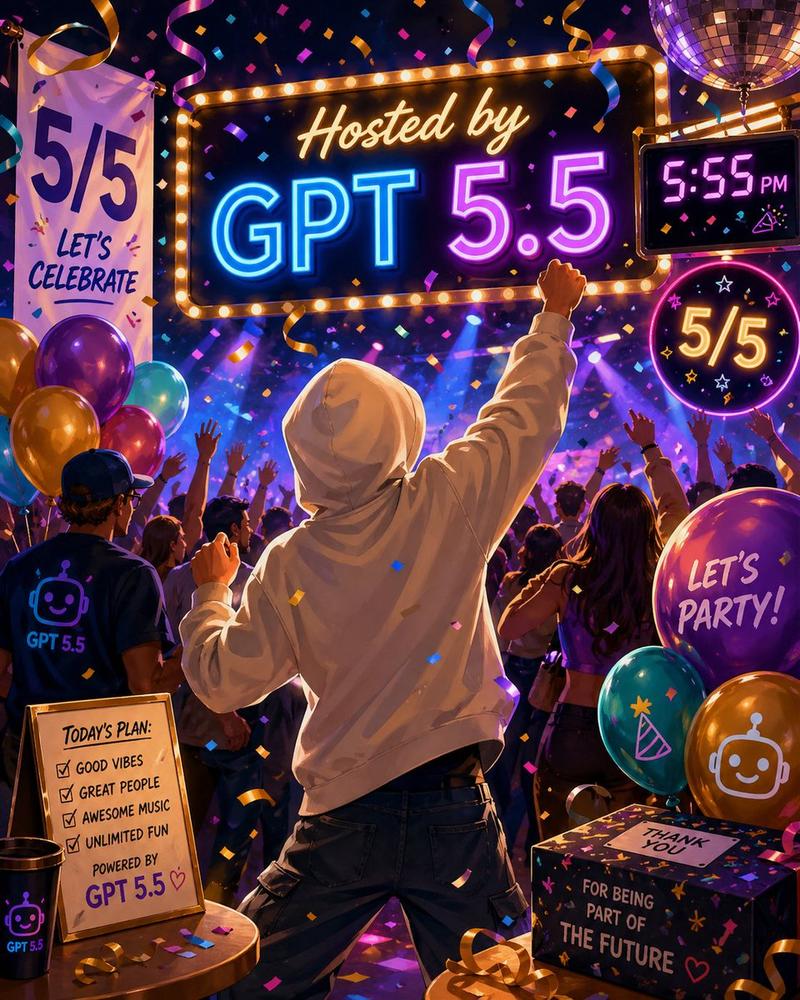
波普艺术风格漫画色彩派对狂欢
Enlarge

波普艺术风格漫画色彩派对狂欢

Prompt
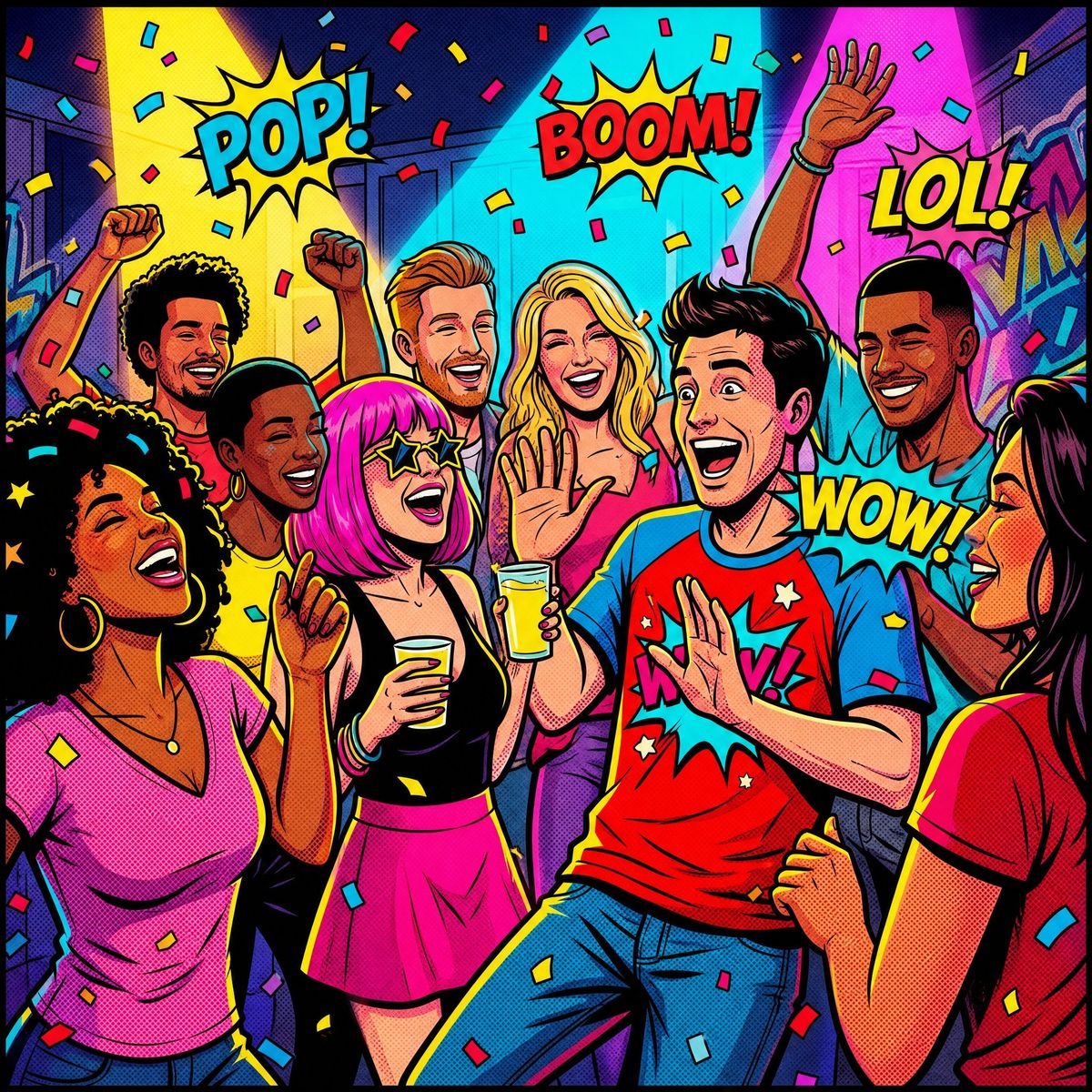
Pop art style illustration of a lively group of friends at a high-energy party, featuring bold comic-book aesthetics with thick black outlines, halftone dot textures, and exaggerated expressive facial features. The scene is filled with vibrant neon and primary colors (electric pinks, bright yellows, cyan blues, and vivid reds), creating a dynamic and energetic atmosphere. The composition is slightly tilted for a sense of motion and chaos, with overlapping characters interacting—laughing, dancing, holding drinks, and celebrating. Confetti, sound-effect typography elements like “WOW!”, “LOL!”, and “BOOM!” float in the background. Strong rim lighting and saturated lighting effects enhance depth and contrast. The environment is a stylized indoor party space with abstract shapes, graffiti-like wall art, and comic panels subtly integrated into the background. Ultra-detailed, cinematic framing, high contrast, sharp focus, 8K resolution, modern pop-art meets comic book illustration style.
Category
Posters & Typography
Model
ChatGPT
Views45
Source ID
14528
Published
May 16, 2026

Guide

About "波普艺术风格漫画色彩派对狂欢"

What is this prompt for?

"波普艺术风格漫画色彩派对狂欢" AI image prompt for ChatGPT (Posters & Typography). 波普艺术风格插图,描绘了一群充满活力的朋友在极具感染力的派对上。采用大胆的漫画美学,具有粗黑轮廓、半色调网点纹理和夸张的丰富面部表情。场景充满了鲜艳的霓虹色和原色(电光粉、亮黄、青…

The full copyable prompt and example visuals above are ready for AI image generation or one-click recreate in Picva.

How to use this prompt

  1. Step 1

    Open the prompt detail

    Review the example visuals, category, and full prompt text for "波普艺术风格漫画色彩派对狂欢".

  2. Step 2

    Copy the prompt

    Copy the prompt body from this page, or load it directly in Studio.

  3. Step 3

    Pick a model (ChatGPT)

    Prefer ChatGPT. If you switch models, keep subject and composition and tweak style terms.

  4. Step 4

    Generate and export

    Recreate the look in Picva, or export into your workflow for editing and publishing.

FAQ

What is the "波普艺术风格漫画色彩派对狂欢" prompt?
It is an AI image-generation prompt for ChatGPT in the Posters & Typography category. This page includes the full prompt text, example visuals, and a one-click recreate path in Picva.
How do I use this prompt to generate an image?
Copy the prompt from this page, or use Generate / Studio. Paste it into a compatible image model, or recreate the look in Picva with optional reference images.
Which model is this prompt for?
This page lists ChatGPT. Most descriptive prompts also transfer to nearby image models such as GPT Image, Flux, or Midjourney with light style tweaks.
Can I use the result commercially?
You can usually copy the prompt for creation, but commercial use of the final image depends on the model terms, reference-image rights, and the generated content. Follow the source author and platform rules.