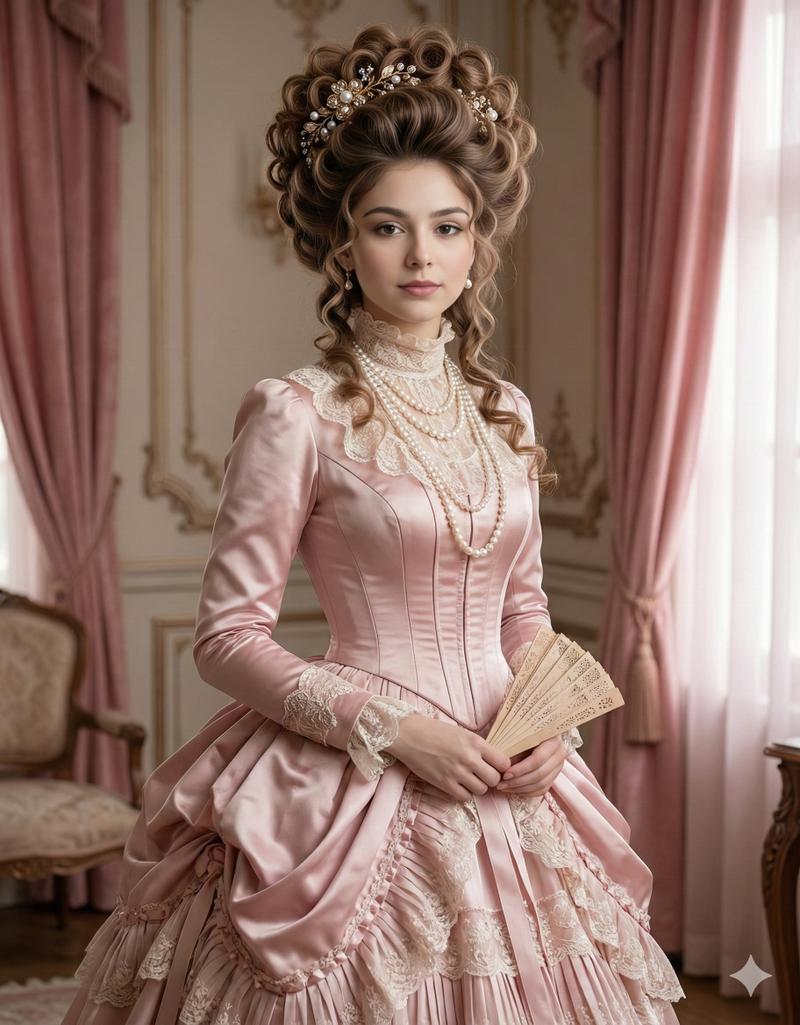
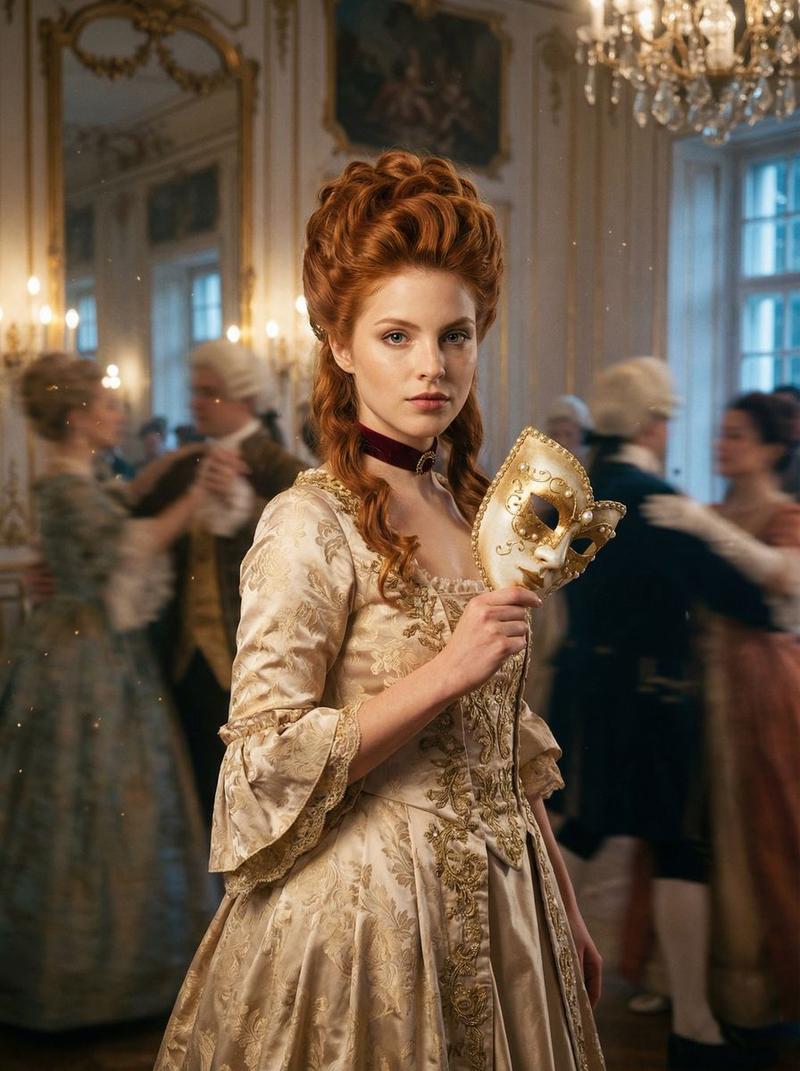
雾蓝礼服女神光
Prompt
{
  "prompt_metadata": {
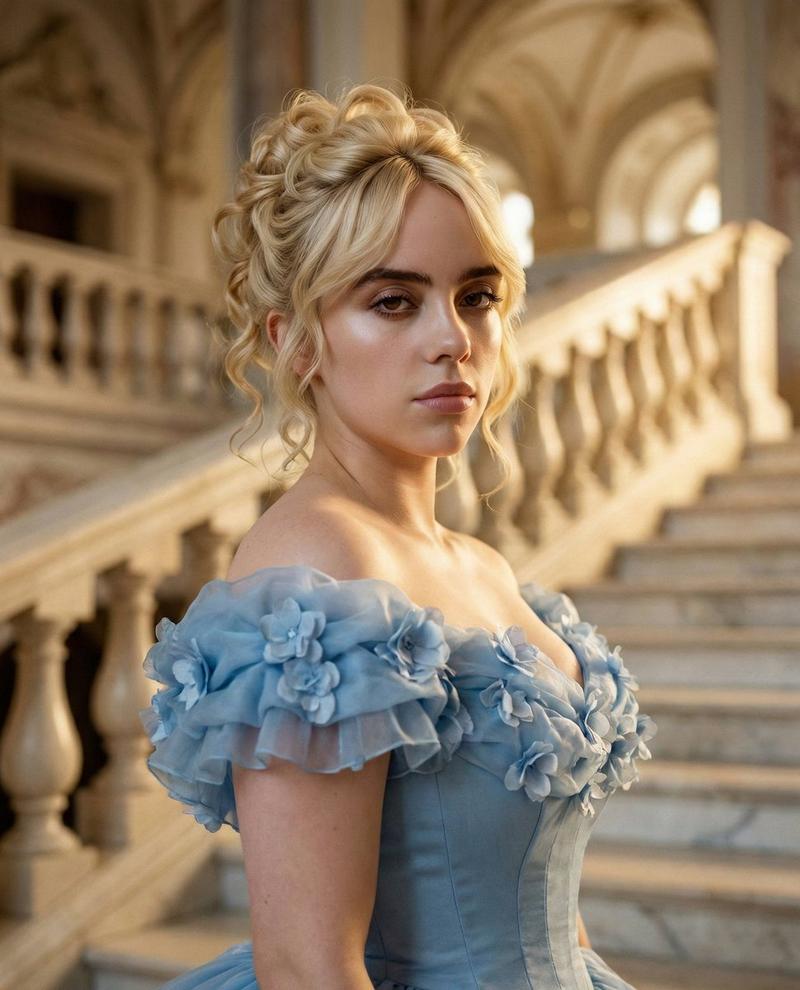
    "title": "Cinematic Royal Portrait: Ana de Armas",
    "version": "2.0",
    "generation_type": "Photorealistic Cinematic",
    "aspect_ratio": "3:4",
    "quality_preset": "Ultra-High-Resolution / 8K / RAW",
    "aesthetic_style": "Fairytale Royal / Ethereal Elegance"
  },
  "subject": {
    "identity": {
      "name": "Ana de Armas",
      "likeness_fidelity": "100% accurate facial features",
      "ethnicity_match": "Authentic skin tone and bone structure"
    },
    "physical_features": {
      "eyes": {
        "color": "Deep brown",
        "details": "Luminous catch-lights, sharp focus on iris texture"
      },
      "complexion": {
        "texture": "Visible skin pores, natural imperfections, luminous warm glow",
        "finish": "Soft-focus dewiness"
      },
      "hair": {
        "style": "Intricate blonde updo",
        "texture": "Soft, loose ringlet curls framing the face",
        "detail": "Fine individual strands visible, silk-like sheen"
      },
      "makeup": {
        "style": "Natural / Minimalist",
        "details": "Soft peach blush, nude glossy lips, light mascara"
      }
    },
    "pose": {
      "composition": "Close-up portrait",
      "stance": "Graceful and poised, slight tilt of the head",
      "expression": "Serene, regal, and enigmatic"
    }
  },
  "wardrobe": {
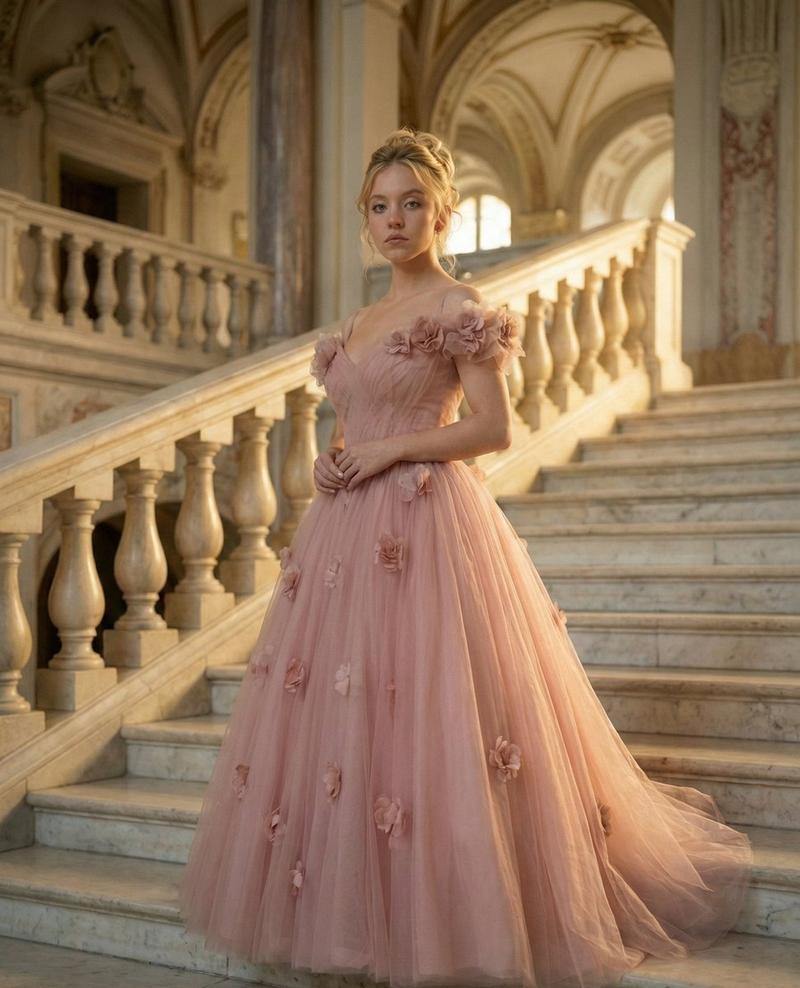
    "garment": "Grand Powder-Blue Ball Gown",
    "bodice_details": {
      "type": "Structured corset",
      "neckline": "Off-shoulder ruffled sleeves",
      "embellishments": "Hand-stitched 3D floral appliqués"
    },
    "skirt_details": {
      "material": "Layered silk tulle",
      "volume": "Voluminous and airy",
      "translucency": "Subtle light-filtering through fabric layers"
    }
  },
  "environment": {
    "location": "Grand Palace Interior",
    "architecture": {
      "primary_element": "Wide marble staircase",
      "material": "Polished white Calacatta marble with gold veining",
      "backdrop": "Ornate balustrades, distant vaulted ceilings"
    },
    "atmosphere": {
      "vibe": "Dreamy, luxurious, and timeless",
      "depth": "Extreme shallow depth of field (bokeh background)"
    }
  },
  "lighting_and_color": {
    "lighting_scheme": {
      "primary_source": "Cinematic soft-box simulation",
      "secondary_source": "Warm ambient glow from palace chandeliers",
      "effects": "Subtle bloom, ethereal light rays, volumetric golden hour glow"
    },
    "color_palette": {
      "dominants": [
        "Powder blue",
        "Creamy white",
        "Soft gold"
      ],
      "accents": [
        "Warm skin tones",
        "Deep amber highlights"
      ]
    }
  },
  "technical_rendering": {
    "camera_settings": {
      "lens": "85mm prime lens simulation",
      "aperture": "f/1.2 for creamy bokeh",
      "sensor": "Full-frame digital cinema camera"
    },
    "image_fidelity": {
      "texture_mapping": "High-fidelity fabric weave and marble grain",
      "post_processing": "Subtle film grain, HDR, color graded for fairytale cinema",
      "anti_aliasing": "Ultra-sharp edges on subject, smooth gradients in background"
    }
  }
}- Category
- Posters & Typography
- Model
- GPT Image 2
- Creator
- @YaseenK7212
- Source ID
- 1922
- Published
- Jan 10, 2026
Views57