13

高级品牌信息图广告设计提示词
Enlarge

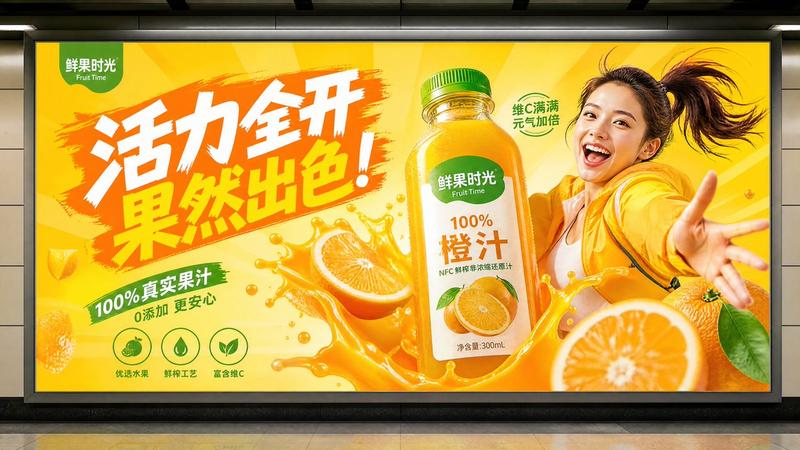
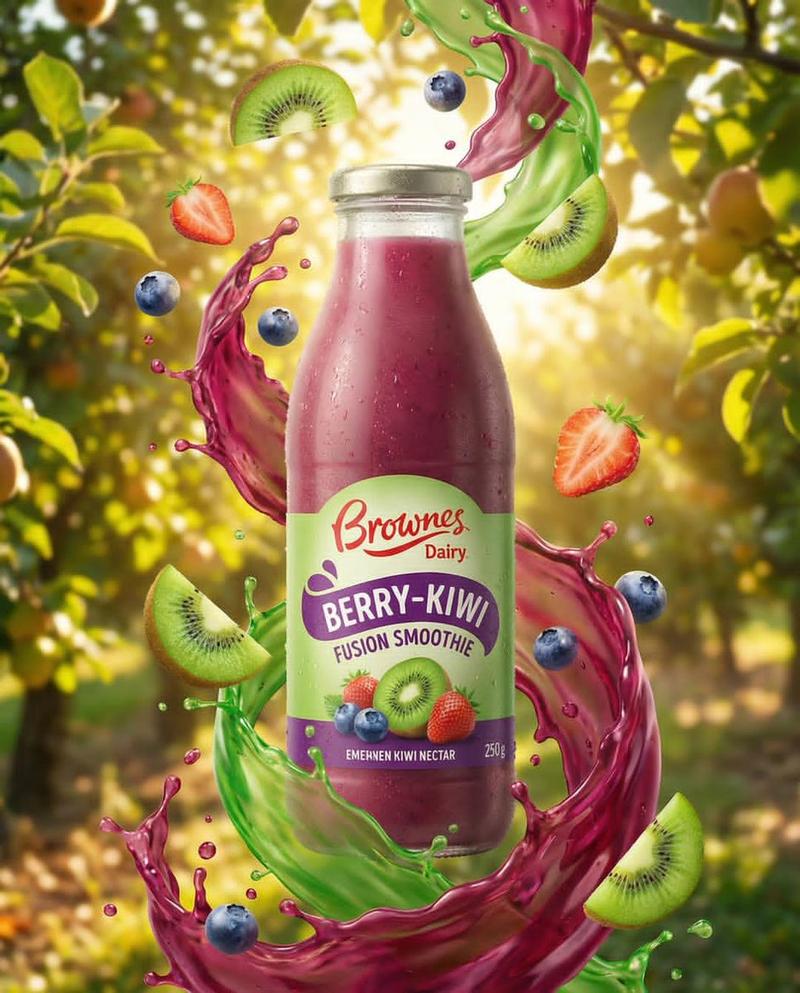
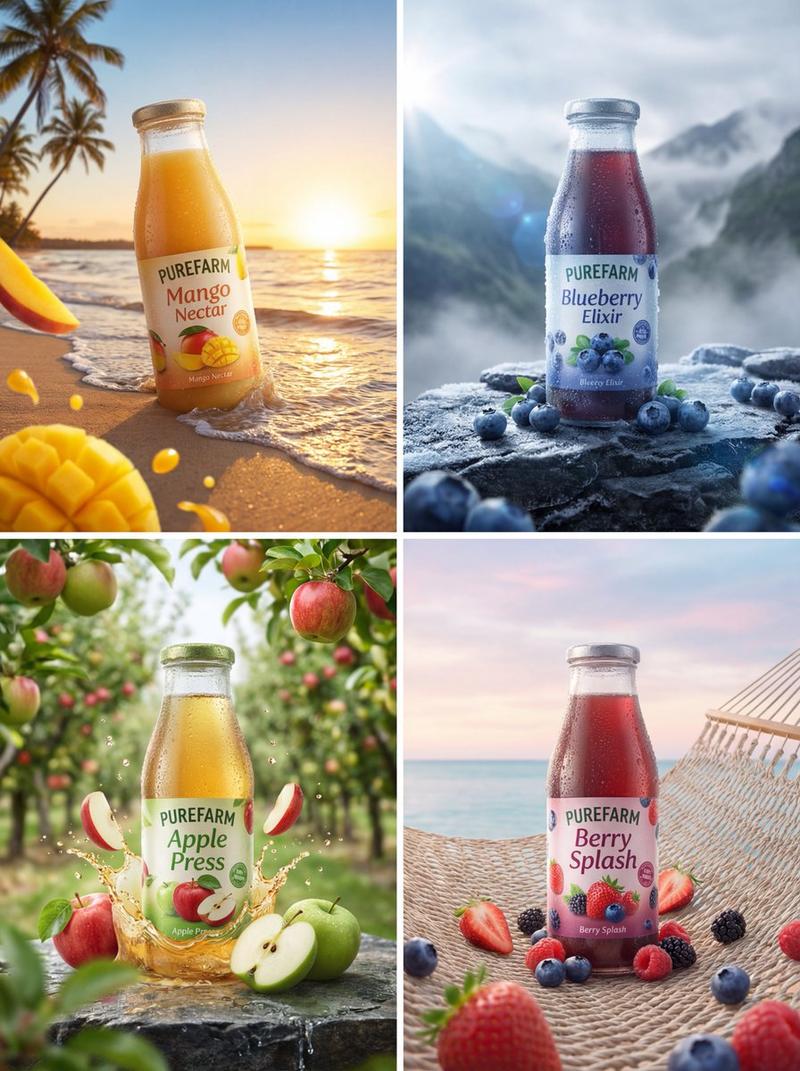
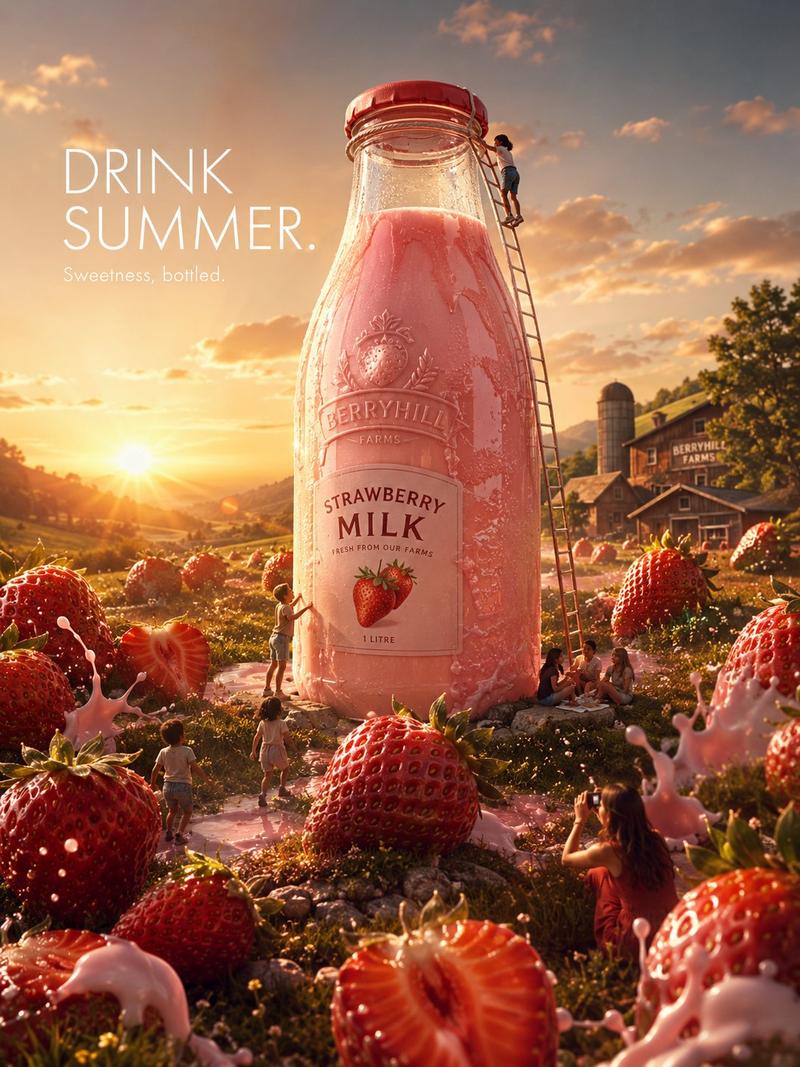
Example images

高级品牌信息图广告设计提示词

Prompt
act as a premium brand designer and create a highly detailed infographic advertisement for “[topic/product/brand]”

structure the poster into 9 numbered sections with short professional descriptions:

1. overview
2. key components/features
3. unique selling point
4. creation/manufacturing/process
5. technical specifications/data
6. visual identity & color palette
7. available variants/options
8. lifestyle/use cases
9. brand values & commitments

layout style:
large central hero object, dynamic floating elements around the subject, modern editorial grid, cinematic lighting, ultra realistic details, luxury commercial aesthetic, bold typography, minimal infographic layout, clean spacing, premium magazine poster design

design details:
• use numbered section badges
• include icons, labels, and small supporting visuals
• cohesive color palette matching the theme
• high-end advertisement composition
• realistic textures and depth
• modern infographic hierarchy
• professional branding presentation
Category
Charts & Infographics
Model
ChatGPT
Views83
Source ID
14393
Published
May 13, 2026

Guide

About "高级品牌信息图广告设计提示词"

What is this prompt for?

"高级品牌信息图广告设计提示词" AI image prompt for ChatGPT (Charts & Infographics). 扮演高级品牌设计师,为“[主题/产品/品牌]”创作一个细节极其丰富的信息图广告。 将海报结构分为 9 个带有简短专业说明的编号部分: 1. 概述 2. 核心组件/特性 3. 独特…

The full copyable prompt and example visuals above are ready for AI image generation or one-click recreate in Picva.

How to use this prompt

  1. Step 1

    Open the prompt detail

    Review the example visuals, category, and full prompt text for "高级品牌信息图广告设计提示词".

  2. Step 2

    Copy the prompt

    Copy the prompt body from this page, or load it directly in Studio.

  3. Step 3

    Pick a model (ChatGPT)

    Prefer ChatGPT. If you switch models, keep subject and composition and tweak style terms.

  4. Step 4

    Generate and export

    Recreate the look in Picva, or export into your workflow for editing and publishing.

FAQ

What is the "高级品牌信息图广告设计提示词" prompt?
It is an AI image-generation prompt for ChatGPT in the Charts & Infographics category. This page includes the full prompt text, example visuals, and a one-click recreate path in Picva.
How do I use this prompt to generate an image?
Copy the prompt from this page, or use Generate / Studio. Paste it into a compatible image model, or recreate the look in Picva with optional reference images.
Which model is this prompt for?
This page lists ChatGPT. Most descriptive prompts also transfer to nearby image models such as GPT Image, Flux, or Midjourney with light style tweaks.
Can I use the result commercially?
You can usually copy the prompt for creation, but commercial use of the final image depends on the model terms, reference-image rights, and the generated content. Follow the source author and platform rules.