19

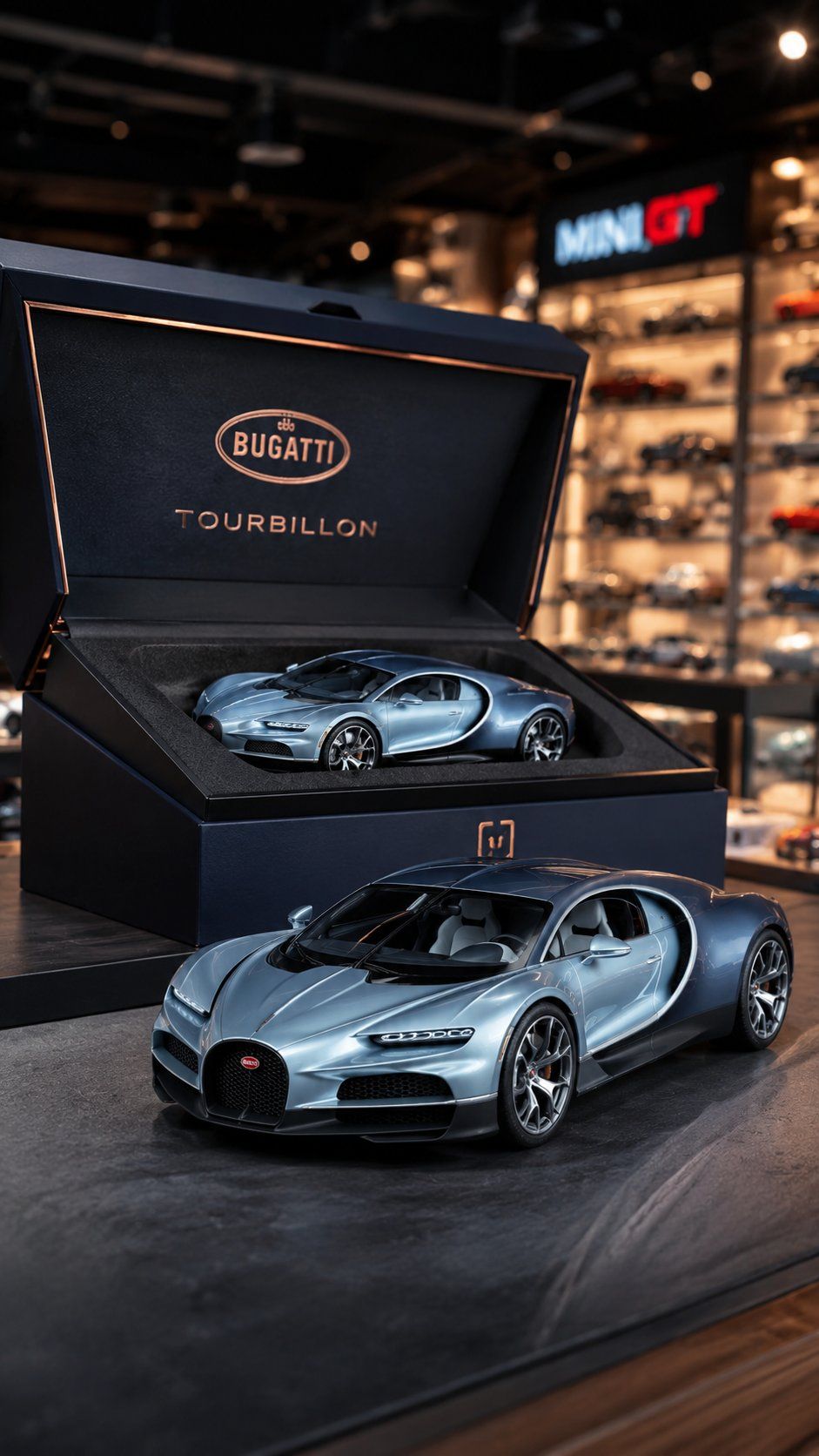
豪华合金车模玩具摄影与精美礼盒
Enlarge

Example images

豪华合金车模玩具摄影与精美礼盒

Prompt
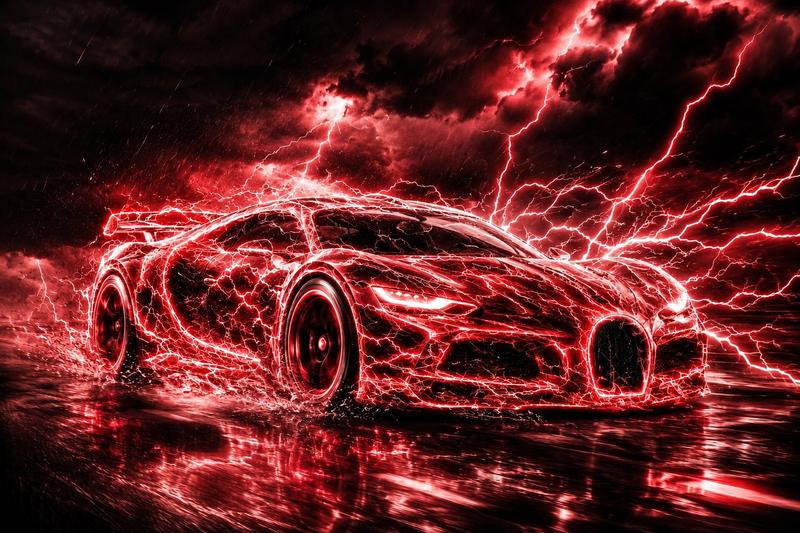
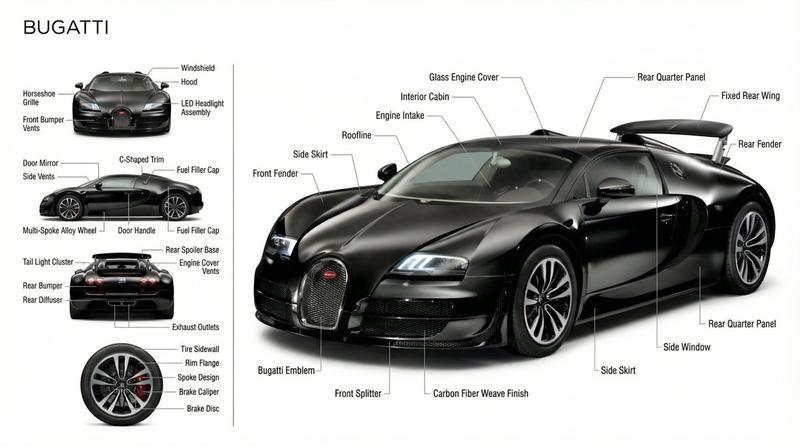
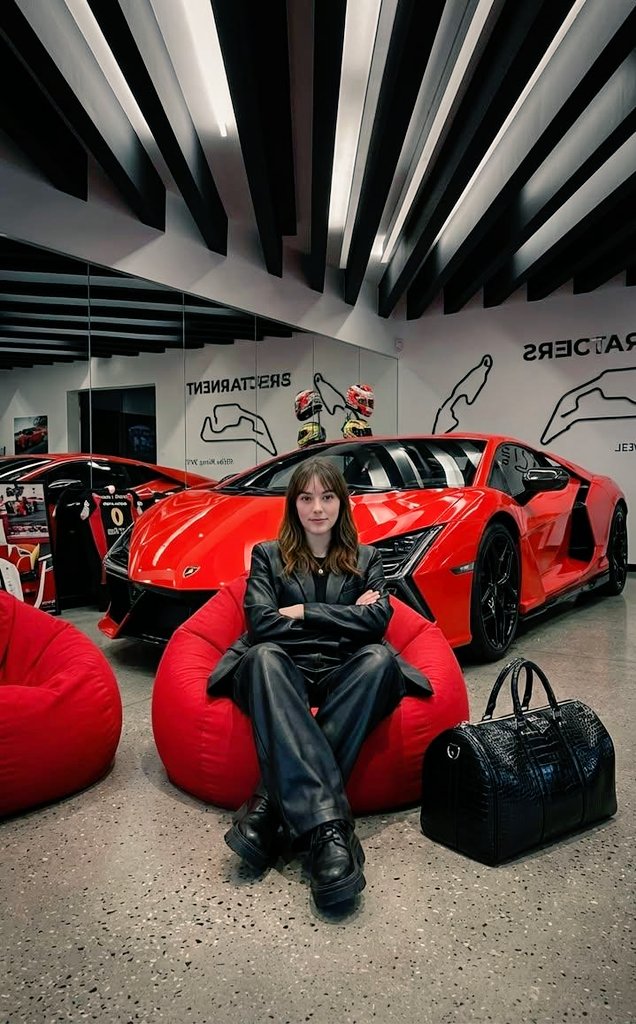
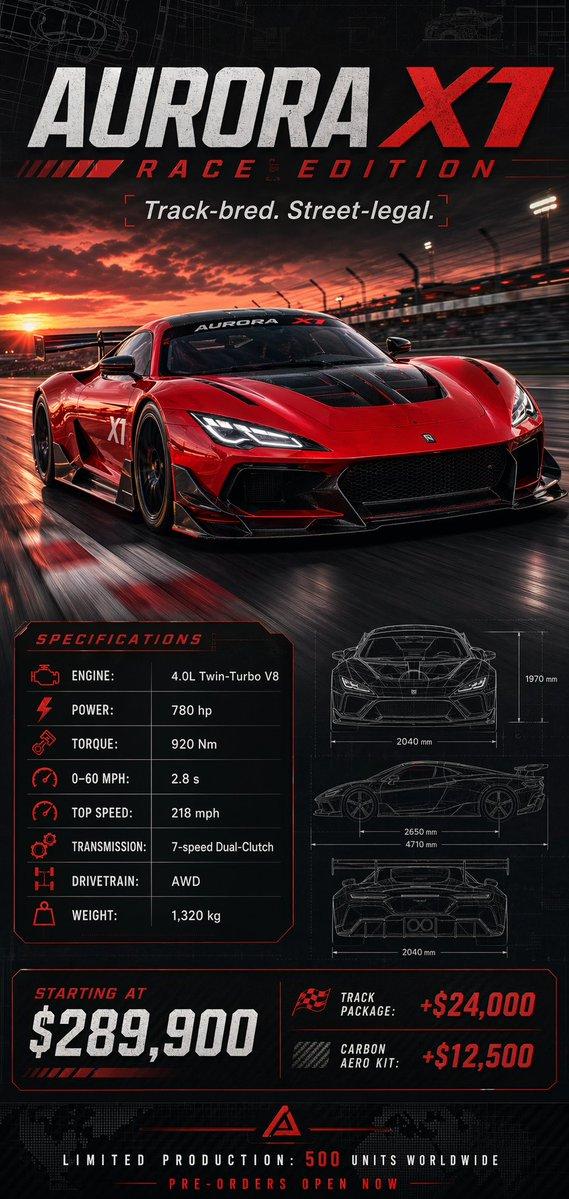
Premium toy-photography style shot of a diecast car accurately based on the reference photo that will be provided later — matching the exact proportions, trims, colors, reflections, and fine miniature details of the real car.
Next to the diecast, place an elegant luxury packaging box, slightly opened to showcase the same diecast car nestled inside premium foam inserts. The box features metallic foil accents, embossed logo, and high-end textures.
Lighting mimics real toy-photography: soft diffused key light, gentle rim highlights, subtle dust particles, shallow depth of field, and miniature-scale realism.
Background is a softly blurred toy-store interior with colorful shelves and warm ambient glow.
Crisp macro-focus on the diecast, bokeh-rich surroundings, cinematic miniature atmosphere.
Camera angle 3/4 view, aspect ratio 9: 16
Category
Products & E-commerce
Model
ChatGPT
Views38
Source ID
14237
Published
May 12, 2026

Guide

About "豪华合金车模玩具摄影与精美礼盒"

What is this prompt for?

"豪华合金车模玩具摄影与精美礼盒" AI image prompt for ChatGPT (Products & E-commerce). 优质玩具摄影风格拍摄,展示根据参考图精确制作的合金车模,匹配真实汽车的精确比例、饰条、颜色、反射和精细的微缩细节。合金车旁放置一个优雅的奢华包装盒,微启,展示嵌套在高级泡沫衬垫…

The full copyable prompt and example visuals above are ready for AI image generation or one-click recreate in Picva.

How to use this prompt

  1. Step 1

    Open the prompt detail

    Review the example visuals, category, and full prompt text for "豪华合金车模玩具摄影与精美礼盒".

  2. Step 2

    Copy the prompt

    Copy the prompt body from this page, or load it directly in Studio.

  3. Step 3

    Pick a model (ChatGPT)

    Prefer ChatGPT. If you switch models, keep subject and composition and tweak style terms.

  4. Step 4

    Generate and export

    Recreate the look in Picva, or export into your workflow for editing and publishing.

FAQ

What is the "豪华合金车模玩具摄影与精美礼盒" prompt?
It is an AI image-generation prompt for ChatGPT in the Products & E-commerce category. This page includes the full prompt text, example visuals, and a one-click recreate path in Picva.
How do I use this prompt to generate an image?
Copy the prompt from this page, or use Generate / Studio. Paste it into a compatible image model, or recreate the look in Picva with optional reference images.
Which model is this prompt for?
This page lists ChatGPT. Most descriptive prompts also transfer to nearby image models such as GPT Image, Flux, or Midjourney with light style tweaks.
Can I use the result commercially?
You can usually copy the prompt for creation, but commercial use of the final image depends on the model terms, reference-image rights, and the generated content. Follow the source author and platform rules.