15

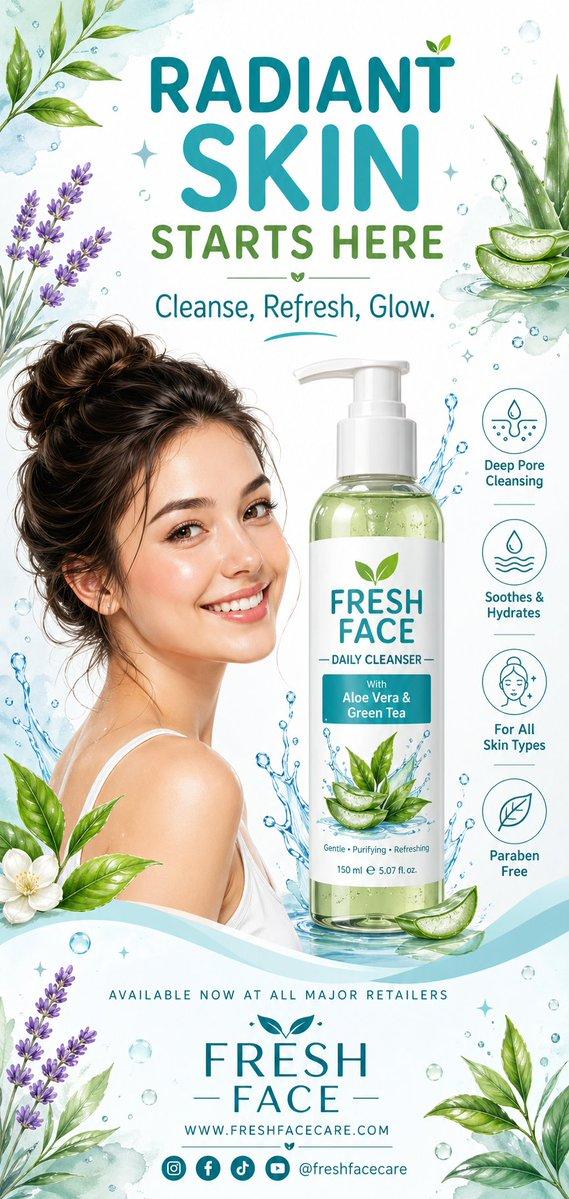
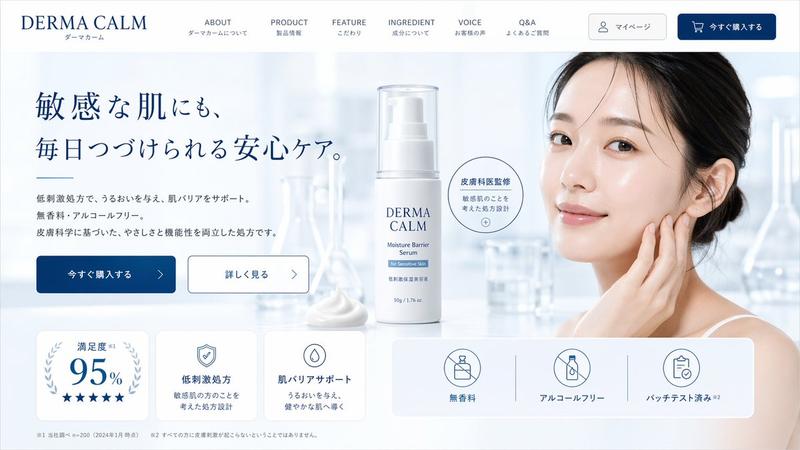
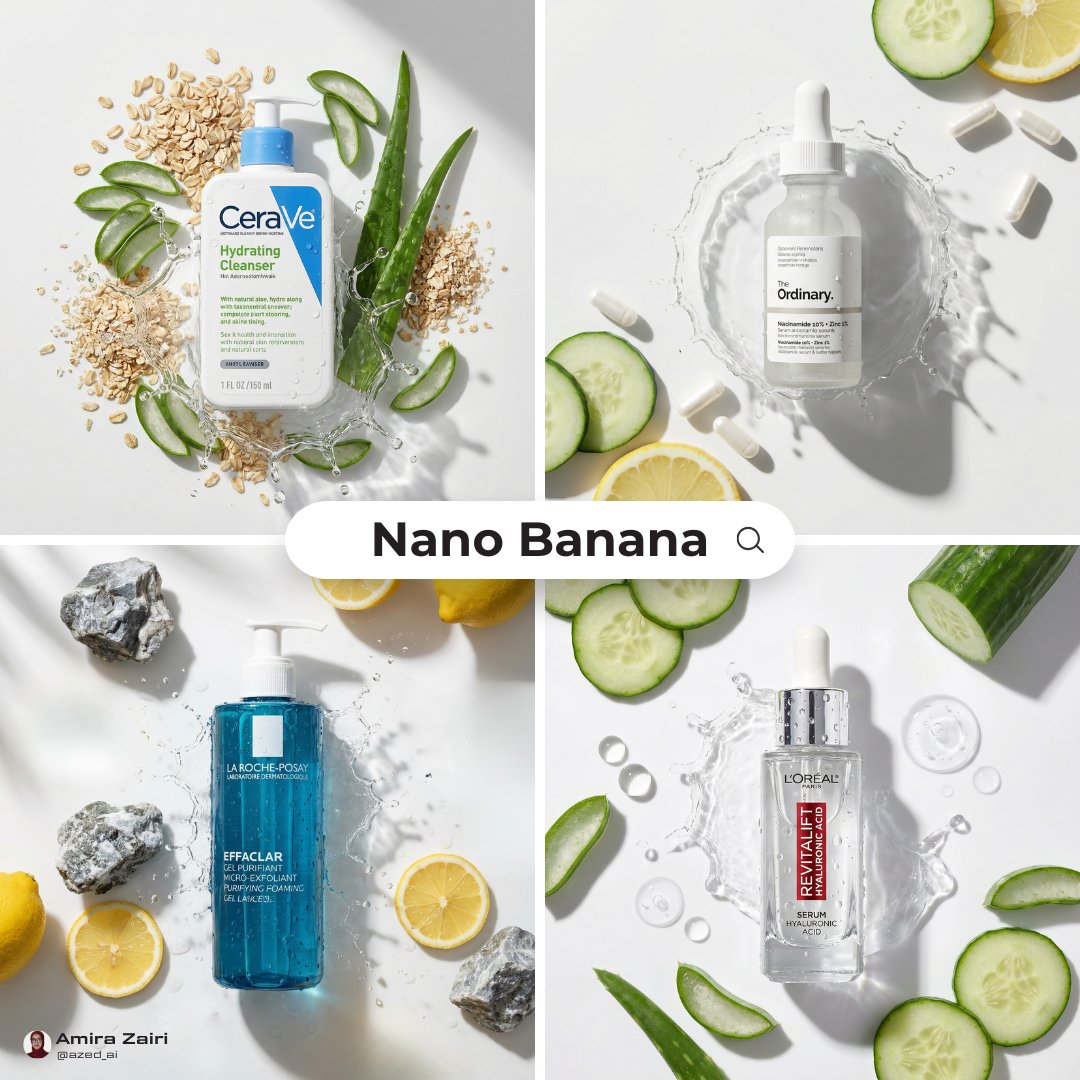
高端品牌感全套电商详情图生成
Enlarge

Example images

高端品牌感全套电商详情图生成

Prompt
Upload a product photo and treat it as the main product for a premium e-commerce listing.
First, automatically analyze:
Product type
Brand tone
Target audience
Customer buying concerns
Key selling points
Best lifestyle use scenarios
Then generate 6 premium 1:1 (1000×1000) e-commerce detail images.
Style: Clean, luxury brand aesthetic with consistent colors, typography, and white space. Minimal yet premium like an official high-end brand website. Product must stay visually accurate and remain the hero in every image. English text only.
Generate:
Brand Hero Visual
Pain Point Image
Product Value Image
Feature Highlights
Detail & Craftsmanship
Recommendation Summary
Requirements:
Different layout for each image
Cohesive visual identity across all 6
Mobile-friendly readability
Minimal, professional text
No flashy ads or clutter
No non-English characters
Automatically complete the product analysis from the uploaded image and generate all 6 premium brand-style e-commerce detail images.
Category
UI & Interfaces
Model
ChatGPT
Views79
Source ID
14400
Published
May 14, 2026

Guide

About "高端品牌感全套电商详情图生成"

What is this prompt for?

"高端品牌感全套电商详情图生成" AI image prompt for ChatGPT (UI & Interfaces). 上传一张产品照片,并将其作为高端电商列表的主打产品。 首先,自动分析: 产品类型 品牌调性 目标受众 客户购买顾虑 核心卖点 最佳生活方式使用场景 然后生成 6 张高端 1:1 (1000×…

The full copyable prompt and example visuals above are ready for AI image generation or one-click recreate in Picva.

How to use this prompt

  1. Step 1

    Open the prompt detail

    Review the example visuals, category, and full prompt text for "高端品牌感全套电商详情图生成".

  2. Step 2

    Copy the prompt

    Copy the prompt body from this page, or load it directly in Studio.

  3. Step 3

    Pick a model (ChatGPT)

    Prefer ChatGPT. If you switch models, keep subject and composition and tweak style terms.

  4. Step 4

    Generate and export

    Recreate the look in Picva, or export into your workflow for editing and publishing.

FAQ

What is the "高端品牌感全套电商详情图生成" prompt?
It is an AI image-generation prompt for ChatGPT in the UI & Interfaces category. This page includes the full prompt text, example visuals, and a one-click recreate path in Picva.
How do I use this prompt to generate an image?
Copy the prompt from this page, or use Generate / Studio. Paste it into a compatible image model, or recreate the look in Picva with optional reference images.
Which model is this prompt for?
This page lists ChatGPT. Most descriptive prompts also transfer to nearby image models such as GPT Image, Flux, or Midjourney with light style tweaks.
Can I use the result commercially?
You can usually copy the prompt for creation, but commercial use of the final image depends on the model terms, reference-image rights, and the generated content. Follow the source author and platform rules.