17

高级时尚杂志画报拼贴海报
Enlarge

高级时尚杂志画报拼贴海报

Prompt
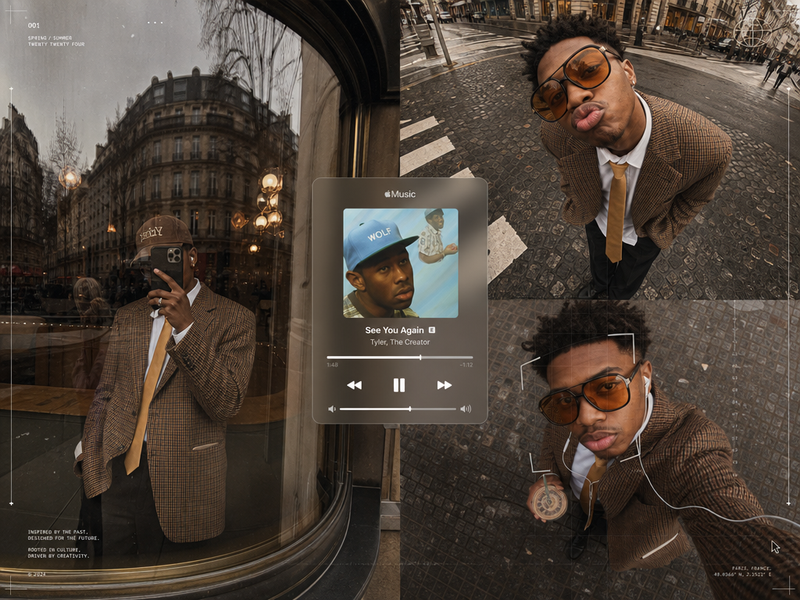
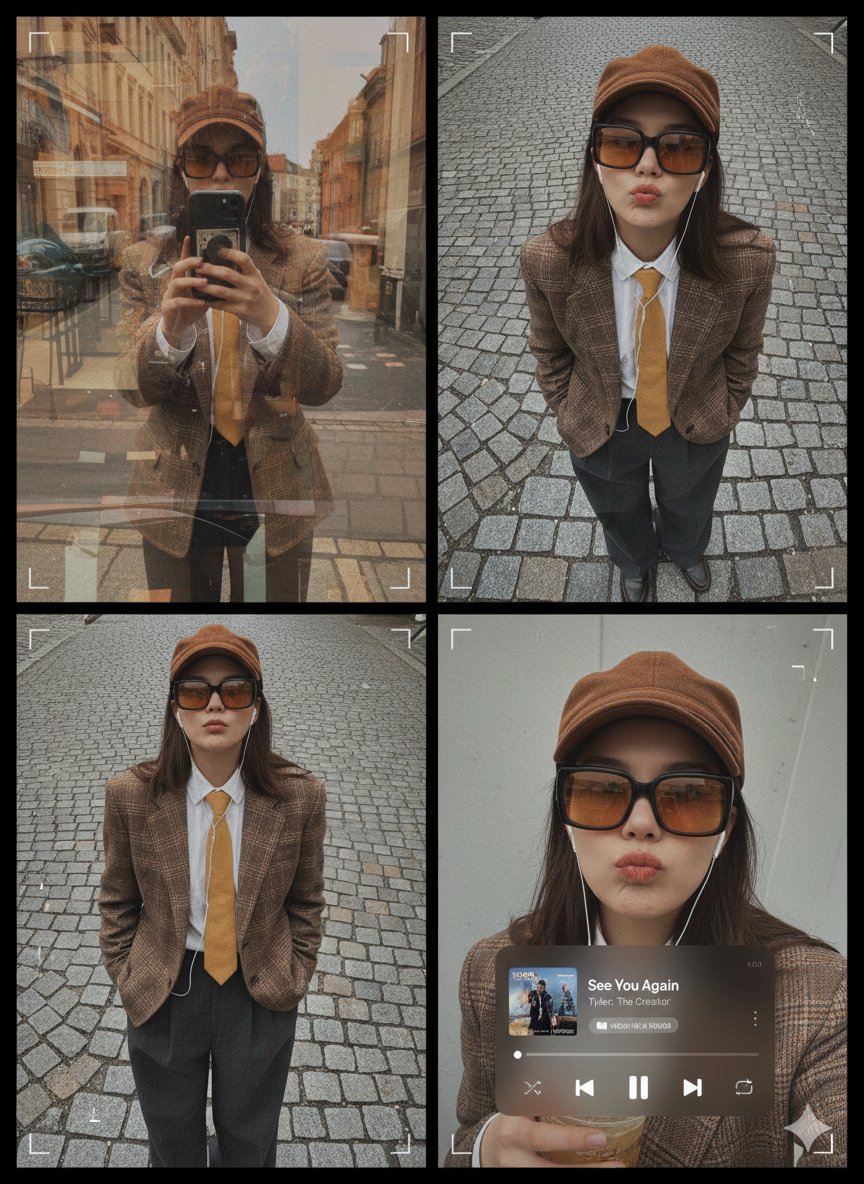
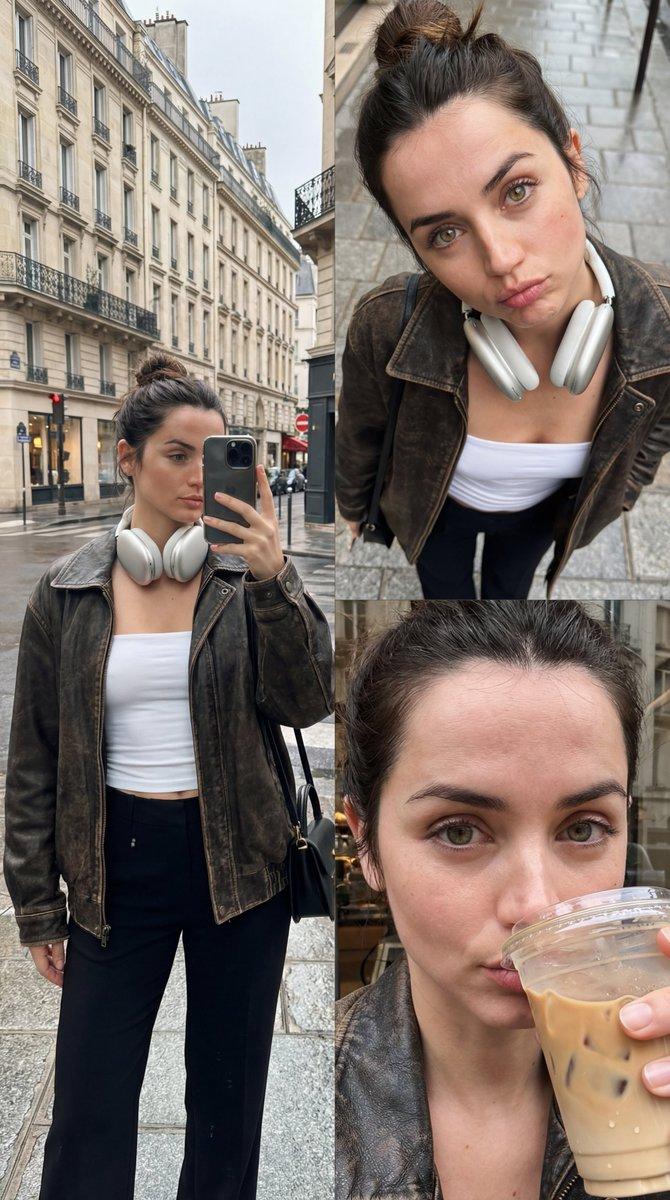
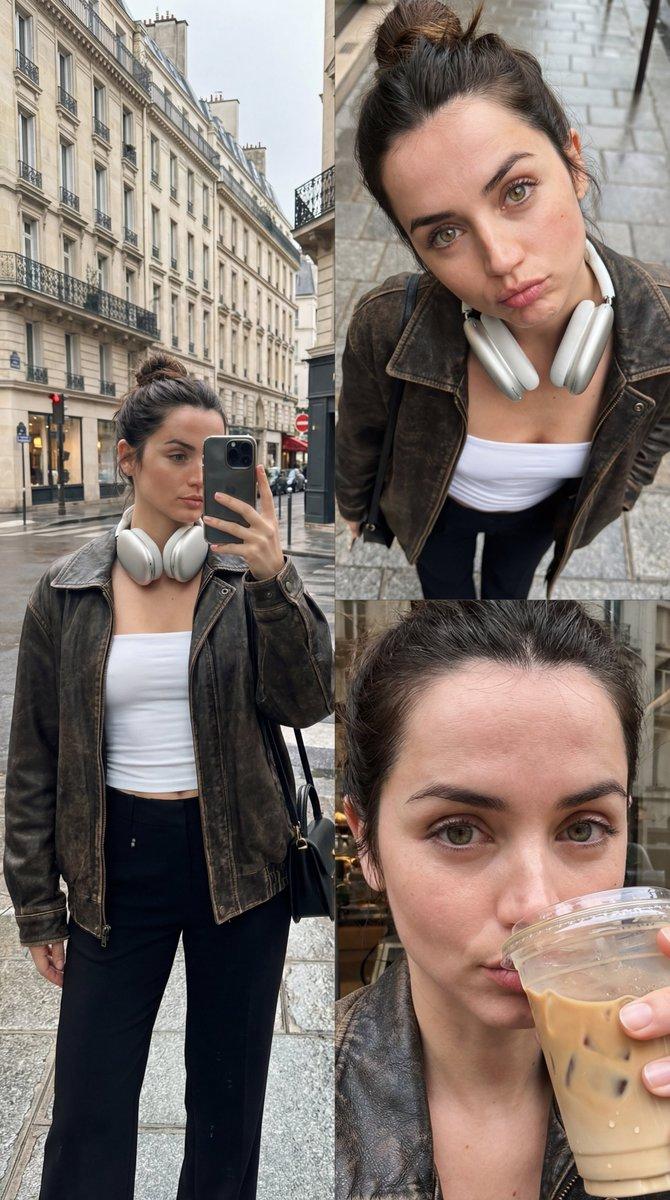
Create a premium fashion-editorial poster collage from the uploaded subject photo. Three asymmetrical frames: (1) reflective curved-glass storefront portrait with smartphone covering face, brown plaid blazer, white shirt, mustard tie, dark trousers, brown cap; realistic reflections and ghosting. (2) ultra-wide downward street portrait on cobblestones with oversized amber sunglasses, hands in pockets, exaggerated pout, strong lens distortion. (3) overhead selfie holding a drink with wired earphones and amber sunglasses, subtle digital-grid overlay and facial-tracking frame. Centered translucent Apple Music mini-player showing “See You Again” Tyler.

The Creator with realistic album art, progress bar, and playback controls. Editorial grid lines, cursor markers, clean negative space, magazine layout, warm amber and brown tones, soft greys, film grain, digital noise, natural overcast lighting, analog camera feel, realistic reflections, luxury streetwear moodboard aesthetic, ultra-detailed 8K
Category
Posters & Typography
Model
ChatGPT
Views35
Source ID
16424
Published
Jun 20, 2026

Guide

About "高级时尚杂志画报拼贴海报"

What is this prompt for?

"高级时尚杂志画报拼贴海报" AI image prompt for ChatGPT (Posters & Typography). 从上传的主体照片中创建一张高级时尚编辑海报拼贴。三个不对称框架:(1) 反射曲面玻璃店面肖像,智能手机遮住脸部,棕色格子西装外套,白色衬衫,芥末色领带,深色裤子,棕色帽子;真实的反射和…

The full copyable prompt and example visuals above are ready for AI image generation or one-click recreate in Picva.

How to use this prompt

  1. Step 1

    Open the prompt detail

    Review the example visuals, category, and full prompt text for "高级时尚杂志画报拼贴海报".

  2. Step 2

    Copy the prompt

    Copy the prompt body from this page, or load it directly in Studio.

  3. Step 3

    Pick a model (ChatGPT)

    Prefer ChatGPT. If you switch models, keep subject and composition and tweak style terms.

  4. Step 4

    Generate and export

    Recreate the look in Picva, or export into your workflow for editing and publishing.

FAQ

What is the "高级时尚杂志画报拼贴海报" prompt?
It is an AI image-generation prompt for ChatGPT in the Posters & Typography category. This page includes the full prompt text, example visuals, and a one-click recreate path in Picva.
How do I use this prompt to generate an image?
Copy the prompt from this page, or use Generate / Studio. Paste it into a compatible image model, or recreate the look in Picva with optional reference images.
Which model is this prompt for?
This page lists ChatGPT. Most descriptive prompts also transfer to nearby image models such as GPT Image, Flux, or Midjourney with light style tweaks.
Can I use the result commercially?
You can usually copy the prompt for creation, but commercial use of the final image depends on the model terms, reference-image rights, and the generated content. Follow the source author and platform rules.