18

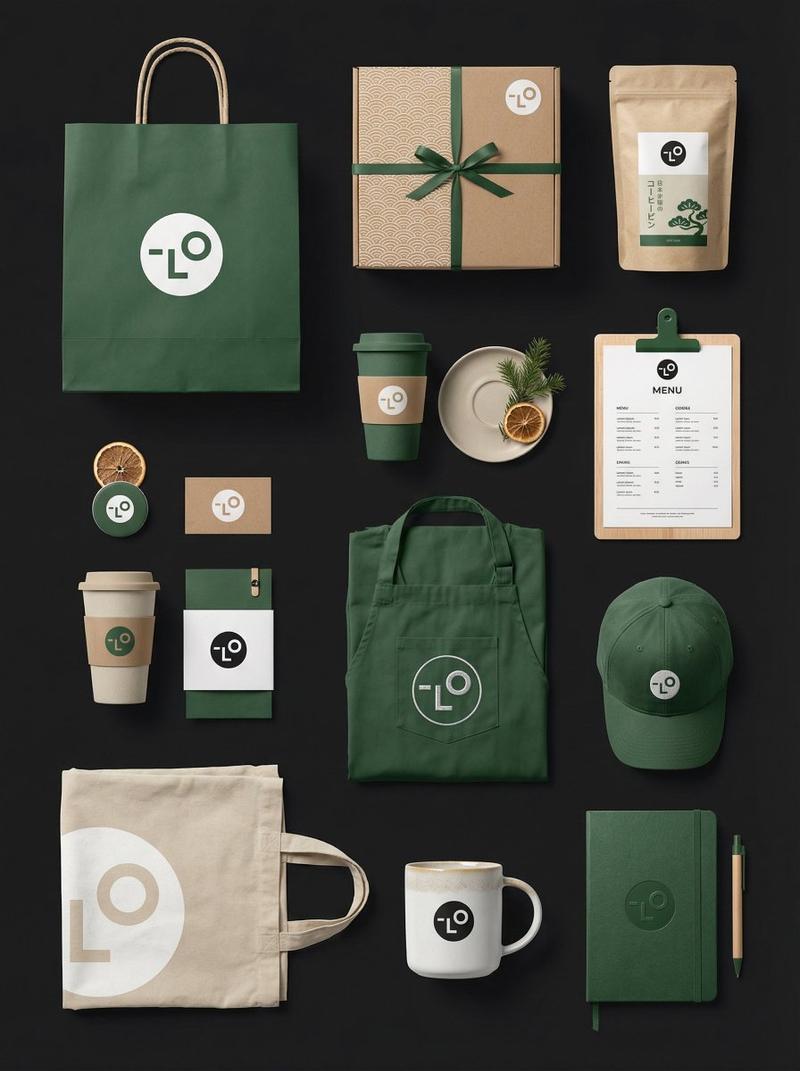
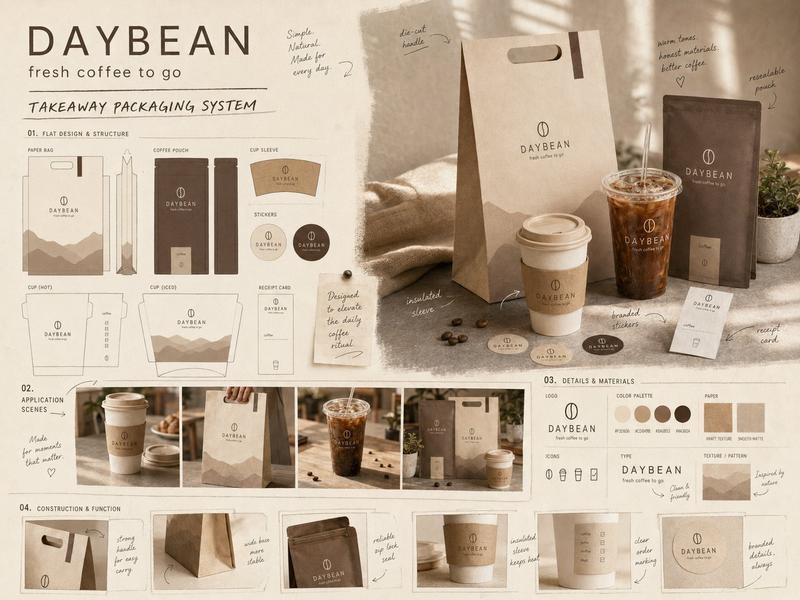
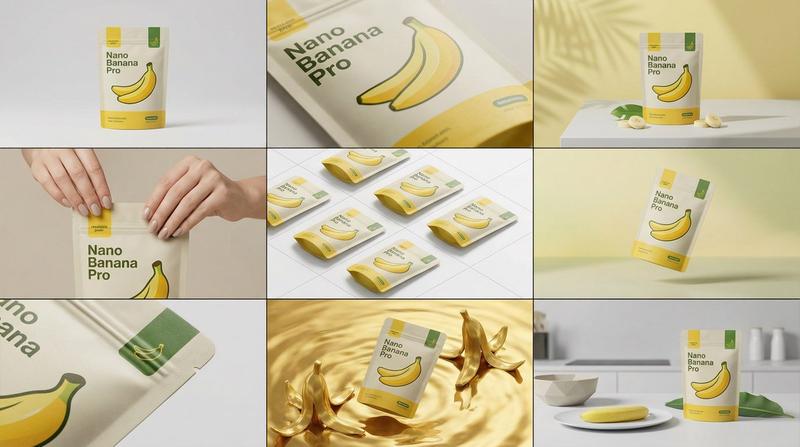
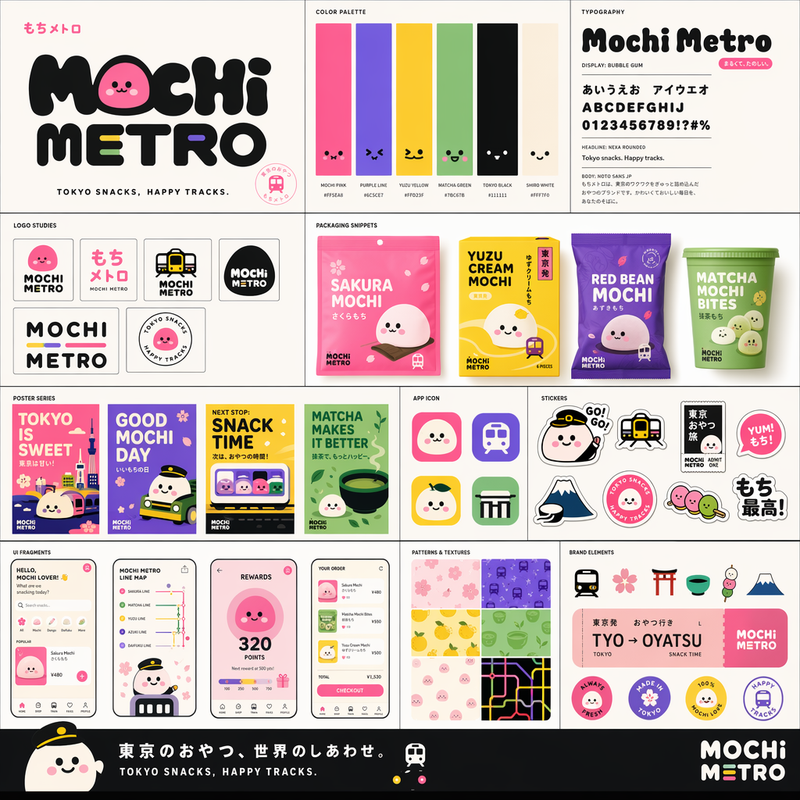
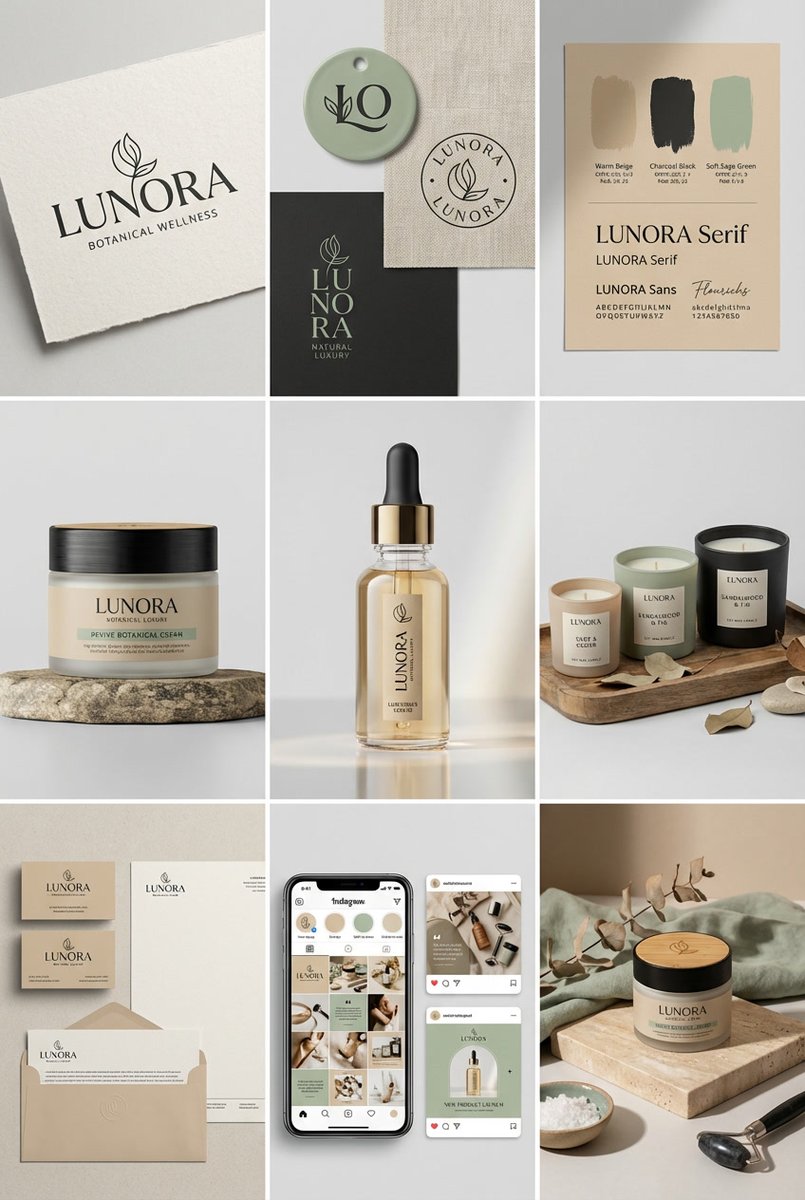
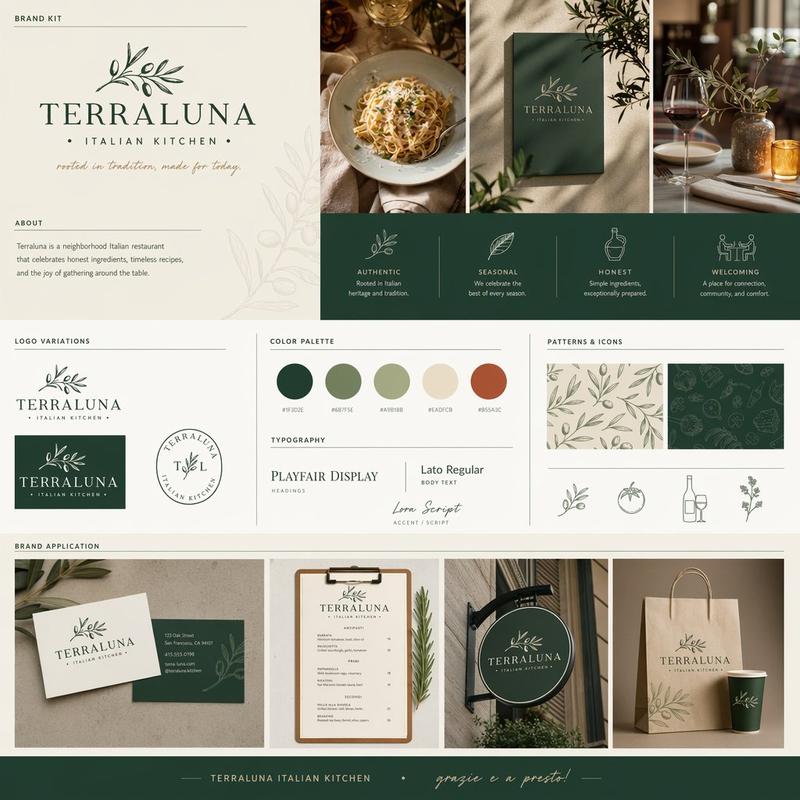
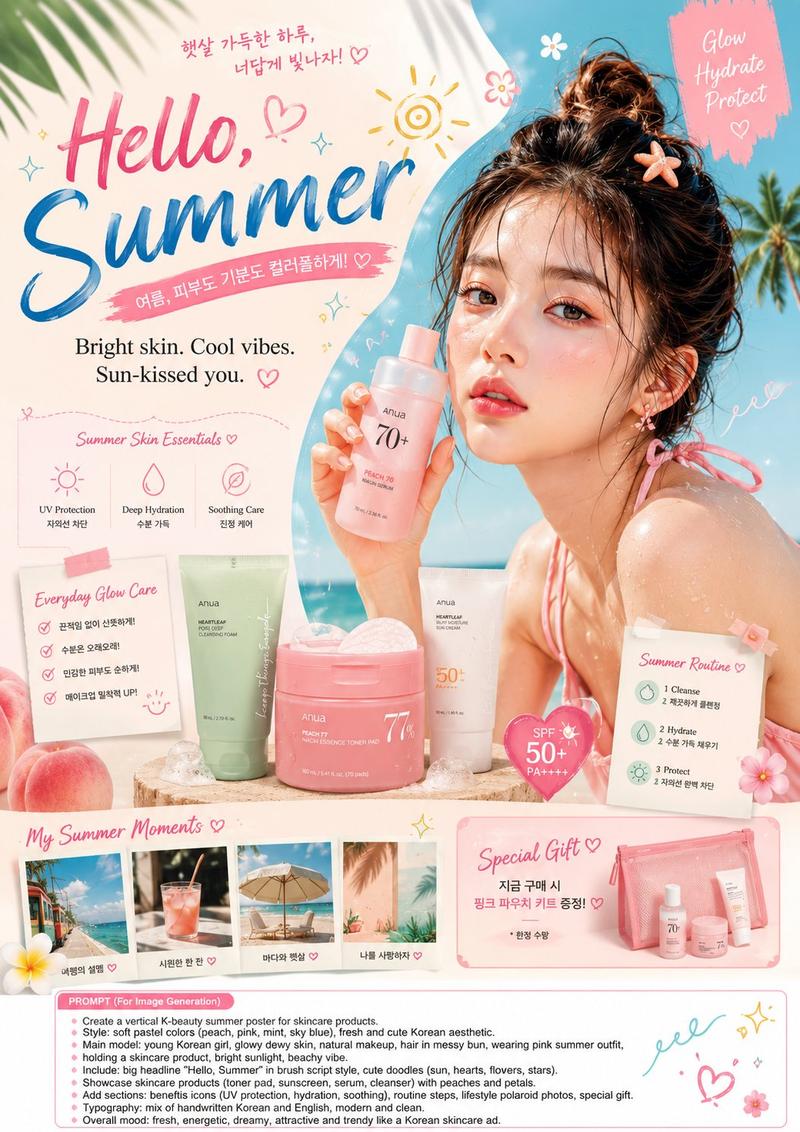
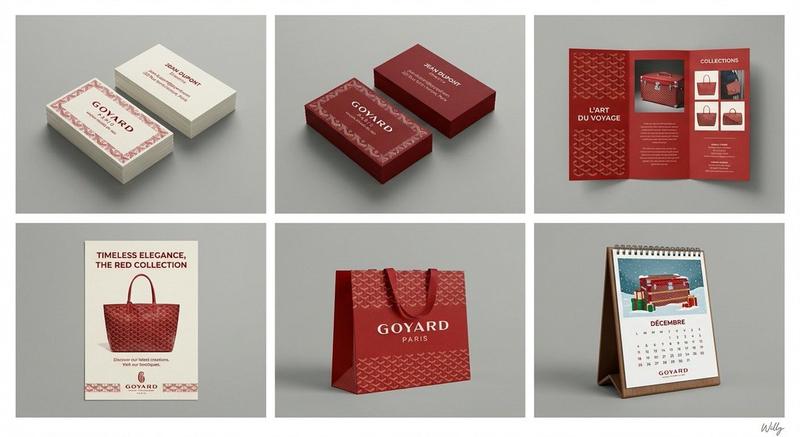
高级极简品牌包装视觉识别系统平铺样机
Enlarge

Example images

高级极简品牌包装视觉识别系统平铺样机

Prompt
Create a premium flat-lay, top-down branding and packaging mockup for **[BRAND NAME]**, showcasing a complete visual identity collection with a clean, modern, minimalist aesthetic. Arrange coordinated packaging, stationery, marketing materials, and promotional items around a central hero poster featuring the brand's campaign title and lifestyle imagery. Include product bags, boxes, takeaway cups, business cards, postcards, tags, stickers, menu cards, tickets, and branded inserts, all designed with a cohesive color palette of **[PRIMARY COLOR]**, **[SECONDARY COLOR]**, and **[ACCENT COLOR]**. Use elegant sans-serif typography, a simple geometric or line-art logo, subtle props like binder clips or paper clips, and balanced spacing for a curated editorial look. Capture the scene from a perfectly overhead perspective with soft natural lighting, realistic shadows, premium paper textures, and photorealistic detail suitable for a professional brand identity presentation.
Category
Charts & Infographics
Model
ChatGPT
Views40
Source ID
17016
Published
Jun 29, 2026

Guide

About "高级极简品牌包装视觉识别系统平铺样机"

What is this prompt for?

"高级极简品牌包装视觉识别系统平铺样机" AI image prompt for ChatGPT (Charts & Infographics). 为**[品牌名称]**创建一个高级的平铺、俯拍品牌和包装样机,展示具有干净、现代、极简主义美学的完整视觉识别系列。围绕一个展示品牌营销活动标题和生活方式意象的核心海报,排…

The full copyable prompt and example visuals above are ready for AI image generation or one-click recreate in Picva.

How to use this prompt

  1. Step 1

    Open the prompt detail

    Review the example visuals, category, and full prompt text for "高级极简品牌包装视觉识别系统平铺样机".

  2. Step 2

    Copy the prompt

    Copy the prompt body from this page, or load it directly in Studio.

  3. Step 3

    Pick a model (ChatGPT)

    Prefer ChatGPT. If you switch models, keep subject and composition and tweak style terms.

  4. Step 4

    Generate and export

    Recreate the look in Picva, or export into your workflow for editing and publishing.

FAQ

What is the "高级极简品牌包装视觉识别系统平铺样机" prompt?
It is an AI image-generation prompt for ChatGPT in the Charts & Infographics category. This page includes the full prompt text, example visuals, and a one-click recreate path in Picva.
How do I use this prompt to generate an image?
Copy the prompt from this page, or use Generate / Studio. Paste it into a compatible image model, or recreate the look in Picva with optional reference images.
Which model is this prompt for?
This page lists ChatGPT. Most descriptive prompts also transfer to nearby image models such as GPT Image, Flux, or Midjourney with light style tweaks.
Can I use the result commercially?
You can usually copy the prompt for creation, but commercial use of the final image depends on the model terms, reference-image rights, and the generated content. Follow the source author and platform rules.