20

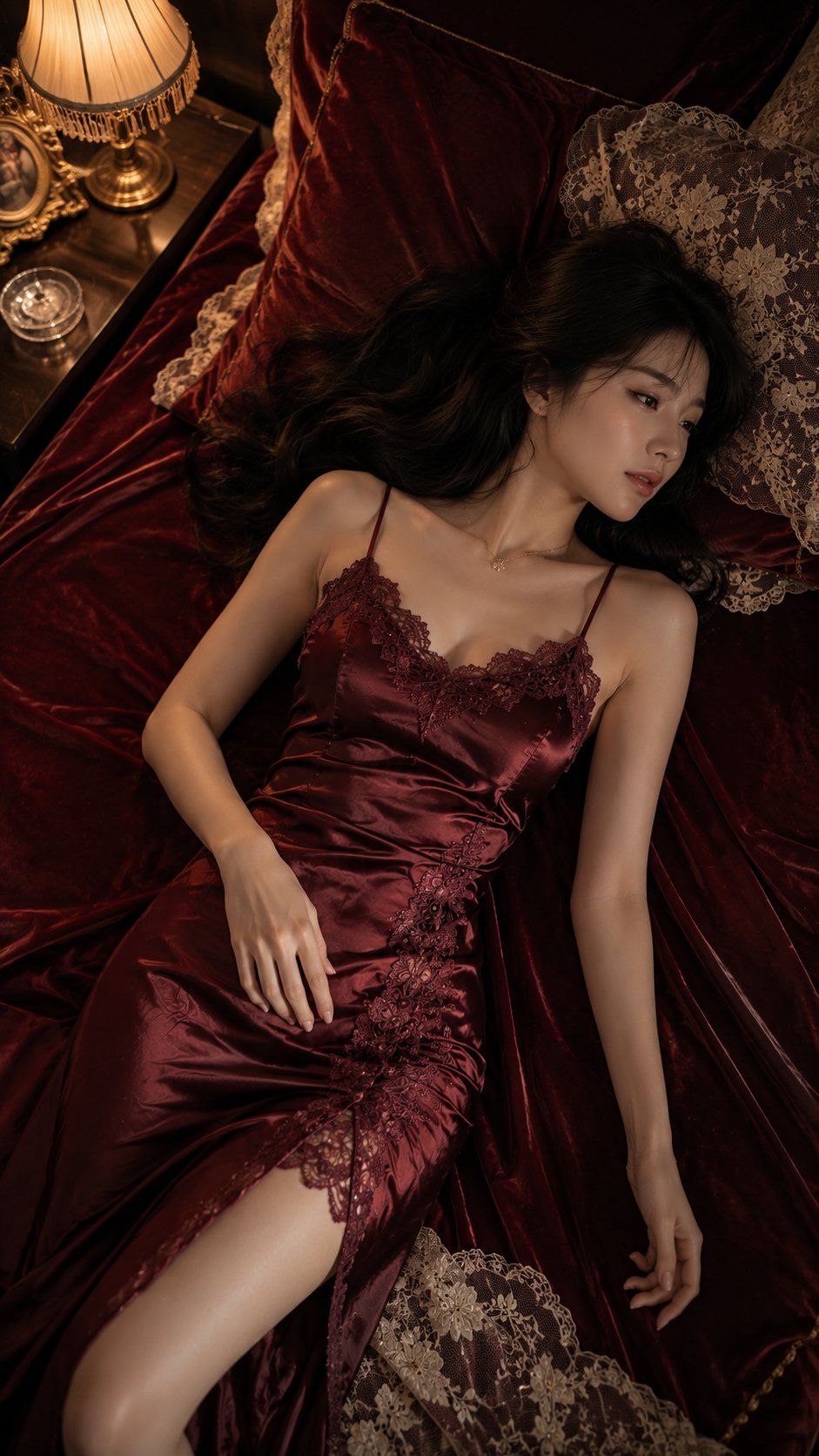
俯拍勃艮第红丝绒时尚人像
Enlarge

Example images

俯拍勃艮第红丝绒时尚人像

Prompt
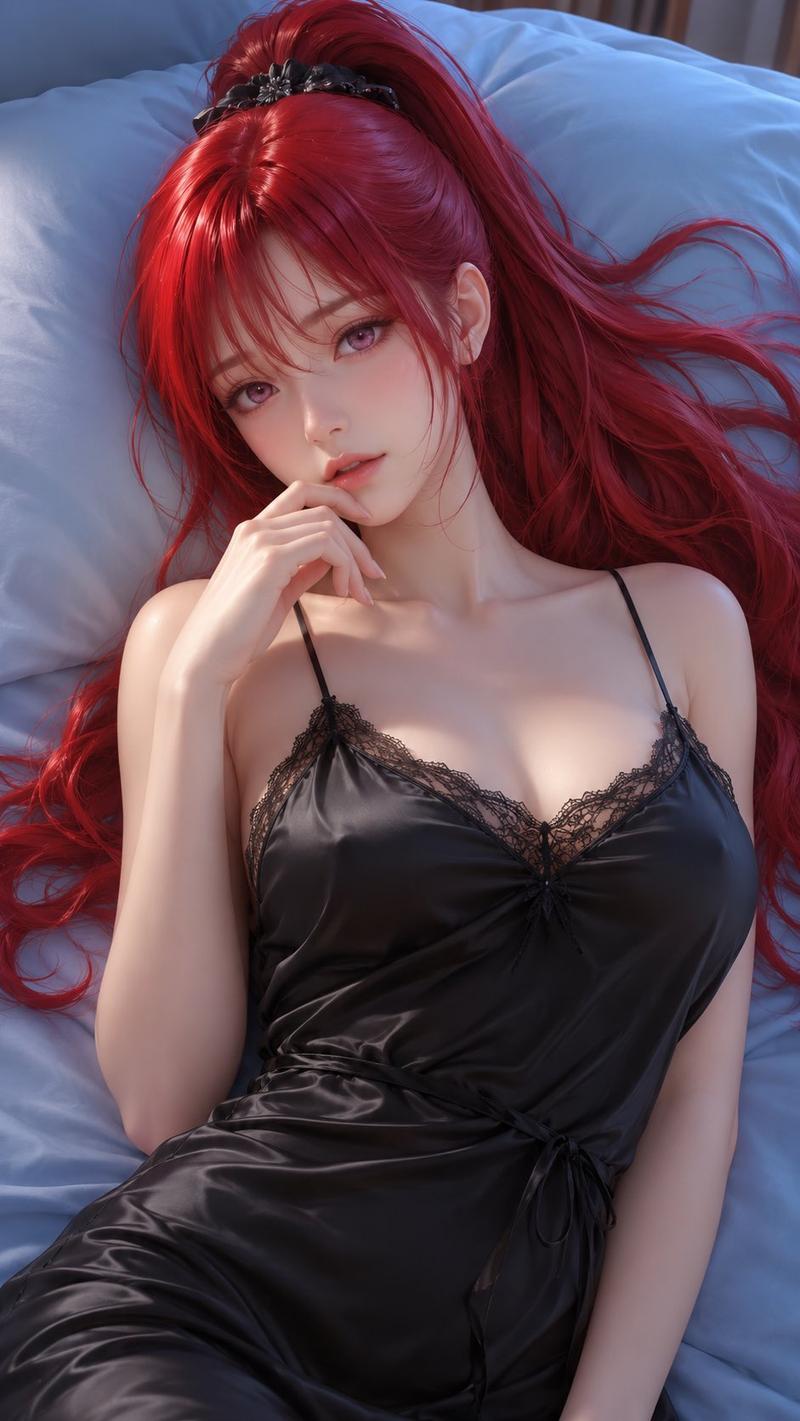
Create a premium top-down fashion portrait in a vertical 9:16 aspect ratio.

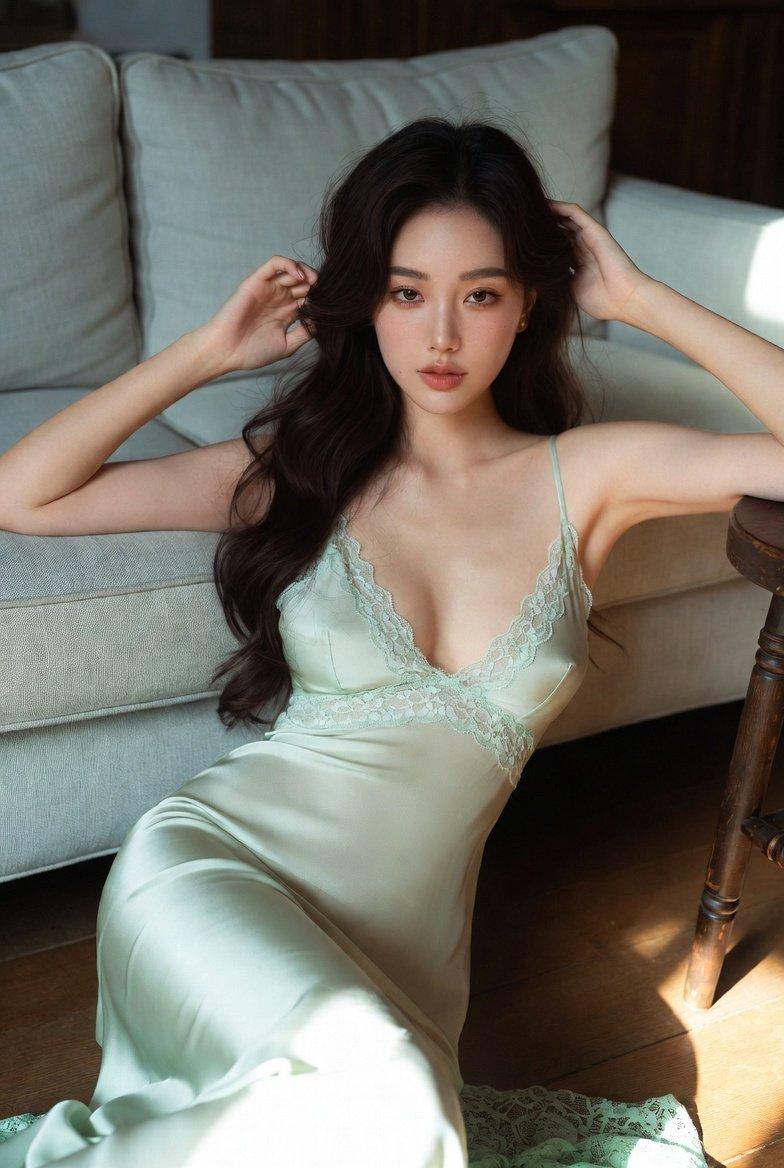
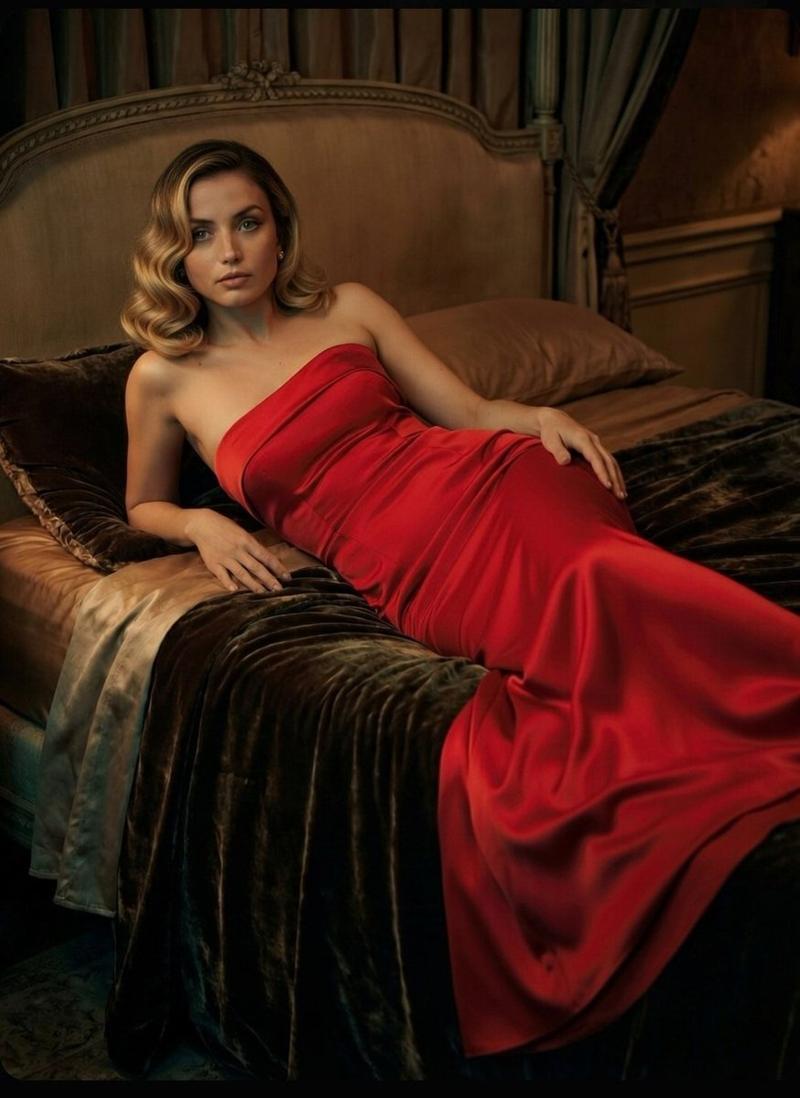
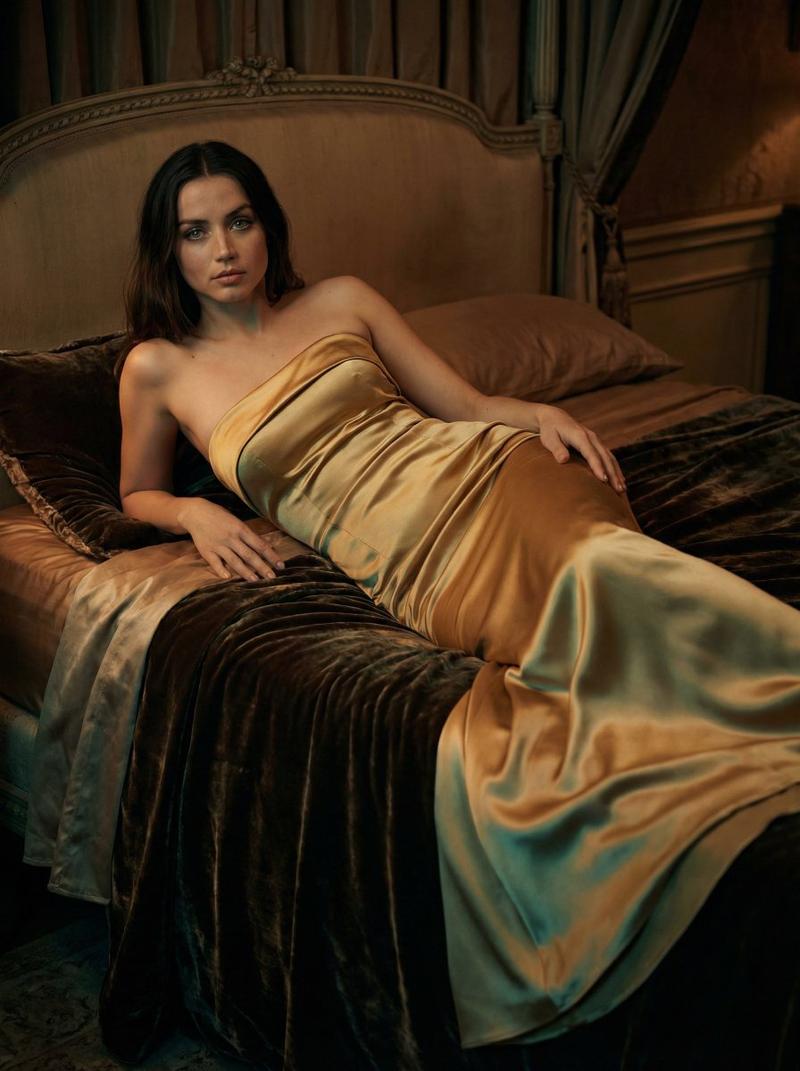
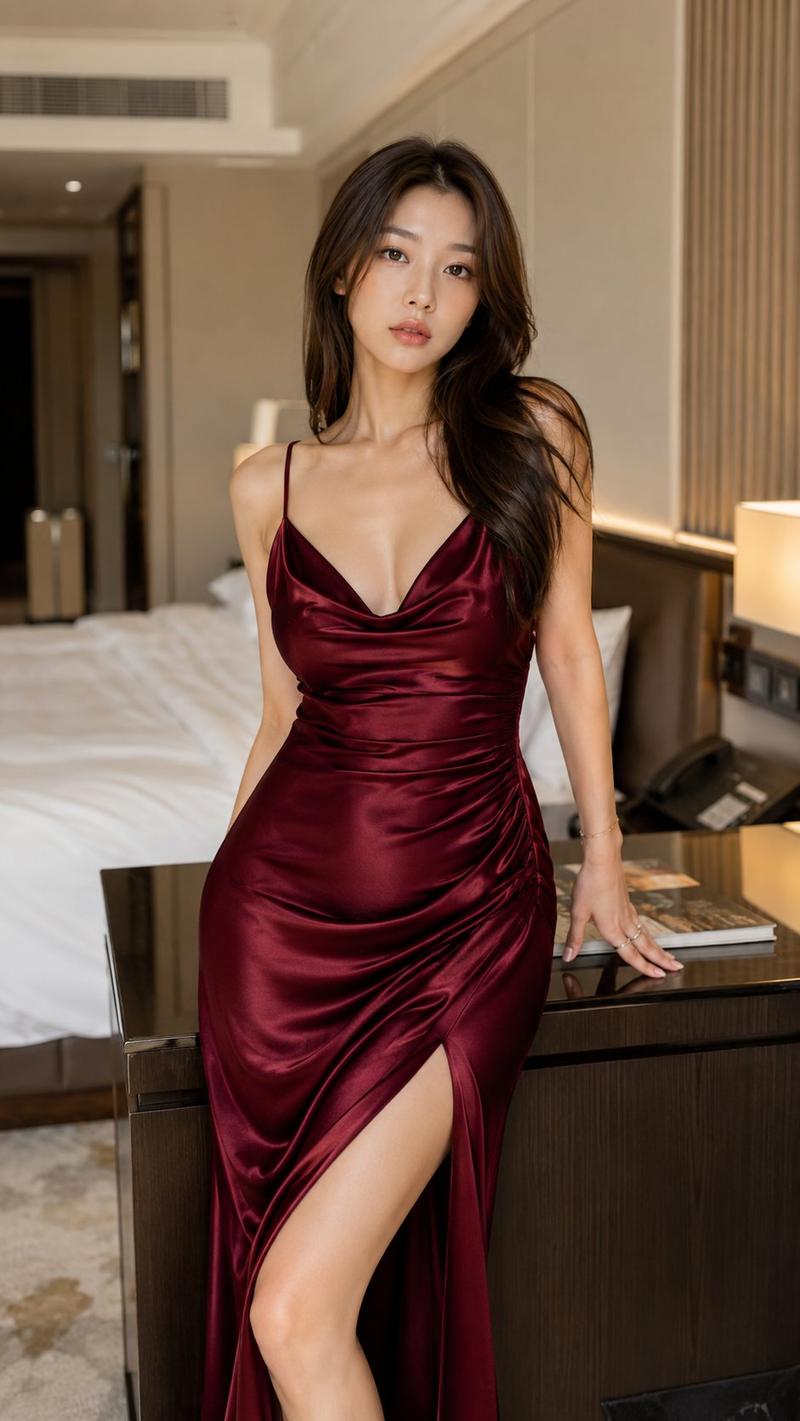
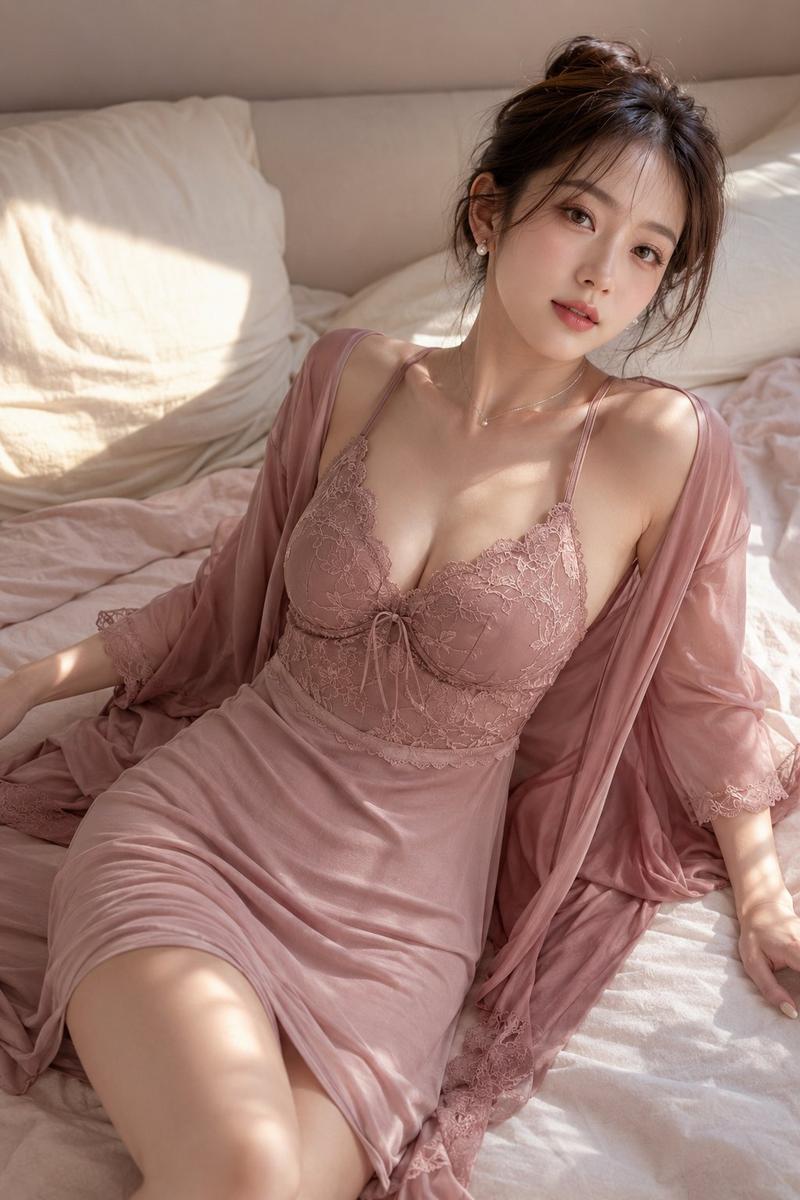
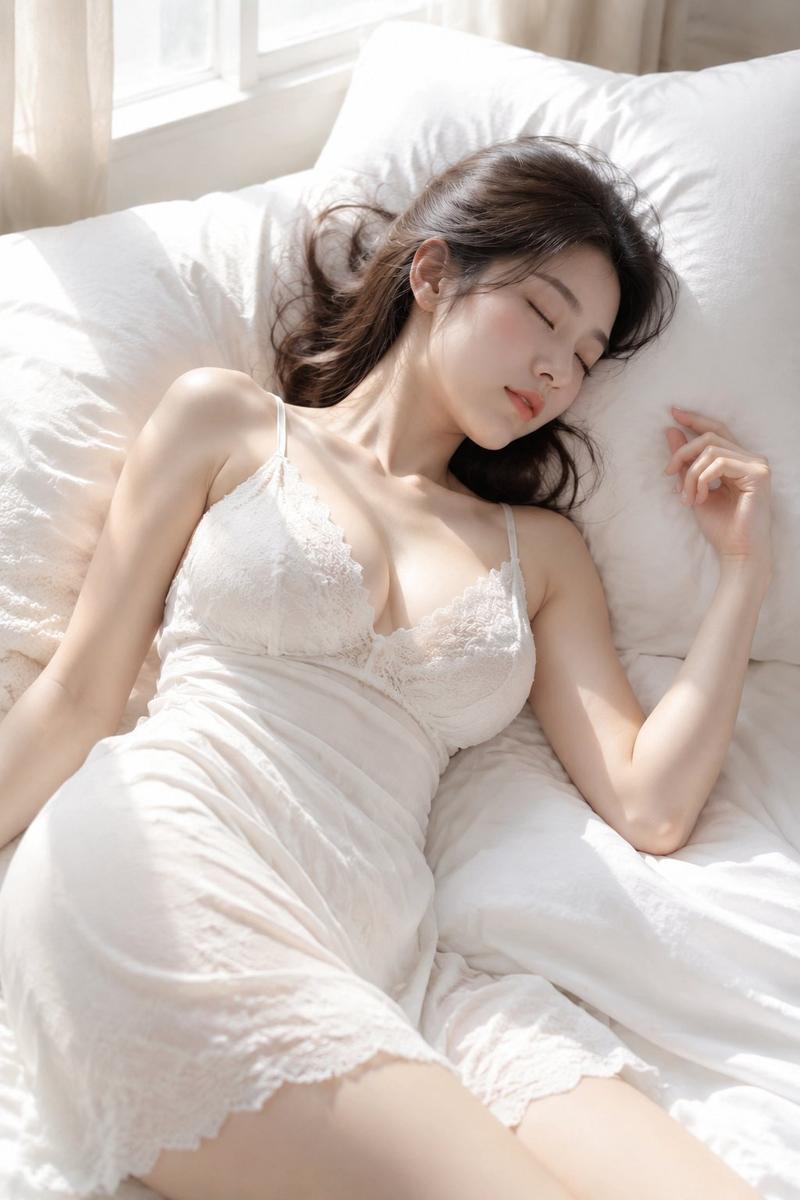
An adult East Asian young woman rests naturally on luxurious burgundy velvet bedding with elegant lace layers beneath. Her body is positioned diagonally while her long hair spreads softly across the pillow with realistic strands and natural volume.

She wears a rich burgundy satin slip dress trimmed with delicate lace, elegant shoulder straps, layered silk panels, and luxurious embroidery. The fabric follows the body's shape naturally with realistic folds, gentle support, and premium couture finishing.

The bedding combines velvet, embroidered lace, soft folds, and realistic textile textures.

Lighting: warm vintage bedside lamp with soft golden highlights.

Color palette: burgundy, wine red, warm gold, cream.

Mood: intimate, luxurious, timeless, cinematic fashion editorial.

Realistic skin texture, elegant expression, premium magazine photography.

Avoid unrealistic body proportions, fake skin, AI look, messy fabric, cartoon style.
Category
Charts & Infographics
Model
ChatGPT
Views9
Source ID
17614
Published
Jul 9, 2026

Guide

About "俯拍勃艮第红丝绒时尚人像"

What is this prompt for?

"俯拍勃艮第红丝绒时尚人像" AI image prompt for ChatGPT (Charts & Infographics). 创建一张优质的俯拍时尚人像,采用垂直 9:16 的纵横比。 一位成年的东亚年轻女性自然地躺在奢华的勃艮第红丝绒床上用品上,下方衬有优雅的蕾丝层。她的身体呈对角线放置,而她的长发柔软地…

The full copyable prompt and example visuals above are ready for AI image generation or one-click recreate in Picva.

How to use this prompt

  1. Step 1

    Open the prompt detail

    Review the example visuals, category, and full prompt text for "俯拍勃艮第红丝绒时尚人像".

  2. Step 2

    Copy the prompt

    Copy the prompt body from this page, or load it directly in Studio.

  3. Step 3

    Pick a model (ChatGPT)

    Prefer ChatGPT. If you switch models, keep subject and composition and tweak style terms.

  4. Step 4

    Generate and export

    Recreate the look in Picva, or export into your workflow for editing and publishing.

FAQ

What is the "俯拍勃艮第红丝绒时尚人像" prompt?
It is an AI image-generation prompt for ChatGPT in the Charts & Infographics category. This page includes the full prompt text, example visuals, and a one-click recreate path in Picva.
How do I use this prompt to generate an image?
Copy the prompt from this page, or use Generate / Studio. Paste it into a compatible image model, or recreate the look in Picva with optional reference images.
Which model is this prompt for?
This page lists ChatGPT. Most descriptive prompts also transfer to nearby image models such as GPT Image, Flux, or Midjourney with light style tweaks.
Can I use the result commercially?
You can usually copy the prompt for creation, but commercial use of the final image depends on the model terms, reference-image rights, and the generated content. Follow the source author and platform rules.