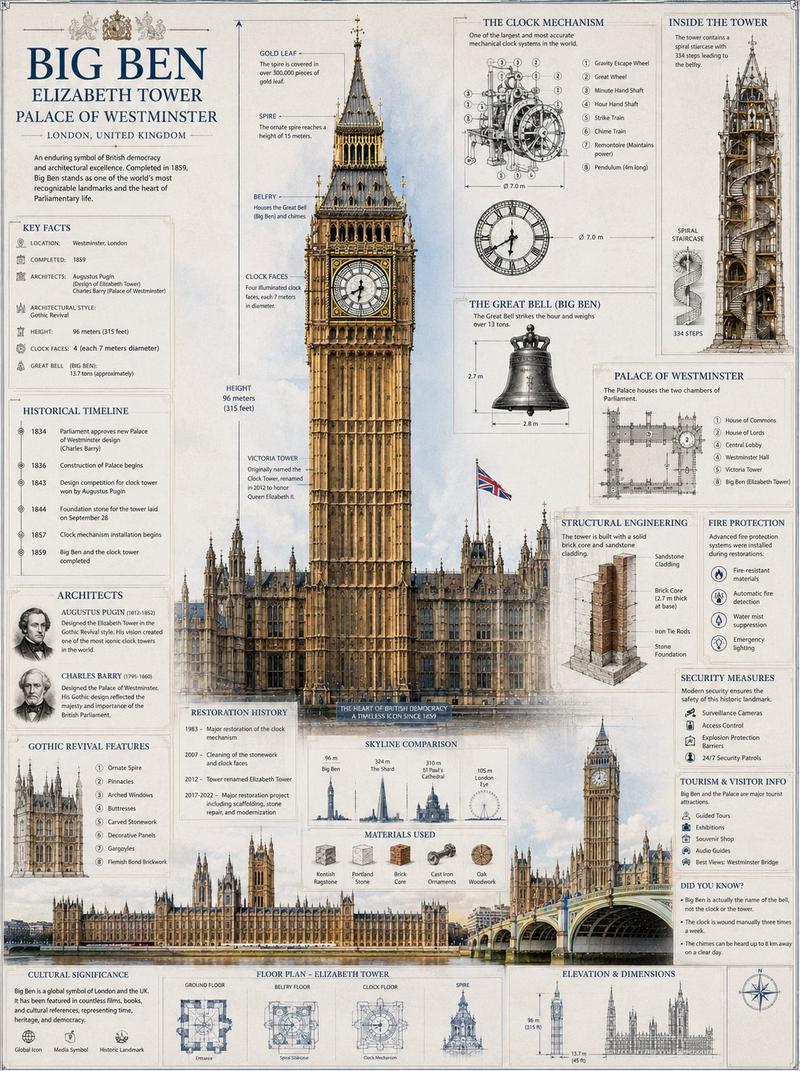
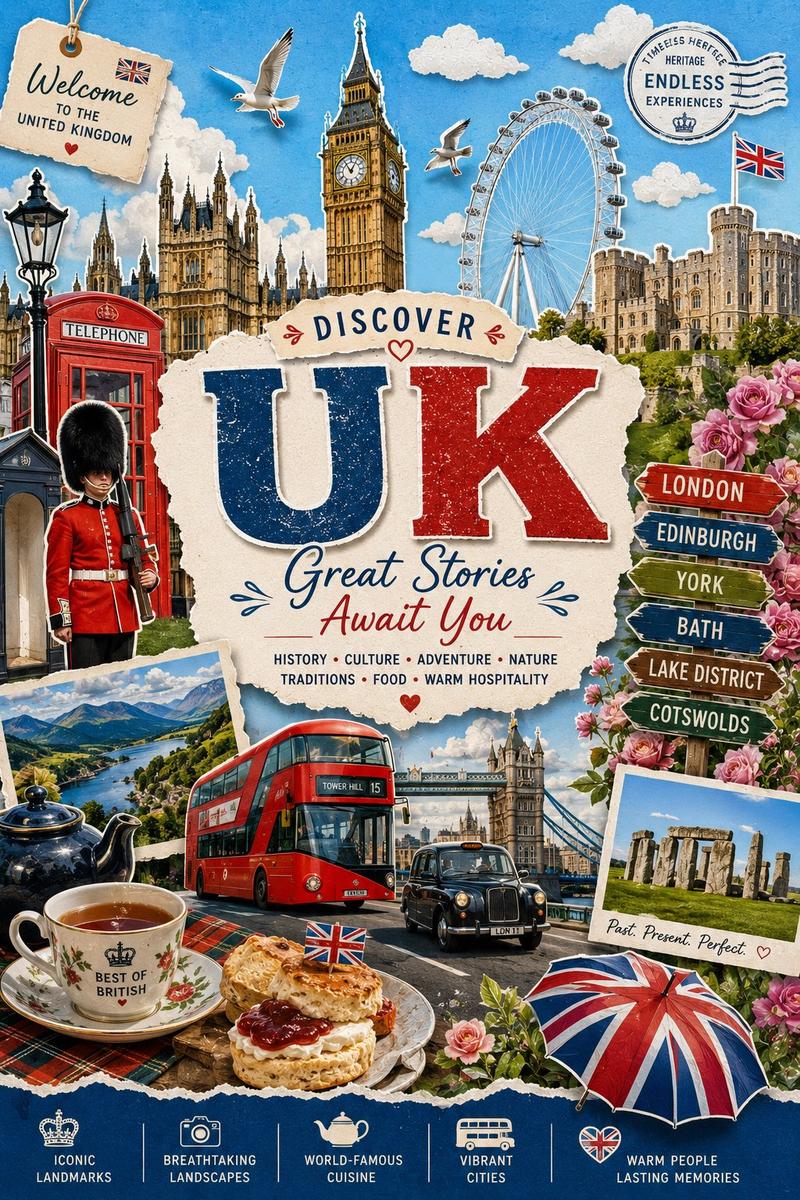
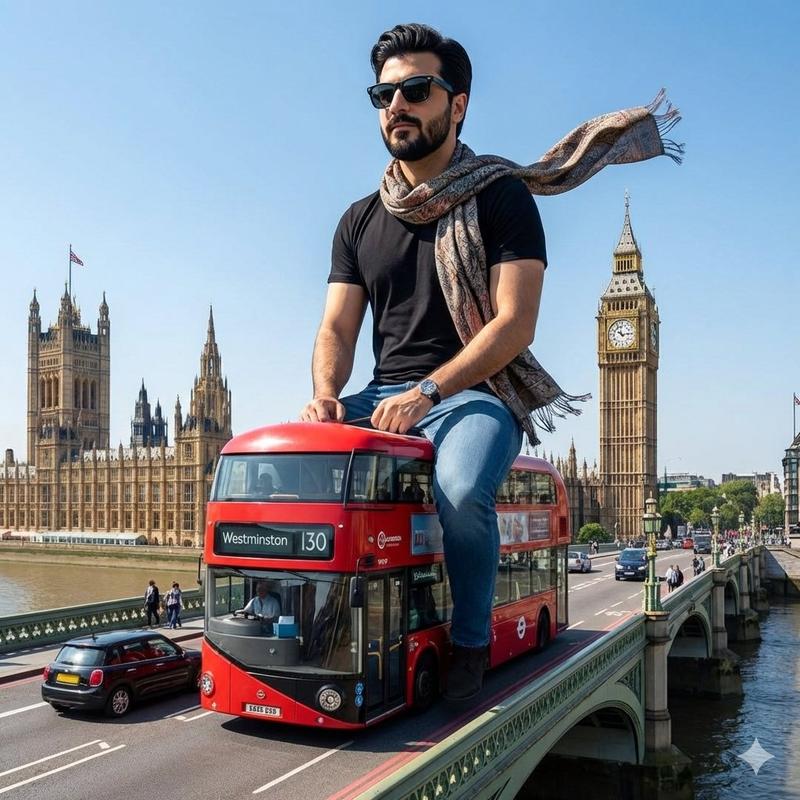
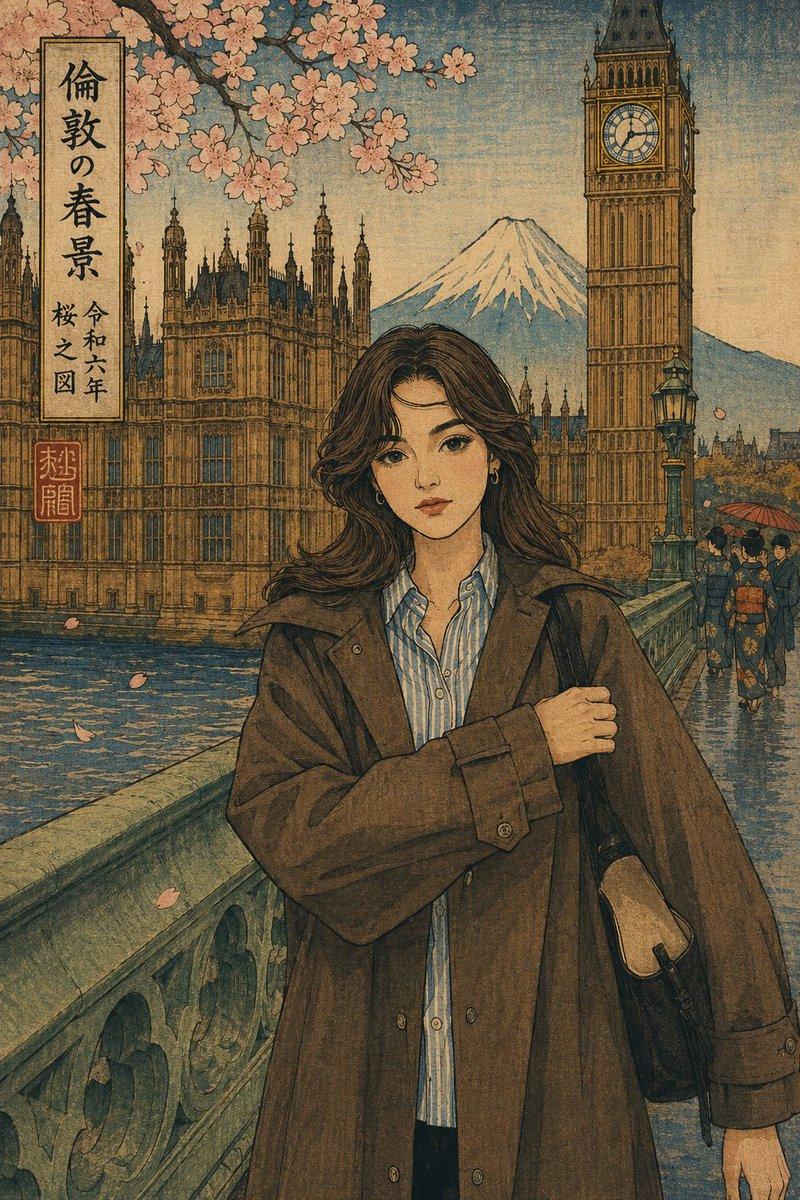
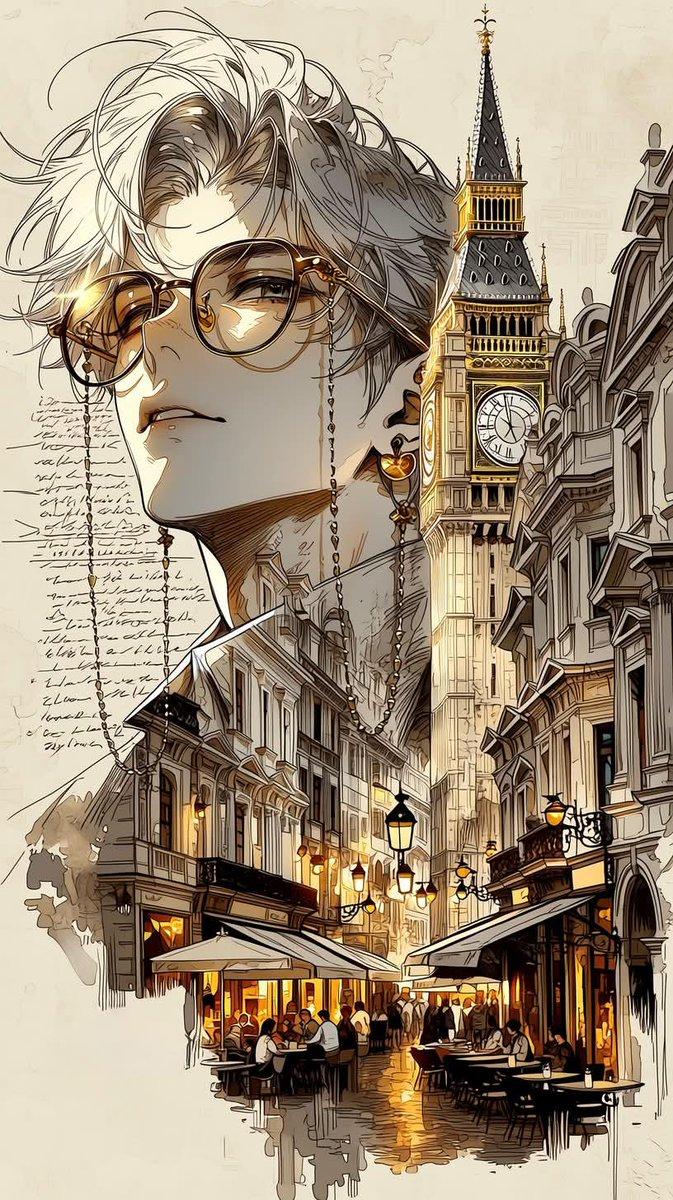
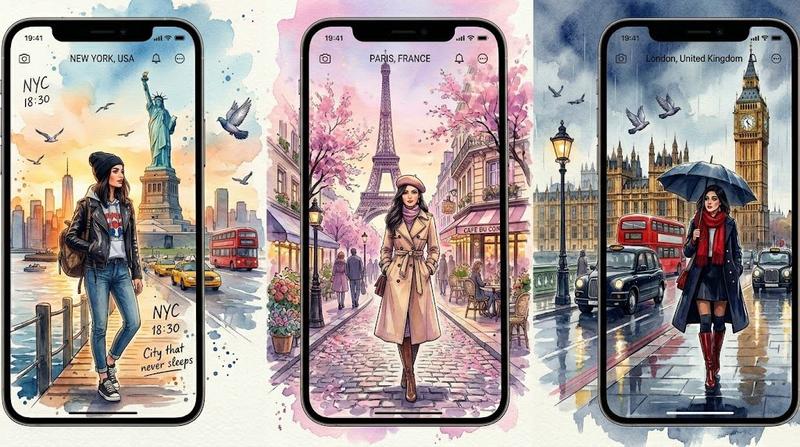
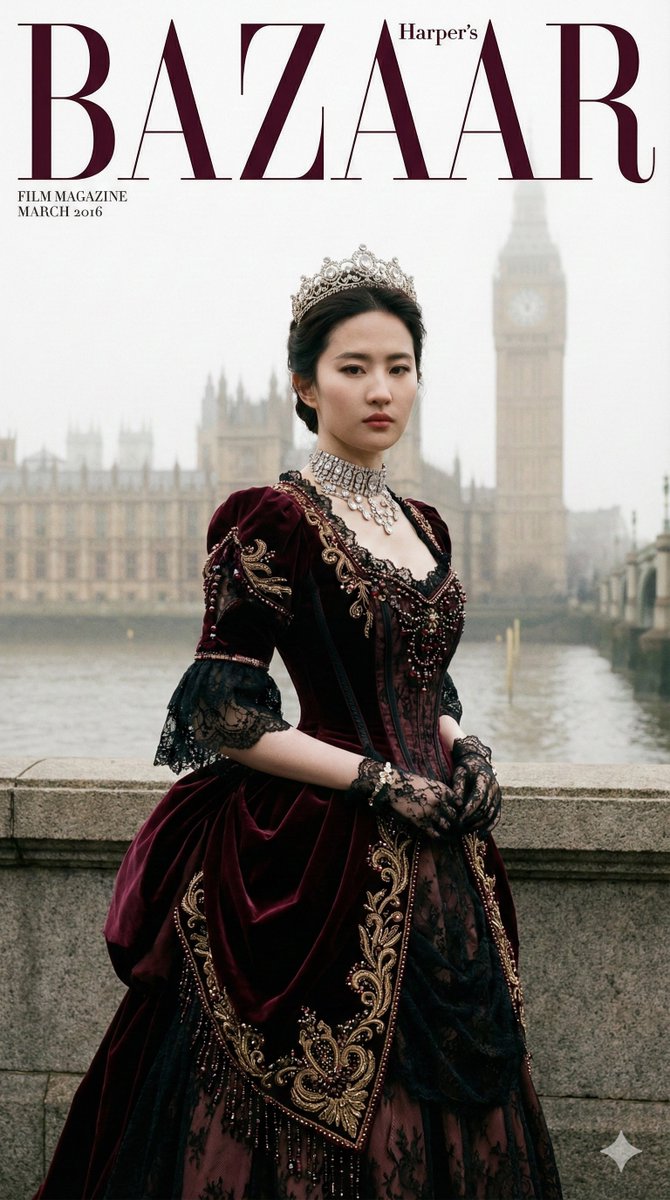
城市门票微缩景观艺术插画
Prompt
Create a highly detailed, premium travel-art illustration featuring a hand holding a [CITY-SPECIFIC TICKET/PASS] in the foreground. The ticket acts as a portal to [CITY NAME], with a realistic miniature city scene emerging from the ticket.

A signature transportation element ([CITY VEHICLE]) breaks out of the ticket frame in 3D perspective, extending toward the viewer. Behind the ticket, one iconic landmark ([HERO LANDMARK]) rises prominently and realistically, becoming the main architectural focal point.

Surrounding the scene are only 3–4 clean hand-drawn doodle elements representing the city's identity, such as district names, local symbols, or famous locations. Use minimal doodles, lots of negative space, and avoid clutter.

Include tiny realistic people interacting with the scene, such as commuters, tourists, street vendors, cyclists, or photographers, scaled appropriately to create a miniature-world effect.

Style: photorealistic travel photography combined with elegant black-ink sketchbook doodles. Clean composition, premium editorial design, soft warm lighting, shallow depth of field, realistic textures, subtle shadows, Instagram-worthy travel artwork.

Composition hierarchy:

1. Emerging vehicle
2. Hero landmark
3. Ticket/pass
4. Minimal doodle elements

Avoid: crowded layouts, excessive text, too many landmarks, busy backgrounds, duplicated symbols, excessive arrows, stickers, or decorative icons.

Aspect ratio: 1:1 square.
Quality: ultra-detailed, cinematic, sharp focus, professional travel poster aesthetic.
- Category
- Posters & Typography
- Model
- ChatGPT
- Creator
- @Naiknelofar788
- Source ID
- 15458
- Published
- Jun 7, 2026
Views4