9

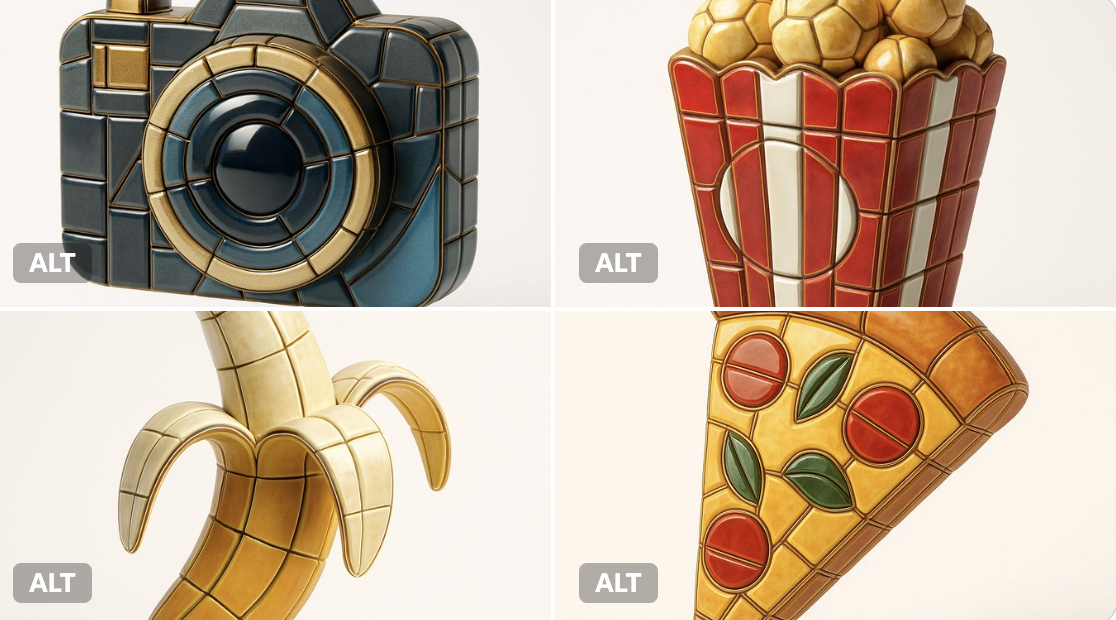
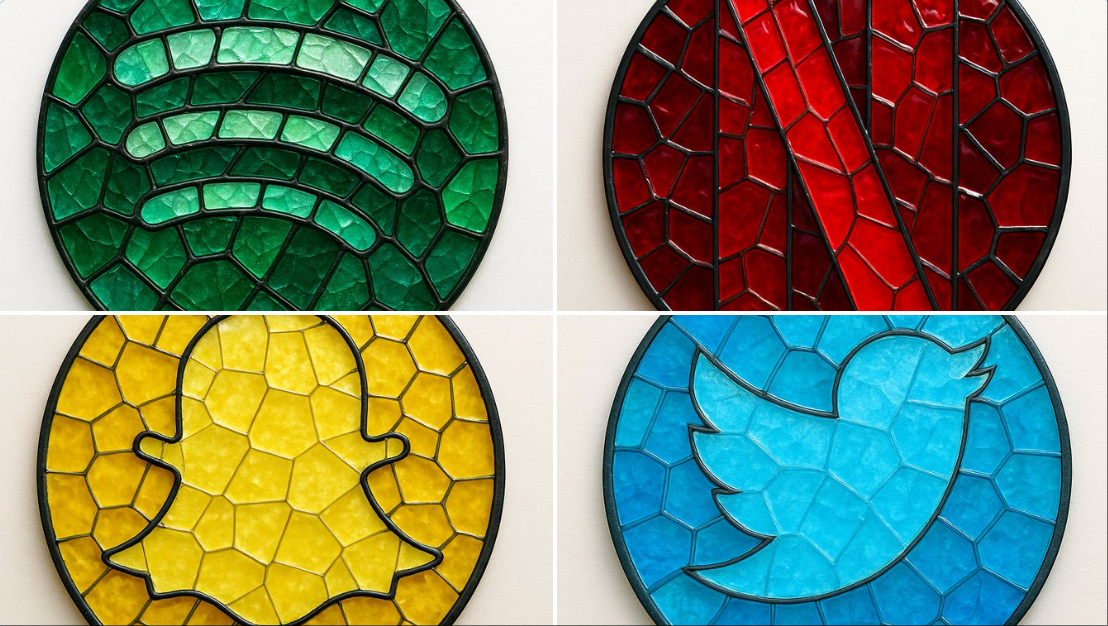
珐琅马赛克瓷砖风格
Enlarge

珐琅马赛克瓷砖风格

Prompt
Visualize any selected emoji [] as an ultra-detailed, hyper-realistic 3D sculpture fully composed of luxurious enamel mosaic tiles. The emoji should retain its iconic silhouette and proportions, reinterpreted as a stylized 3D figure made entirely from curved, faceted, and geometrically interlocked enamel tiles in a radiant mosaic pattern.
> Use high-gloss enamel tiles in varied shades derived from the emoji’s symbolic palette—integrating metallic accents, opalescent glazes, deep ceramic pigmentation, and subtle iridescence. Tile surfaces must exhibit gentle bevels, crisp joints, and tactile depth to emulate elite architectural mosaic work.
> Ensure no visible support structures—the figure must appear freestanding and weightless, suspended mid-air at the exact center of the frame.
> Background: pure white studio environment with soft ambient shadows directly beneath the sculpture to emphasize spatial presence and floating realism.
> Lighting: cinematic, diffused from multiple angles to
Category
Brand & Logos
Model
GPT Image 2
Views36
Source ID
874
Published
Jan 8, 2026

Guide

About "珐琅马赛克瓷砖风格"

What is this prompt for?

"珐琅马赛克瓷砖风格" AI image prompt for GPT Image 2 (Brand & Logos). Visualize any selected emoji [] as an ultra-detailed, hyper-realistic 3D sculpture fully composed…

The full copyable prompt and example visuals above are ready for AI image generation or one-click recreate in Picva.

How to use this prompt

  1. Step 1

    Open the prompt detail

    Review the example visuals, category, and full prompt text for "珐琅马赛克瓷砖风格".

  2. Step 2

    Copy the prompt

    Copy the prompt body from this page, or load it directly in Studio.

  3. Step 3

    Pick a model (GPT Image 2)

    Prefer GPT Image 2. If you switch models, keep subject and composition and tweak style terms.

  4. Step 4

    Generate and export

    Recreate the look in Picva, or export into your workflow for editing and publishing.

FAQ

What is the "珐琅马赛克瓷砖风格" prompt?
It is an AI image-generation prompt for GPT Image 2 in the Brand & Logos category. This page includes the full prompt text, example visuals, and a one-click recreate path in Picva.
How do I use this prompt to generate an image?
Copy the prompt from this page, or use Generate / Studio. Paste it into a compatible image model, or recreate the look in Picva with optional reference images.
Which model is this prompt for?
This page lists GPT Image 2. Most descriptive prompts also transfer to nearby image models such as GPT Image, Flux, or Midjourney with light style tweaks.
Can I use the result commercially?
You can usually copy the prompt for creation, but commercial use of the final image depends on the model terms, reference-image rights, and the generated content. Follow the source author and platform rules.