17

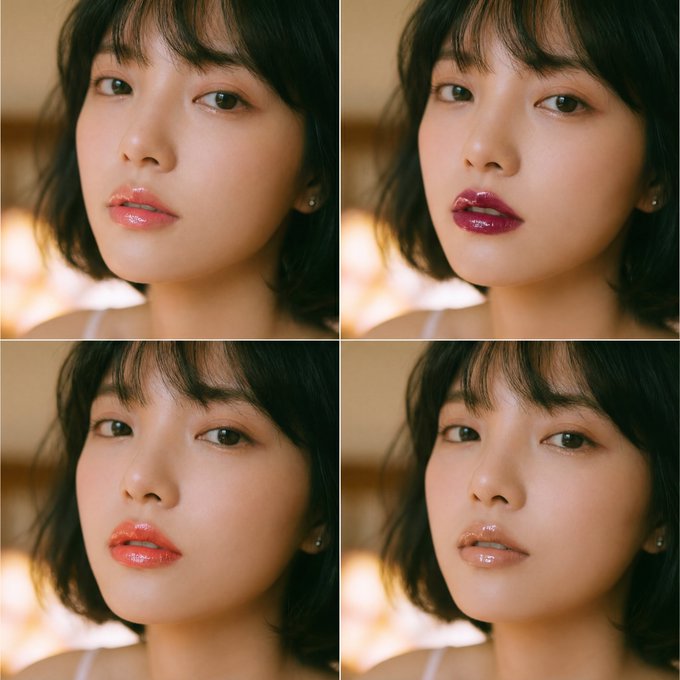
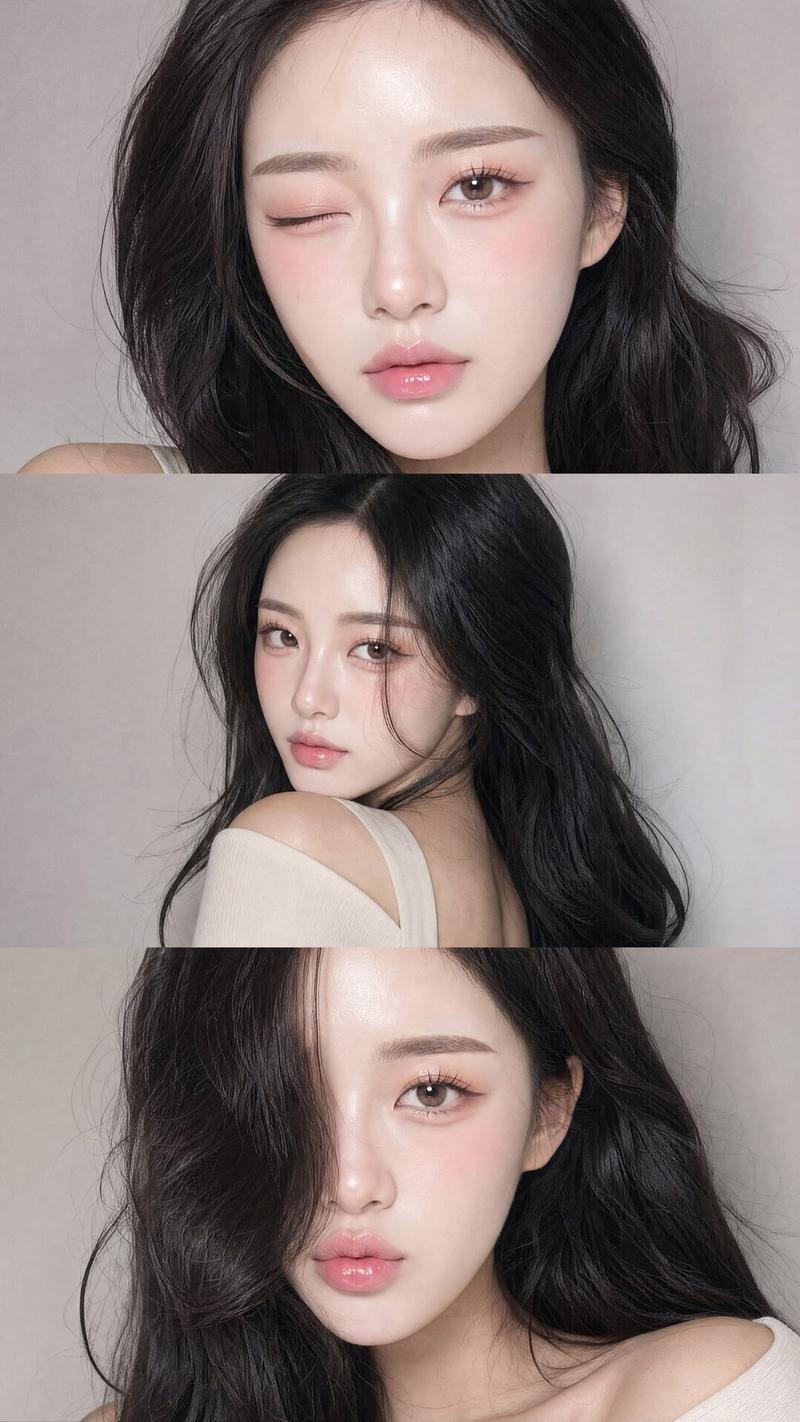
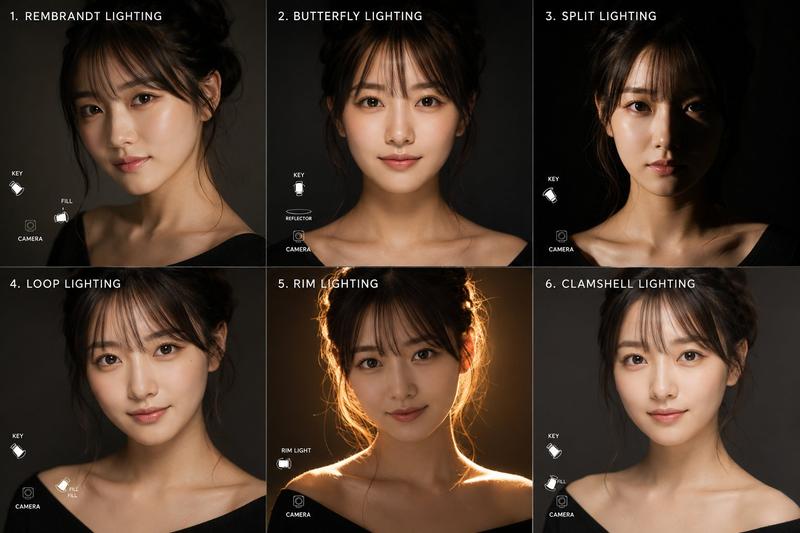
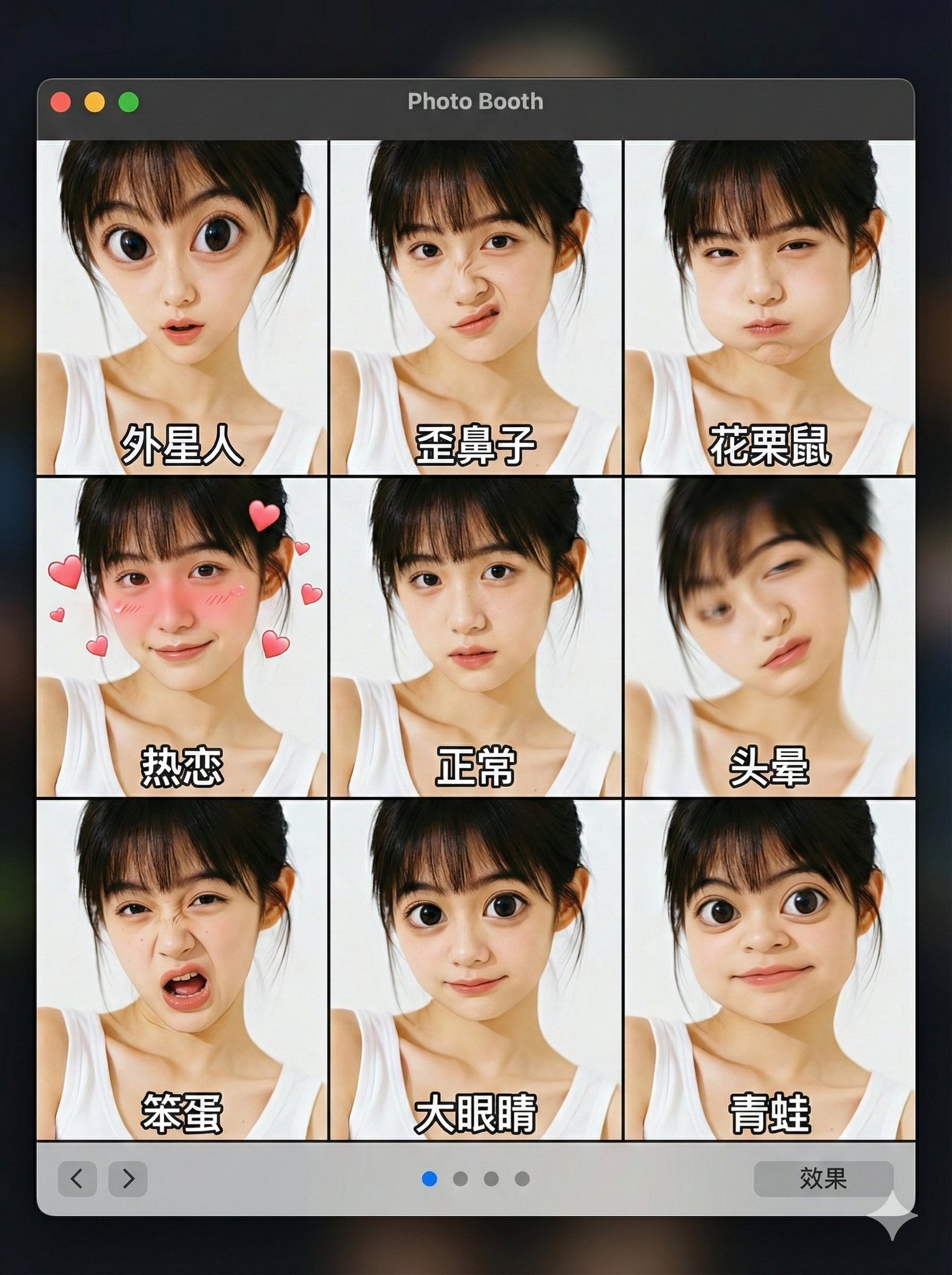
女性面部涂口红和唇彩效果的图像
Enlarge

女性面部涂口红和唇彩效果的图像

Prompt
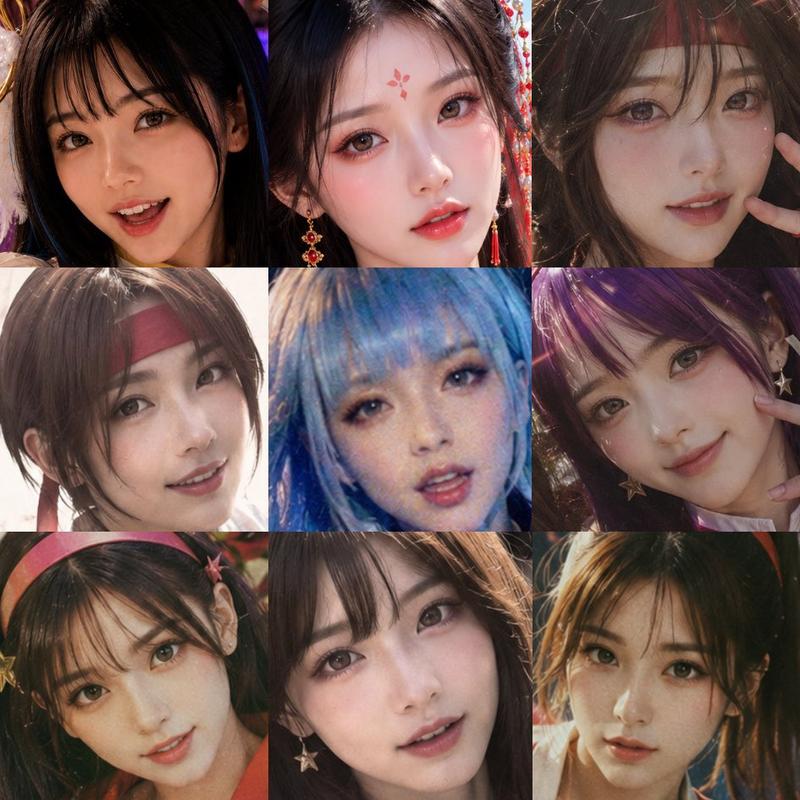
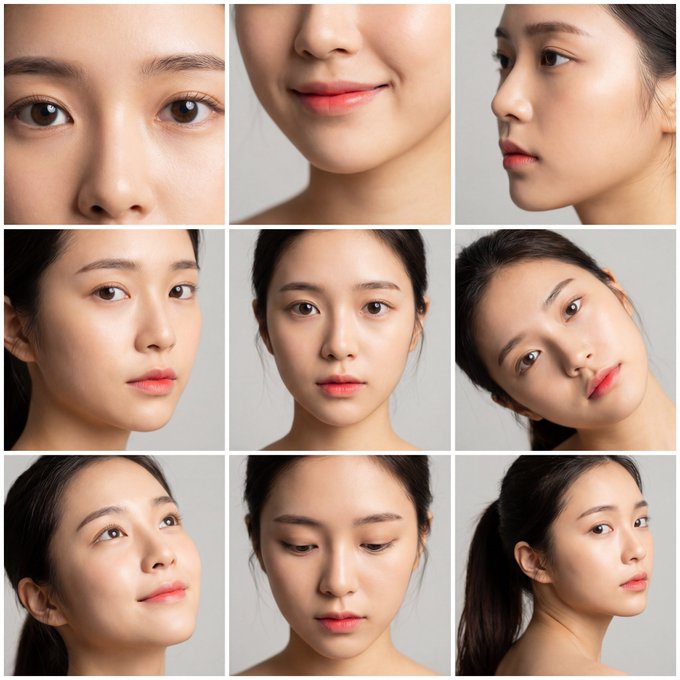
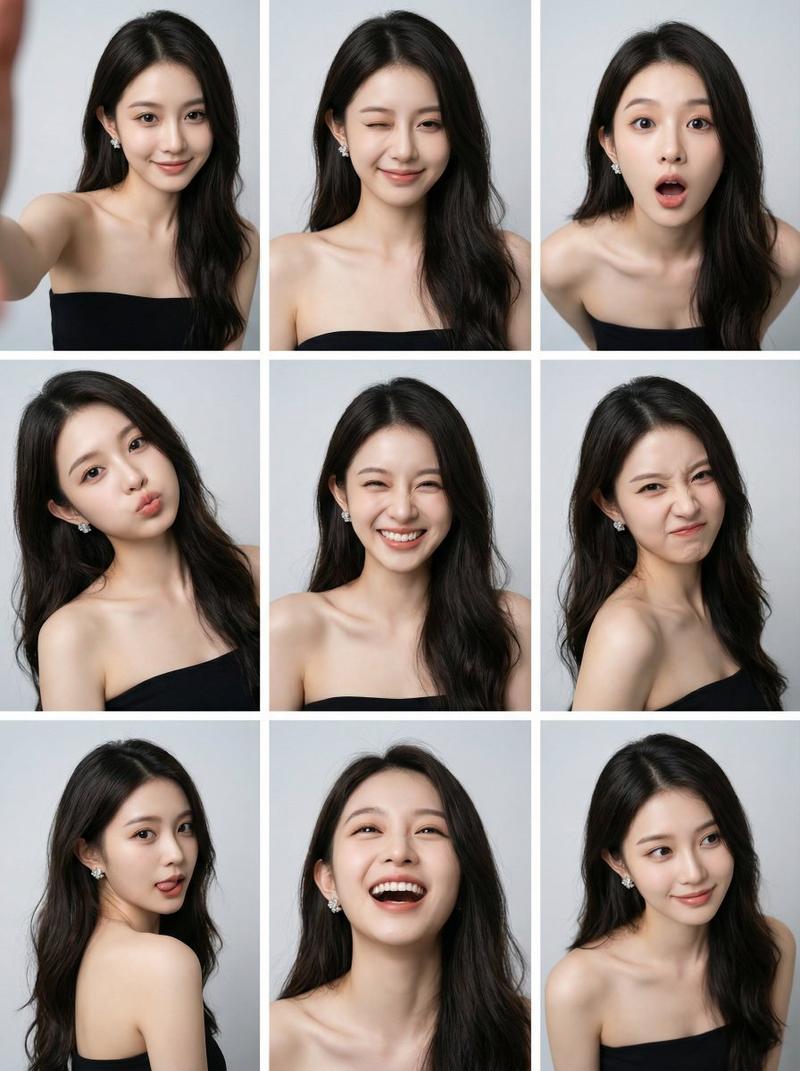
1. Using the attached image as a motif, we generated a difference image of a woman's face with lipstick and glossy lips. The image consists of four scenes divided into a 2x2 grid. 

2. A 2x2 grid cinematic photo collage. Four close-up portraits of the same beautiful Korean woman, creating an emotional narrative sequence.

Top-left panel: Cold and aloof expression, staring directly at the camera, high fashion vibe.
Top-right panel: A playful wink and a subtle smirk, looking side-glance.
Bottom-left panel: Biting lower lip, looking shy and slightly flirtatious, soft gaze.
Bottom-right panel: A genuine bright laugh, eyes crinkled with joy, head tilted back slightly.

Style: Analog film photography, heavy film grain, soft focus, dreamlike lighting, glossy lips, dewy skin texture, emotional atmosphere.
Category
Posters & Typography
Model
Nano Banana Pro
Views84
Source ID
1818
Published
Jan 8, 2026

Guide

About "女性面部涂口红和唇彩效果的图像"

What is this prompt for?

"女性面部涂口红和唇彩效果的图像" AI image prompt for Nano Banana Pro (Posters & Typography). 1. 我们以附图为模板,生成了一张女性面部涂口红和唇彩效果的差异图像。该图像由四个场景组成,这些场景被划分成一个 2x2 的网格。 2. 一幅 2x2 网格的电影…

The full copyable prompt and example visuals above are ready for AI image generation or one-click recreate in Picva.

How to use this prompt

  1. Step 1

    Open the prompt detail

    Review the example visuals, category, and full prompt text for "女性面部涂口红和唇彩效果的图像".

  2. Step 2

    Copy the prompt

    Copy the prompt body from this page, or load it directly in Studio.

  3. Step 3

    Pick a model (Nano Banana Pro)

    Prefer Nano Banana Pro. If you switch models, keep subject and composition and tweak style terms.

  4. Step 4

    Generate and export

    Recreate the look in Picva, or export into your workflow for editing and publishing.

FAQ

What is the "女性面部涂口红和唇彩效果的图像" prompt?
It is an AI image-generation prompt for Nano Banana Pro in the Posters & Typography category. This page includes the full prompt text, example visuals, and a one-click recreate path in Picva.
How do I use this prompt to generate an image?
Copy the prompt from this page, or use Generate / Studio. Paste it into a compatible image model, or recreate the look in Picva with optional reference images.
Which model is this prompt for?
This page lists Nano Banana Pro. Most descriptive prompts also transfer to nearby image models such as GPT Image, Flux, or Midjourney with light style tweaks.
Can I use the result commercially?
You can usually copy the prompt for creation, but commercial use of the final image depends on the model terms, reference-image rights, and the generated content. Follow the source author and platform rules.