9

标志液化
Enlarge

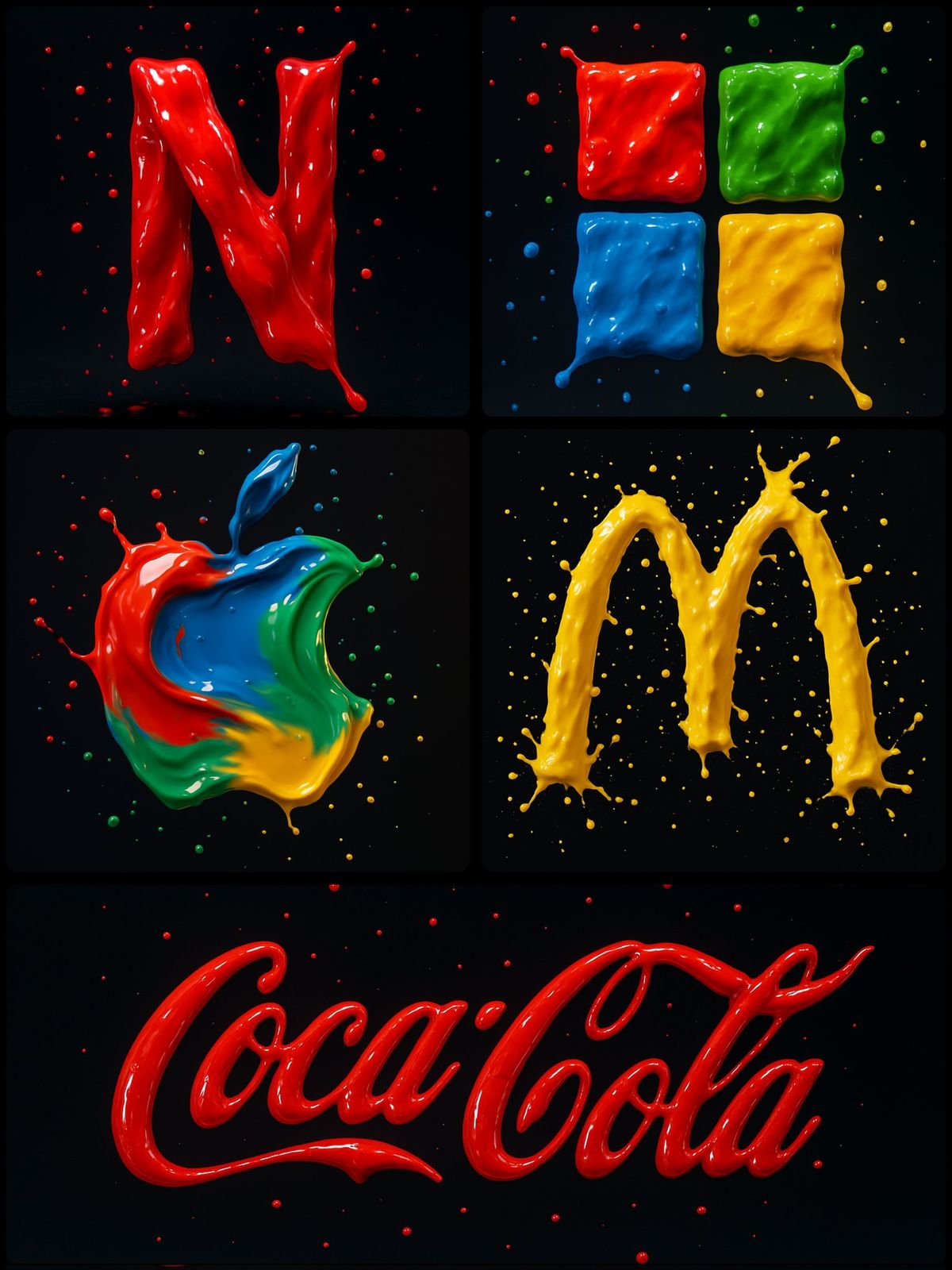
Example images

标志液化

Prompt
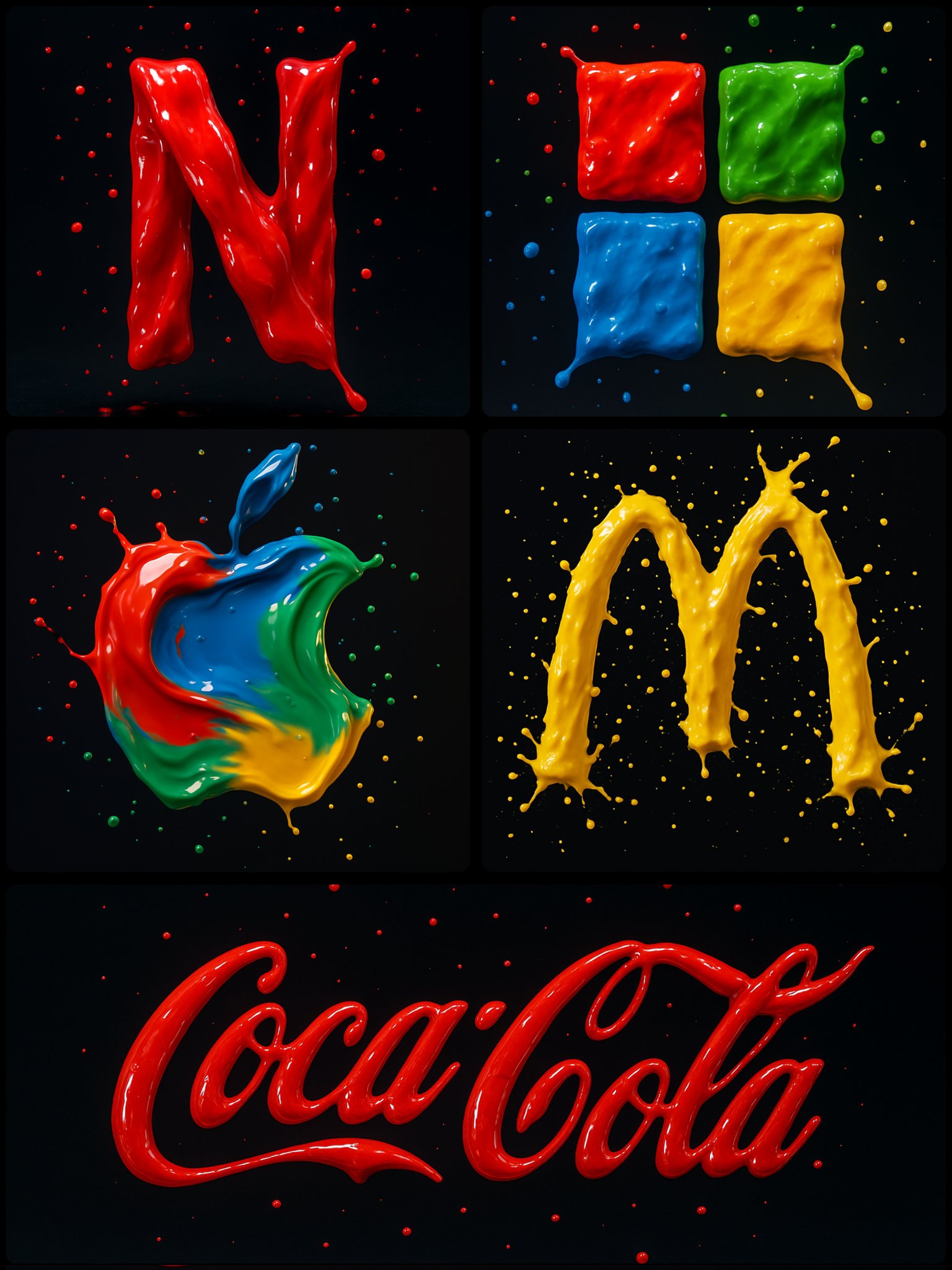
Create a photograph of a [BRAND] logo formed from four vibrant paint splashes: red, blue, green, and yellow, captured mid-motion. Each color flows dynamically across different parts of the logo, as if sculpted from liquid paint. Droplets are suspended in the air around it, enhancing the illusion of movement. Set against a dark background with soft, vivid lighting that accentuates the glossy texture and fluid motion

Use appropriate colors for the logos.
Category
Brand & Logos
Model
GPT Image 2
Creator
@umesh_ai
Views55
Source ID
878
Published
Jan 8, 2026

Guide

About "标志液化"

What is this prompt for?

"标志液化" AI image prompt for GPT Image 2 (Brand & Logos). Create a photograph of a [BRAND] logo formed from four vibrant paint splashes: red, blue, green, and ye…

The full copyable prompt and example visuals above are ready for AI image generation or one-click recreate in Picva.

How to use this prompt

  1. Step 1

    Open the prompt detail

    Review the example visuals, category, and full prompt text for "标志液化".

  2. Step 2

    Copy the prompt

    Copy the prompt body from this page, or load it directly in Studio.

  3. Step 3

    Pick a model (GPT Image 2)

    Prefer GPT Image 2. If you switch models, keep subject and composition and tweak style terms.

  4. Step 4

    Generate and export

    Recreate the look in Picva, or export into your workflow for editing and publishing.

FAQ

What is the "标志液化" prompt?
It is an AI image-generation prompt for GPT Image 2 in the Brand & Logos category. This page includes the full prompt text, example visuals, and a one-click recreate path in Picva.
How do I use this prompt to generate an image?
Copy the prompt from this page, or use Generate / Studio. Paste it into a compatible image model, or recreate the look in Picva with optional reference images.
Which model is this prompt for?
This page lists GPT Image 2. Most descriptive prompts also transfer to nearby image models such as GPT Image, Flux, or Midjourney with light style tweaks.
Can I use the result commercially?
You can usually copy the prompt for creation, but commercial use of the final image depends on the model terms, reference-image rights, and the generated content. Follow the source author and platform rules.