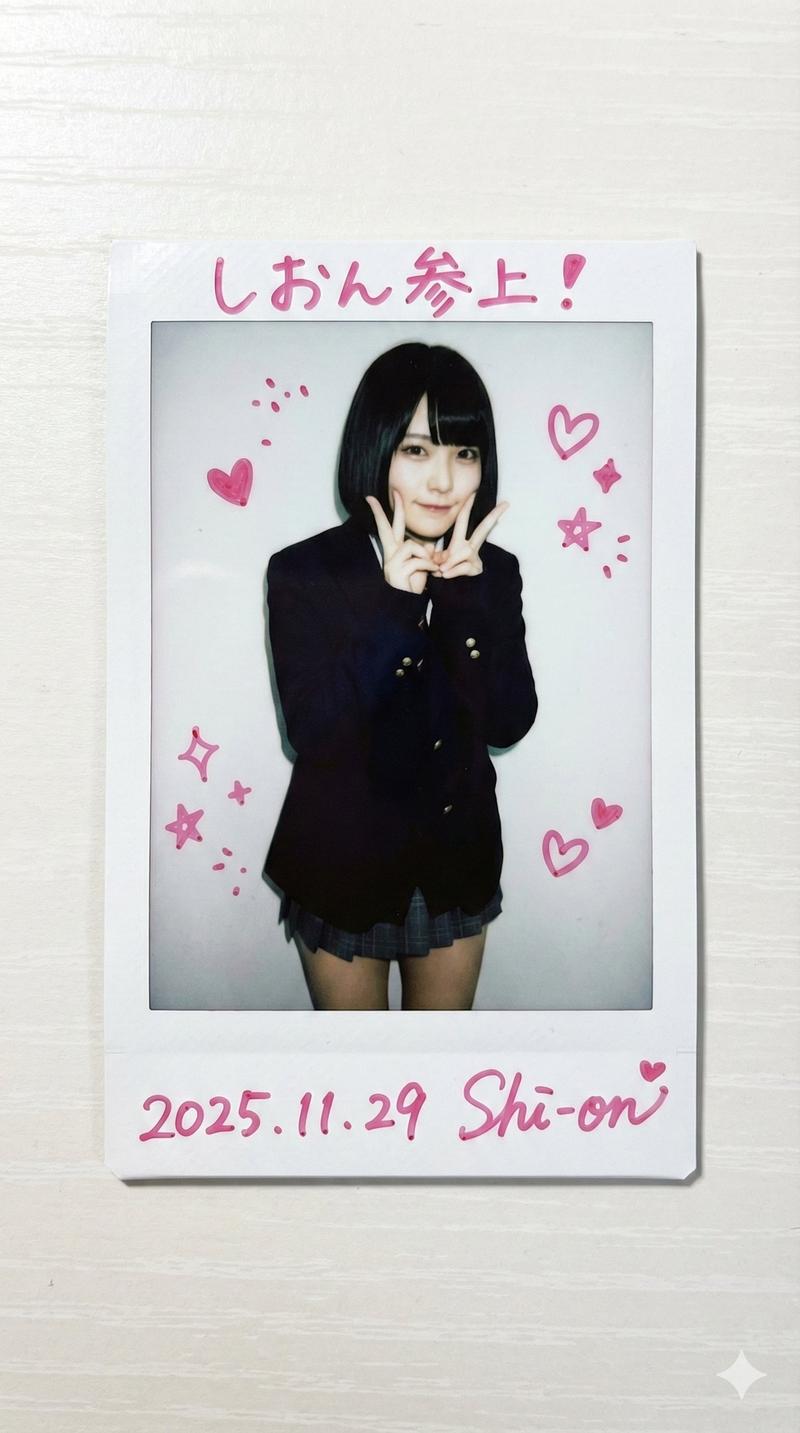
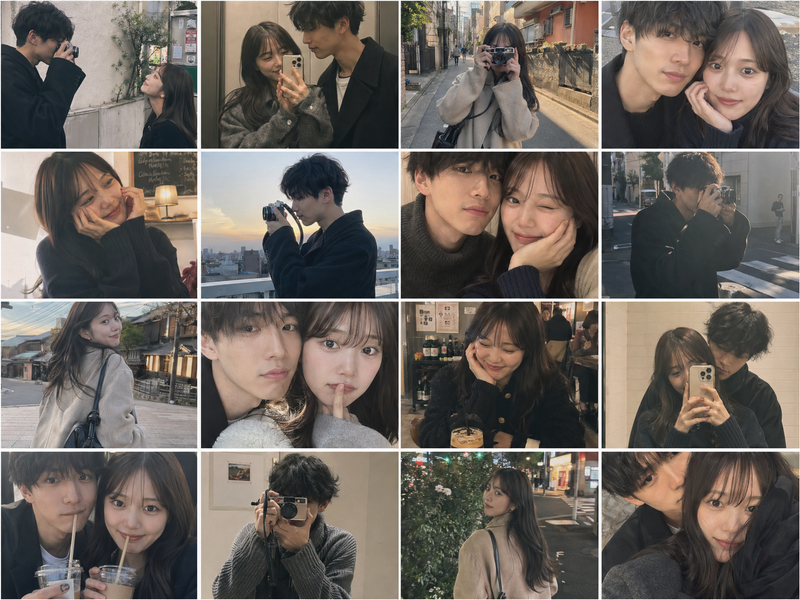
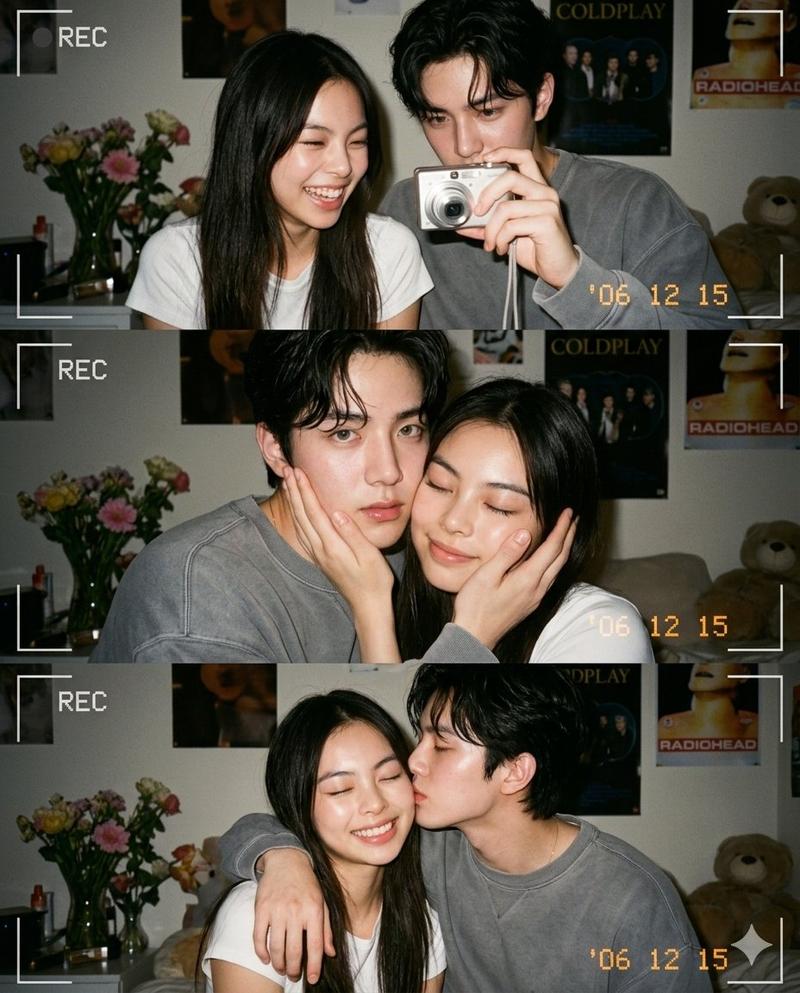
镜前比心的甜妹胶片肖像
Prompt
{
  "protocol_manifest": {
    "version": "14.1_retro_dynamic_fingerheart",
    "objective": "90s Lo-Fi Film Portrait with Panning Motion",
    "aspect_ratio": "4:5",
    "rendering_engine": {
      "type": "Analog Film Simulation",
      "fidelity_tier": "Raw Scan / Texture Rich",
      "special_technique": "Slow Shutter Panning + Flash Freeze"
    }
  },
  "subject_logic": {
    "biometric_layer": {
      "identity_target": "Young cute Korean K-pop idol",
      "archetype": "Pure / Fresh face / Innocent charm",
      "facial_configuration": {
        "gaze": "Sweet, engaging eye contact with the mirror reflection",
        "expression": "Gentle, warm smile / Making a small finger heart gesture (thumb and index finger crossed) near her cheek",
        "makeup": "Light, youthful 'fruit juice' makeup style, glossy lips"
      }
    },
    "hair_and_style": {
      "style": "Soft, dark wavy hair with cute bangs",
      "accessory": "Colorful retro hair clips or scrunchie visible"
    }
  },
  "wardrobe_logic": {
    "apparel_specs": {
      "primary_garment": {
        "type": "Oversized vintage colorful knit cardigan",
        "layers": "Worn over a cute graphic baby tee",
        "style": "Y2K / 90s cozy retro cute"
      }
    }
  },
  "prop_logic": {
    "environment_props": {
      "main_prop": "Large vintage wall mirror with an ornate, slightly worn frame",
      "decorations": "Mirror covered with cute stickers, polaroids, and handwritten notes",
      "foreground_elements": "Blurry retro items suggesting a messy teen room (plushies, colorful cups)"
    }
  },
  "environment_logic": {
    "scenography": {
      "location": "Cozy, cluttered backstage dressing room or bedroom",
      "vibe": "Nostalgic, intimate, warm, chaotic cute"
    },
    "illumination_architecture": {
      "source": "On-camera Direct Flash (Point-and-shoot style)",
      "characteristics": {
        "shadows": "Harsh, defined flash shadows behind the subject",
        "highlights": "Bright specular reflection of the flash bulb visible in the mirror"
      }
    }
  },
  "technical_logic": {
    "optical_configuration": {
      "shot_type": "Medium portrait capturing reflection (Photographer not visible)",
      "lens_simulation": "35mm compact film camera lens",
      "motion_effect": "Significant horizontal motion blur (panning streaks) on background and edges, subject relatively frozen by flash"
    },
    "film_simulation_directives": {
      "film_stock": "Fuji Superia 800 / Kodak Portra 400 (Pushed)",
      "noise_profile": "Heavy, visible film grain and color noise",
      "color_grading": "Lo-fi, warm greenish tint typical of cheap film scans, vibrant reds and yellows",
      "artifacts": "Light leaks, dust specks, vignetting from flash fall-off"
    }
  }
}- Category
- Posters & Typography
- Model
- Nano Banana Pro
- Creator
- @BubbleBrain
- Source ID
- 1870
- Published
- Jan 8, 2026
Views211