17

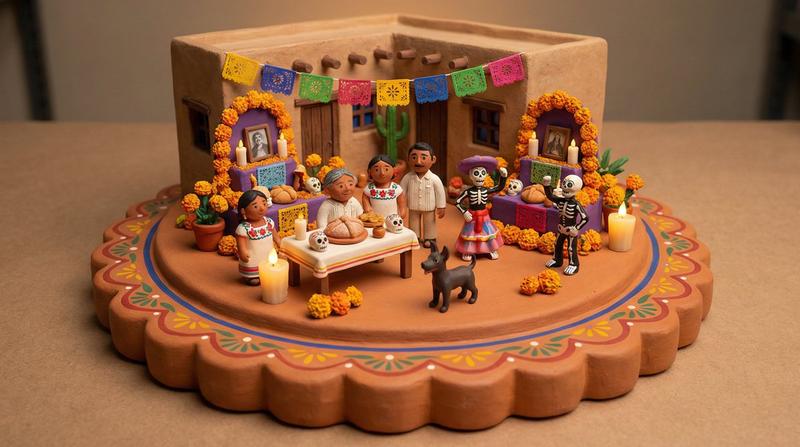
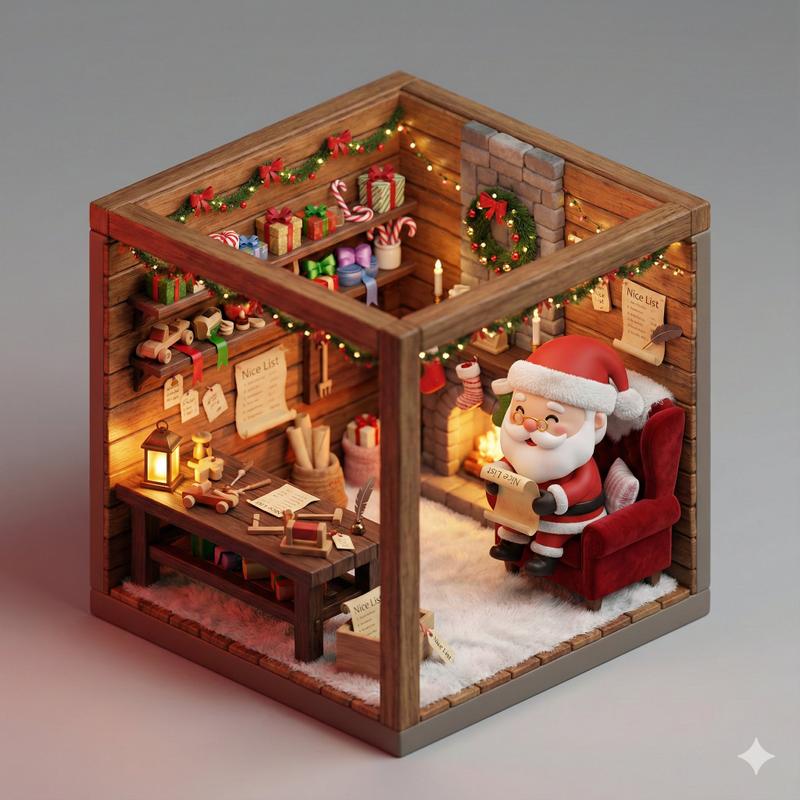
超逼真3D等距视图
Enlarge

超逼真3D等距视图

Prompt
Concept: A hyper-realistic 3D isometric view of a [INSERT LOCATION] scene on a circular base.
Subject (Visuals): A full-body, realistic human [INSERT DESCRIPTION].
* Texture Rule: The subject must have "Living Human Skin" texture (subsurface scattering, pores, natural imperfections).
* Important: He is NOT a toy/doll. He looks like a real person inserted into the scene.
* Pose: [INSERT POSE, e.g., Sitting naturally].

Composition & Scale (Crucial):
* Camera: Isometric wide shot (Full view). ensure the entire circular base, the subject, and all props are visible within the frame.
* Proportions: PERFECT RELATIVE SCALE. The props (e.g., scooter, table etc.) must be the correct size relative to the human. Do not make the human giant or the props tiny.

Environment: A realistic section of a [INSERT WALL/BUILDING] behind the subject.
* Material: Real weathered textures (brick, cement, wood), not painted model textures.

Props:
* [INSERT PROP 1, e.g., Vintage Vespa] (Real metal and chrome texture).
* [INSERT PROP 2, e.g., Pizza and Wine] (Real food texture).
* *Note:* Ensure all props are present and grounded on the base.

Technical Specs: Unreal Engine 5 render style, 8k resolution, global illumination, raytracing, sharp focus on the entire scene (deep depth of field), solid neutral grey background.

Negative Prompt: Toy, plastic, doll, action figure, clay, resin, shallow depth of field (blur), close-up, cropped, distorted proportions, giant head, cartoonish, missing limbs, unfinished.
Category
Products & E-commerce
Model
Nano Banana Pro
Creator
@Arminn_Ai
Views247
Source ID
1894
Published
Jan 8, 2026

Guide

About "超逼真3D等距视图"

What is this prompt for?

"超逼真3D等距视图" AI image prompt for Nano Banana Pro (Products & E-commerce). 概念:以圆形为底座,呈现[插入地点]场景的超逼真3D等距视图。 主题(视觉效果):一个全身逼真的人体[插入描述]。 * 纹理规则:主体必须具有“活体人类皮肤”的纹理(次表面…

The full copyable prompt and example visuals above are ready for AI image generation or one-click recreate in Picva.

How to use this prompt

  1. Step 1

    Open the prompt detail

    Review the example visuals, category, and full prompt text for "超逼真3D等距视图".

  2. Step 2

    Copy the prompt

    Copy the prompt body from this page, or load it directly in Studio.

  3. Step 3

    Pick a model (Nano Banana Pro)

    Prefer Nano Banana Pro. If you switch models, keep subject and composition and tweak style terms.

  4. Step 4

    Generate and export

    Recreate the look in Picva, or export into your workflow for editing and publishing.

FAQ

What is the "超逼真3D等距视图" prompt?
It is an AI image-generation prompt for Nano Banana Pro in the Products & E-commerce category. This page includes the full prompt text, example visuals, and a one-click recreate path in Picva.
How do I use this prompt to generate an image?
Copy the prompt from this page, or use Generate / Studio. Paste it into a compatible image model, or recreate the look in Picva with optional reference images.
Which model is this prompt for?
This page lists Nano Banana Pro. Most descriptive prompts also transfer to nearby image models such as GPT Image, Flux, or Midjourney with light style tweaks.
Can I use the result commercially?
You can usually copy the prompt for creation, but commercial use of the final image depends on the model terms, reference-image rights, and the generated content. Follow the source author and platform rules.