13

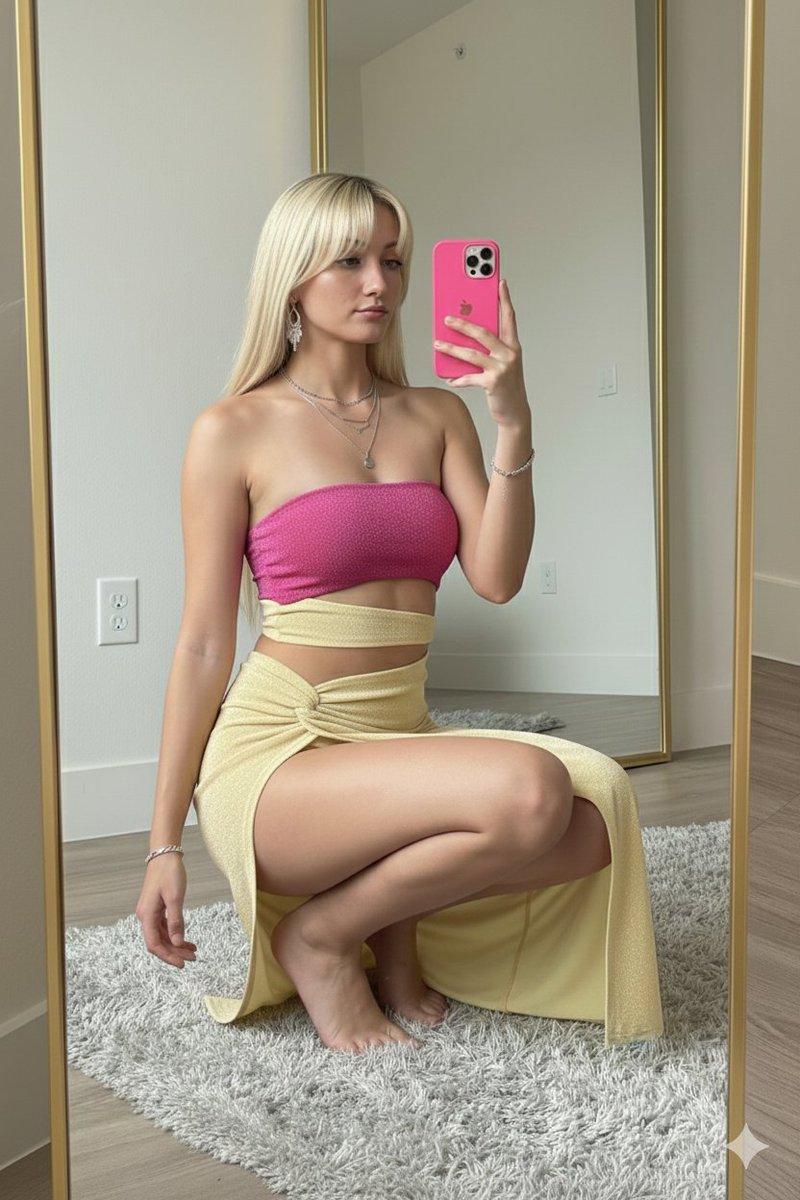
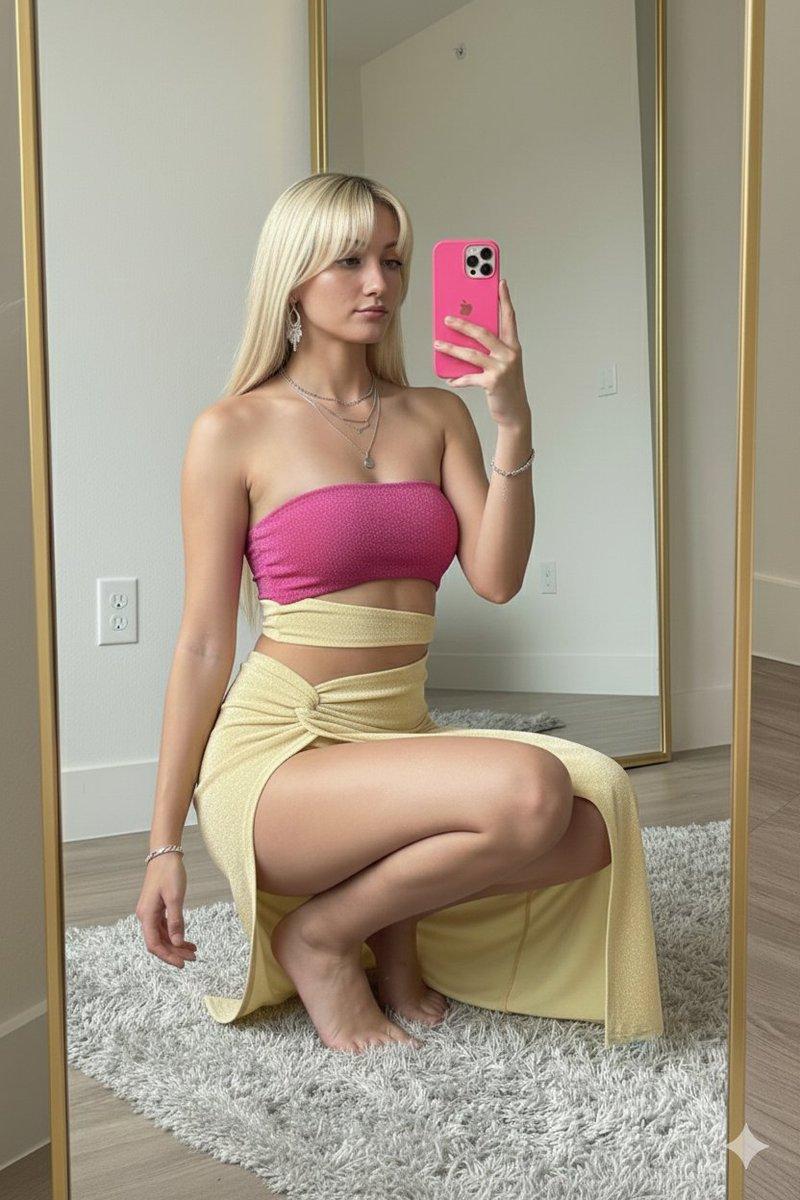
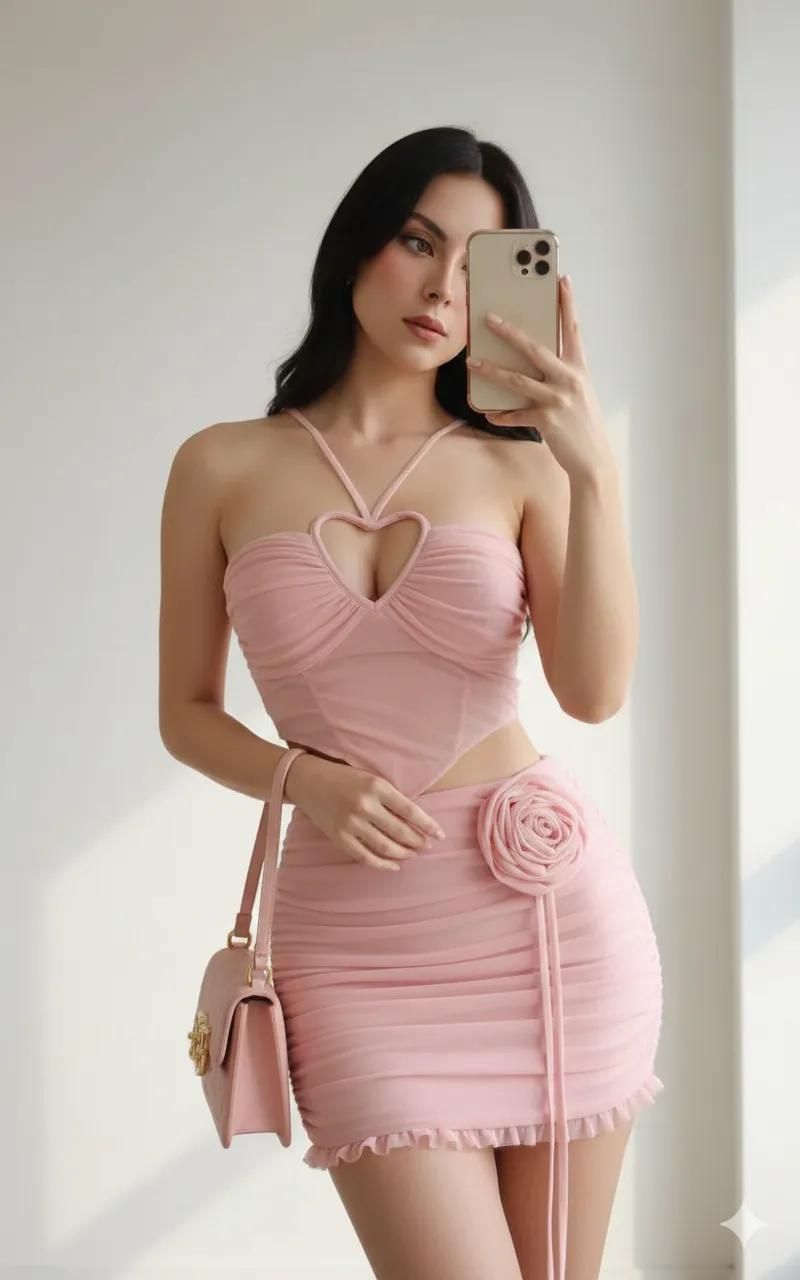
柔粉抹胸与极简白墙的时尚定格
Enlarge

柔粉抹胸与极简白墙的时尚定格

Prompt
{
  "task": "photo_edit",
  "reference": "use uploaded photo as reference",
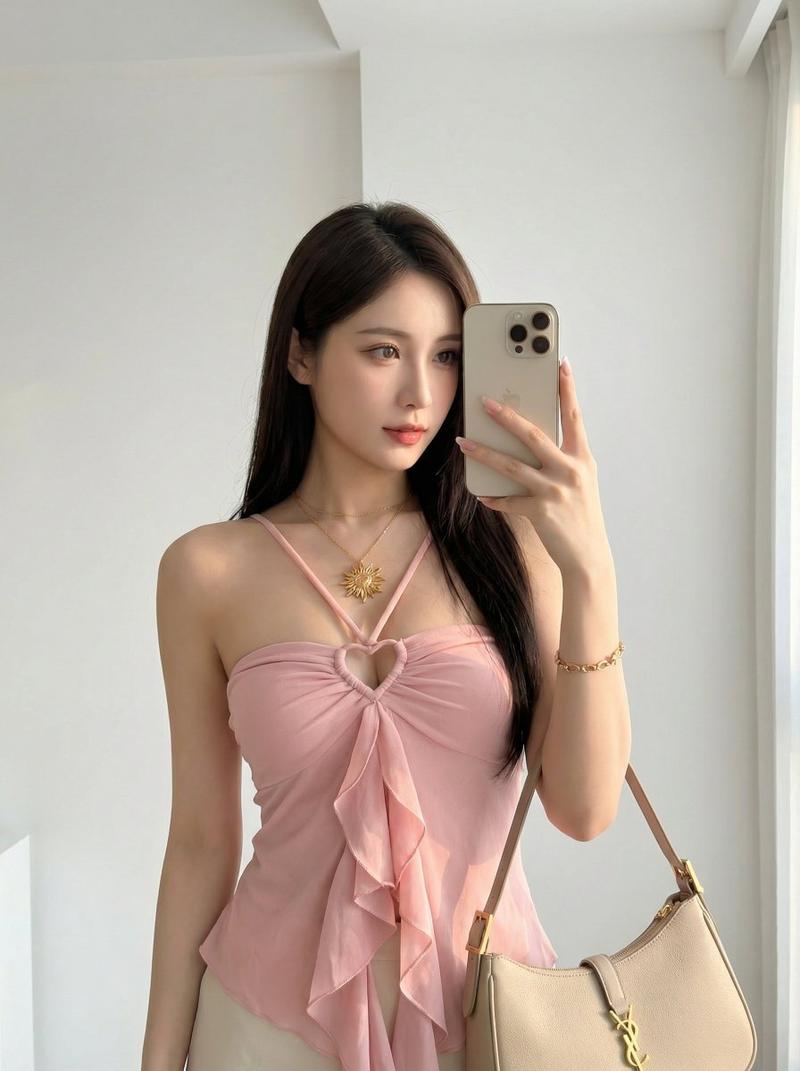
  "description": "Create a portrait of a woman in a well-lit indoor environment with soft natural light coming from a side window, producing a warm and even skin tone. The background is a minimalist, elegant white wall that enhances the model’s appearance and accessories.",
  "camera": {
    "device": "iPhone 16 Pro Max",
    "lens": "wide-angle",
    "style": "mirror selfie",
    "focus": "handbag and hands",
    "quality": "high realism"
  },
  "lighting": {
    "type": "natural light",
    "direction": "side window",
    "mood": "soft, warm, evenly balanced"
  },
  "pose": {
    "right_hand": "holding phone near face",
    "left_arm": "relaxed, holding a shoulder bag",
    "body_position": "slightly tilted",
    "expression": "natural and elegant"
  },
  "outfit": {
    "top": {
      "category": "bandeau",
      "style": "heart-shaped strap across the chest",
      "texture": "draped or ruffled details adding volume, mainly on the front",
      "cut": "slightly fitted or asymmetrical at the top edge",
      "color": "soft pink"
    },
    "skirt": {
      "status": "not specified",
      "note": "can be customized if details are provided"
    }
  },
  "environment": {
    "location": "indoor",
    "background": "minimalist white wall",
    "aesthetic": "clean, modern, elegant"
  },
  "overall_style": "fashion editorial, natural selfie realism"
}
Category
Posters & Typography
Model
Nano Banana Pro
Creator
@xmiiru_
Views269
Source ID
1904
Published
Jan 8, 2026

Guide

About "柔粉抹胸与极简白墙的时尚定格"

What is this prompt for?

"柔粉抹胸与极简白墙的时尚定格" AI image prompt for Nano Banana Pro (Posters & Typography). { "任务": "照片编辑", “参考”:“使用上传的照片作为参考”, 描述:在光线充足的室内环境中,利用侧窗照射进来的柔和自然光,拍摄一位女性的肖像,营造温暖均匀…

The full copyable prompt and example visuals above are ready for AI image generation or one-click recreate in Picva.

How to use this prompt

  1. Step 1

    Open the prompt detail

    Review the example visuals, category, and full prompt text for "柔粉抹胸与极简白墙的时尚定格".

  2. Step 2

    Copy the prompt

    Copy the prompt body from this page, or load it directly in Studio.

  3. Step 3

    Pick a model (Nano Banana Pro)

    Prefer Nano Banana Pro. If you switch models, keep subject and composition and tweak style terms.

  4. Step 4

    Generate and export

    Recreate the look in Picva, or export into your workflow for editing and publishing.

FAQ

What is the "柔粉抹胸与极简白墙的时尚定格" prompt?
It is an AI image-generation prompt for Nano Banana Pro in the Posters & Typography category. This page includes the full prompt text, example visuals, and a one-click recreate path in Picva.
How do I use this prompt to generate an image?
Copy the prompt from this page, or use Generate / Studio. Paste it into a compatible image model, or recreate the look in Picva with optional reference images.
Which model is this prompt for?
This page lists Nano Banana Pro. Most descriptive prompts also transfer to nearby image models such as GPT Image, Flux, or Midjourney with light style tweaks.
Can I use the result commercially?
You can usually copy the prompt for creation, but commercial use of the final image depends on the model terms, reference-image rights, and the generated content. Follow the source author and platform rules.