10

Gumroad样式图标
Enlarge

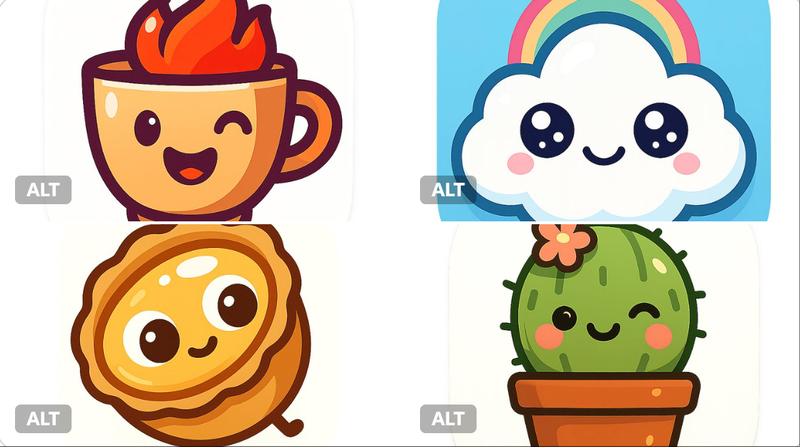
Example images

Gumroad样式图标

Prompt
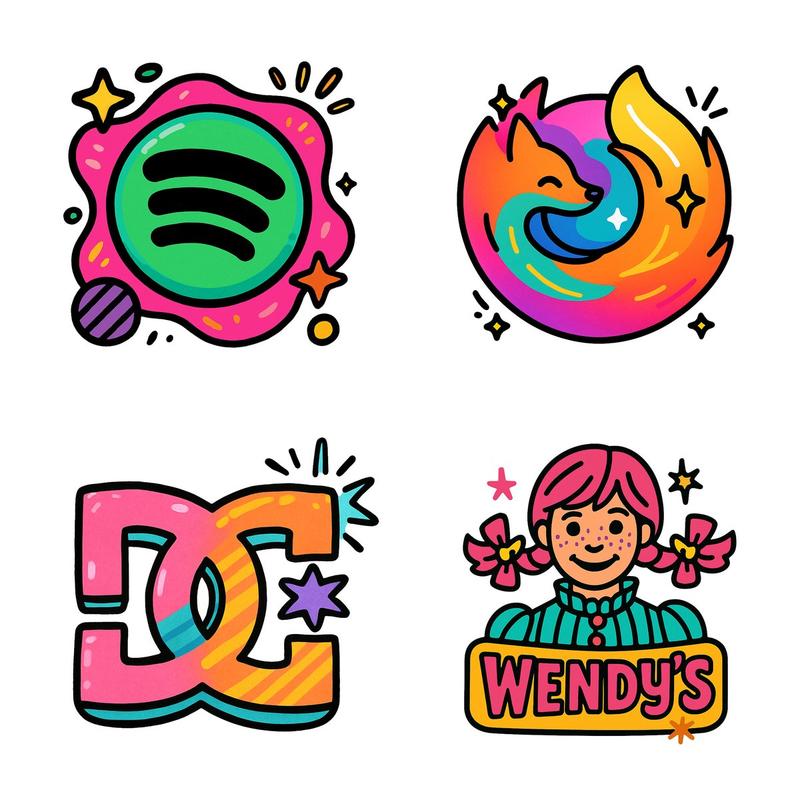
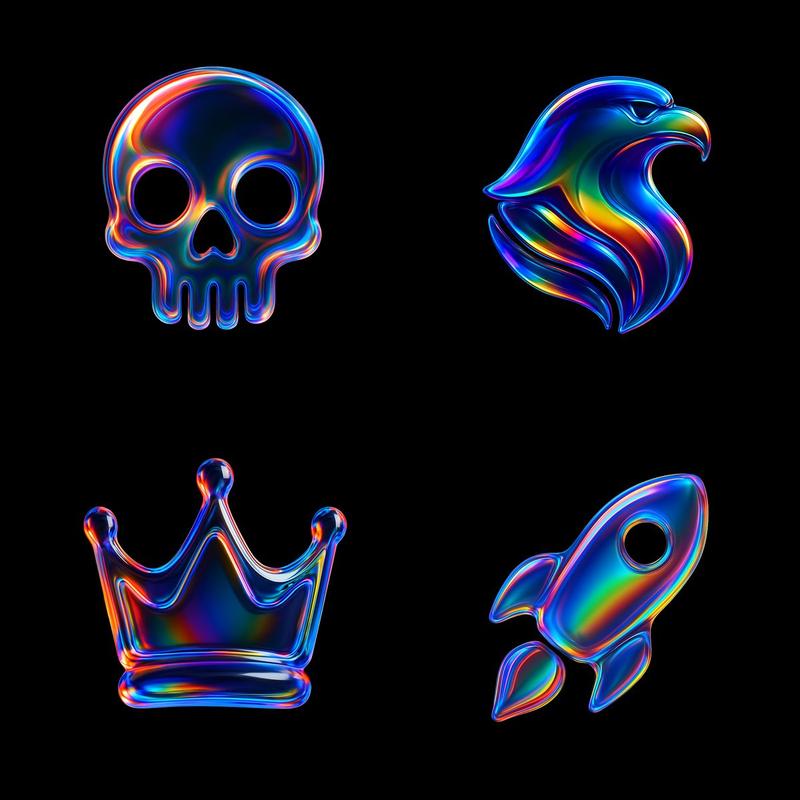
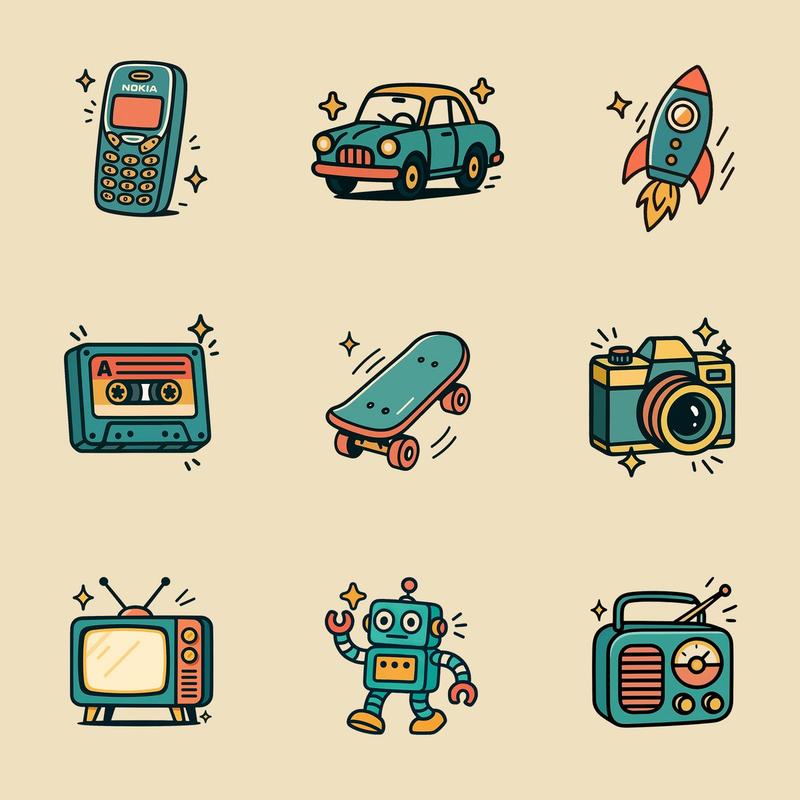
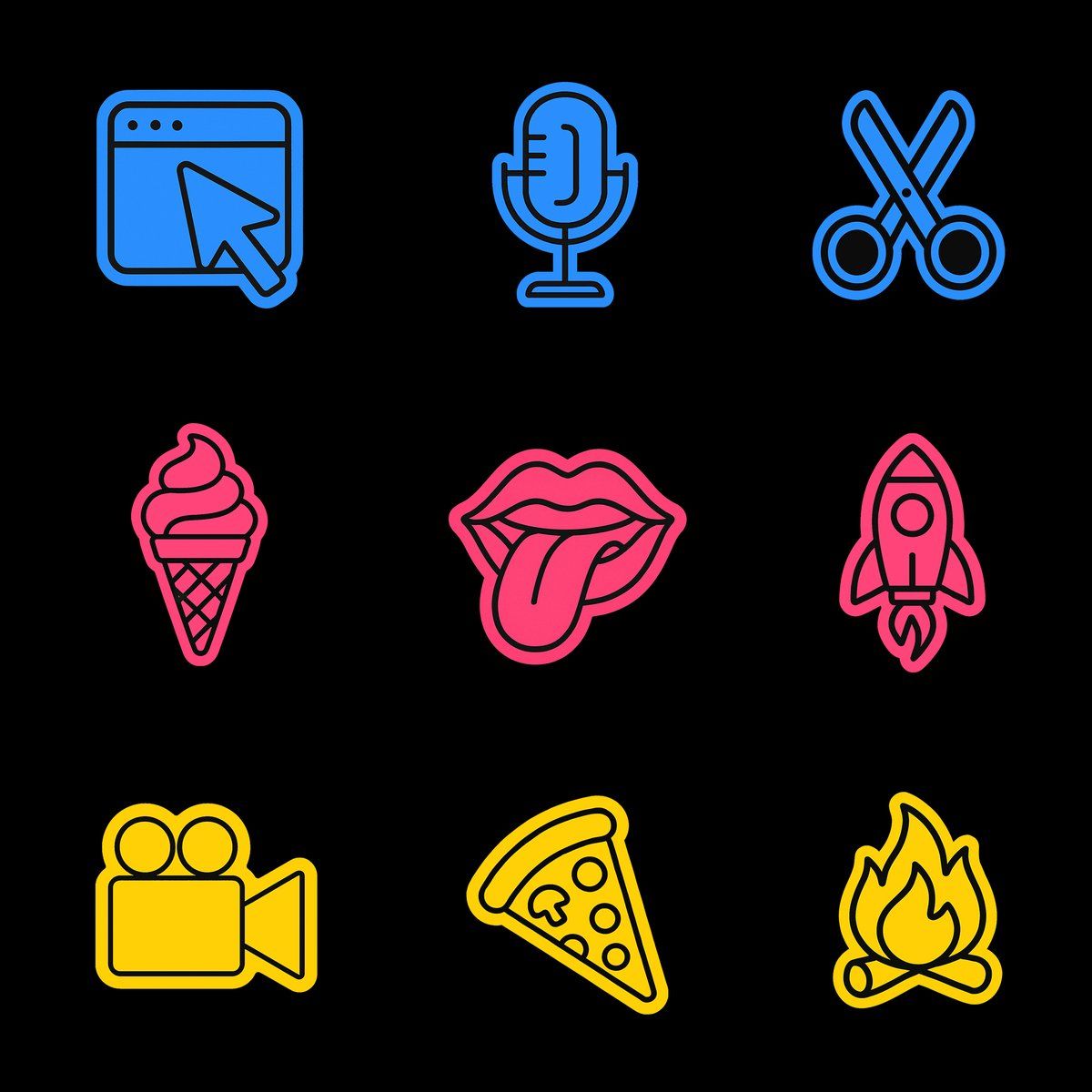
Create a high-resolution illustration of a [OBJECT] icon in the style of a flat, outlined sticker graphic. The icon should be made entirely from very thin, solid black outlines with no interior fill. Add a bold, soft-edged sticker-style contour around the icon using a flat, vibrant [YELLOW, BLUE, OR PINK] color. The result should look like a cartoon-style icon cut from black paper, outlined by a bright color. Do not use any white or filled shapes inside. No gradients, no shadows, no textures. Vector-friendly. Black background. Square aspect ratio.
Category
Brand & Logos
Model
GPT Image 2
Creator
@gnrlyxyz
Views36
Source ID
908
Published
Jan 8, 2026

Guide

About "Gumroad样式图标"

What is this prompt for?

"Gumroad样式图标" AI image prompt for GPT Image 2 (Brand & Logos). 以平面轮廓贴纸图形的样式创建 [OBJECT] 图标的高分辨率插图。图标应完全由非常细的纯黑色轮廓制成,没有内部填充。使用平坦、充满活力的 [黄色、蓝色或粉红色] 在图标周围添加大胆、边缘柔和…

The full copyable prompt and example visuals above are ready for AI image generation or one-click recreate in Picva.

How to use this prompt

  1. Step 1

    Open the prompt detail

    Review the example visuals, category, and full prompt text for "Gumroad样式图标".

  2. Step 2

    Copy the prompt

    Copy the prompt body from this page, or load it directly in Studio.

  3. Step 3

    Pick a model (GPT Image 2)

    Prefer GPT Image 2. If you switch models, keep subject and composition and tweak style terms.

  4. Step 4

    Generate and export

    Recreate the look in Picva, or export into your workflow for editing and publishing.

FAQ

What is the "Gumroad样式图标" prompt?
It is an AI image-generation prompt for GPT Image 2 in the Brand & Logos category. This page includes the full prompt text, example visuals, and a one-click recreate path in Picva.
How do I use this prompt to generate an image?
Copy the prompt from this page, or use Generate / Studio. Paste it into a compatible image model, or recreate the look in Picva with optional reference images.
Which model is this prompt for?
This page lists GPT Image 2. Most descriptive prompts also transfer to nearby image models such as GPT Image, Flux, or Midjourney with light style tweaks.
Can I use the result commercially?
You can usually copy the prompt for creation, but commercial use of the final image depends on the model terms, reference-image rights, and the generated content. Follow the source author and platform rules.