14

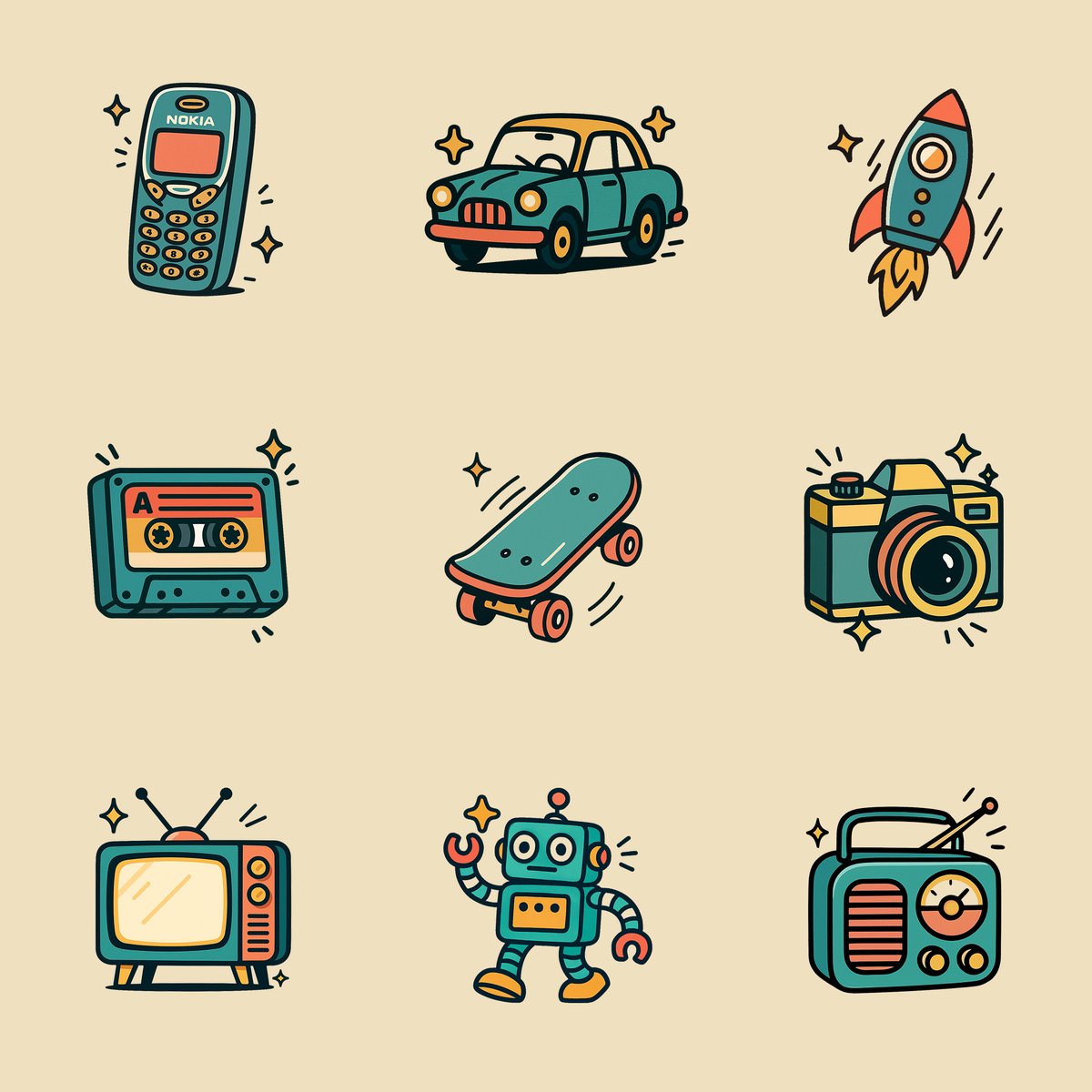
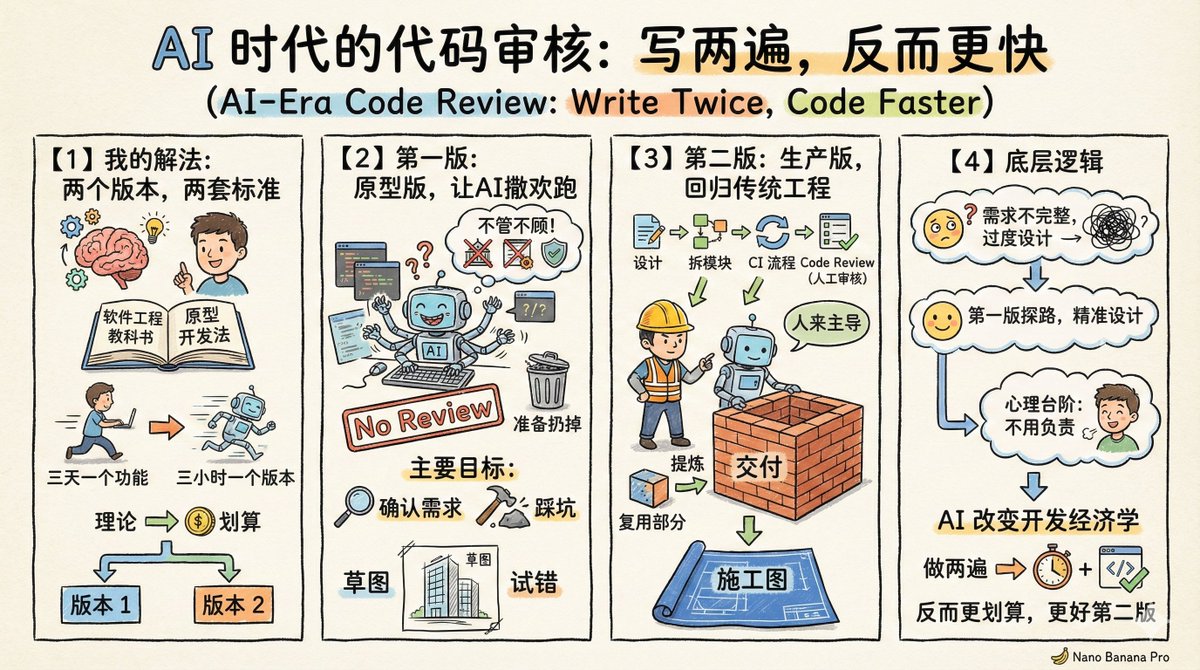
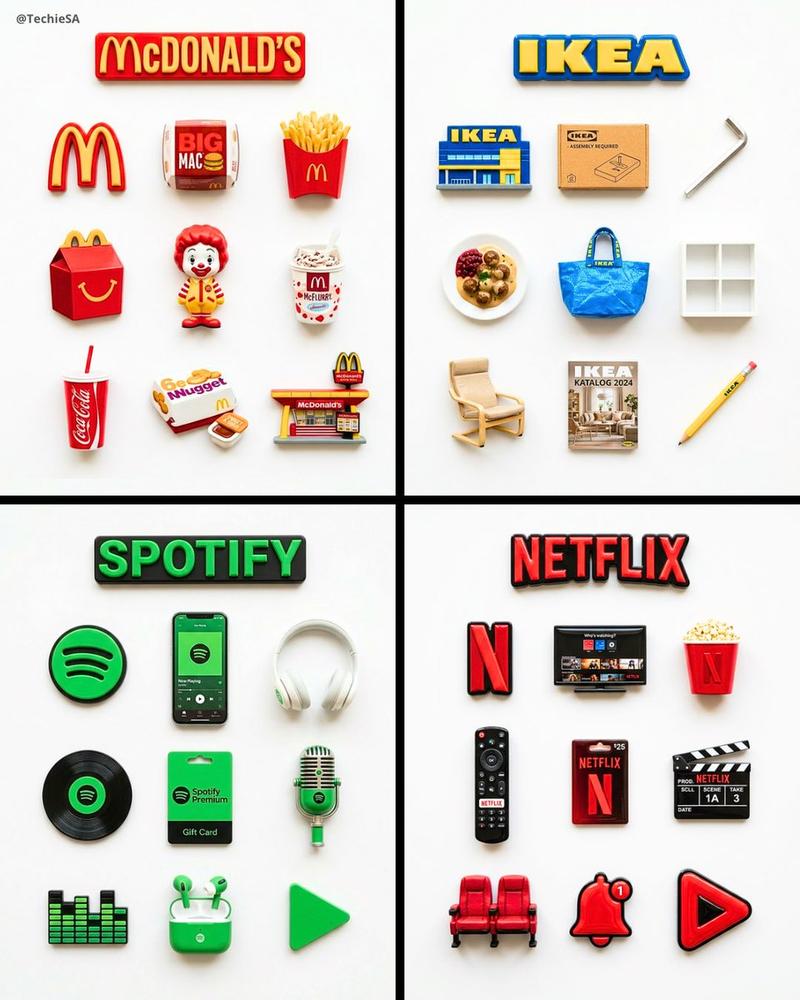
复古风格图标
Enlarge

Example images

复古风格图标

Prompt
Create an illustration of a [OBJECT] in a retro cartoon style. Use only flat, solid colors with no gradients, smudging, airbrushing, or blur. All shading and highlights should be made from clean, separate color blocks. Outline all shapes with thick, bold black lines. Use a simplified color palette (such as teal, coral, mustard, and white) for a vintage feel. Add small sparkle accents or motion lines for charm, but keep the icon the clear focus. Set the illustration on a plain white background. The final result must be crisp, clean, and vector friendly with sharp edges and no texture or raster effects. Square aspect ratio.
Category
Brand & Logos
Model
GPT Image 2
Creator
@gnrlyxyz
Views50
Source ID
943
Published
Jan 8, 2026

Guide

About "复古风格图标"

What is this prompt for?

"复古风格图标" AI image prompt for GPT Image 2 (Brand & Logos). 创建复古卡通风格的 [OBJECT] 插图。仅使用单色,不要使用渐变、涂抹、喷枪或模糊。所有阴影和高光都应由干净、独立的色块制成。用粗大的黑色线条勾勒出所有形状的轮廓。使用简化的调色板(如蓝绿色、珊瑚色…

The full copyable prompt and example visuals above are ready for AI image generation or one-click recreate in Picva.

How to use this prompt

  1. Step 1

    Open the prompt detail

    Review the example visuals, category, and full prompt text for "复古风格图标".

  2. Step 2

    Copy the prompt

    Copy the prompt body from this page, or load it directly in Studio.

  3. Step 3

    Pick a model (GPT Image 2)

    Prefer GPT Image 2. If you switch models, keep subject and composition and tweak style terms.

  4. Step 4

    Generate and export

    Recreate the look in Picva, or export into your workflow for editing and publishing.

FAQ

What is the "复古风格图标" prompt?
It is an AI image-generation prompt for GPT Image 2 in the Brand & Logos category. This page includes the full prompt text, example visuals, and a one-click recreate path in Picva.
How do I use this prompt to generate an image?
Copy the prompt from this page, or use Generate / Studio. Paste it into a compatible image model, or recreate the look in Picva with optional reference images.
Which model is this prompt for?
This page lists GPT Image 2. Most descriptive prompts also transfer to nearby image models such as GPT Image, Flux, or Midjourney with light style tweaks.
Can I use the result commercially?
You can usually copy the prompt for creation, but commercial use of the final image depends on the model terms, reference-image rights, and the generated content. Follow the source author and platform rules.