13

精致纸艺折纸模型
Enlarge

精致纸艺折纸模型

Prompt
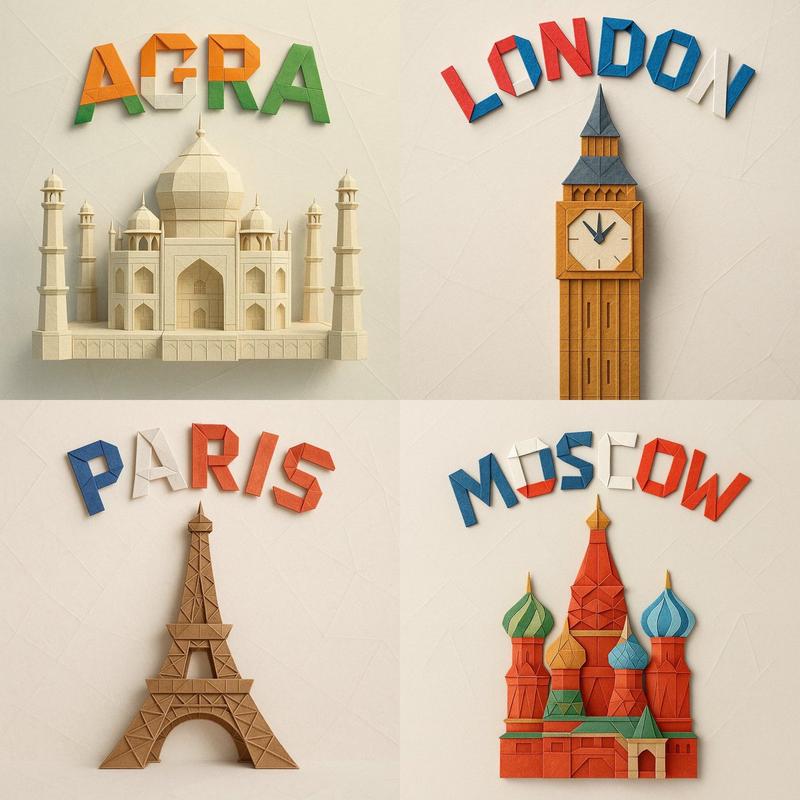
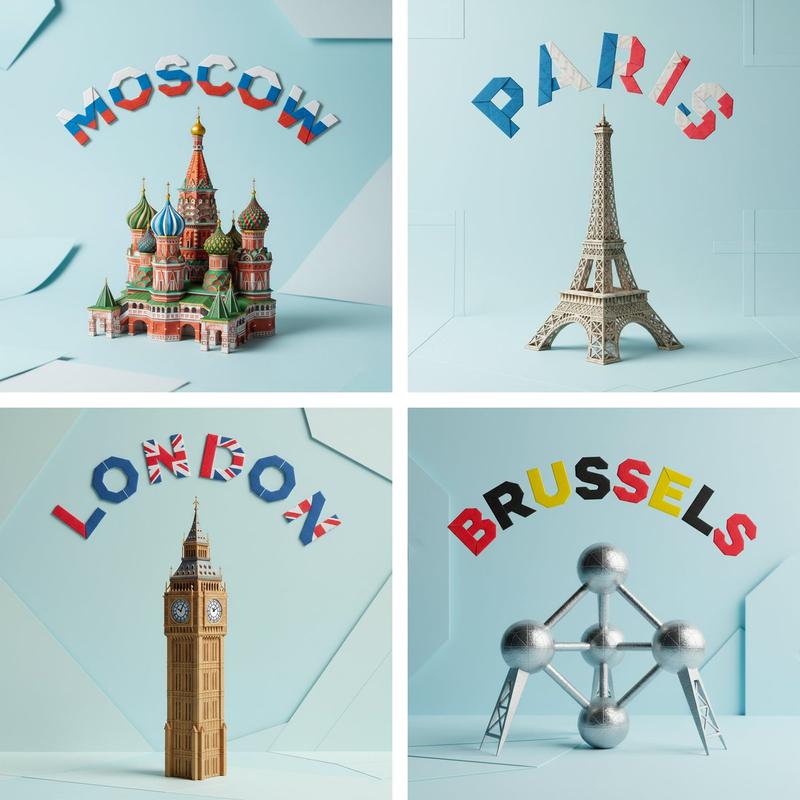
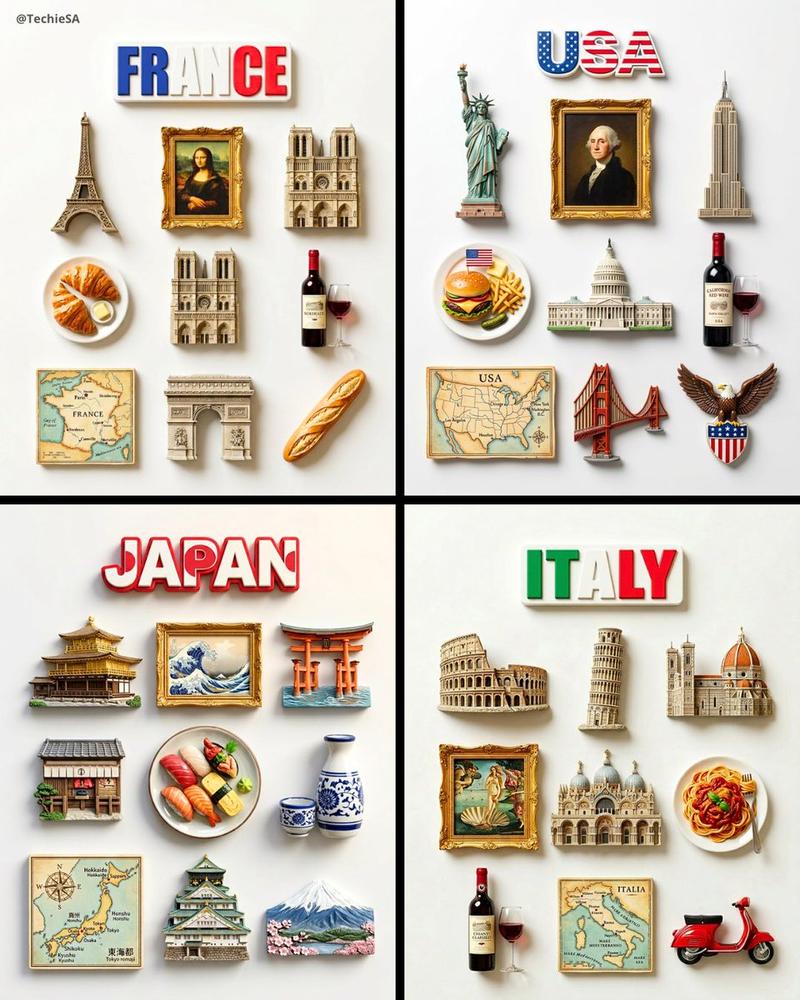
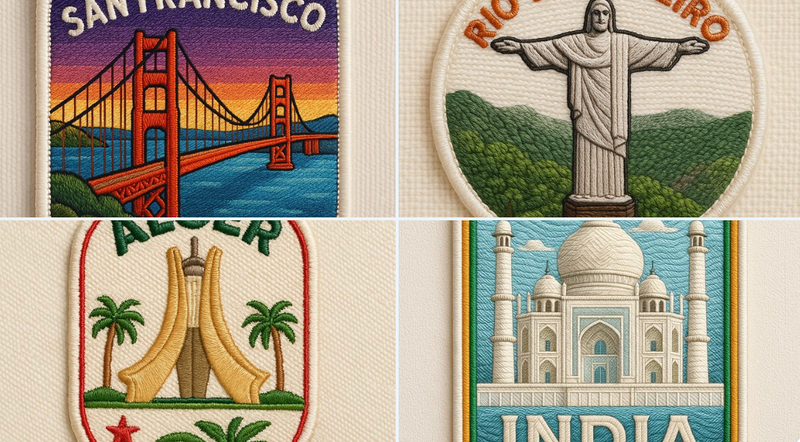
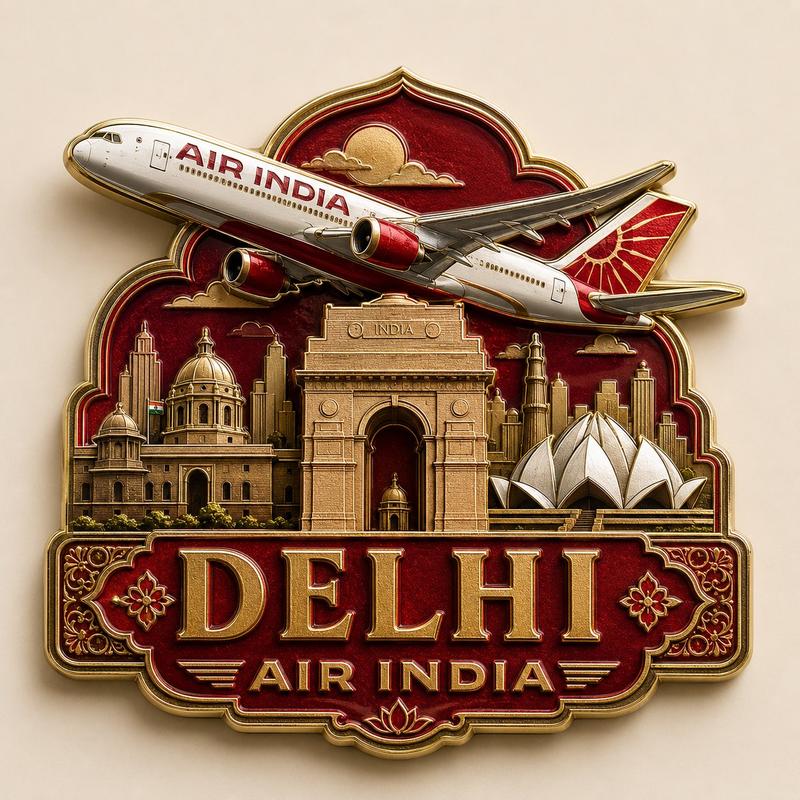
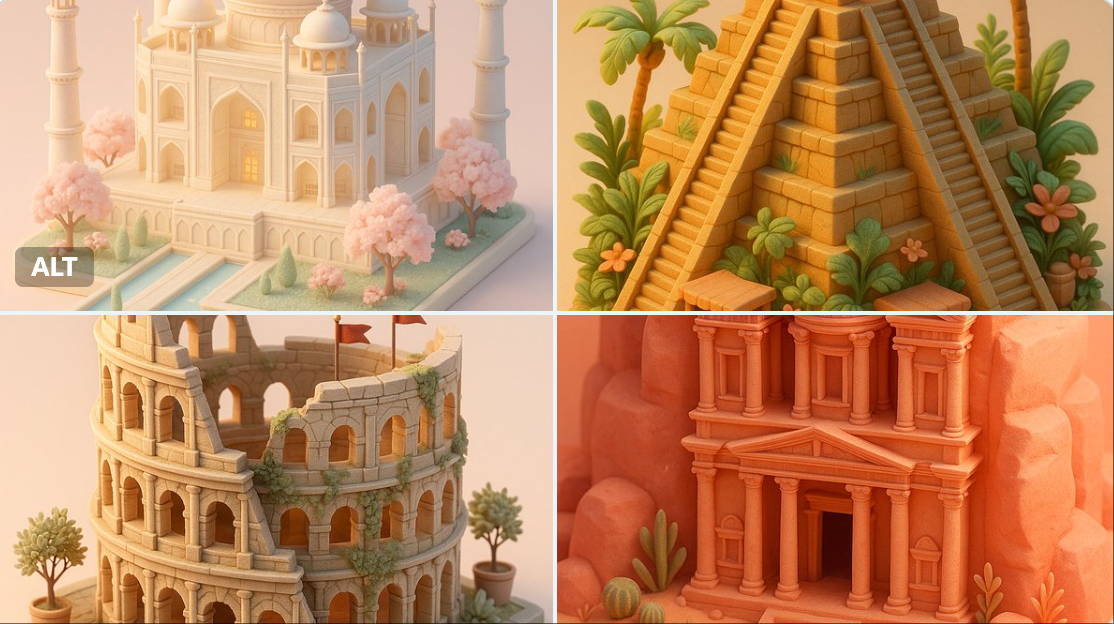
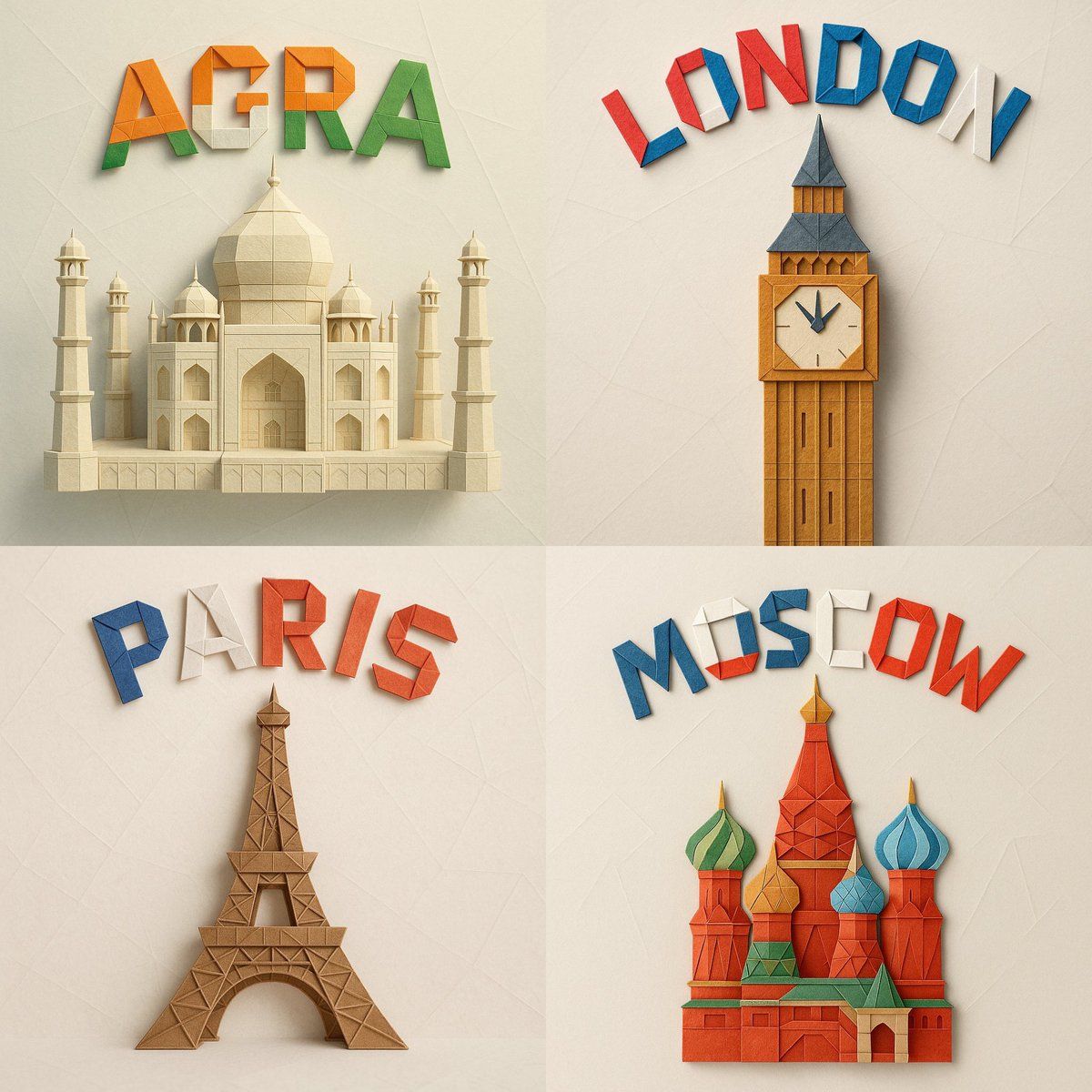
A square 1:1 format digital photograph of an intricate paper origami model representing (MONUMENT_NAME), folded from textured colored paper and centered in the frame. Above it, the word (CITY_NAME) appears in bold origami-style letters, folded from vibrant paper using the national colors of the country, and arranged in a graceful arch. The background is soft and minimal, in a light pastel or neutral tone with subtle paper textures or abstract geometric details. Lighting is soft and diffused, casting natural shadows that enhance the depth and sharpness of each fold. The overall style is clean, realistic, and handcrafted, emphasizing material texture, geometric precision, and visual harmony.
Category
Architecture & Spaces
Model
GPT Image 2
Creator
@Kerroudjm
Views50
Source ID
1053
Published
Jan 8, 2026

Guide

About "精致纸艺折纸模型"

What is this prompt for?

"精致纸艺折纸模型" AI image prompt for GPT Image 2 (Architecture & Spaces). 一张 1:1 正方形比例的数码照片,画面中央是用纹理彩纸折叠而成的精致纸艺折纸模型,该模型复刻了(纪念碑名称)的造型。模型上方,“(城市名称)” 一词以粗体折纸风格呈现:字母采用该国…

The full copyable prompt and example visuals above are ready for AI image generation or one-click recreate in Picva.

How to use this prompt

  1. Step 1

    Open the prompt detail

    Review the example visuals, category, and full prompt text for "精致纸艺折纸模型".

  2. Step 2

    Copy the prompt

    Copy the prompt body from this page, or load it directly in Studio.

  3. Step 3

    Pick a model (GPT Image 2)

    Prefer GPT Image 2. If you switch models, keep subject and composition and tweak style terms.

  4. Step 4

    Generate and export

    Recreate the look in Picva, or export into your workflow for editing and publishing.

FAQ

What is the "精致纸艺折纸模型" prompt?
It is an AI image-generation prompt for GPT Image 2 in the Architecture & Spaces category. This page includes the full prompt text, example visuals, and a one-click recreate path in Picva.
How do I use this prompt to generate an image?
Copy the prompt from this page, or use Generate / Studio. Paste it into a compatible image model, or recreate the look in Picva with optional reference images.
Which model is this prompt for?
This page lists GPT Image 2. Most descriptive prompts also transfer to nearby image models such as GPT Image, Flux, or Midjourney with light style tweaks.
Can I use the result commercially?
You can usually copy the prompt for creation, but commercial use of the final image depends on the model terms, reference-image rights, and the generated content. Follow the source author and platform rules.