12

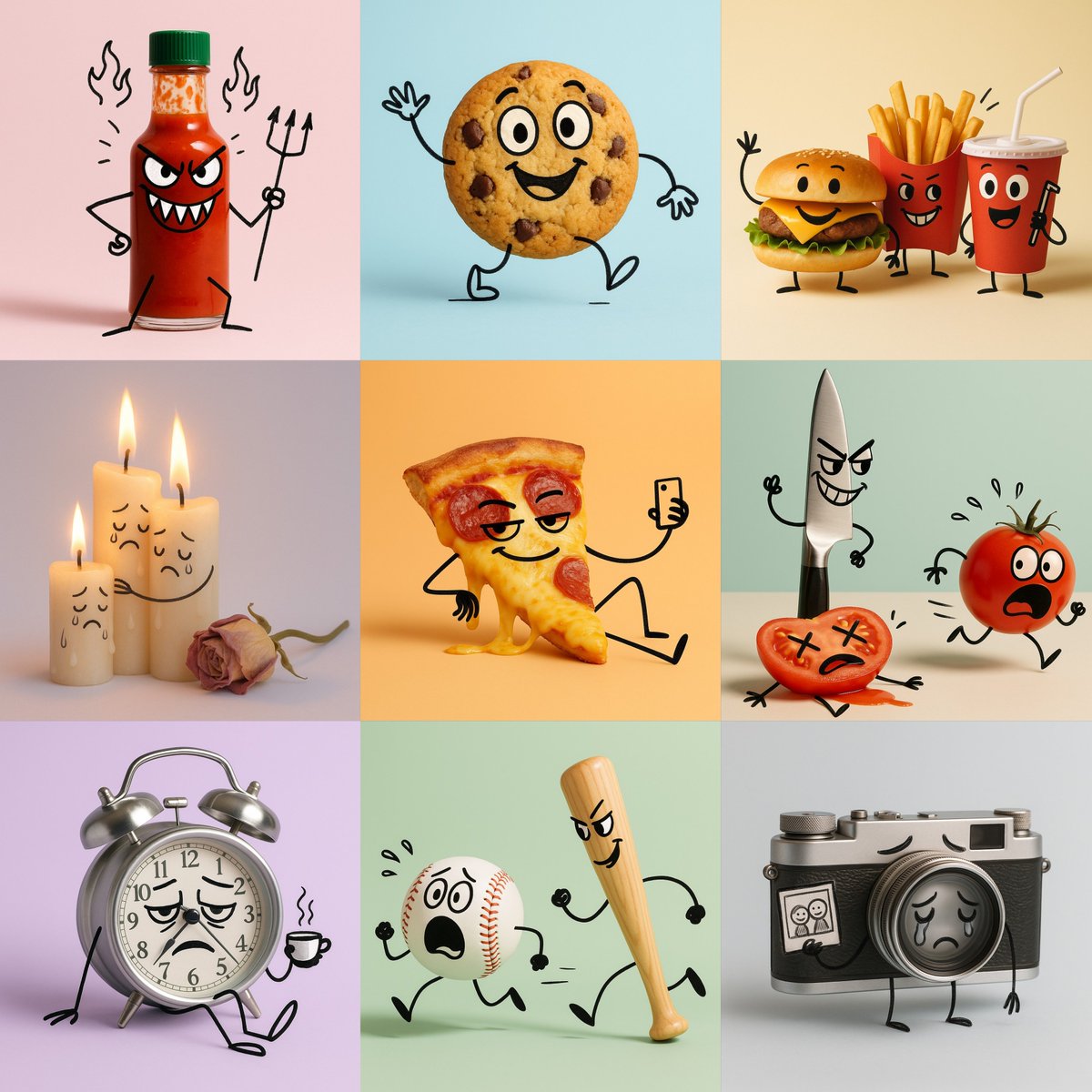
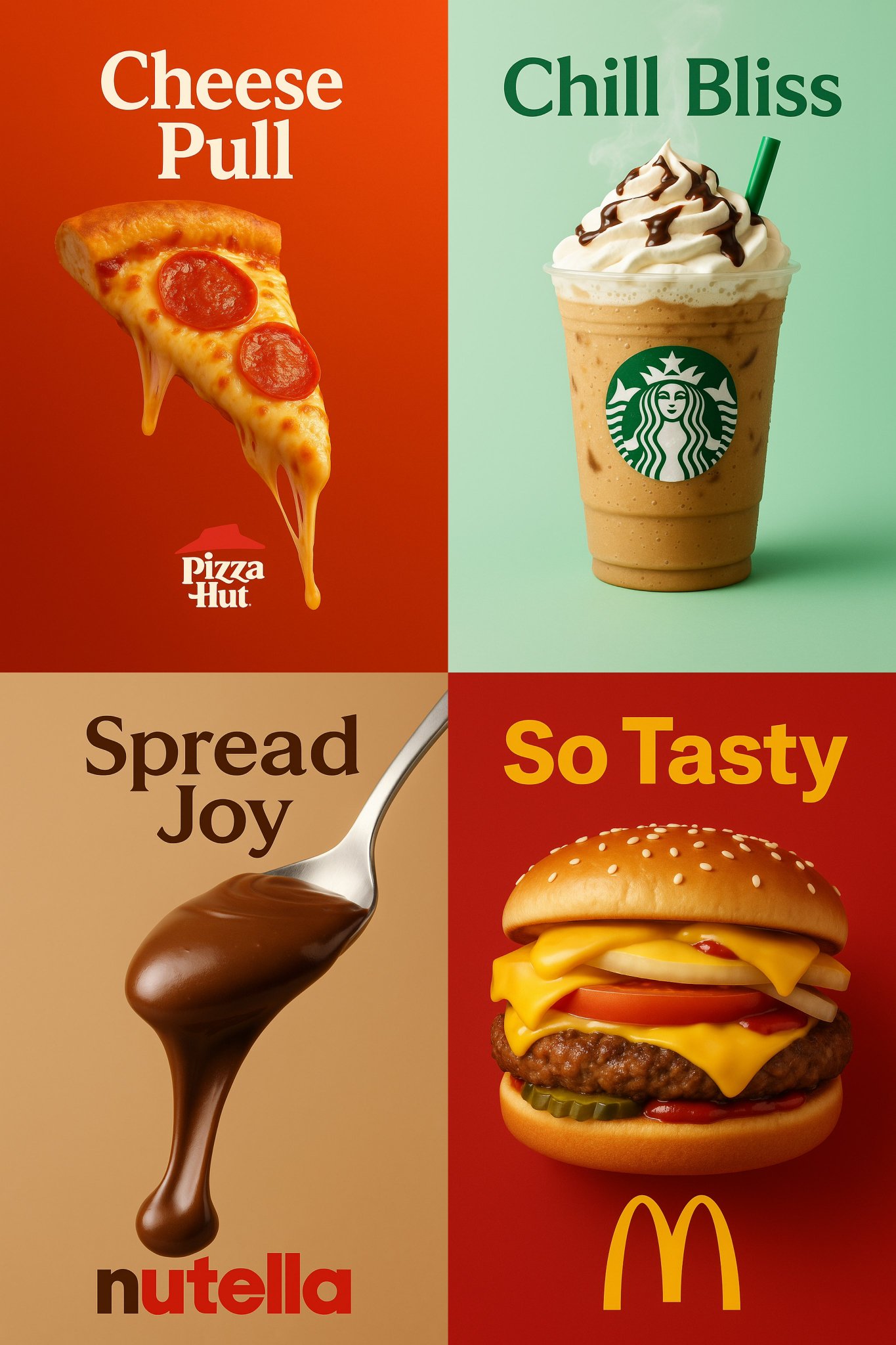
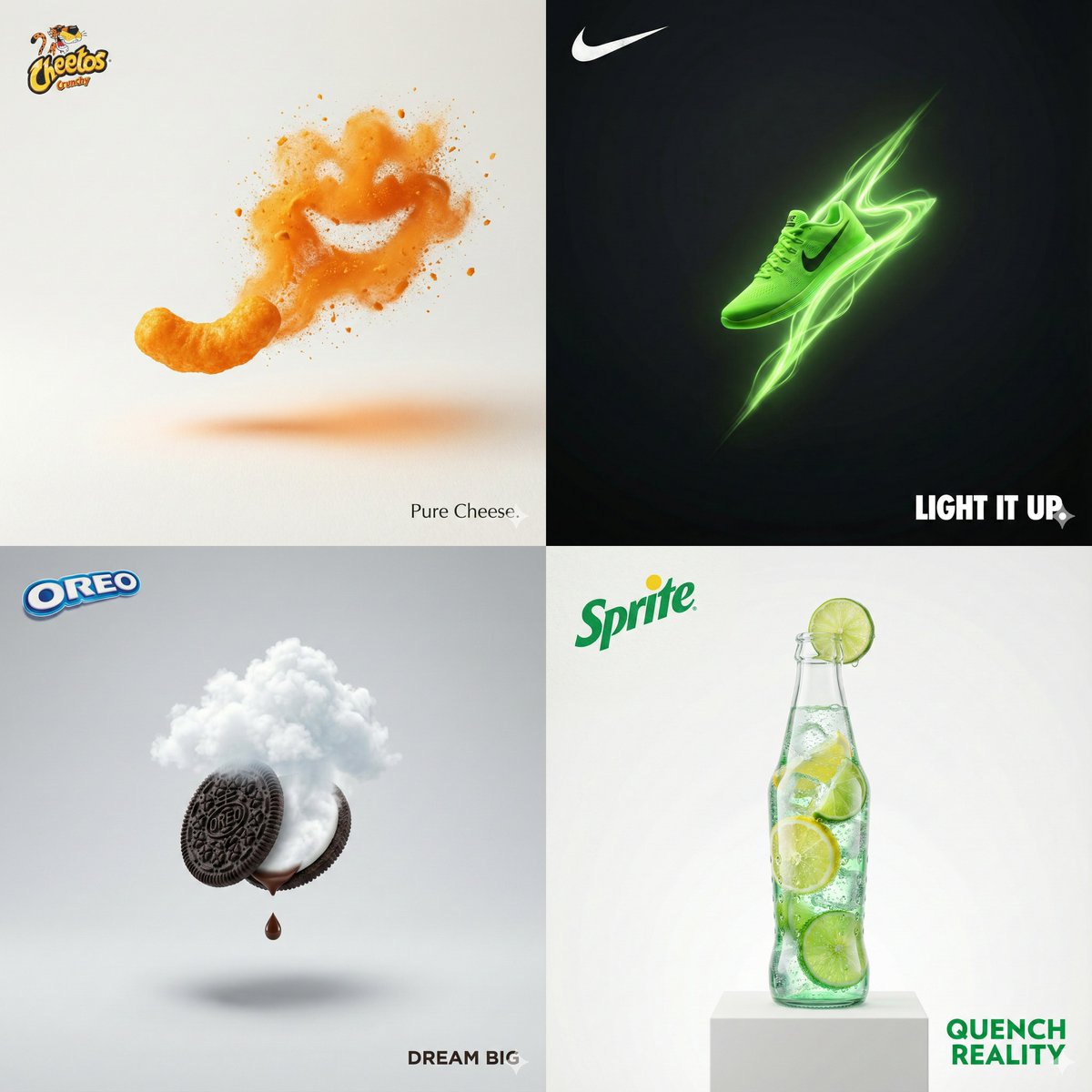
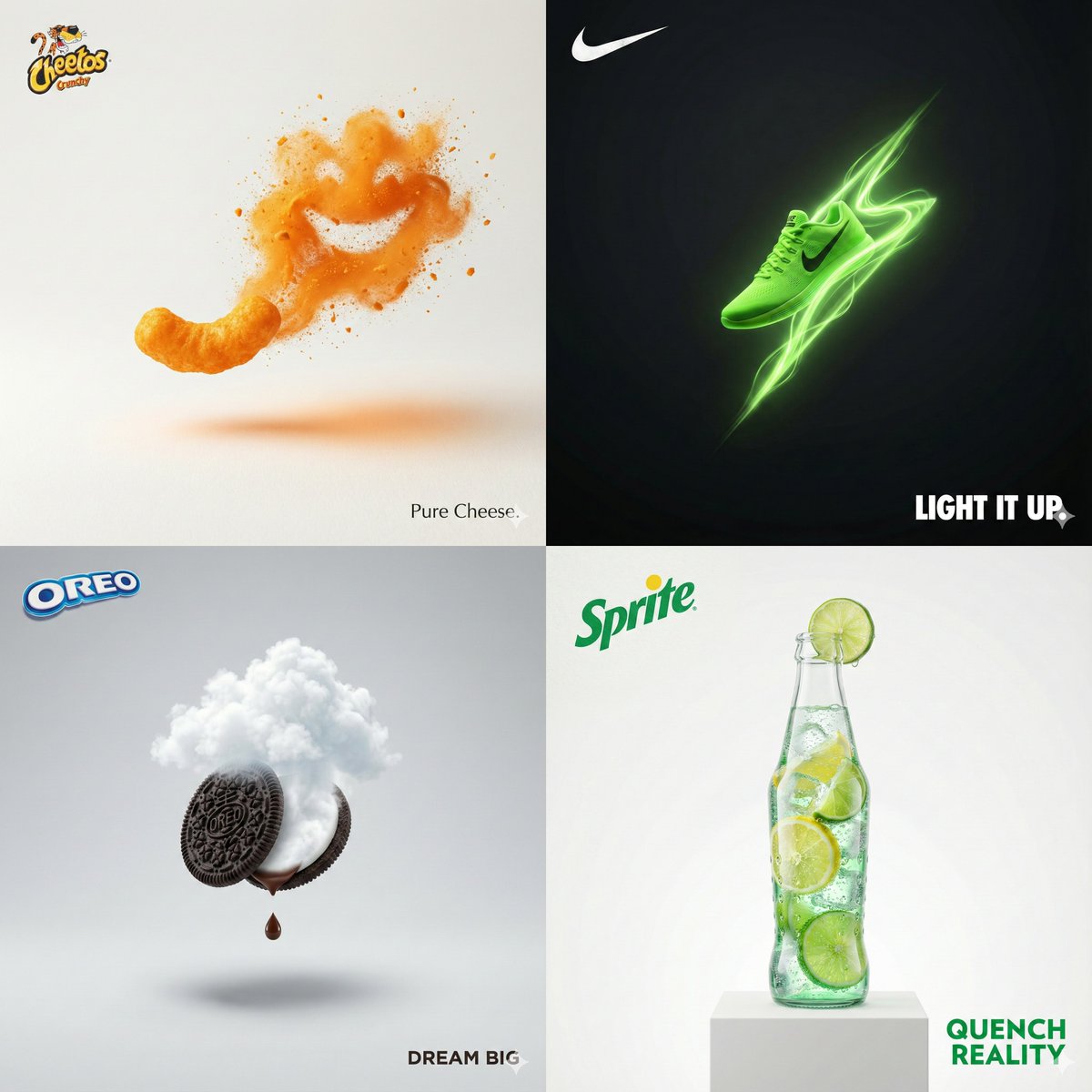
卡通插图
Enlarge

卡通插图

Prompt
A cartoon illustration of [OBJECT],
photographed in a clean minimal studio setup. All objects remain realistic and three-dimensional, but have been transformed into expressive cartoon characters:
• [DESCRIPTION & EMOTION]  
  (describe facial features, expressions, and emotional tone for each object)
• [ACTION]  
• doodle lines are black, slightly uneven, and hand-drawn —  like quick expressive sketchbook strokes drawn directly on the objects.
Style: hybrid mix of real product photography and cartoon doodle overlay.  
Background: solid pastel [COLOR], clean and minimal.
Lighting: soft, even, studio-style — subtle highlights and gentle shadows; no harsh light.
Mood: [MOOD / THEME — e.g. playful, melancholic, poetic, humorous].  
Keywords: hybrid photo-doodle, product cartoon, expressive characters, minimal pastel background. Aspect ratio: 1:1
Category
Products & E-commerce
Model
GPT Image 2
Creator
@Arminn_Ai
Views75
Source ID
1150
Published
Jan 8, 2026

Guide

About "卡通插图"

What is this prompt for?

"卡通插图" AI image prompt for GPT Image 2 (Products & E-commerce). [OBJECT]的卡通插图, 在简洁干净的工作室环境中拍摄。所有物体都保持了真实感和三维立体感,但又被转化成了富有表现力的卡通人物: • [描述和情感] (描述每个物体的面部特征、表情和情绪…

The full copyable prompt and example visuals above are ready for AI image generation or one-click recreate in Picva.

How to use this prompt

  1. Step 1

    Open the prompt detail

    Review the example visuals, category, and full prompt text for "卡通插图".

  2. Step 2

    Copy the prompt

    Copy the prompt body from this page, or load it directly in Studio.

  3. Step 3

    Pick a model (GPT Image 2)

    Prefer GPT Image 2. If you switch models, keep subject and composition and tweak style terms.

  4. Step 4

    Generate and export

    Recreate the look in Picva, or export into your workflow for editing and publishing.

FAQ

What is the "卡通插图" prompt?
It is an AI image-generation prompt for GPT Image 2 in the Products & E-commerce category. This page includes the full prompt text, example visuals, and a one-click recreate path in Picva.
How do I use this prompt to generate an image?
Copy the prompt from this page, or use Generate / Studio. Paste it into a compatible image model, or recreate the look in Picva with optional reference images.
Which model is this prompt for?
This page lists GPT Image 2. Most descriptive prompts also transfer to nearby image models such as GPT Image, Flux, or Midjourney with light style tweaks.
Can I use the result commercially?
You can usually copy the prompt for creation, but commercial use of the final image depends on the model terms, reference-image rights, and the generated content. Follow the source author and platform rules.