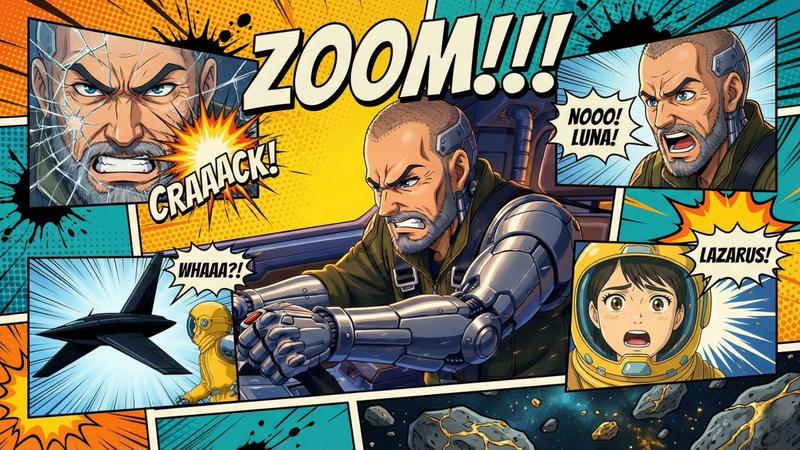
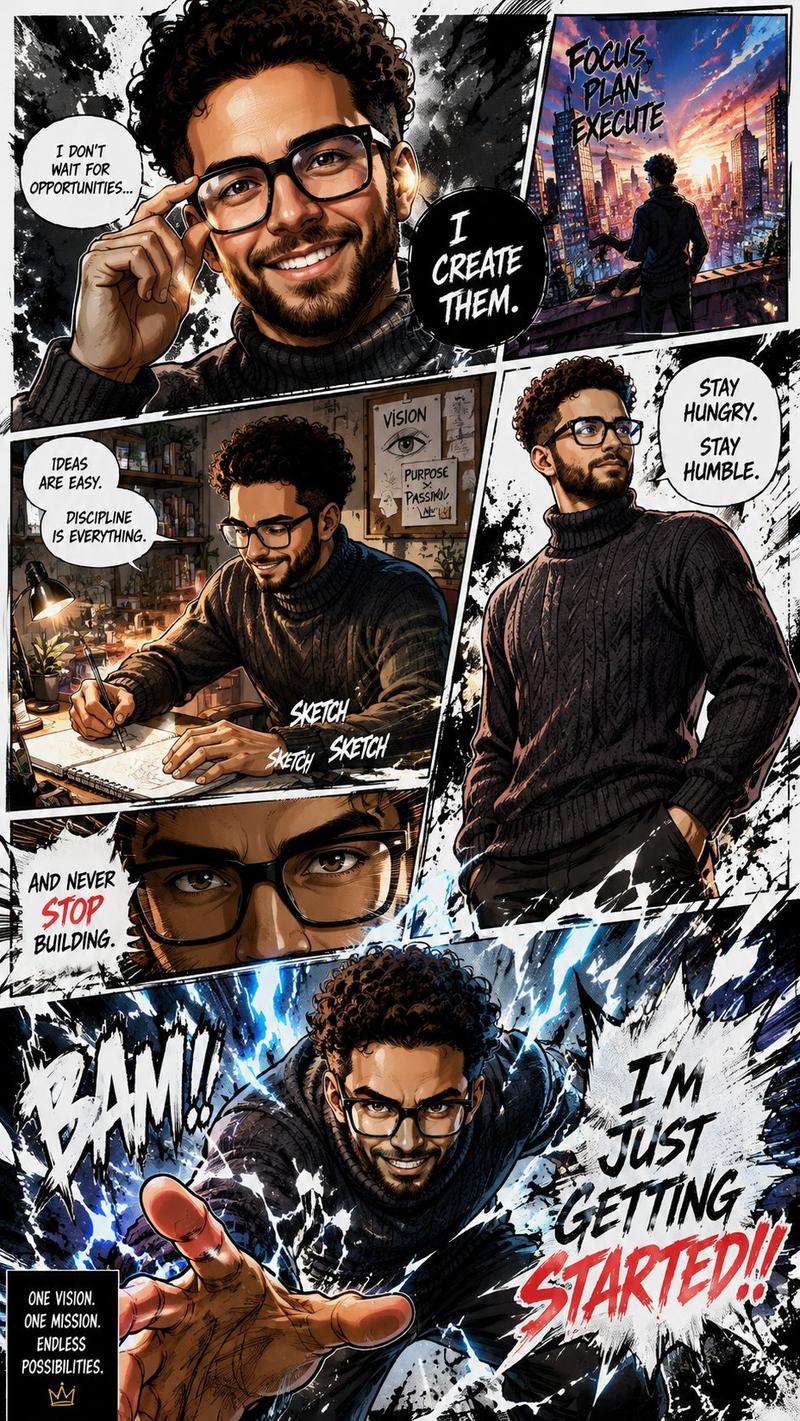
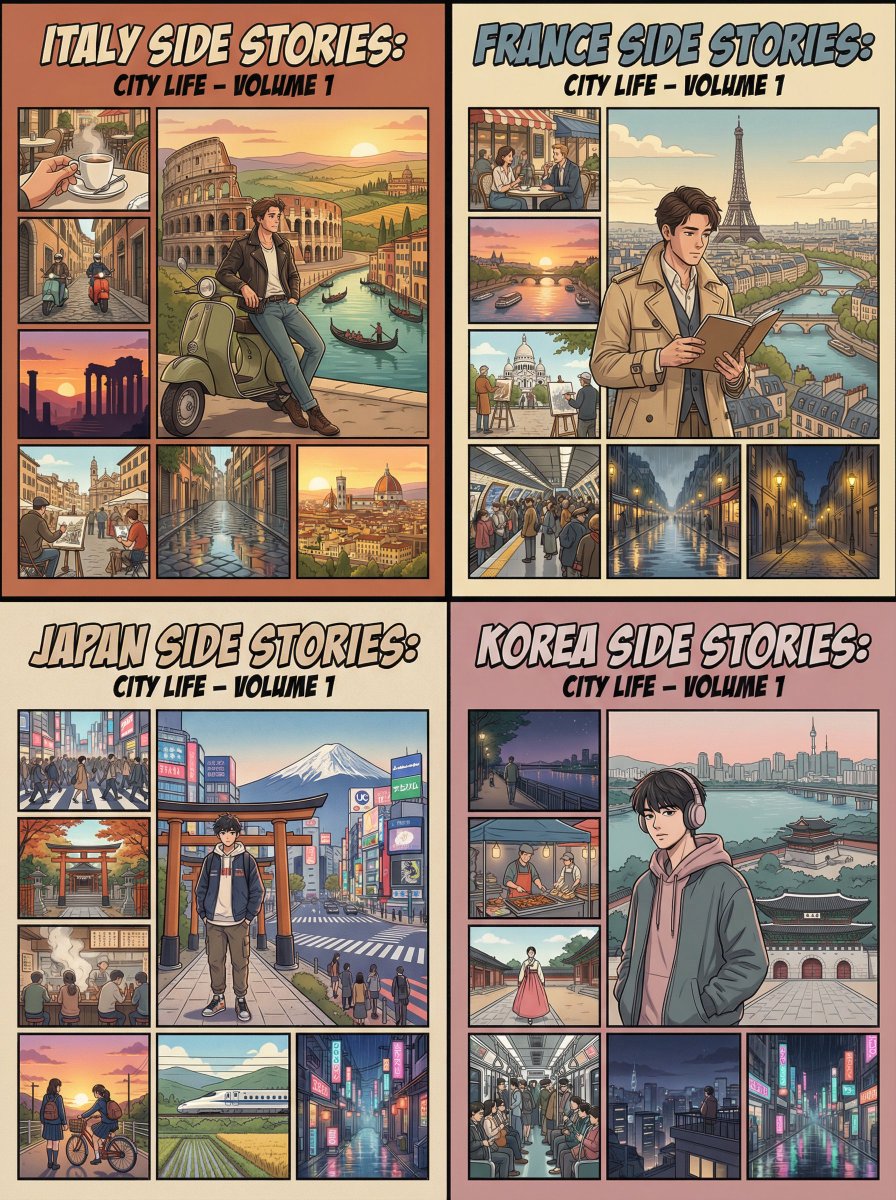
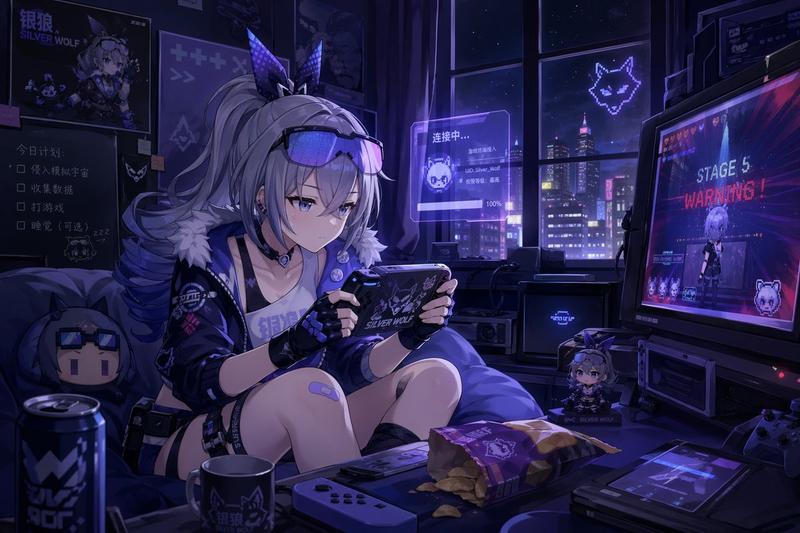
16

创建你自己的GTA角色
Enlarge

创建你自己的GTA角色

Prompt
Act as a creative director at Rockstar Games. Create a fictional GTA VI character sheet in the exact same style as the official GTA VI promotional images.

The layout must be:

A horizontal character sheet, with the character on the right, in a dynamic pose that reflects their personality.
On the left, include the following structured text:
A small "VI" logo at the top left (mention it visually).
The character’s name in big bold text.
A catchy slogan or tagline right below in a different bright color.
A short backstory (3–5 lines) written in an ironic, street-smart, or playful tone — just like Rockstar’s tone of voice.

Use the vibrant Vice City aesthetic with sunset lighting, neon accents, and cel-shaded comic style. The character’s clothing, action, and environment must reflect their archetype and background.

Let me customize the following variables:

Archetype: {your choice}

Gender: {your choice}

Skin tone: {your choice}

Hairstyle: {your choice}

Emotion : {your choice}

Outfit: {your choice}

Weapon or action: {your choice}

Background details: {your choice}

Generate a fictive name in tittle and a description in english

Format the final result like a finished in-game asset reveal. The vibe should be over-the-top, stylish, and full of personality — as if part of the real GTA VI world.

(if the "Your choice" sections are not filled with personalized information, it's up to you to generate it randomly by yourself) generate the visual directly from now on
Category
Posters & Typography
Model
GPT Image 2
Views94
Source ID
775
Published
Jan 8, 2026

Guide

About "创建你自己的GTA角色"

What is this prompt for?

"创建你自己的GTA角色" AI image prompt for GPT Image 2 (Posters & Typography). Act as a creative director at Rockstar Games. Create a fictional GTA VI character sheet i…

The full copyable prompt and example visuals above are ready for AI image generation or one-click recreate in Picva.

How to use this prompt

  1. Step 1

    Open the prompt detail

    Review the example visuals, category, and full prompt text for "创建你自己的GTA角色".

  2. Step 2

    Copy the prompt

    Copy the prompt body from this page, or load it directly in Studio.

  3. Step 3

    Pick a model (GPT Image 2)

    Prefer GPT Image 2. If you switch models, keep subject and composition and tweak style terms.

  4. Step 4

    Generate and export

    Recreate the look in Picva, or export into your workflow for editing and publishing.

FAQ

What is the "创建你自己的GTA角色" prompt?
It is an AI image-generation prompt for GPT Image 2 in the Posters & Typography category. This page includes the full prompt text, example visuals, and a one-click recreate path in Picva.
How do I use this prompt to generate an image?
Copy the prompt from this page, or use Generate / Studio. Paste it into a compatible image model, or recreate the look in Picva with optional reference images.
Which model is this prompt for?
This page lists GPT Image 2. Most descriptive prompts also transfer to nearby image models such as GPT Image, Flux, or Midjourney with light style tweaks.
Can I use the result commercially?
You can usually copy the prompt for creation, but commercial use of the final image depends on the model terms, reference-image rights, and the generated content. Follow the source author and platform rules.