20

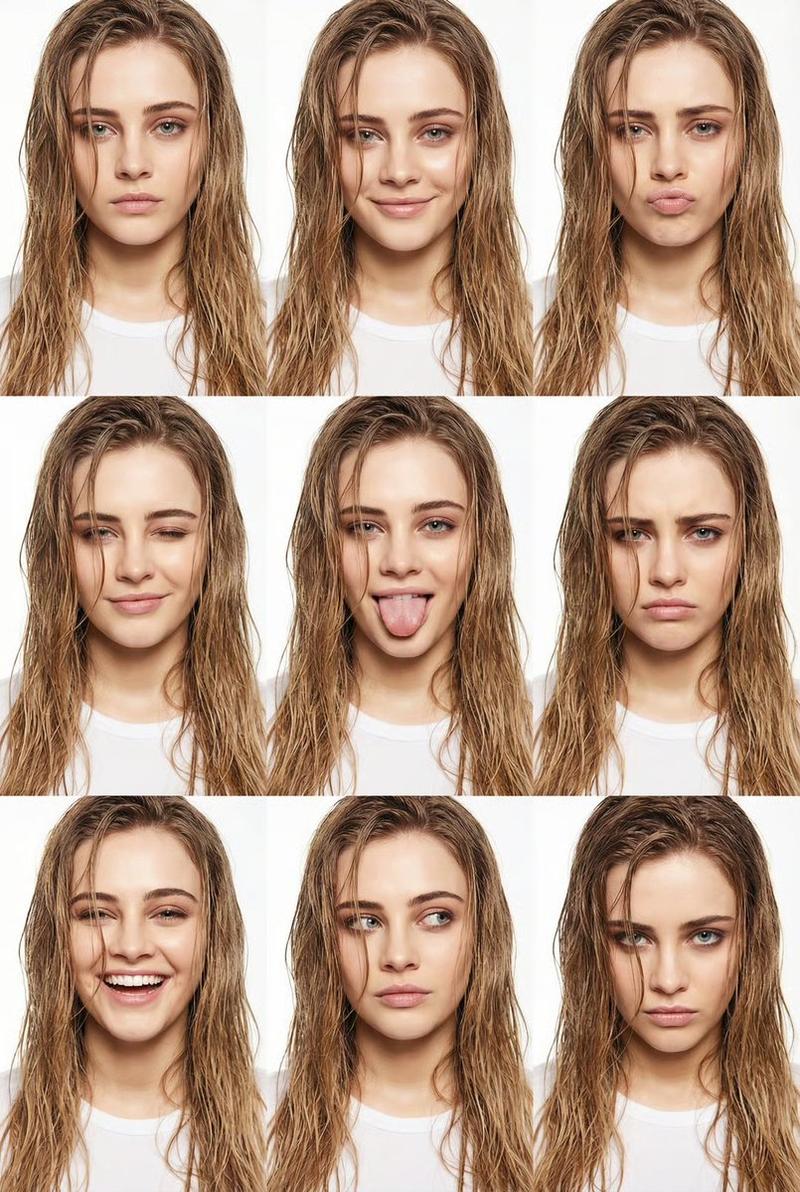
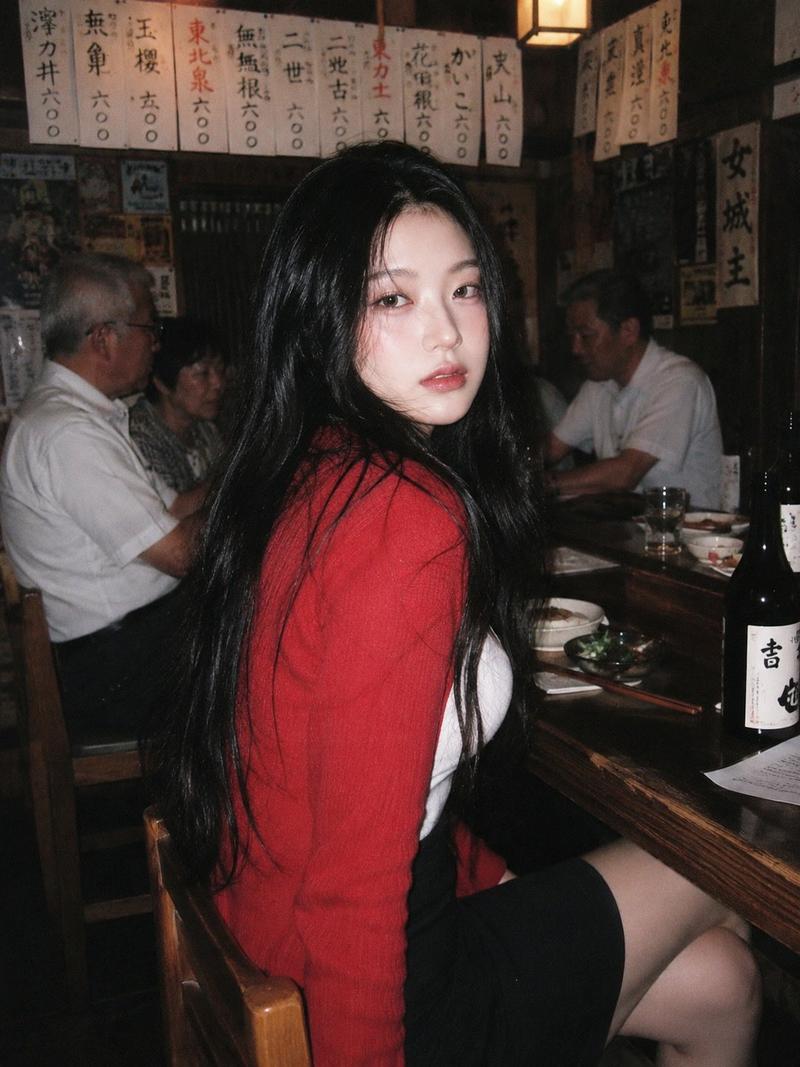
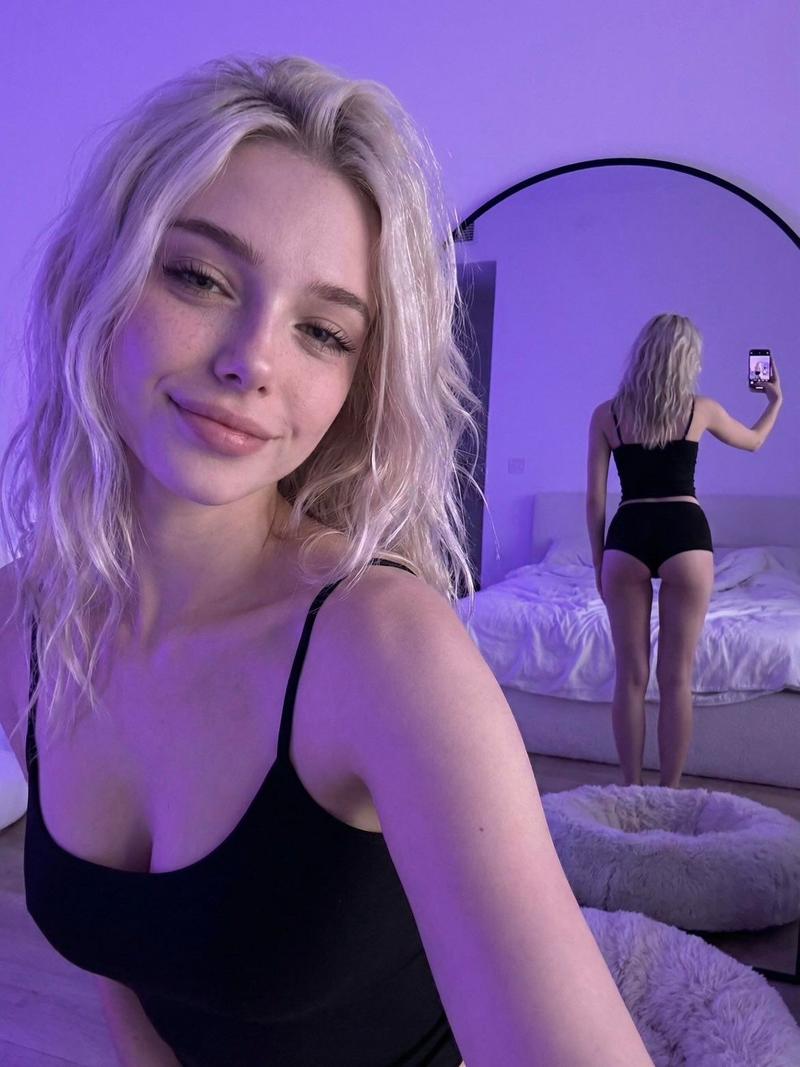
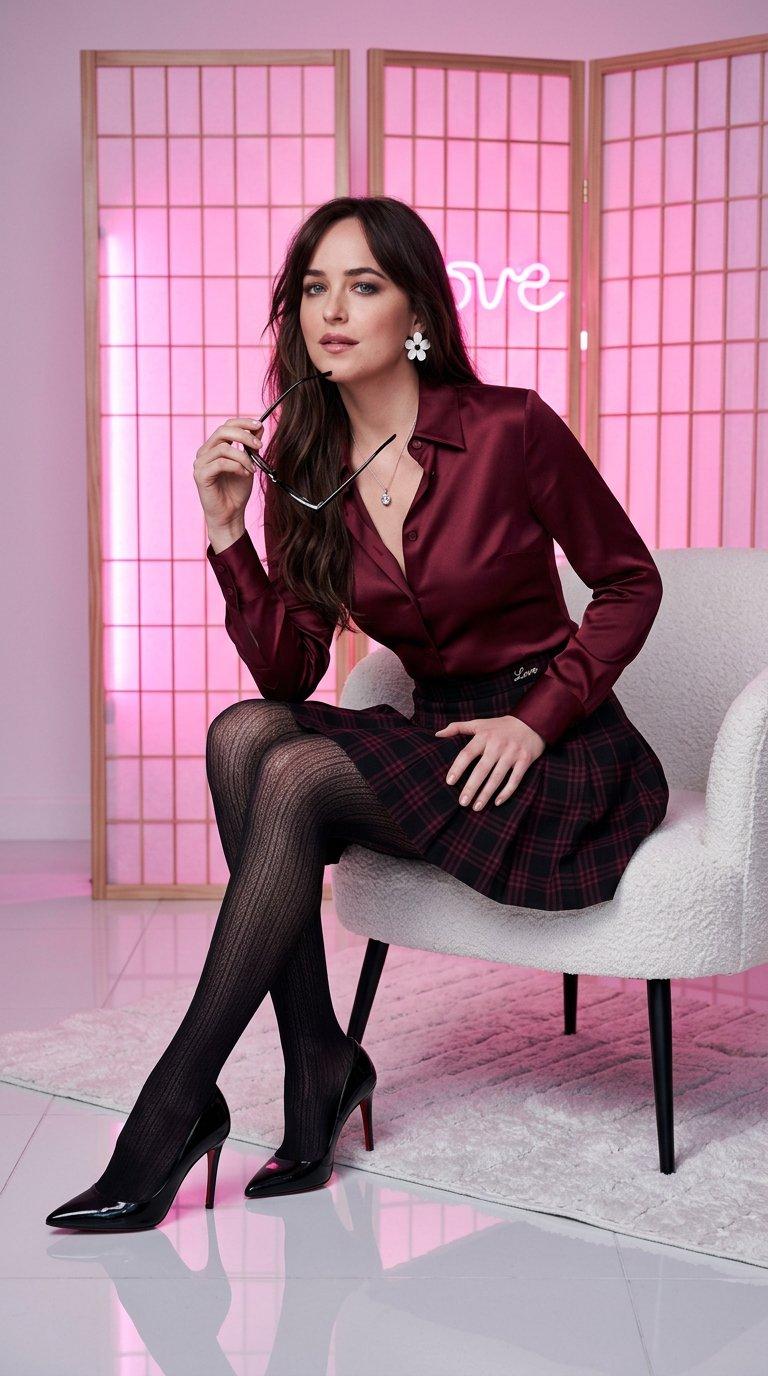
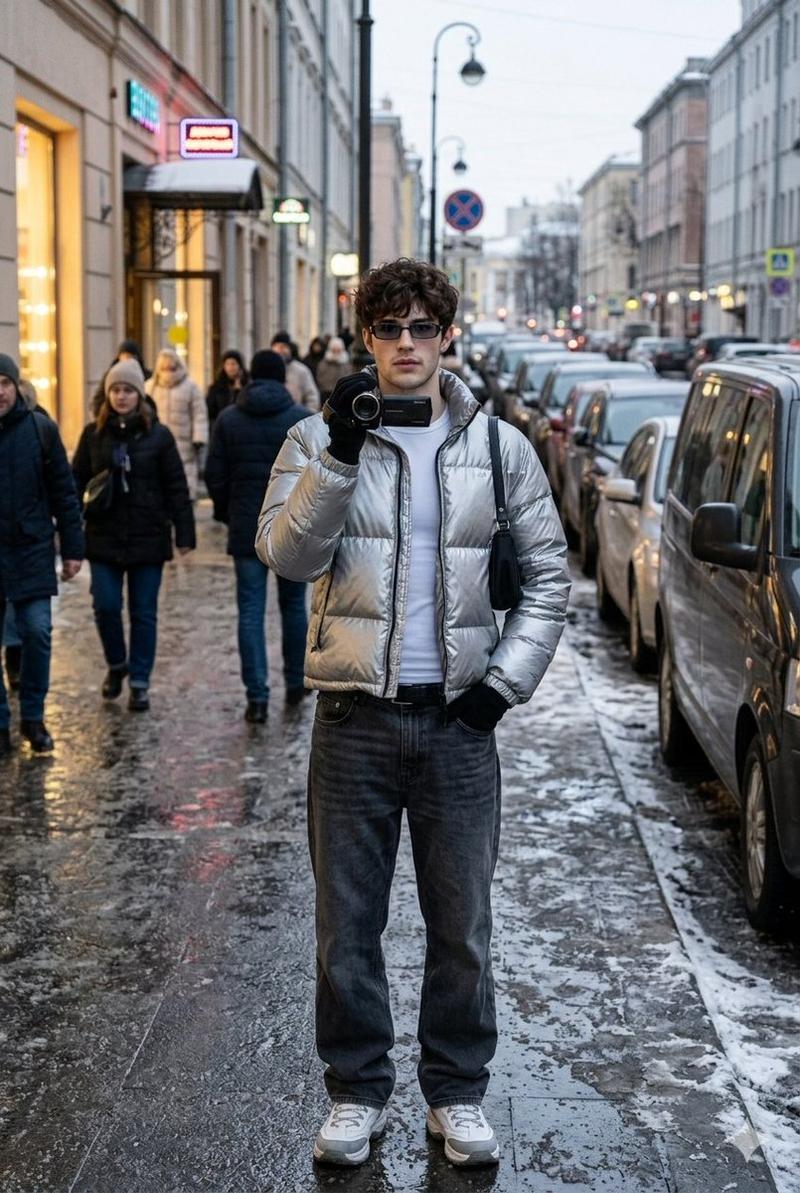
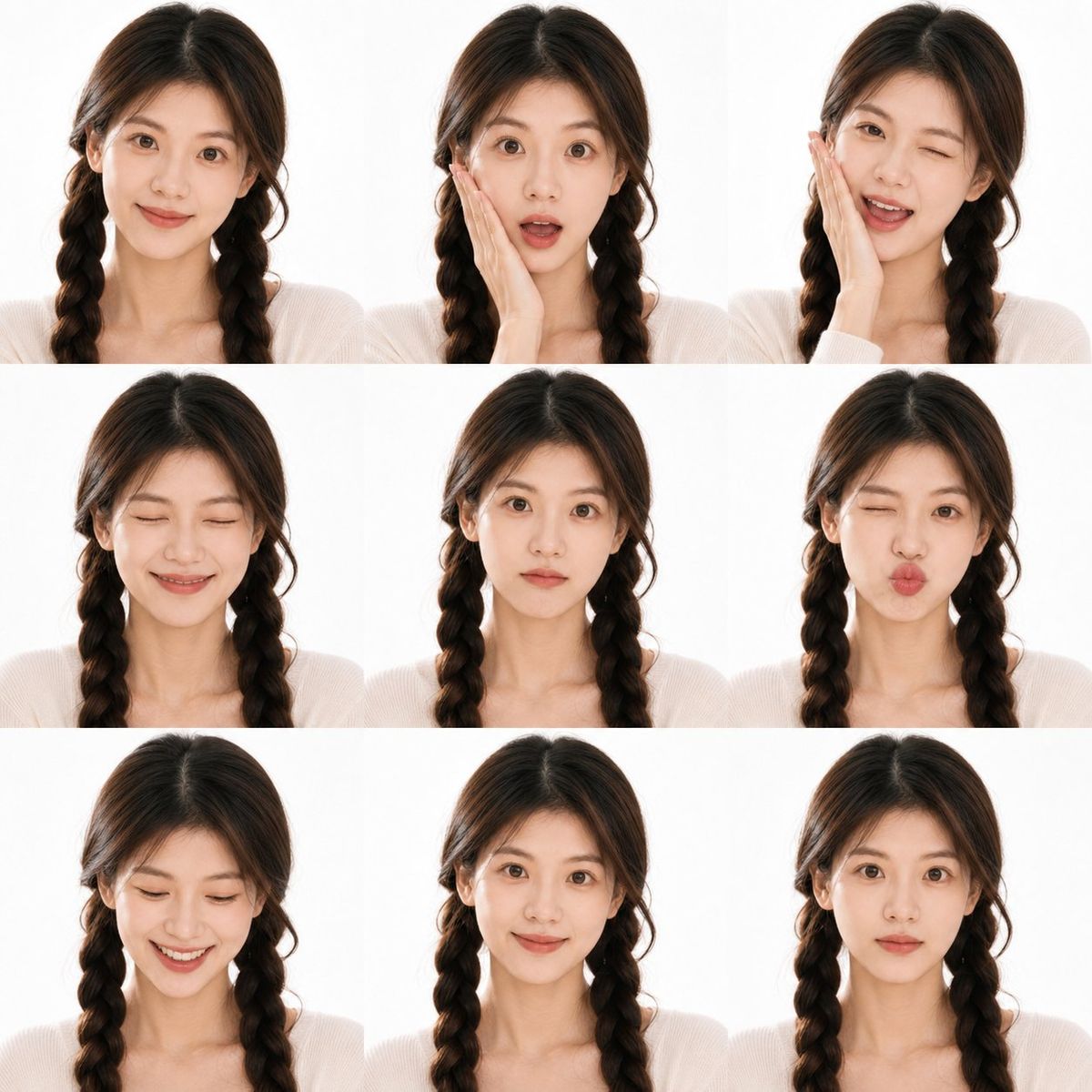
写实风格人物九宫格照片
Enlarge

写实风格人物九宫格照片

Prompt
Use the uploaded portrait only for the person’s facial identity, hairstyle, skin tone, and natural likeness. Create a realistic 3x3 photo booth contact sheet of the same person, close-up head-and-shoulders framing, white studio background, direct soft flash, natural skin texture, casual youthful outfit, each frame showing a different cute facial expression: smile, surprised, wink, laughing, pout, looking down, calm, shy smile, neutral. Real camera photo style, clean layout, consistent lighting, high detail, authentic human face, no watermark, no text.
Negative Prompt:
anime, cartoon, plastic skin, over-smoothed face, fake beauty filter, distorted face, inconsistent identity, bad hands, extra fingers, duplicated features, blurry, low quality, watermark, logo, text, collage errors, unnatural lighting
Category
Posters & Typography
Model
ChatGPT
Views85
Source ID
14898
Published
May 23, 2026

Guide

About "写实风格人物九宫格照片"

What is this prompt for?

"写实风格人物九宫格照片" AI image prompt for ChatGPT (Posters & Typography). 仅使用上传的肖像作为人物的面部身份、发型、肤色和自然相貌。创建一个同一个人写实的 3x3 照相馆联系表,近距离头部和肩部构图,白色摄影棚背景,直接柔光闪光灯,自然的皮肤纹理,休闲年轻的服…

The full copyable prompt and example visuals above are ready for AI image generation or one-click recreate in Picva.

How to use this prompt

  1. Step 1

    Open the prompt detail

    Review the example visuals, category, and full prompt text for "写实风格人物九宫格照片".

  2. Step 2

    Copy the prompt

    Copy the prompt body from this page, or load it directly in Studio.

  3. Step 3

    Pick a model (ChatGPT)

    Prefer ChatGPT. If you switch models, keep subject and composition and tweak style terms.

  4. Step 4

    Generate and export

    Recreate the look in Picva, or export into your workflow for editing and publishing.

FAQ

What is the "写实风格人物九宫格照片" prompt?
It is an AI image-generation prompt for ChatGPT in the Posters & Typography category. This page includes the full prompt text, example visuals, and a one-click recreate path in Picva.
How do I use this prompt to generate an image?
Copy the prompt from this page, or use Generate / Studio. Paste it into a compatible image model, or recreate the look in Picva with optional reference images.
Which model is this prompt for?
This page lists ChatGPT. Most descriptive prompts also transfer to nearby image models such as GPT Image, Flux, or Midjourney with light style tweaks.
Can I use the result commercially?
You can usually copy the prompt for creation, but commercial use of the final image depends on the model terms, reference-image rights, and the generated content. Follow the source author and platform rules.