20

南国沙滩米色比基尼清纯女性
Enlarge

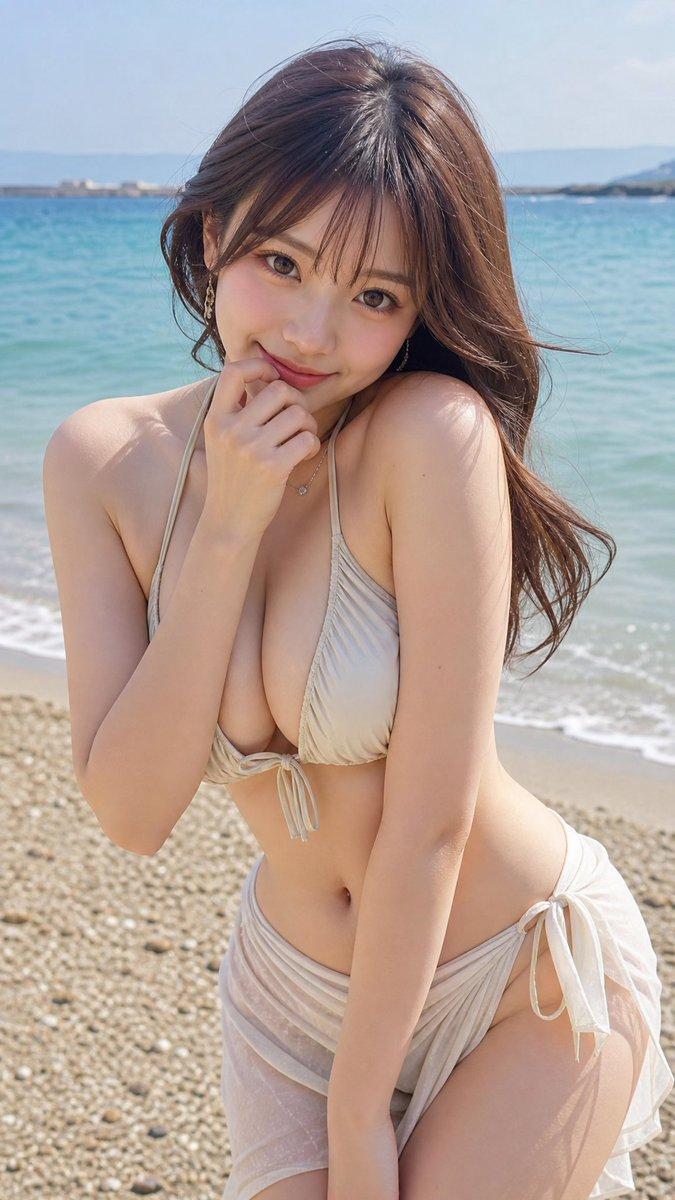
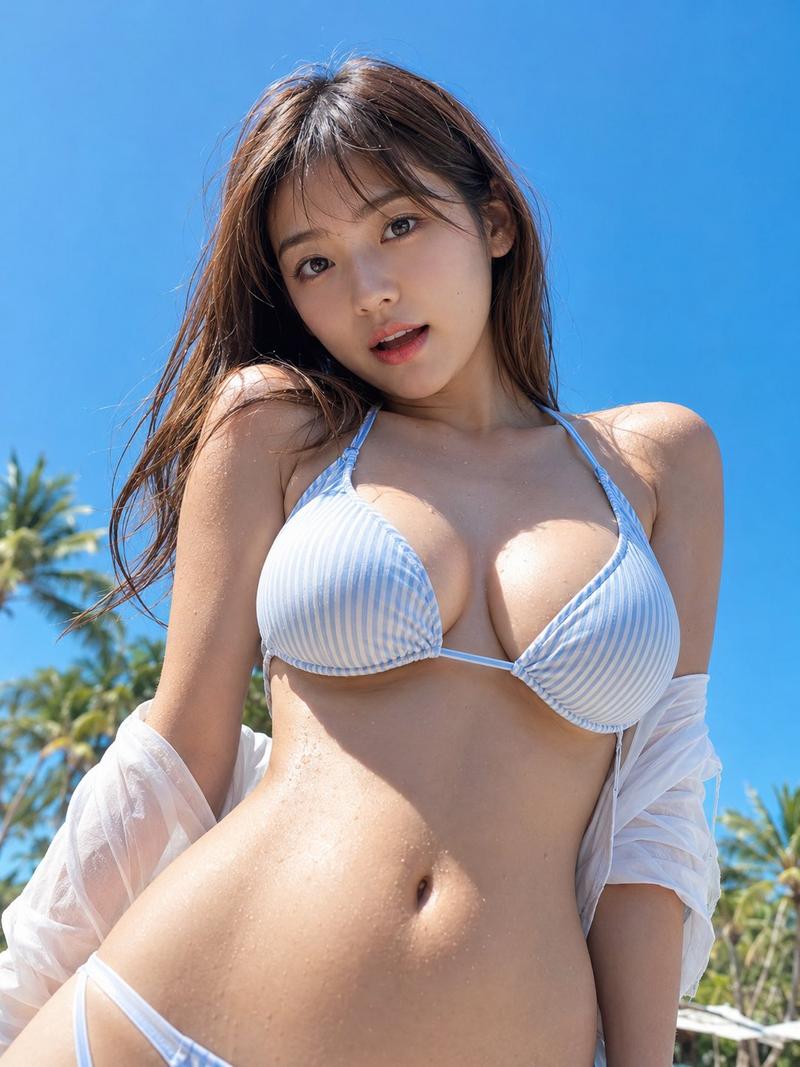
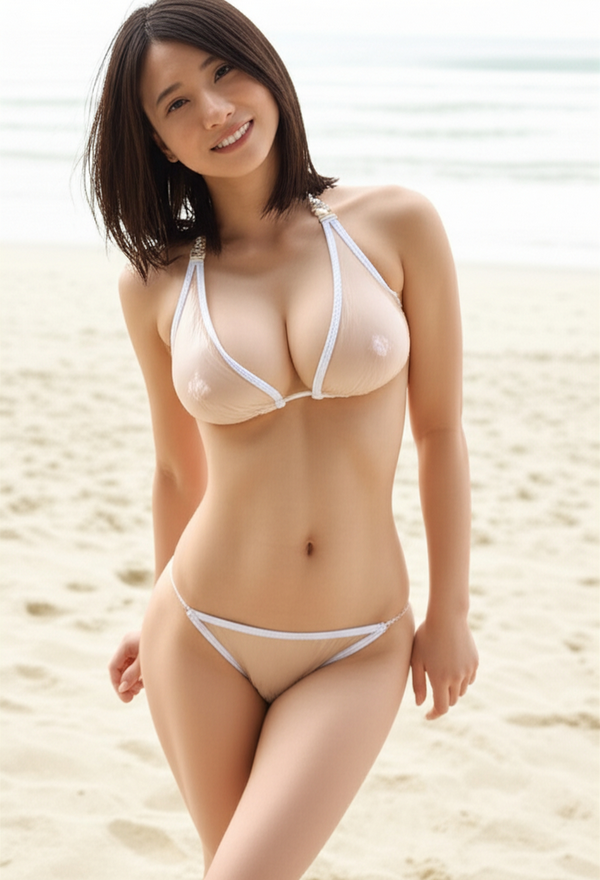
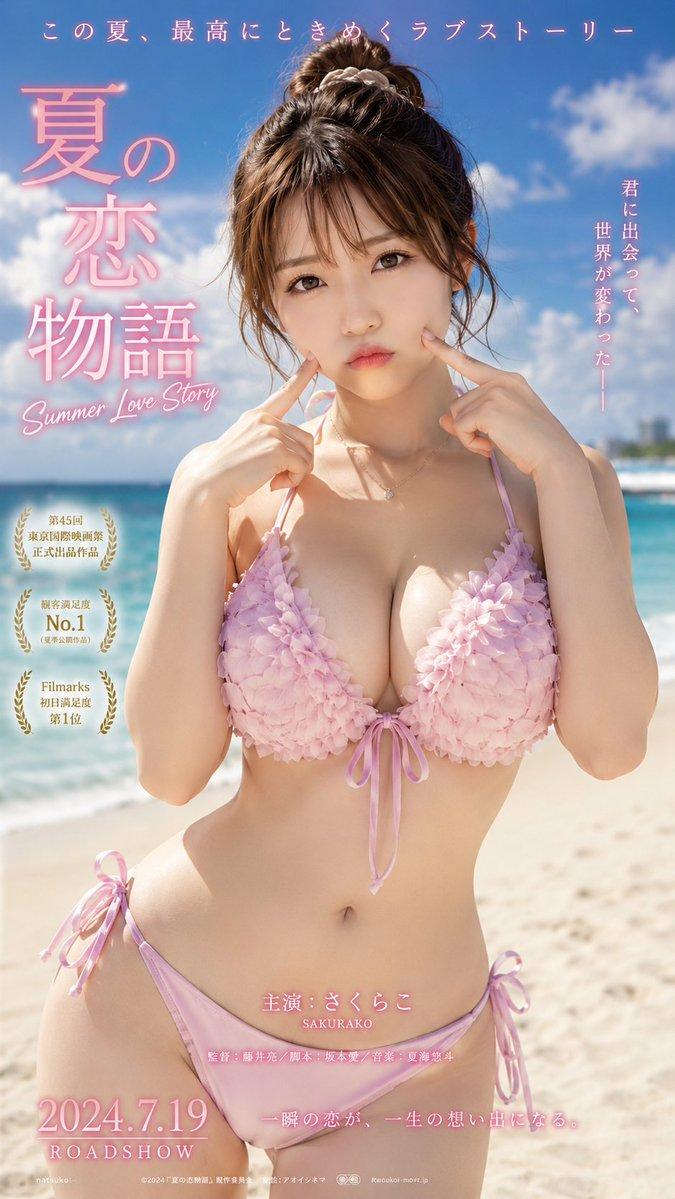
Example images

南国沙滩米色比基尼清纯女性

Prompt
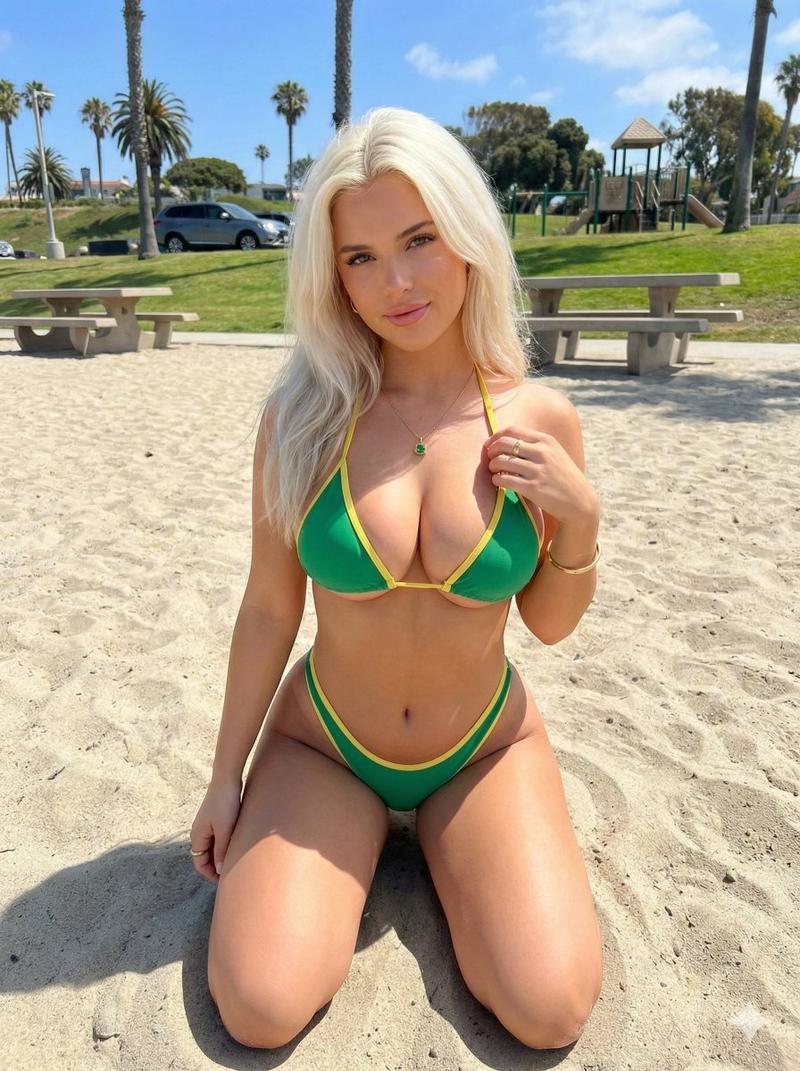
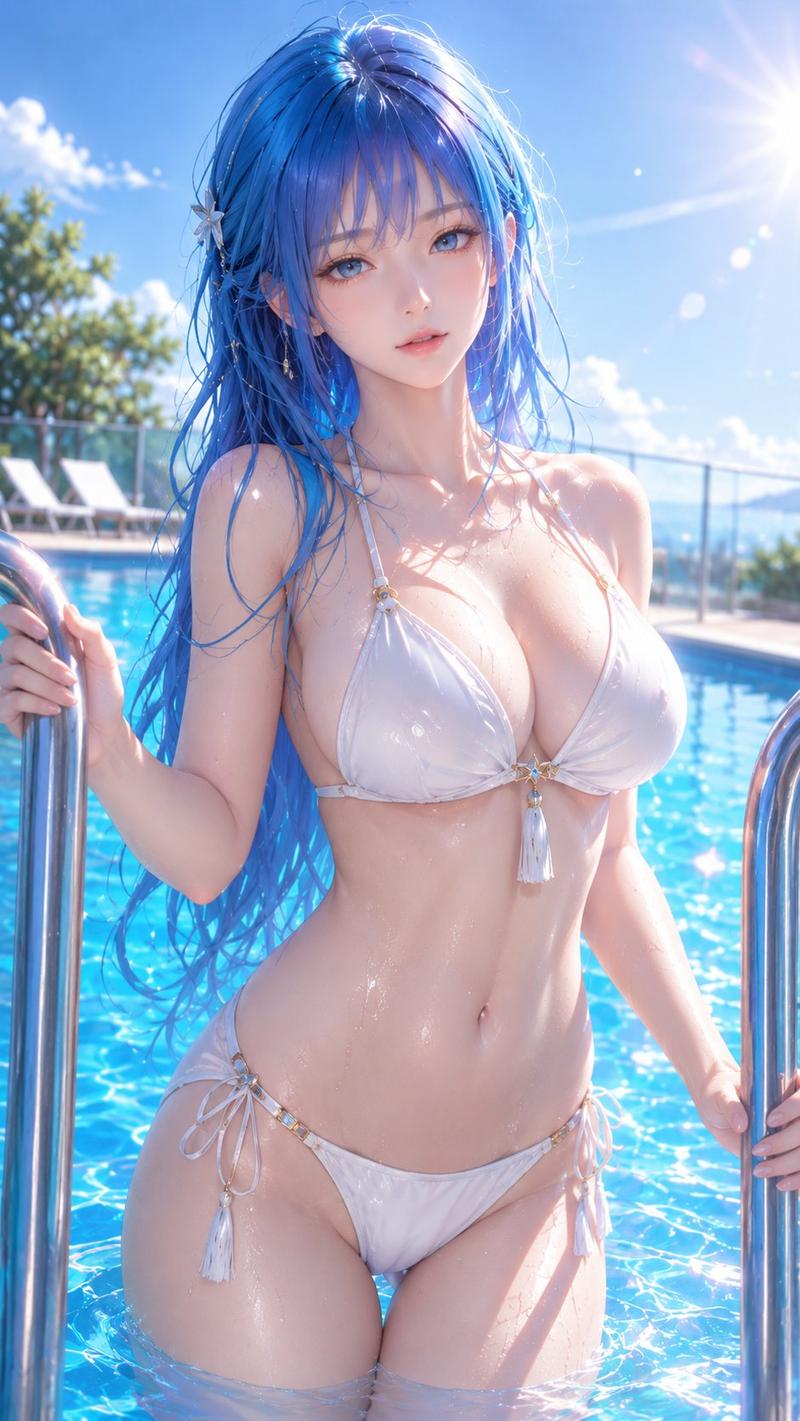
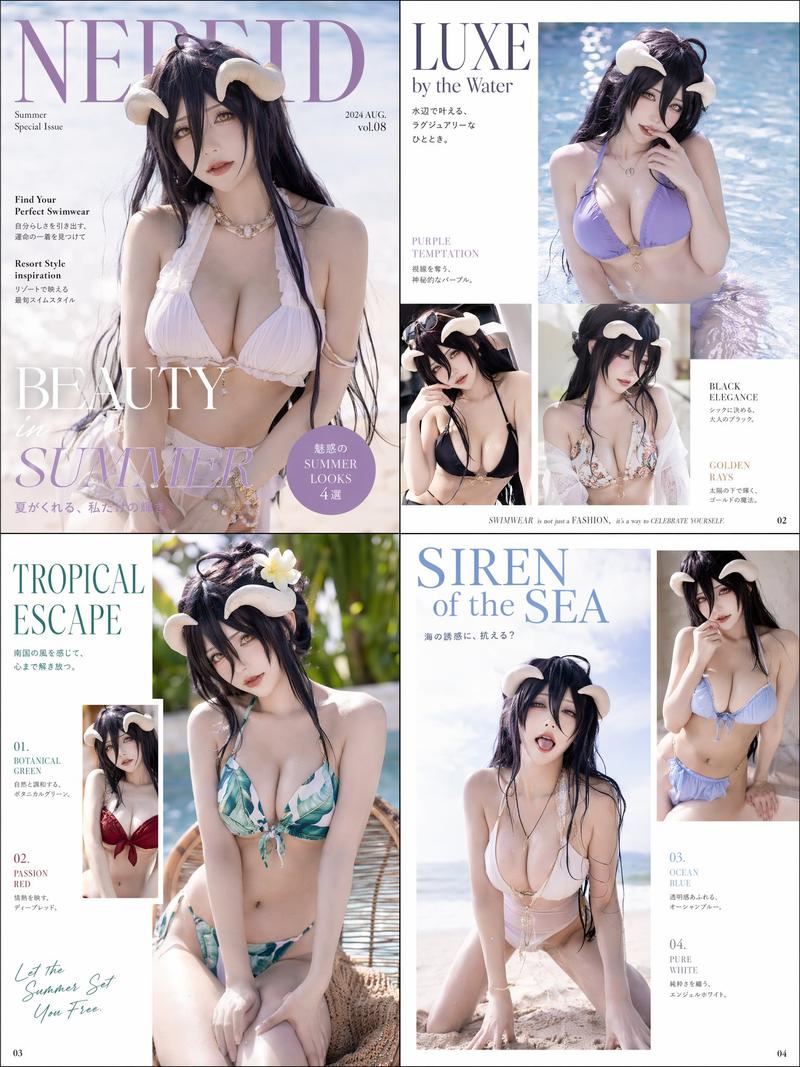
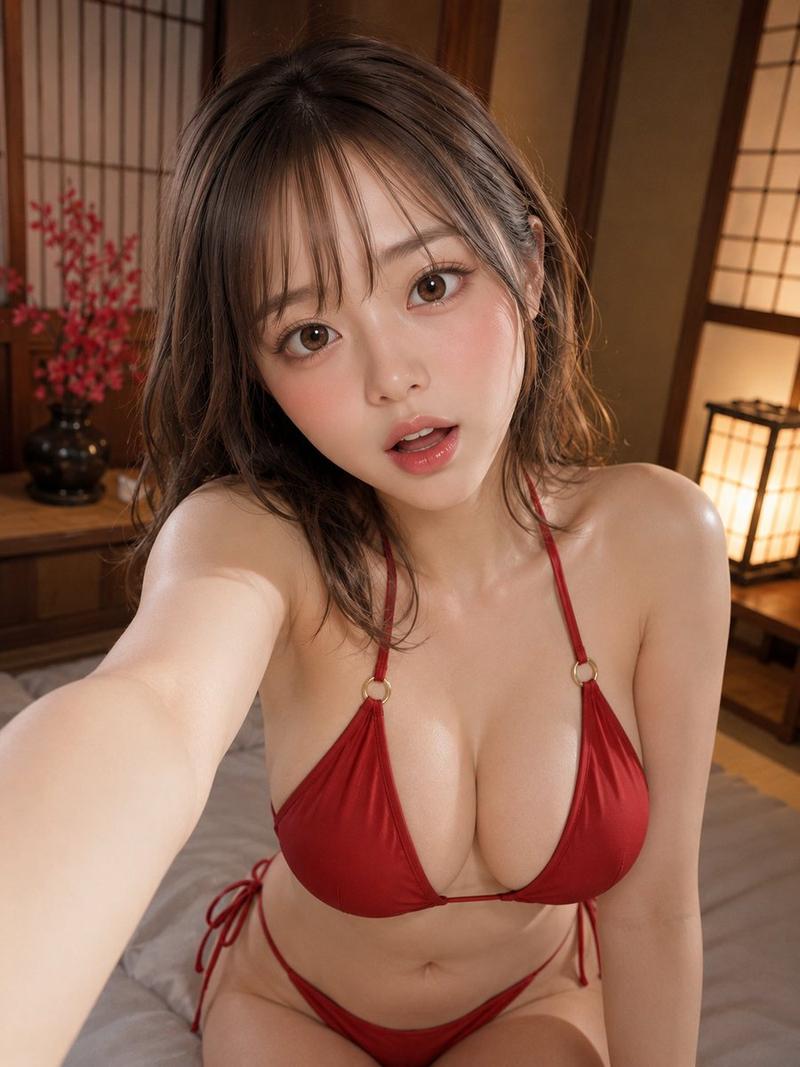
Realistic style, ultra-high detail. An adult woman in her early 20s, with natural long black hair, translucent skin, a cute face, and a natural, slightly shy smile. The background is a white sand beach at a southern resort, with a blurred blue sea and sky, and coconut trees in the distance. The woman is wearing an elegant off-white bikini. She is sitting on the sand, lightly propping up one knee, with her hands relaxed and supporting her on the sand. The camera is shooting from a slightly low angle, centered on her face and upper body, with a large composition. The overall atmosphere is healthy, pure, friendly, and natural. There are no redundant text elements in the picture. The soft sunlight, the transparency of the skin, the natural texture of the hair, and the combination of white sand and light pink tones form a beautiful photo.
Category
Photography & Realism
Model
ChatGPT
Views396
Source ID
14972
Published
May 24, 2026

Guide

About "南国沙滩米色比基尼清纯女性"

What is this prompt for?

"南国沙滩米色比基尼清纯女性" AI image prompt for ChatGPT (Photography & Realism). 写实风格,超高精细。20岁出头的成年女性,黑色自然长发,透明感的肌肤,可爱的面容,带着自然且略带羞涩的微笑。背景是南国度假地的白色沙滩,虚化的蓝色大海与天空,远处是椰子树。女性穿着…

The full copyable prompt and example visuals above are ready for AI image generation or one-click recreate in Picva.

How to use this prompt

  1. Step 1

    Open the prompt detail

    Review the example visuals, category, and full prompt text for "南国沙滩米色比基尼清纯女性".

  2. Step 2

    Copy the prompt

    Copy the prompt body from this page, or load it directly in Studio.

  3. Step 3

    Pick a model (ChatGPT)

    Prefer ChatGPT. If you switch models, keep subject and composition and tweak style terms.

  4. Step 4

    Generate and export

    Recreate the look in Picva, or export into your workflow for editing and publishing.

FAQ

What is the "南国沙滩米色比基尼清纯女性" prompt?
It is an AI image-generation prompt for ChatGPT in the Photography & Realism category. This page includes the full prompt text, example visuals, and a one-click recreate path in Picva.
How do I use this prompt to generate an image?
Copy the prompt from this page, or use Generate / Studio. Paste it into a compatible image model, or recreate the look in Picva with optional reference images.
Which model is this prompt for?
This page lists ChatGPT. Most descriptive prompts also transfer to nearby image models such as GPT Image, Flux, or Midjourney with light style tweaks.
Can I use the result commercially?
You can usually copy the prompt for creation, but commercial use of the final image depends on the model terms, reference-image rights, and the generated content. Follow the source author and platform rules.