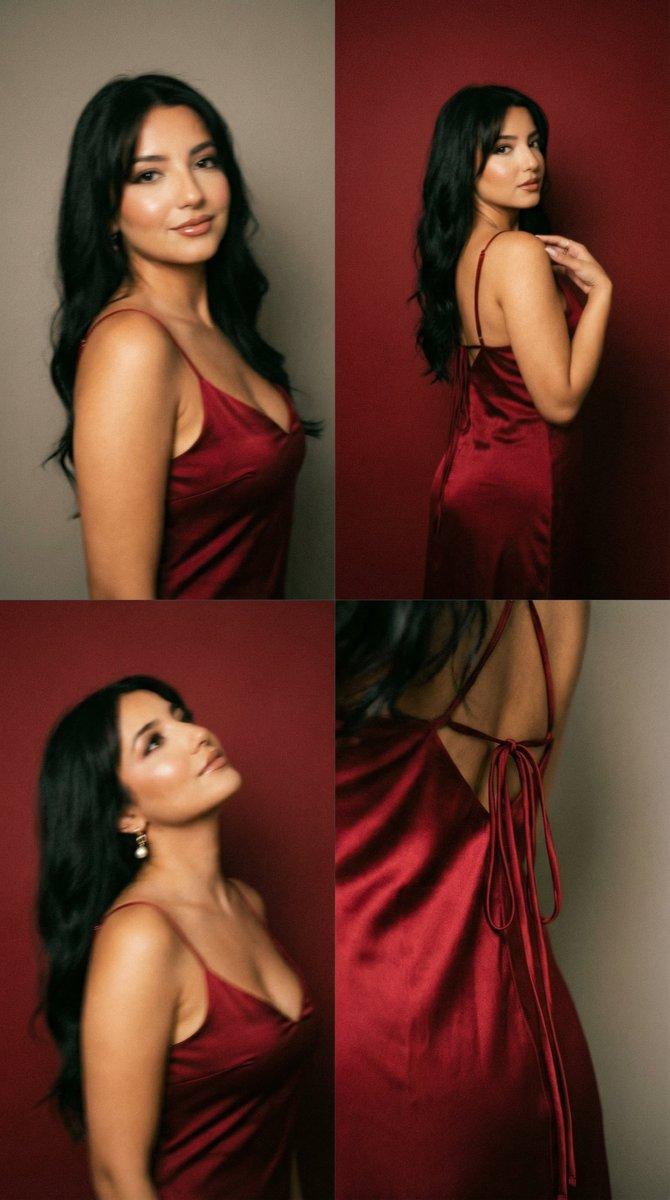
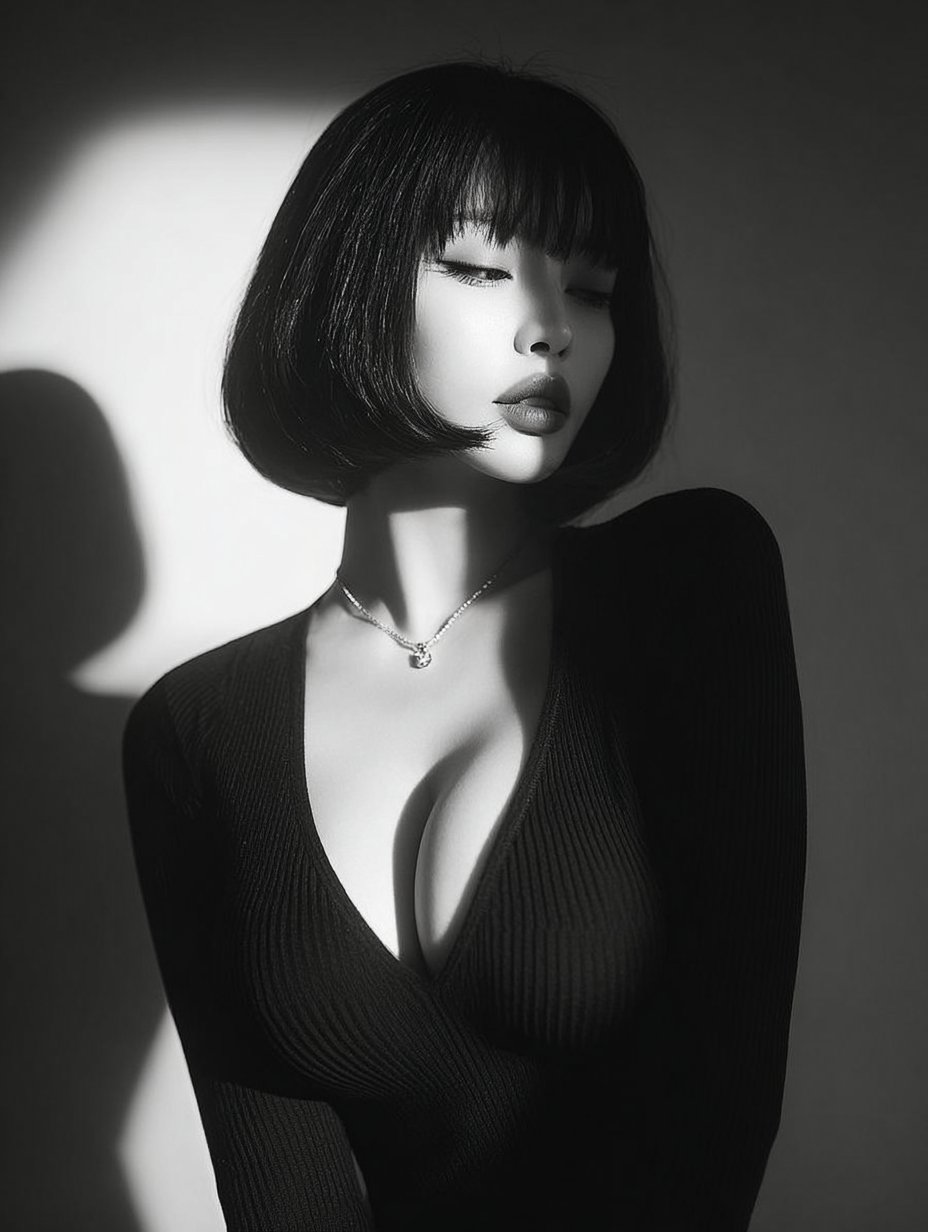
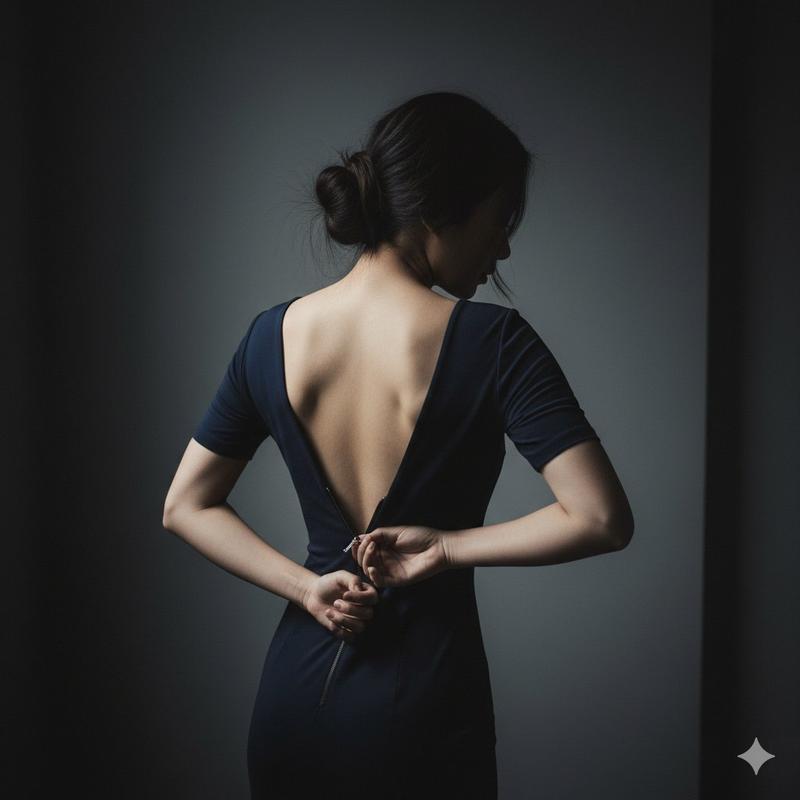
深红魅影:拖影高定时尚大片
Prompt
"A high-fashion cinematic portrait of a woman with wavy auburn hair, wearing a deep-V neck black velvet gown. The scene is drenched in a monochromatic deep red studio light. A 'shutter drag' or long-exposure effect creates a ghostly, ethereal motion blur trailing to the right of her face. She has a poised, high-glance expression with bold red lipstick. One hand is gracefully touching her neck, showing a statement ring. Moody, dramatic shadows, 8k resolution, shot on 35mm lens, fashion editorial style." > Breakdown of Details | Element | Description | |---|---| | Lighting | Saturated red monochromatic lighting with high contrast (Chiaroscuro effect). | | Technical Effect | Shutter Drag / Motion Blur: The "ghosting" effect behind the head suggests movement during a slow exposure. | | Subject | A woman with fair skin, freckles, and wavy ginger/auburn hair. | | Wardrobe | A minimalist, elegant black dress with a plunging neckline that contrasts sharply against the red background. | | Composition | Medium shot, centered, with a soft-focus vignette that draws attention to the face and hands. | Tips for Customizing * To change the mood: Replace "deep red" with "electric blue" or "neon emerald" for a different vibe. * To change the model: You can specify "shorter hair," "different ethnicity," or "alternative clothing" while keeping the "motion blur" and "monochromatic light" tags to maintain the style.
- Category
- Posters & Typography
- Model
- Nano Banana Pro
- Creator
- @Flora_Janer8
- Source ID
- 10922
- Published
- Apr 27, 2026
Views71

![[Project_Settings] Title=Studio_Portrait_Sequin_Dress Resolution_Width=1200 Resolution_Height=120...](https://cdn.pixshop.app/prompt-library/nano-banana-1995087662882213894/primary-0-1768402441479-qjr77ebe.jpeg)