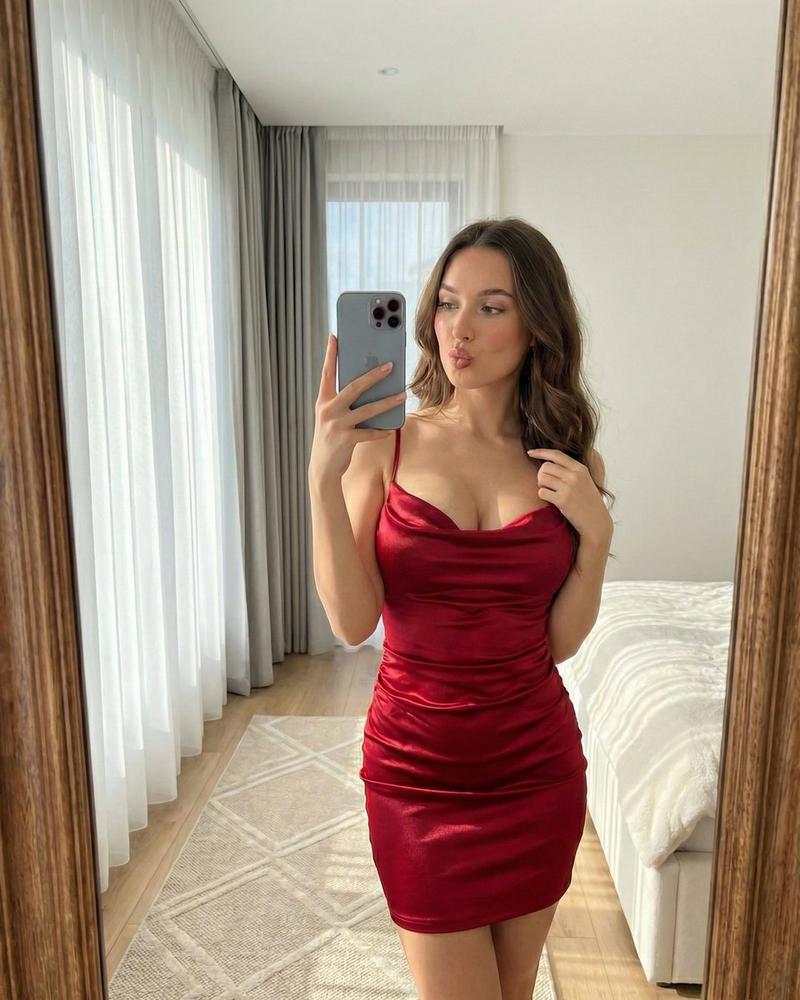
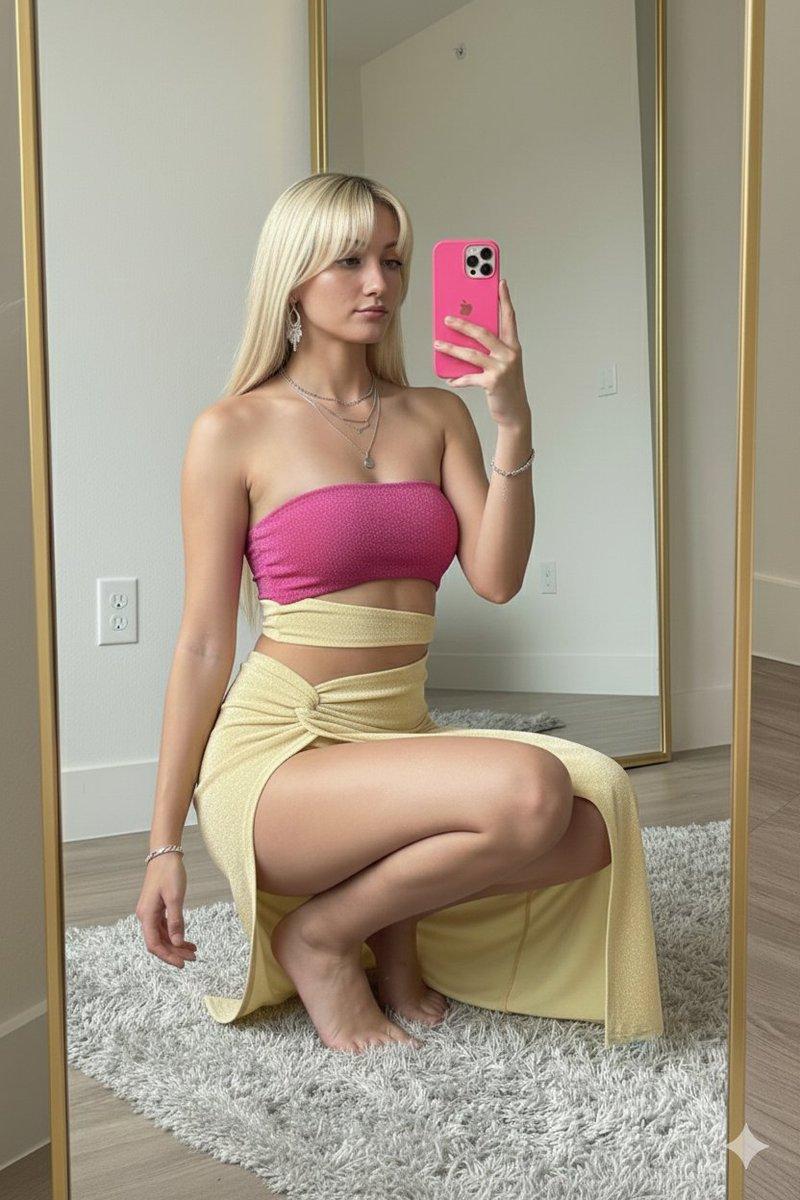
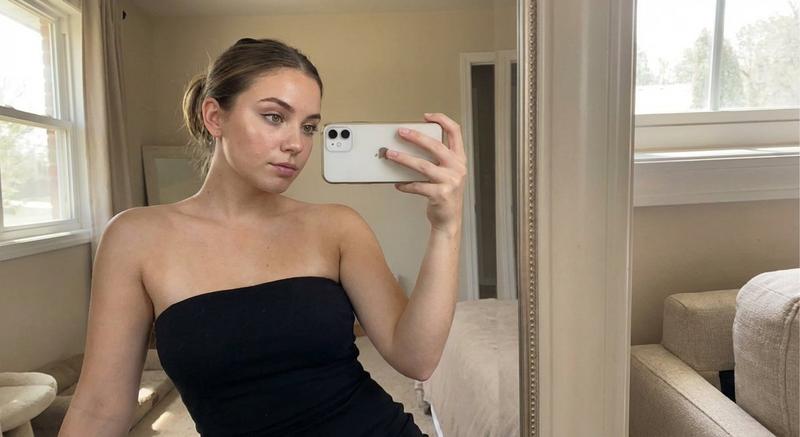
红色绸缎连衣裙镜前自拍人像
Prompt
{
 "project_metadata": {
 "version": "2.0",
 "style_preset": "Ultra realistic photographic realism",
 "resolution_target": "8K UHD",
 "aspect_ratio": "3:4",
 "composition": {
 "framing": "vertical mirror selfie",
 "shot_type": "medium full body crop",
 "perspective": "first person reflection in a mirror"
 }
 },
 "subject": {
 "identity": {
 "description": "young woman",
 "estimated_age": "early twenties",
 "ethnicity": "unspecified, with a subtle Mediterranean look"
 },
 "physiognomy": {
 "hair": {
 "color": "rich dark brunette",
 "style": "long voluminous waves",
 "texture": "silky hair with clearly separated strands"
 },
 "face": {
 "expression": "playful soft pout",
 "makeup": {
 "style": "soft glam beauty makeup",
 "details": [
 "delicate winged eyeliner",
 "fresh dewy skin",
 "neutral glossy lips",
 "soft blush on the cheeks"
 ]
 }
 }
 },
 "pose_and_action": {
 "primary_hand": "right hand holding an iPhone 16 Pro Max at chest height",
 "secondary_hand": "left fingertips gently touching the cowl neckline",
 "body_language": "relaxed standing pose with a slight hip tilt"
 }
 },
 "attire_and_props": {
 "main_garment": {
 "type": "mini dress",
 "material": "shiny red satin",
 "color_profile": "vivid scarlet crimson",
 "design_elements": {
 "top": "thin spaghetti straps with an elegant draped cowl neckline",
 "body": "detailed ruching gathered across the waist",
 "skirt": "fitted mini skirt with folded gathered fabric"
 }
 },
 "tech_prop": {
 "device": "iPhone 16 Pro Max",
 "finish": "silver gray titanium",
 "details": "triple lens camera module visible in the mirror reflection"
 }
 },
 "environment_architecture": {
 "room_type": "modern primary bedroom",
 "flooring": {
 "material": "pale oak hardwood",
 "overlay": "soft beige rug with a quiet geometric pattern"
 },
 "background_elements": [
 {
 "element": "floor to ceiling window",
 "window_treatments": [
 "translucent white sheer curtains",
 "heavy charcoal gray drapes"
 ]
 },
 {
 "element": "bed",
 "description": "minimal white bedding, partly visible near the edge of the frame"
 }
 ]
 },
 "lighting_and_optics": {
 "primary_light": {
 "source": "natural light from the window",
 "direction": "side lit from a 45 degree angle",
 "quality": "soft diffused airy daylight"
 },
 "optical_effects": [
 "bright specular highlights on the satin dress",
 "convincing mirror reflection behavior",
 "gentle background bokeh",
 "fine micro contrast in the hair texture"
 ],
 "camera_simulation": {
 "lens": "24mm wide angle mobile phone look",
 "aperture": "f/1.8 with mild background depth",
 "iso": 100
 }
 }
}- Category
- Charts & Infographics
- Model
- ChatGPT
- Creator
- @iamaiistudio
- Source ID
- 17321
- Published
- Jul 3, 2026
Views1