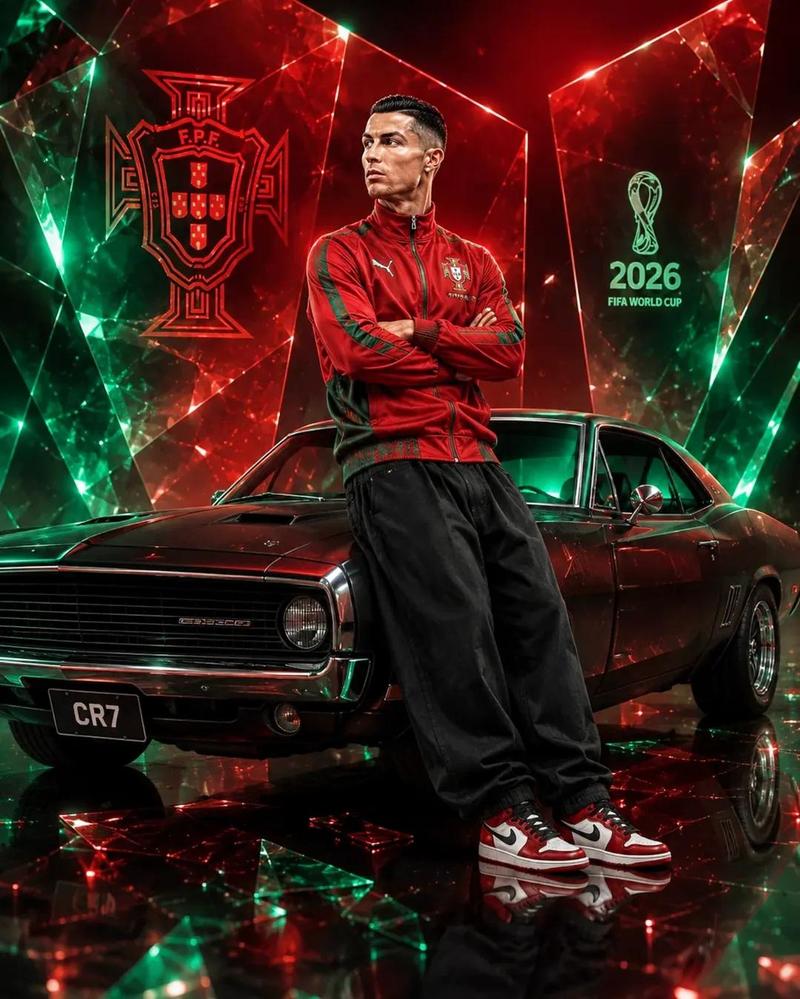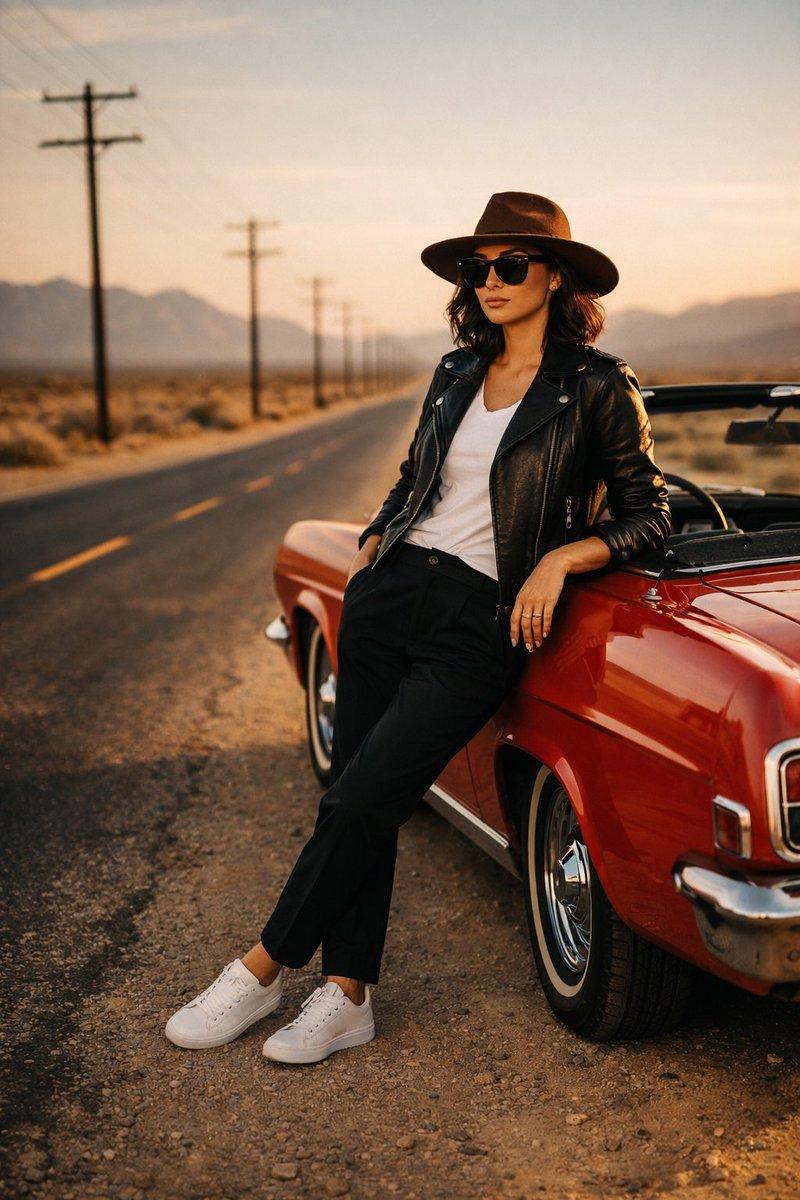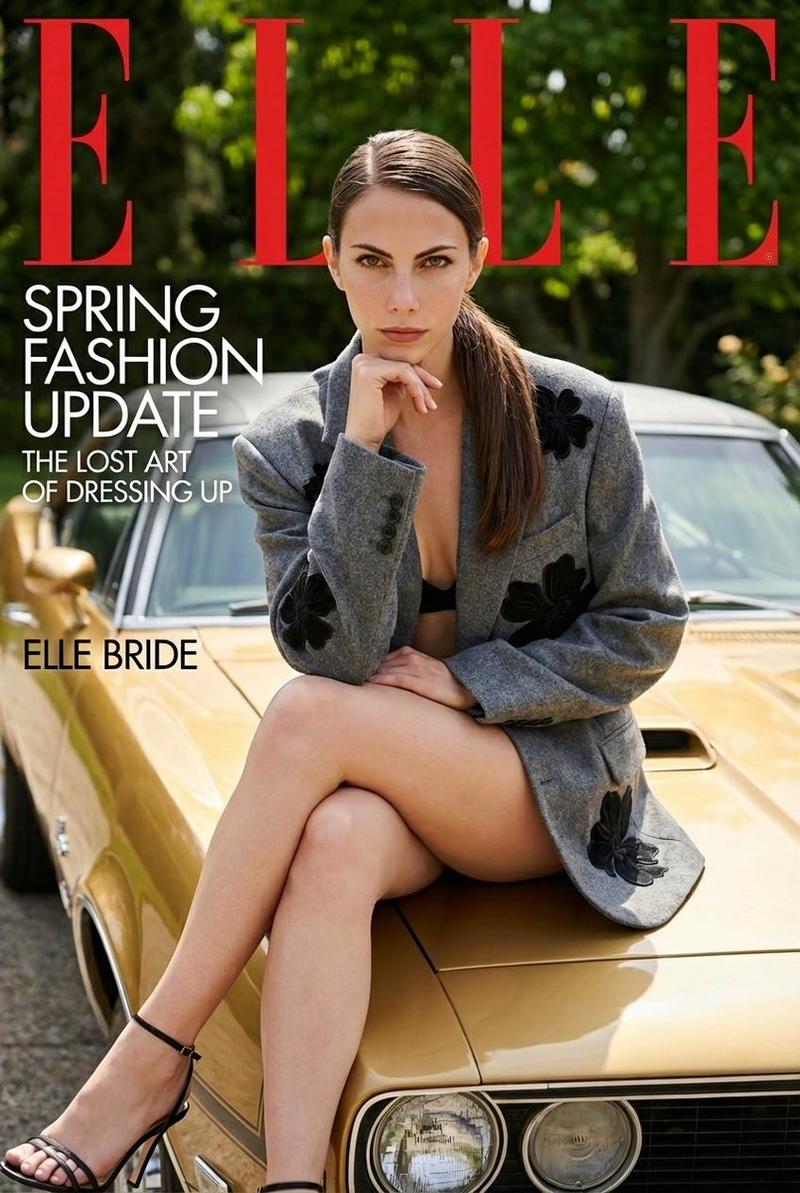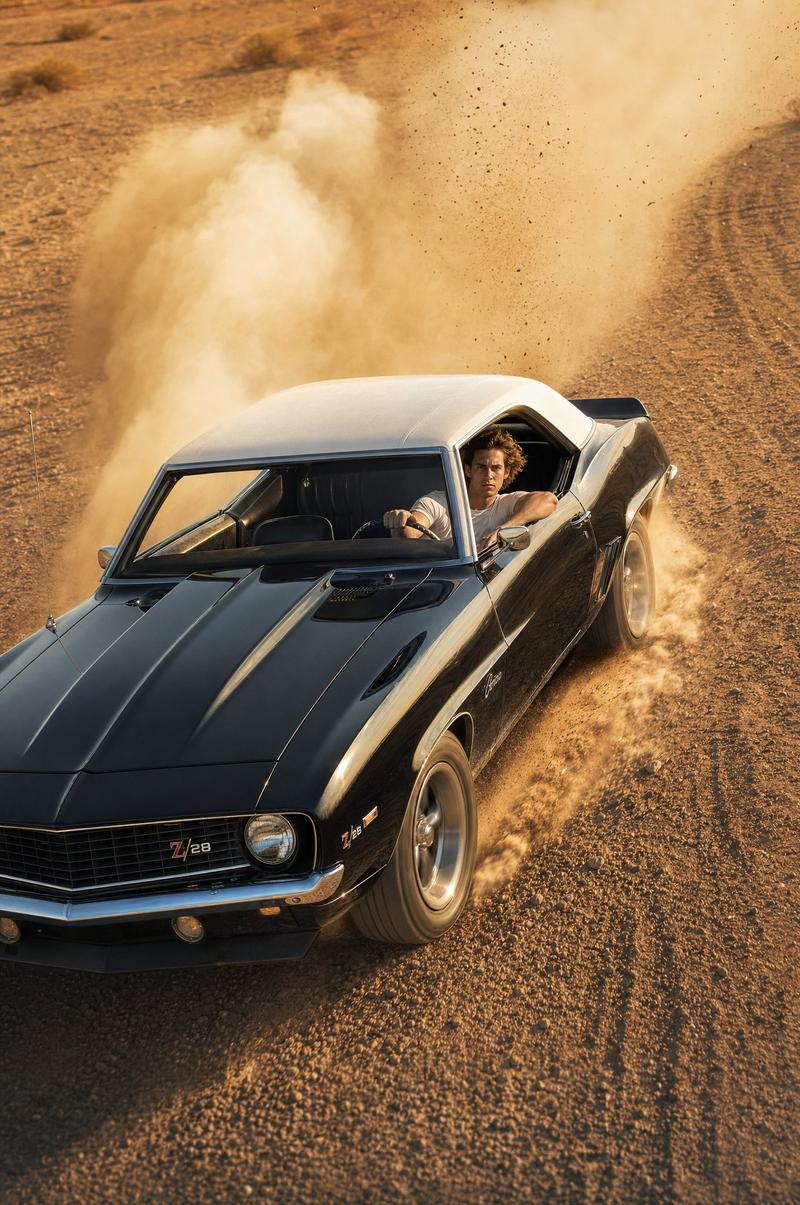
18

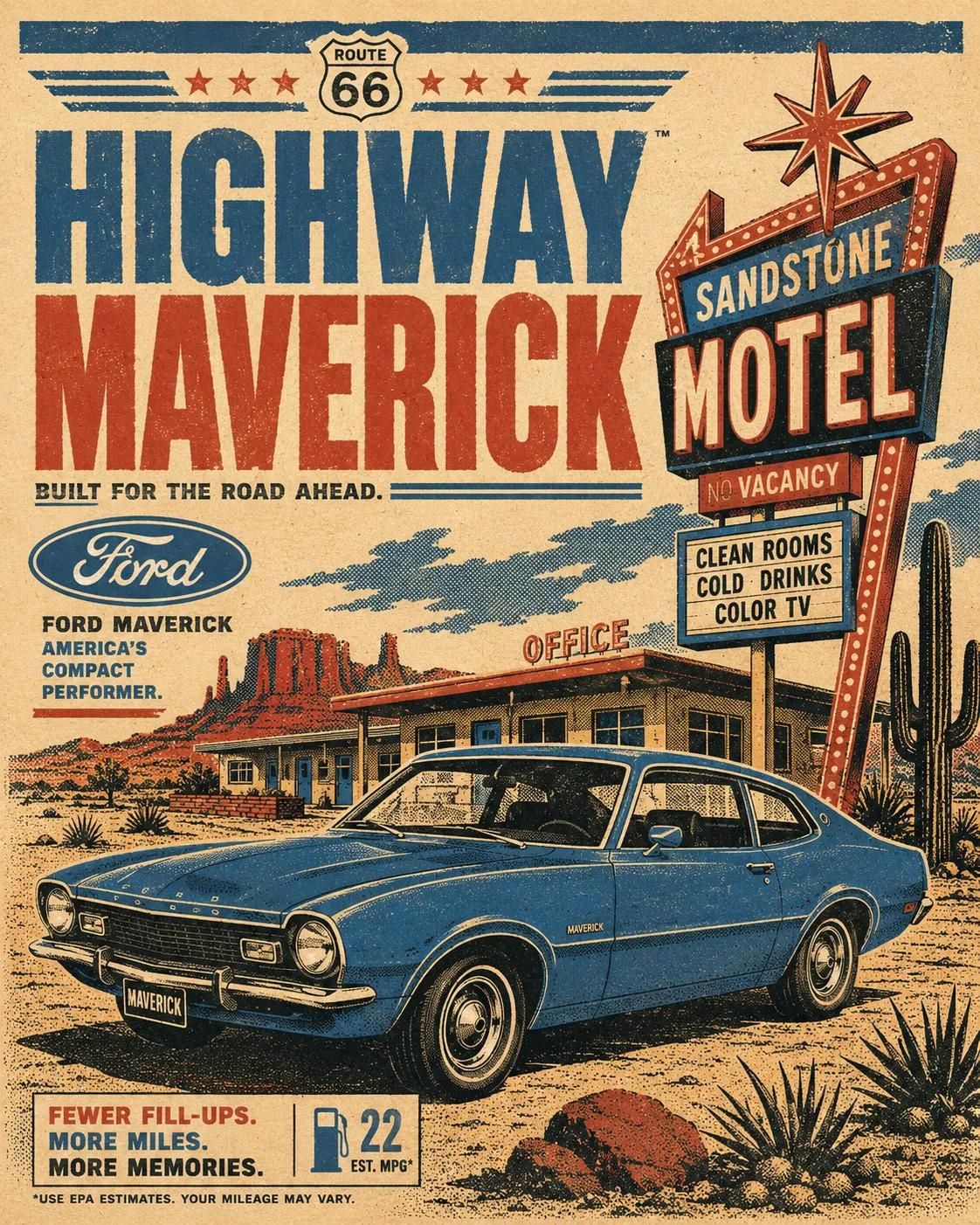
1970年代复古汽车旅行海报风格
Enlarge

Example images

1970年代复古汽车旅行海报风格

Prompt
Retro automotive travel poster of a [CAR MODEL] parked or cruising in [SCENERY], bold 1970s printmaking aesthetic, strict 4-color palette only: [COLORS], flat silkscreen-style color blocking, high contrast shadows, simplified geometric reflections, slightly misregistered ink layers, subtle paper grain and distressed print texture, no gradients, no photorealism, no glossy rendering, graphic halftone shading, vintage advertisement typography reading "[TITLE]", authentic [BRAND LOGO] integrated into layout, stylized trees/buildings/signage in background, strong mid-century tourism poster composition, thick simplified contour shapes, warm nostalgic atmosphere, editorial poster design, vertical composition, no stamp border
Category
Posters & Typography
Model
ChatGPT
Views48
Source ID
14643
Published
May 19, 2026

Guide

About "1970年代复古汽车旅行海报风格"

What is this prompt for?

"1970年代复古汽车旅行海报风格" AI image prompt for ChatGPT (Posters & Typography). 1970年代复古汽车旅行海报,一辆 [CAR MODEL] 停放或行驶在 [SCENERY] 中,大胆的1970年代版画美学,严格限定四色配色方案:[COLORS],扁平丝网印…

The full copyable prompt and example visuals above are ready for AI image generation or one-click recreate in Picva.

How to use this prompt

  1. Step 1

    Open the prompt detail

    Review the example visuals, category, and full prompt text for "1970年代复古汽车旅行海报风格".

  2. Step 2

    Copy the prompt

    Copy the prompt body from this page, or load it directly in Studio.

  3. Step 3

    Pick a model (ChatGPT)

    Prefer ChatGPT. If you switch models, keep subject and composition and tweak style terms.

  4. Step 4

    Generate and export

    Recreate the look in Picva, or export into your workflow for editing and publishing.

FAQ

What is the "1970年代复古汽车旅行海报风格" prompt?
It is an AI image-generation prompt for ChatGPT in the Posters & Typography category. This page includes the full prompt text, example visuals, and a one-click recreate path in Picva.
How do I use this prompt to generate an image?
Copy the prompt from this page, or use Generate / Studio. Paste it into a compatible image model, or recreate the look in Picva with optional reference images.
Which model is this prompt for?
This page lists ChatGPT. Most descriptive prompts also transfer to nearby image models such as GPT Image, Flux, or Midjourney with light style tweaks.
Can I use the result commercially?
You can usually copy the prompt for creation, but commercial use of the final image depends on the model terms, reference-image rights, and the generated content. Follow the source author and platform rules.