15

樱花树下唯美韩剧风求婚
Enlarge

樱花树下唯美韩剧风求婚

Prompt
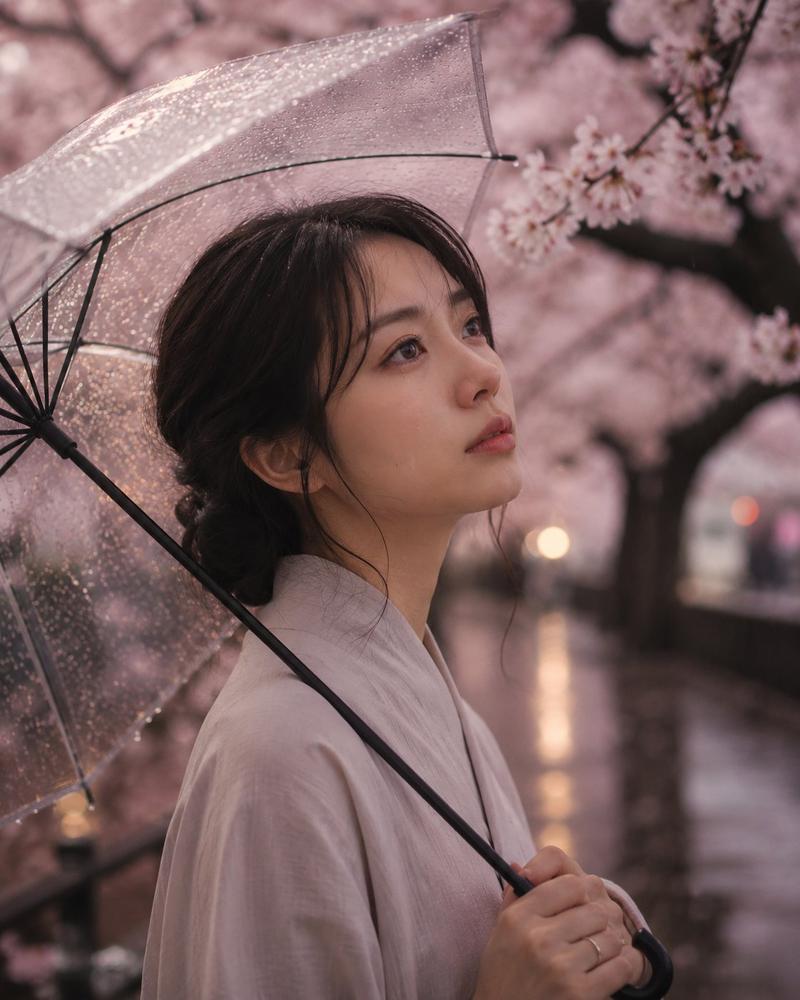
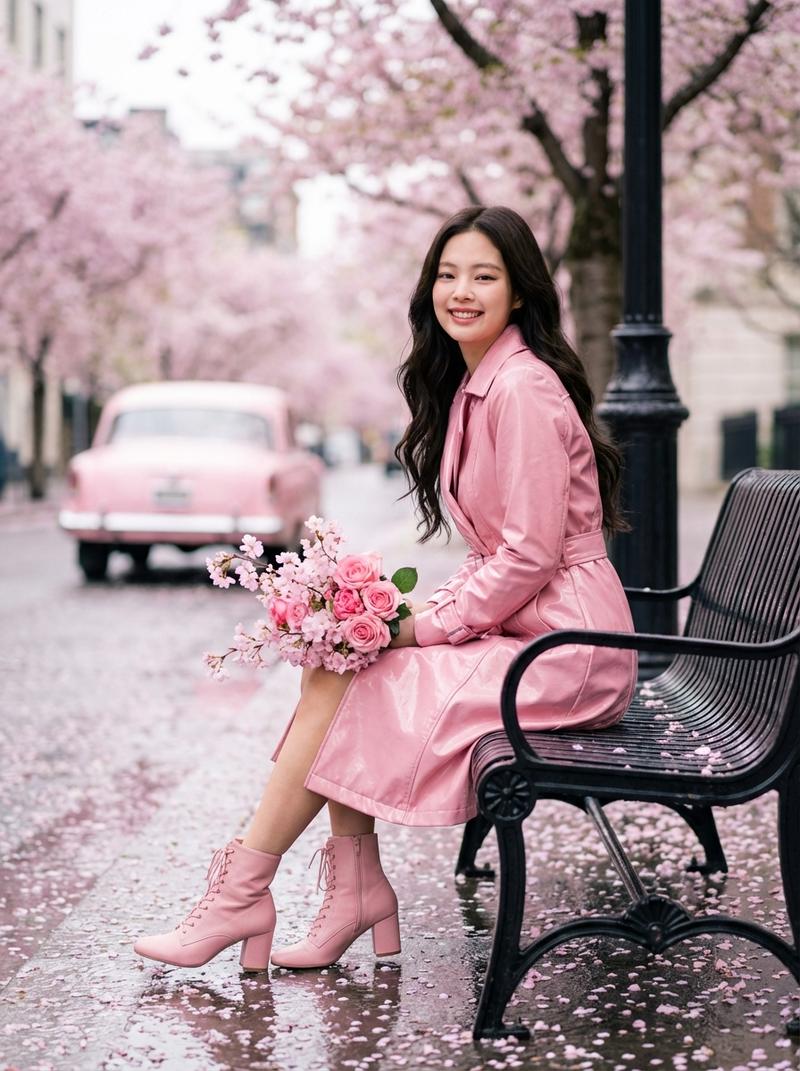
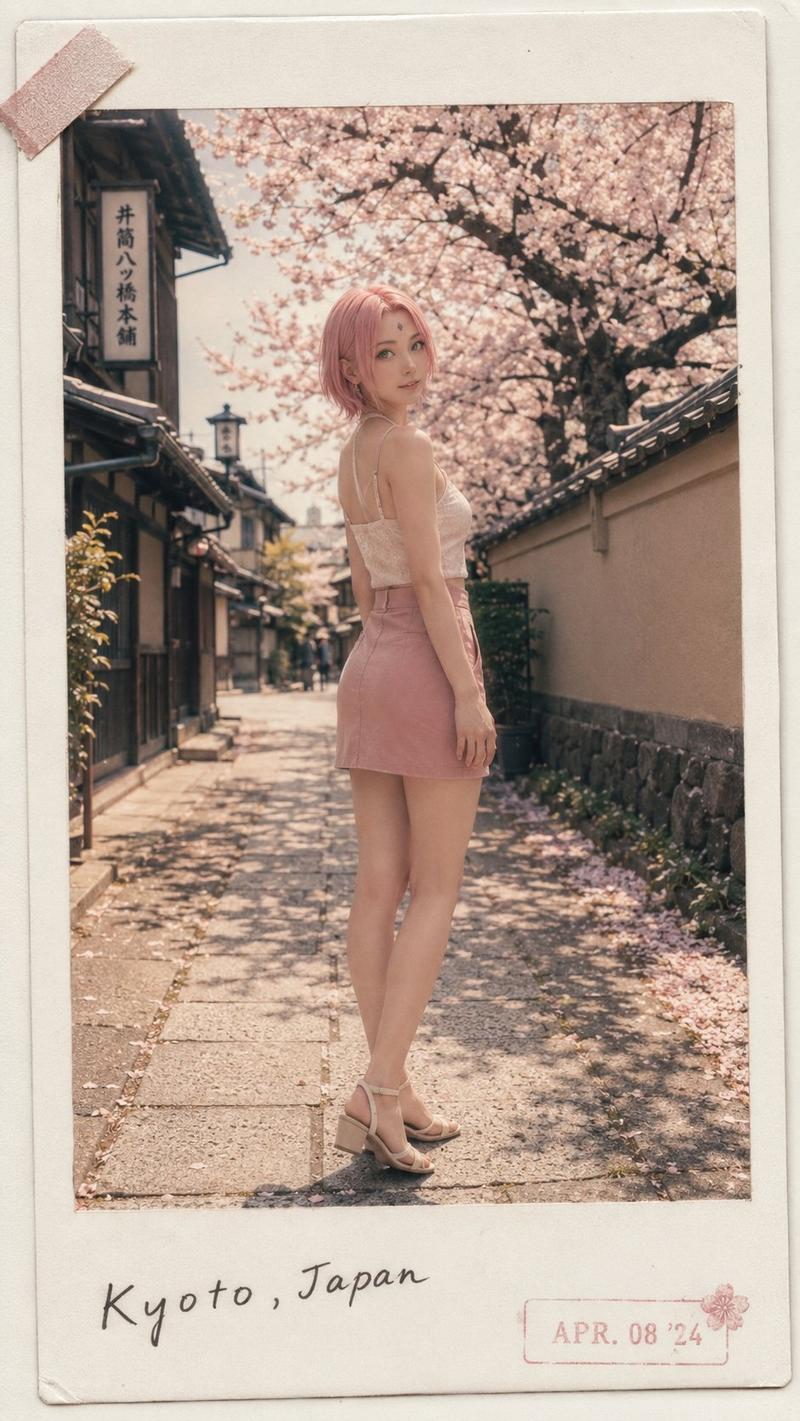
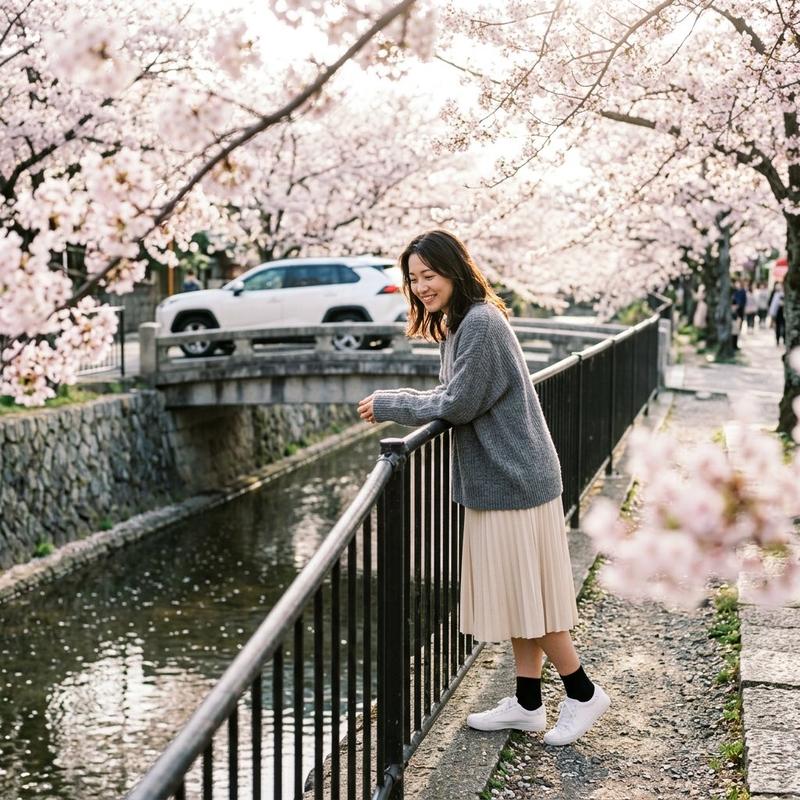
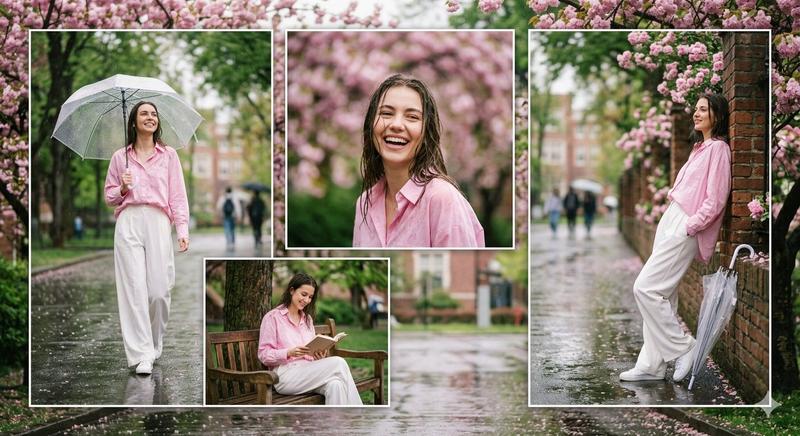
A dreamy cinematic proposal scene of a cute Korean couple under blooming cherry blossom trees during a light drizzle. A handsome Korean boy kneeling on one knee, softly smiling while proposing with a sparkling diamond ring to a cute Korean girl with a shy, emotional expression. The girl wearing elegant soft pastel clothes, cozy cardigan and flowy skirt, the boy in stylish neutral-toned outfit with a classy coat. Cherry blossom petals gently falling, wet pavement reflecting soft ambient lights, tiny raindrops glowing in the atmosphere. Romantic cinematic lighting, dreamy bokeh, soft pink and warm golden tones, ultra detailed, realistic skin texture, emotional storytelling, shallow depth of field, 50mm lens, soft misty atmosphere, subtle rain, aesthetic Korean-drama vibe, magical romantic mood, highly detailed, photorealistic, masterpiece, cinematic composition.
Category
Photography & Realism
Model
ChatGPT
Views62
Source ID
14881
Published
May 21, 2026

Guide

About "樱花树下唯美韩剧风求婚"

What is this prompt for?

"樱花树下唯美韩剧风求婚" AI image prompt for ChatGPT (Photography & Realism). 一幕梦幻般的电影感求婚场景,一对可爱的韩国情侣在盛开的樱花树下,伴随着细雨。一位帅气的韩国男孩单膝跪地,温柔地微笑着,向一位表情害羞、情感流露的可爱的韩国女孩求婚,手中拿着闪闪发光的钻…

The full copyable prompt and example visuals above are ready for AI image generation or one-click recreate in Picva.

How to use this prompt

  1. Step 1

    Open the prompt detail

    Review the example visuals, category, and full prompt text for "樱花树下唯美韩剧风求婚".

  2. Step 2

    Copy the prompt

    Copy the prompt body from this page, or load it directly in Studio.

  3. Step 3

    Pick a model (ChatGPT)

    Prefer ChatGPT. If you switch models, keep subject and composition and tweak style terms.

  4. Step 4

    Generate and export

    Recreate the look in Picva, or export into your workflow for editing and publishing.

FAQ

What is the "樱花树下唯美韩剧风求婚" prompt?
It is an AI image-generation prompt for ChatGPT in the Photography & Realism category. This page includes the full prompt text, example visuals, and a one-click recreate path in Picva.
How do I use this prompt to generate an image?
Copy the prompt from this page, or use Generate / Studio. Paste it into a compatible image model, or recreate the look in Picva with optional reference images.
Which model is this prompt for?
This page lists ChatGPT. Most descriptive prompts also transfer to nearby image models such as GPT Image, Flux, or Midjourney with light style tweaks.
Can I use the result commercially?
You can usually copy the prompt for creation, but commercial use of the final image depends on the model terms, reference-image rights, and the generated content. Follow the source author and platform rules.