16

好莱坞赛车雨夜对决

Prompt
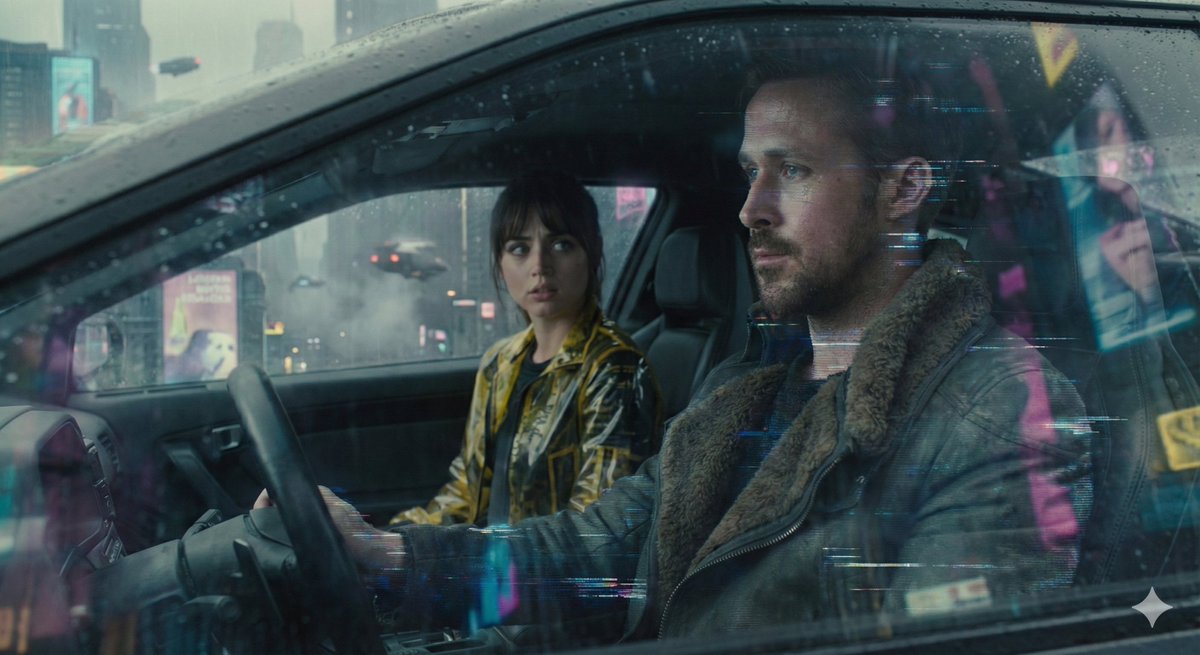
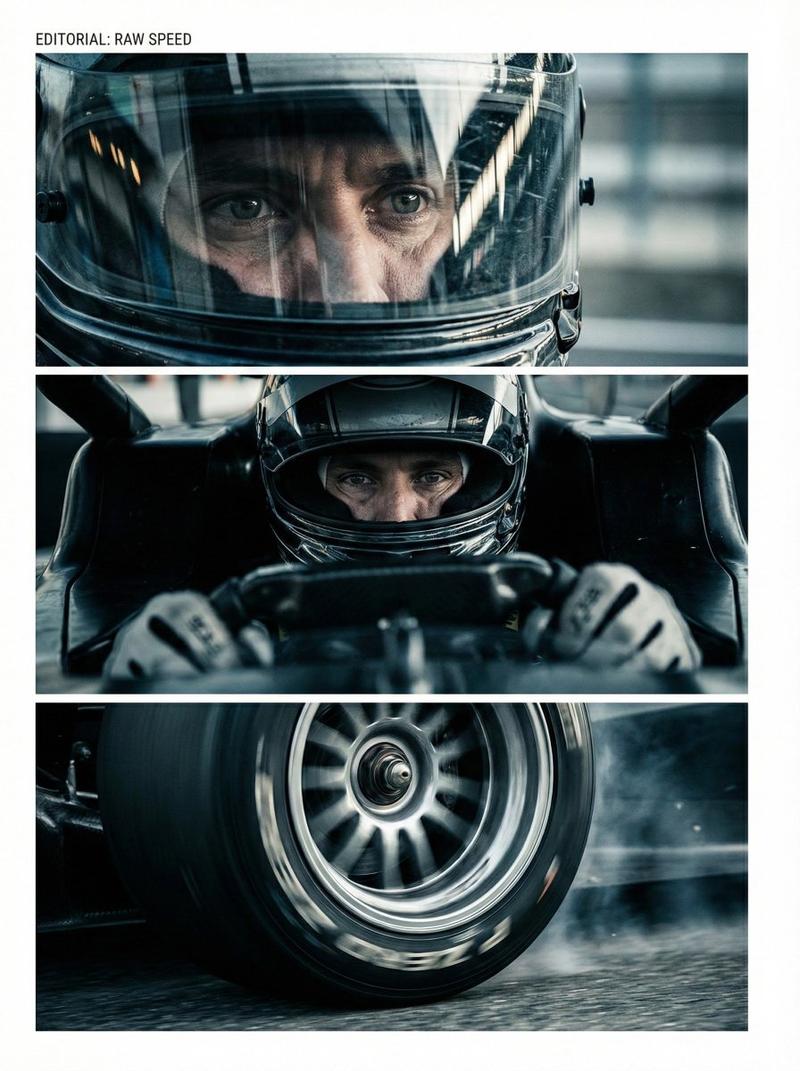
Style: Hollywood Professional Racing Movie (Le Mans Style), Cinematic Night, Rain, High Stakes Sport.
Duration: 15s.

[00-05s] Shot 1: The Veteran (Interior/Close-up).
Rain lashes the windshield of a high-tech race car on a track. The Veteran driver (in helmet) looks over, calm and focused. Dashboard lights reflect on his visor.
Dialogue Cue: He gives a subtle nod and mouths "Let's go."

[05-10s] Shot 2: The Challenger (Interior/Close-up).
Cut to the rival car next to him. The younger driver grips the wheel tight, breathing heavily. Eyes wide with adrenaline.
Dialogue Cue: He whispers "Focus" to himself.

[10-15s] Shot 3: The Green Light (Wide Action).
The starting lights turn Green. Both cars accelerate in perfect sync on the wet asphalt. Water sprays massively into the camera lens. Motion blur turns the stadium lights into long streaks of color.
Category
Video Prompts
Model
Seedance 2.0
Views191
Source ID
2562
Published
Feb 12, 2026

Guide

About "好莱坞赛车雨夜对决"

What is this prompt for?

"好莱坞赛车雨夜对决" AI image prompt for Seedance 2.0 (Video Prompts). 风格:好莱坞专业赛车电影(勒芒风格),电影感夜景,雨,高风险运动。 时长:15秒。 [00-05s] 镜头1:老将(内景/特写)。 雨水猛烈拍打着赛道上高科技赛车的挡风玻璃。老将驾驶员(戴着头盔…

The full copyable prompt and example visuals above are ready for AI image generation or one-click recreate in Picva.

How to use this prompt

  1. Step 1

    Open the prompt detail

    Review the example visuals, category, and full prompt text for "好莱坞赛车雨夜对决".

  2. Step 2

    Copy the prompt

    Copy the prompt body from this page, or load it directly in Studio.

  3. Step 3

    Pick a model (Seedance 2.0)

    Prefer Seedance 2.0. If you switch models, keep subject and composition and tweak style terms.

  4. Step 4

    Generate and export

    Recreate the look in Picva, or export into your workflow for editing and publishing.

FAQ

What is the "好莱坞赛车雨夜对决" prompt?
It is an AI image-generation prompt for Seedance 2.0 in the Video Prompts category. This page includes the full prompt text, example visuals, and a one-click recreate path in Picva.
How do I use this prompt to generate an image?
Copy the prompt from this page, or use Generate / Studio. Paste it into a compatible image model, or recreate the look in Picva with optional reference images.
Which model is this prompt for?
This page lists Seedance 2.0. Most descriptive prompts also transfer to nearby image models such as GPT Image, Flux, or Midjourney with light style tweaks.
Can I use the result commercially?
You can usually copy the prompt for creation, but commercial use of the final image depends on the model terms, reference-image rights, and the generated content. Follow the source author and platform rules.