19

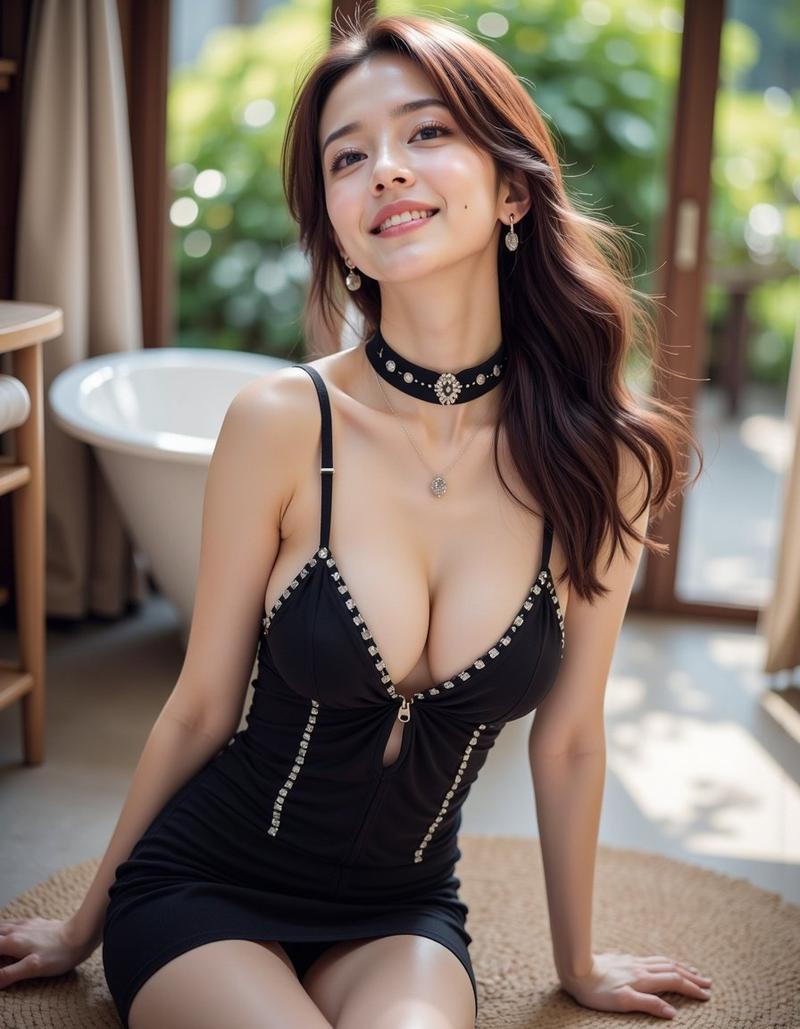
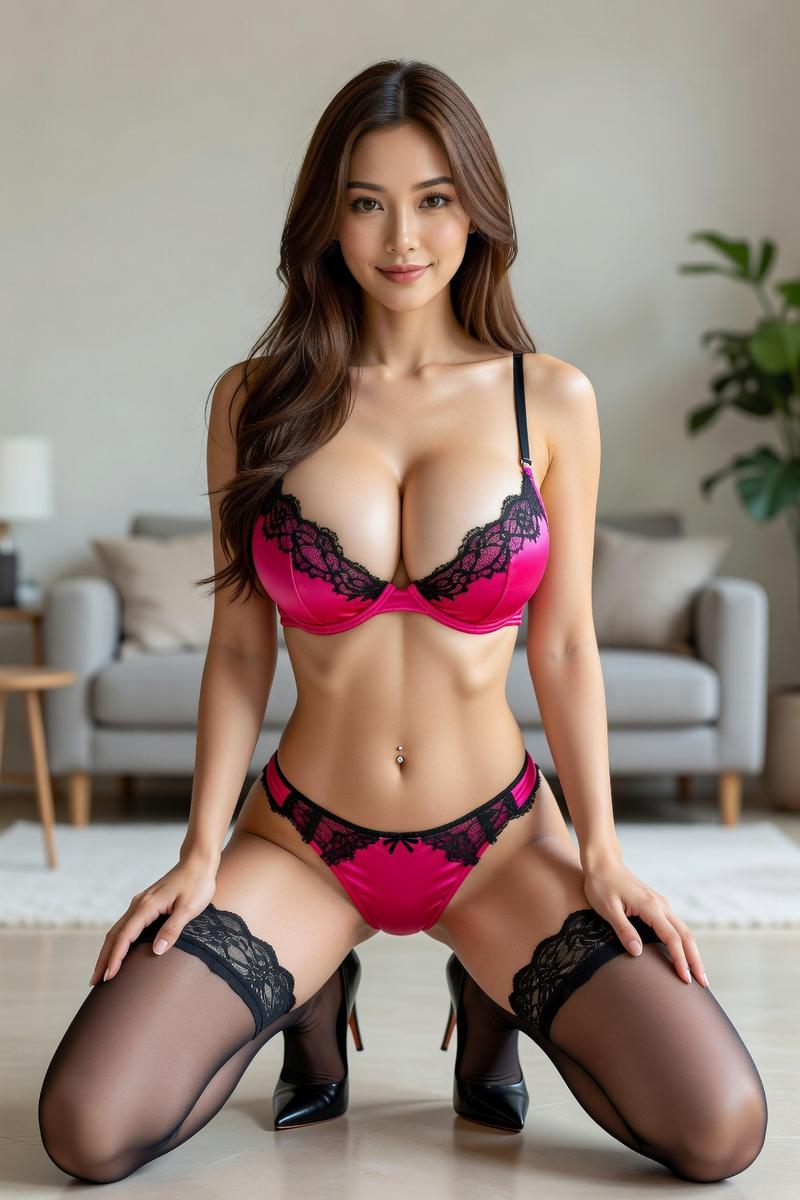
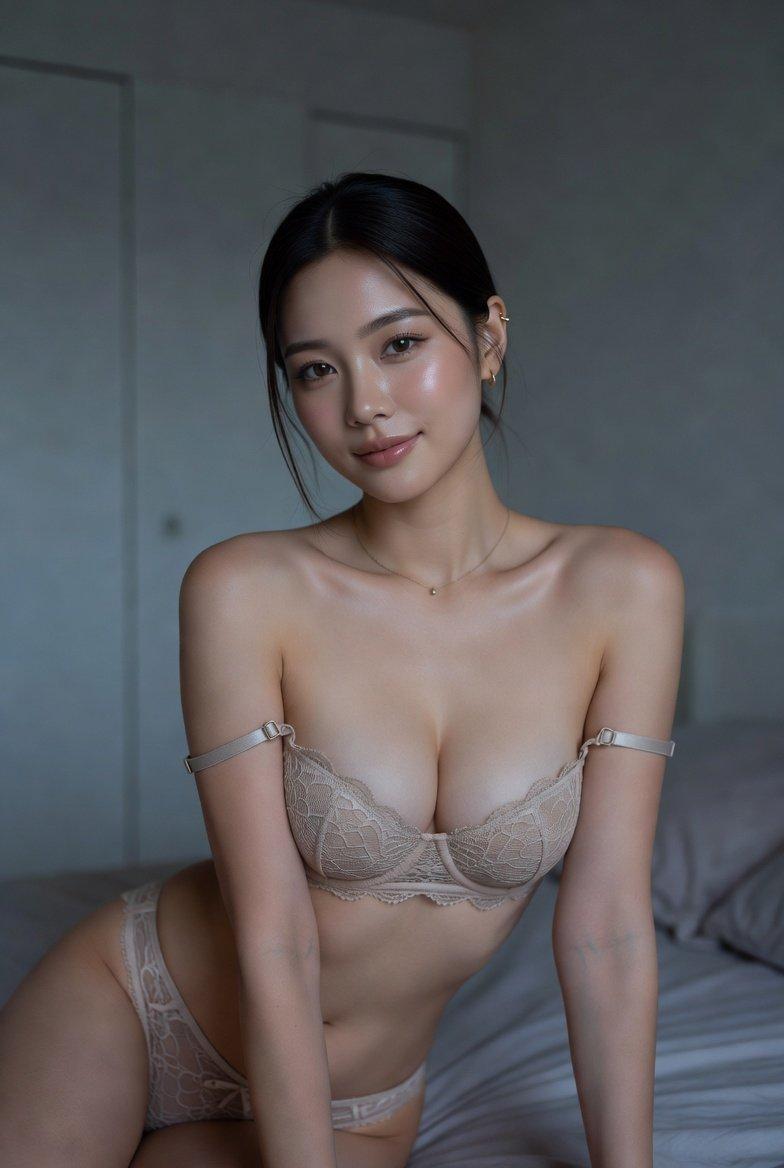
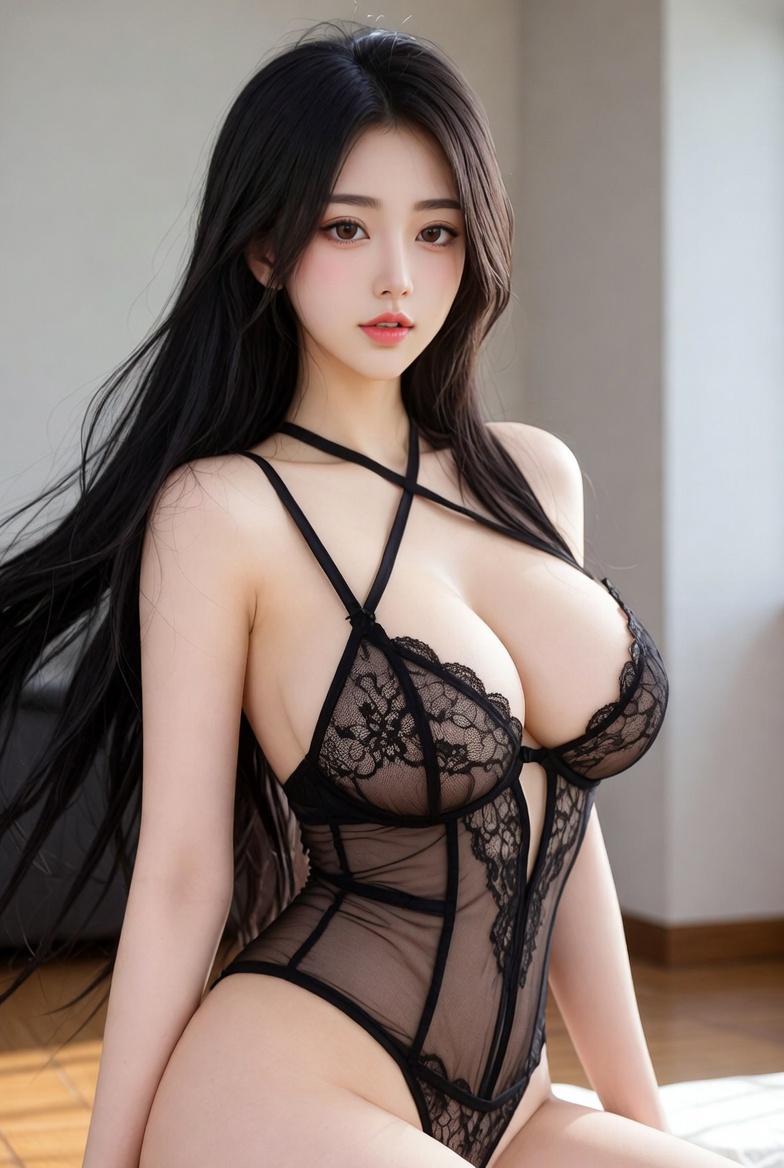
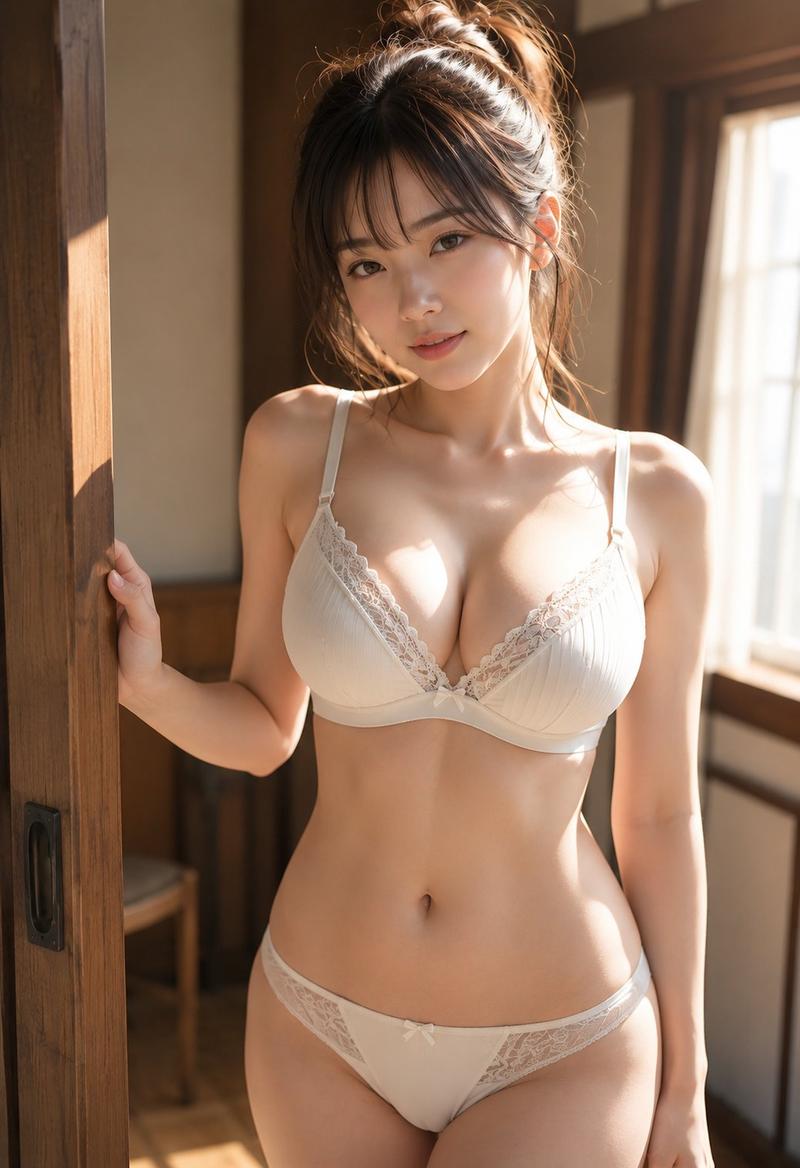
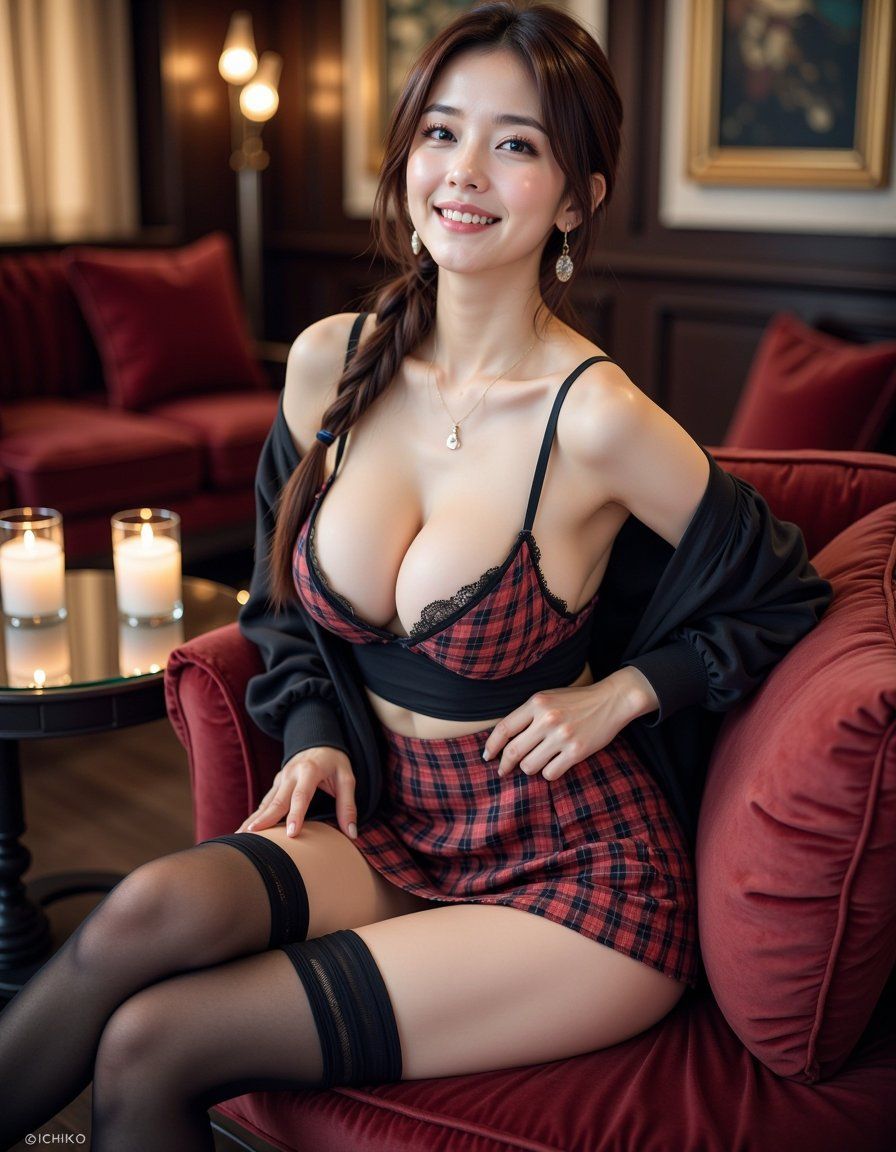
丝绒沙发上的格子百褶裙性感女郎绝对领域
Enlarge

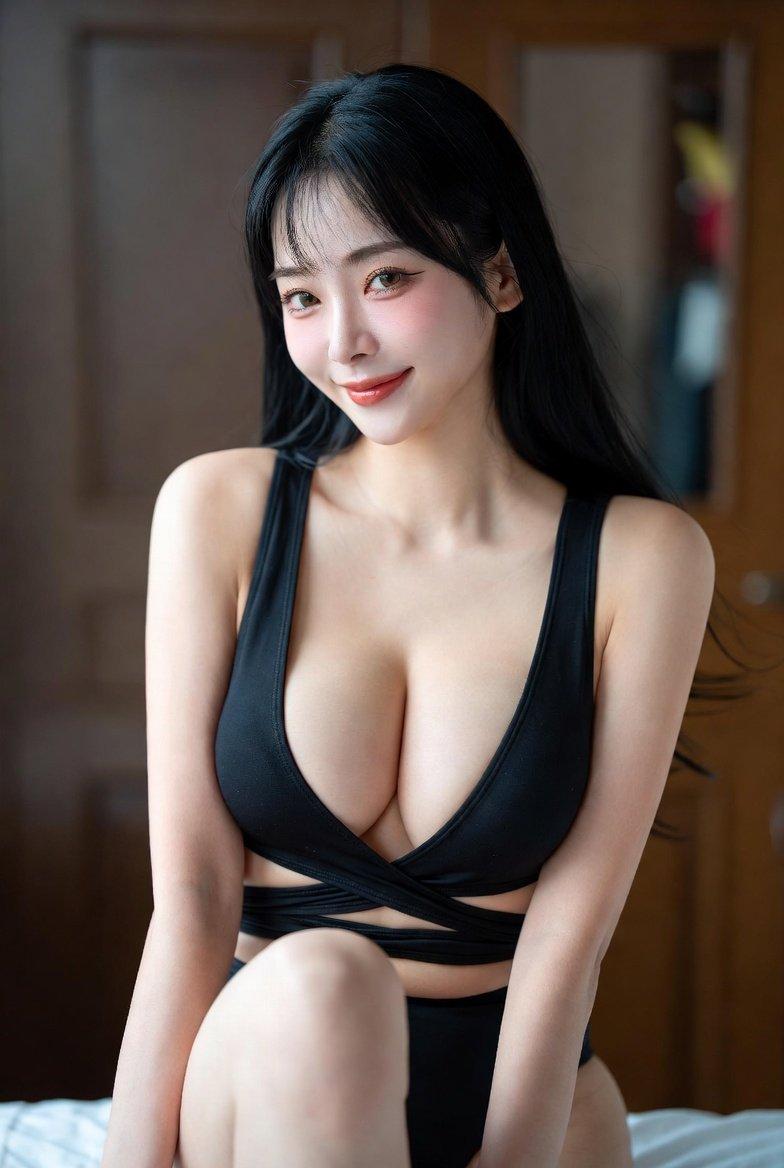
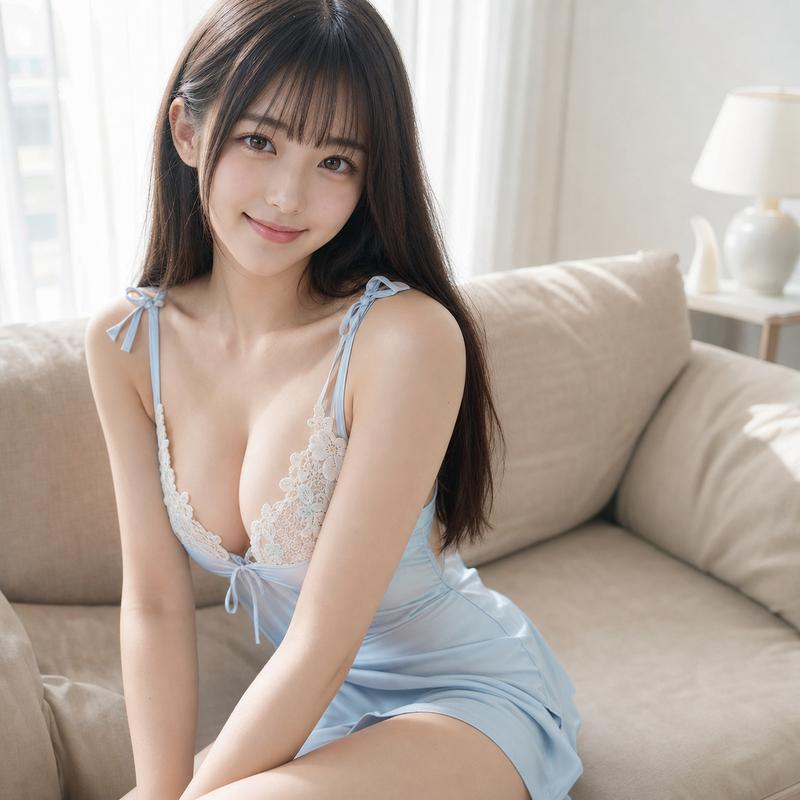
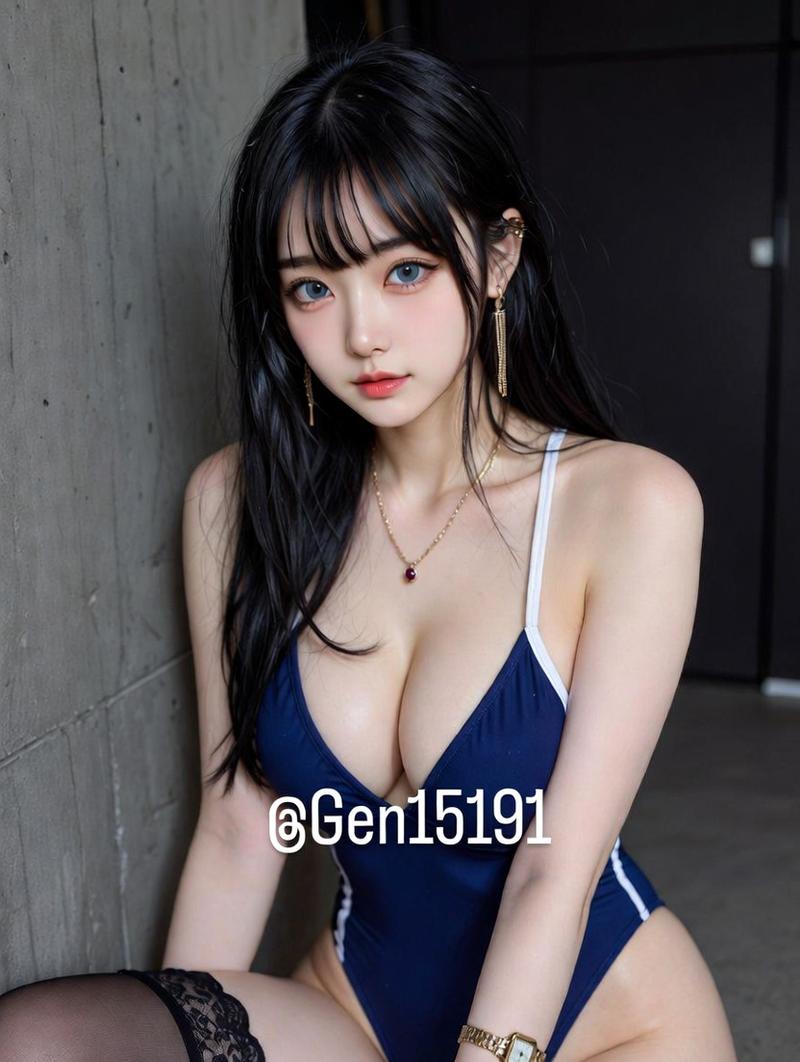
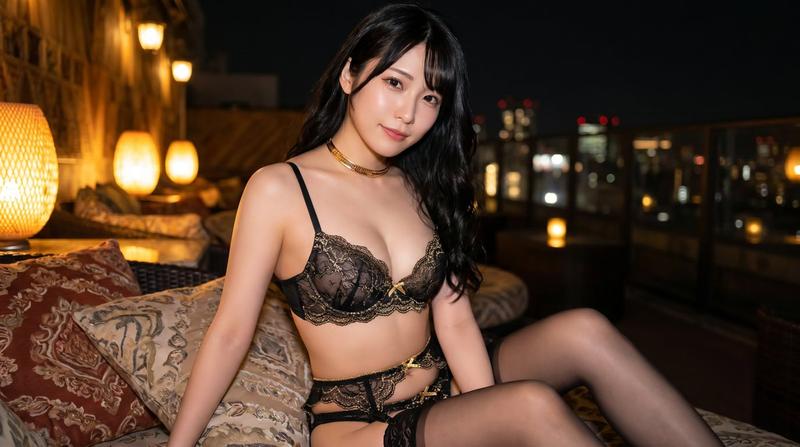
Example images

丝绒沙发上的格子百褶裙性感女郎绝对领域

Prompt
A stunningly sensual woman sitting on a plush velvet sofa, her **long, toned legs elegantly crossed, one foot resting on the opposite knee, causing her plaid pleated mini skirt to ride up slightly**. The delicate lace trim of her **black thigh-high stockings peeks out**, emphasizing the perfect contrast of the absolute territory.,The **camera angle is slightly low, focusing on the smooth curve of her thighs and the way her fingers subtly adjust the hem of her skirt, teasingly revealing just a little more of her stockings**. She smirks playfully, tilting her head slightly as she holds a cocktail glass in one hand.,The background features a **dimly lit lounge with golden accent lighting, a glass coffee table reflecting the glow of scented candles, and plush cushions adding a luxurious touch
Category
Posters & Typography
Model
ChatGPT
Views344
Source ID
14949
Published
May 24, 2026

Guide

About "丝绒沙发上的格子百褶裙性感女郎绝对领域"

What is this prompt for?

"丝绒沙发上的格子百褶裙性感女郎绝对领域" AI image prompt for ChatGPT (Posters & Typography). 一位令人惊叹的性感女性坐在柔软的丝绒沙发上,她那修长、健美的双腿优雅地交叉着,一只脚搭在另一侧膝盖上,导致她的格子百褶短裙略微上移。黑色大腿袜精致的蕾丝边露了出来,强调了…

The full copyable prompt and example visuals above are ready for AI image generation or one-click recreate in Picva.

How to use this prompt

  1. Step 1

    Open the prompt detail

    Review the example visuals, category, and full prompt text for "丝绒沙发上的格子百褶裙性感女郎绝对领域".

  2. Step 2

    Copy the prompt

    Copy the prompt body from this page, or load it directly in Studio.

  3. Step 3

    Pick a model (ChatGPT)

    Prefer ChatGPT. If you switch models, keep subject and composition and tweak style terms.

  4. Step 4

    Generate and export

    Recreate the look in Picva, or export into your workflow for editing and publishing.

FAQ

What is the "丝绒沙发上的格子百褶裙性感女郎绝对领域" prompt?
It is an AI image-generation prompt for ChatGPT in the Posters & Typography category. This page includes the full prompt text, example visuals, and a one-click recreate path in Picva.
How do I use this prompt to generate an image?
Copy the prompt from this page, or use Generate / Studio. Paste it into a compatible image model, or recreate the look in Picva with optional reference images.
Which model is this prompt for?
This page lists ChatGPT. Most descriptive prompts also transfer to nearby image models such as GPT Image, Flux, or Midjourney with light style tweaks.
Can I use the result commercially?
You can usually copy the prompt for creation, but commercial use of the final image depends on the model terms, reference-image rights, and the generated content. Follow the source author and platform rules.