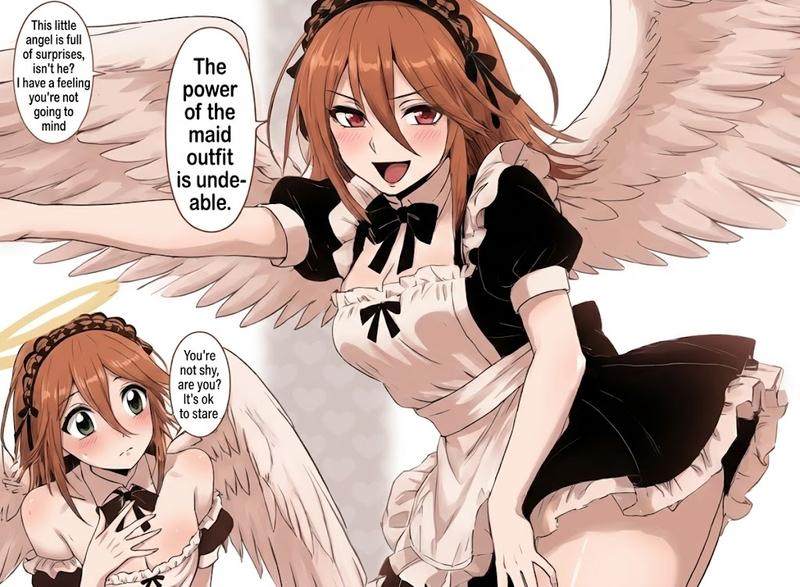
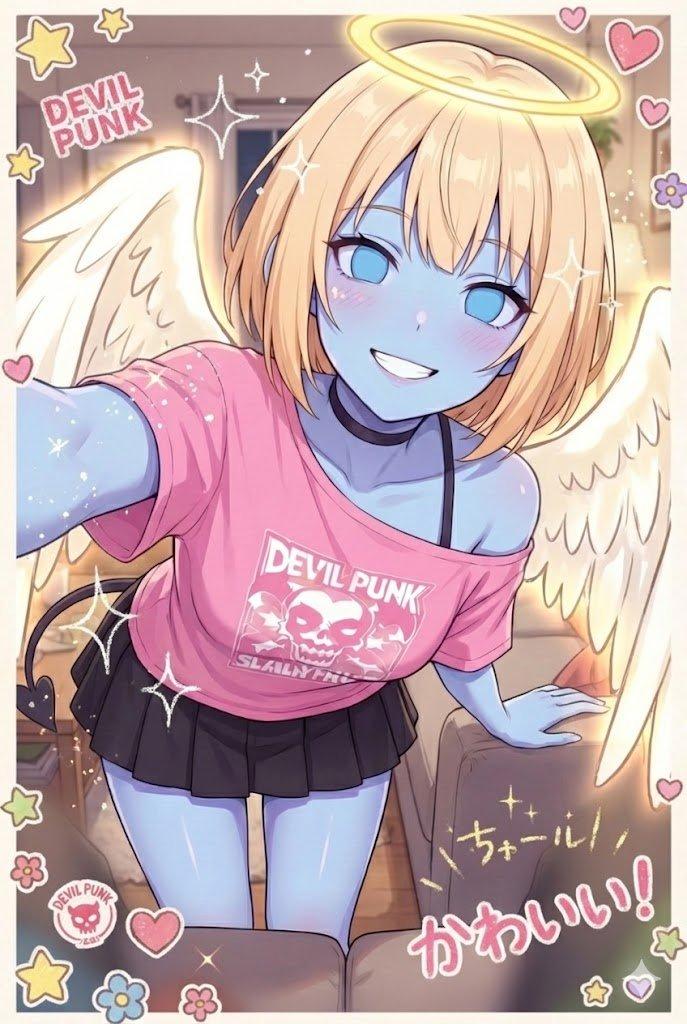
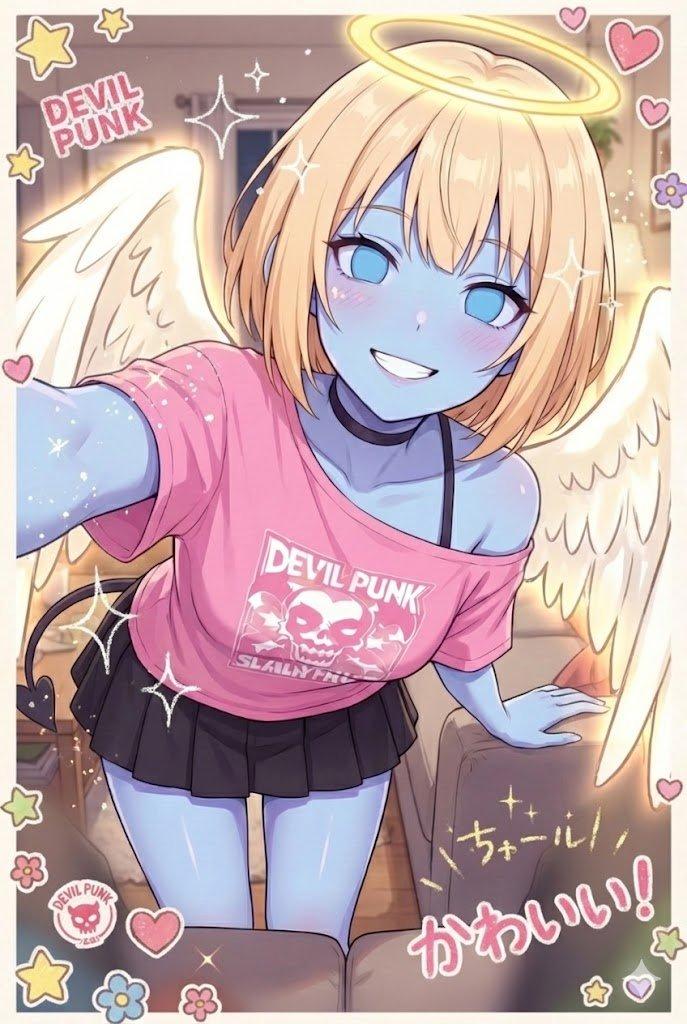
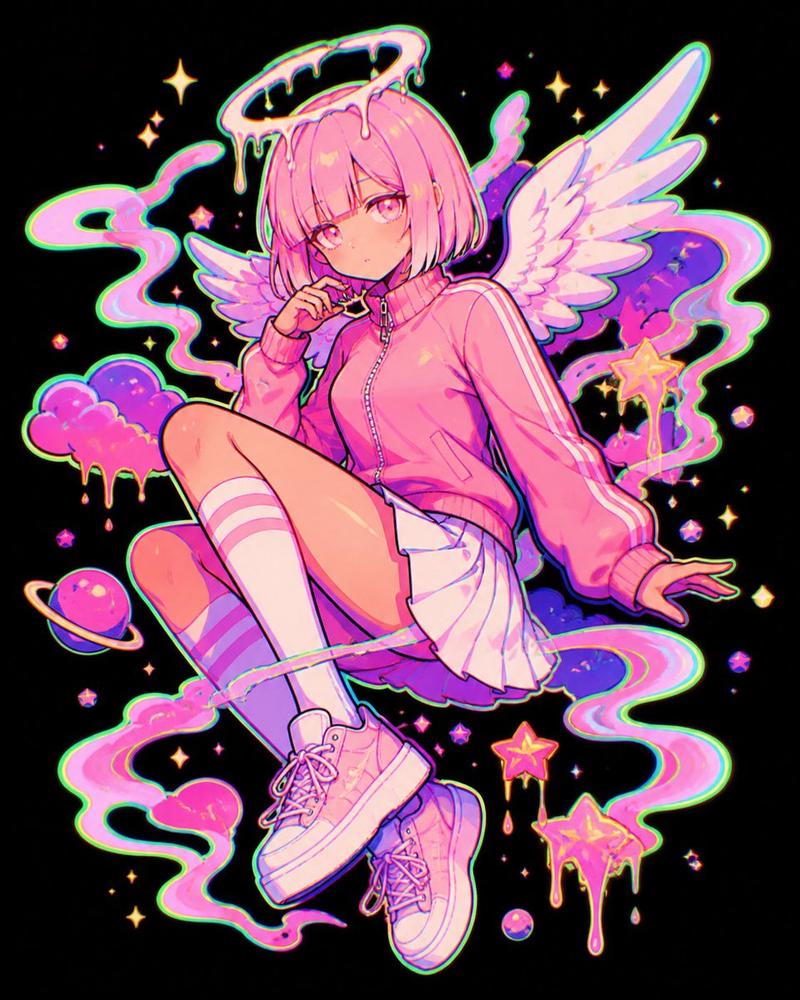
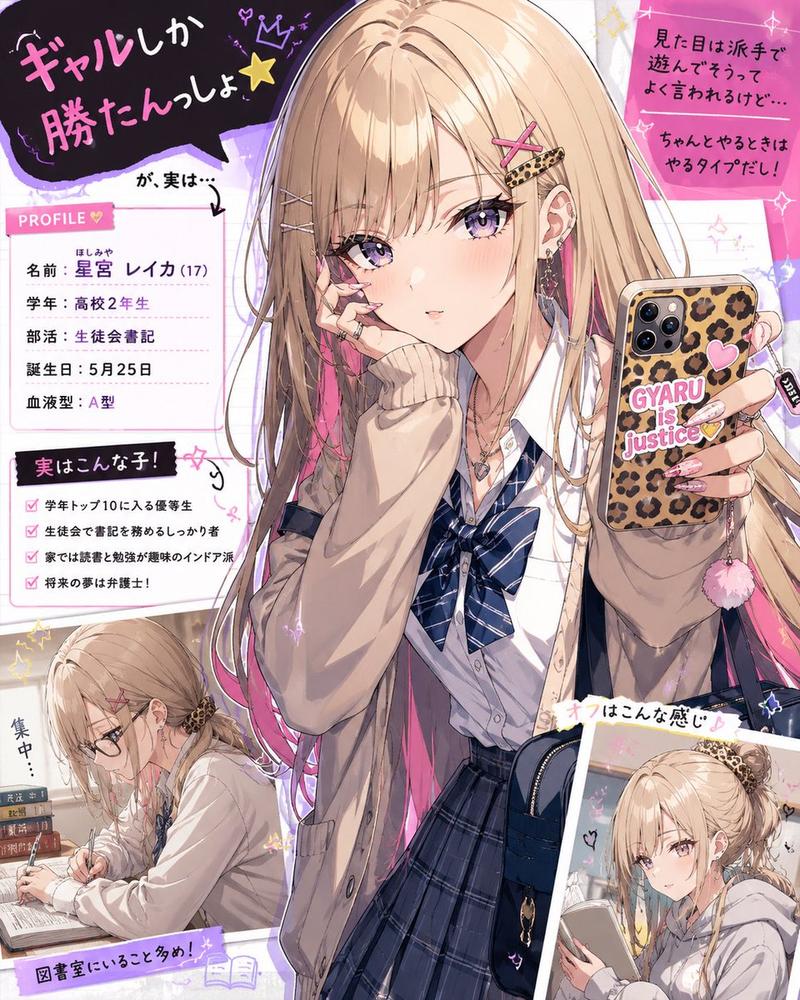
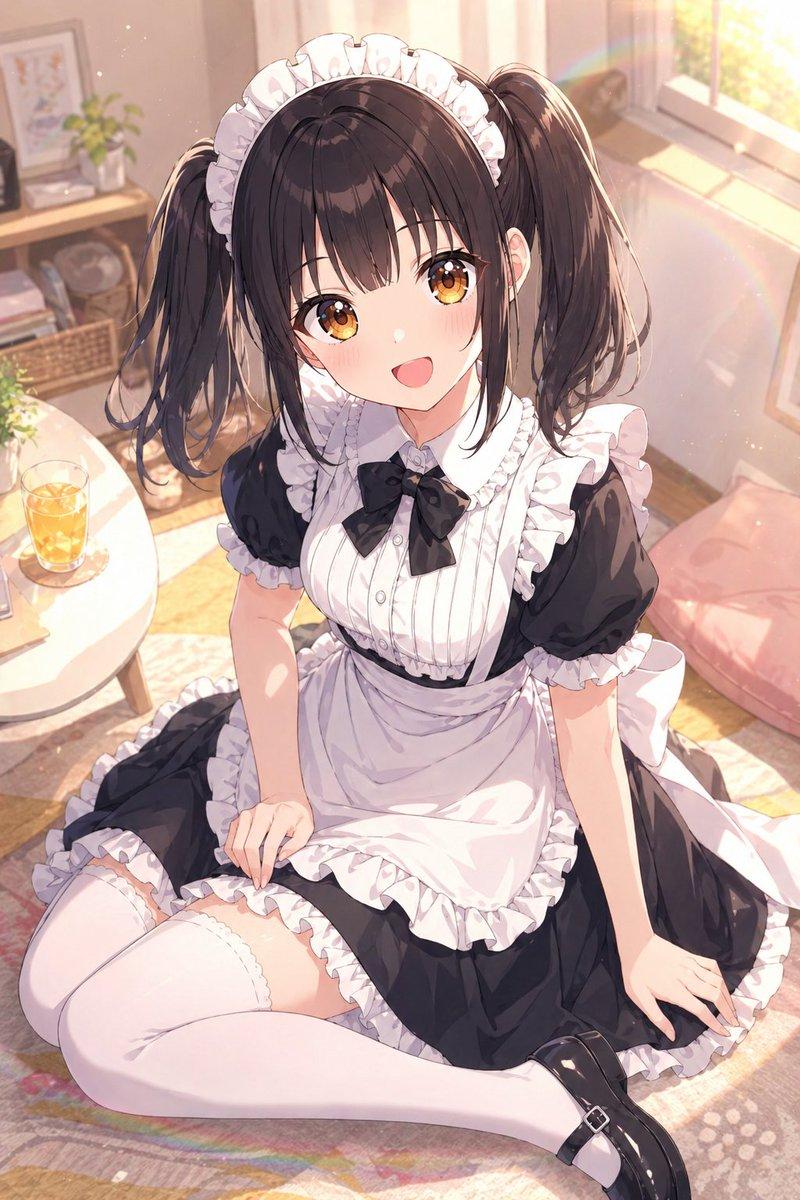
锐化线条还原文字原图
Prompt
Make the lines sharper and add the following text back in "(original unhallucinated text)"
- Category
- Creative Use Cases
- Model
- Nano Banana Pro
- Creator
- @sanjee
- Source ID
- 13139
- Published
- Apr 3, 2026
Views73
19

Make the lines sharper and add the following text back in "(original unhallucinated text)"
Guide
"锐化线条还原文字原图" AI image prompt for Nano Banana Pro (Creative Use Cases). 让线条更清晰,并重新添加以下文本:"(original unhallucinated text)" Copy it on Picva and recreate the look…
The full copyable prompt and example visuals above are ready for AI image generation or one-click recreate in Picva.
Step 1
Review the example visuals, category, and full prompt text for "锐化线条还原文字原图".
Step 2
Copy the prompt body from this page, or load it directly in Studio.
Step 3
Prefer Nano Banana Pro. If you switch models, keep subject and composition and tweak style terms.
Step 4
Recreate the look in Picva, or export into your workflow for editing and publishing.