18

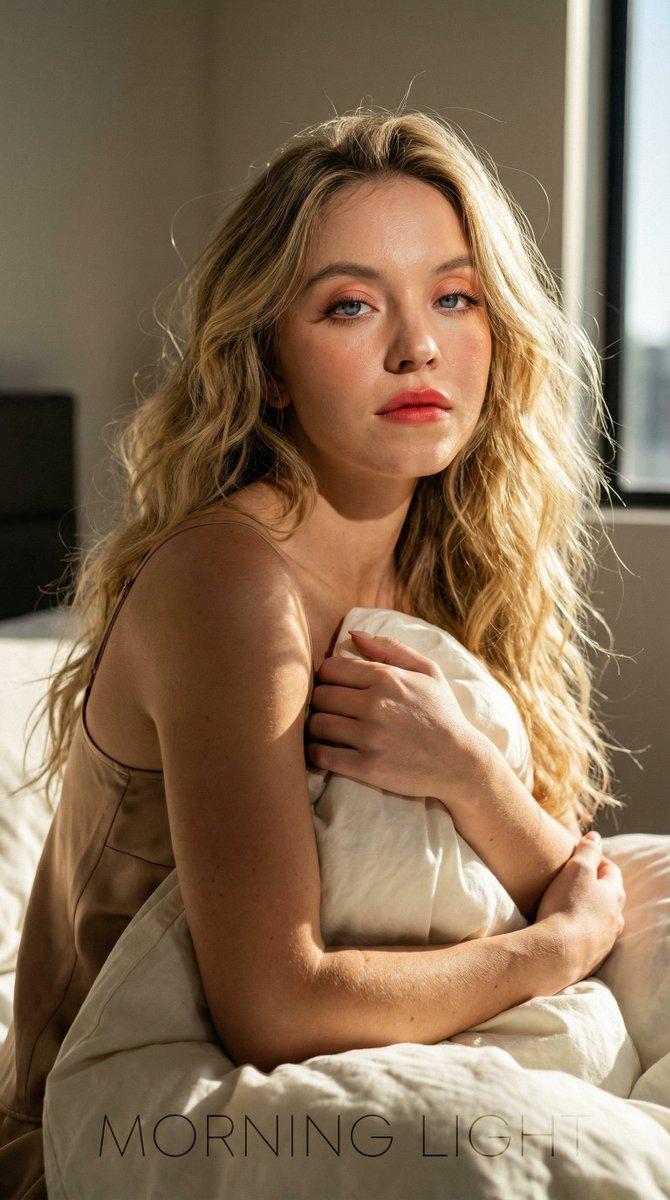
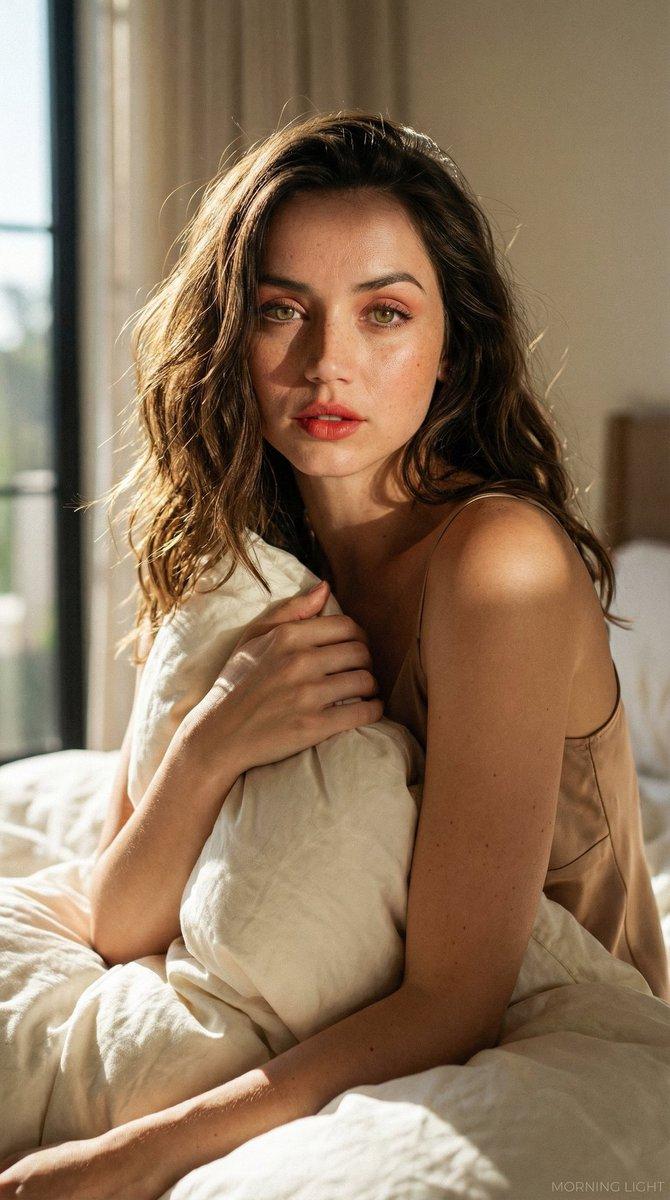
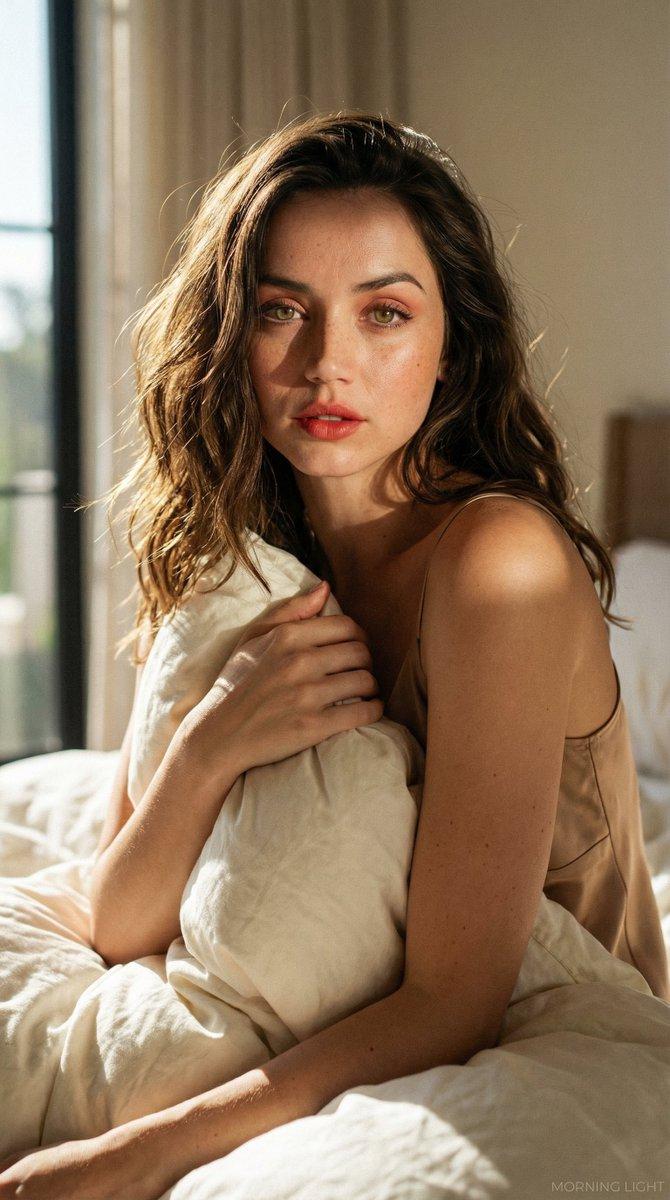
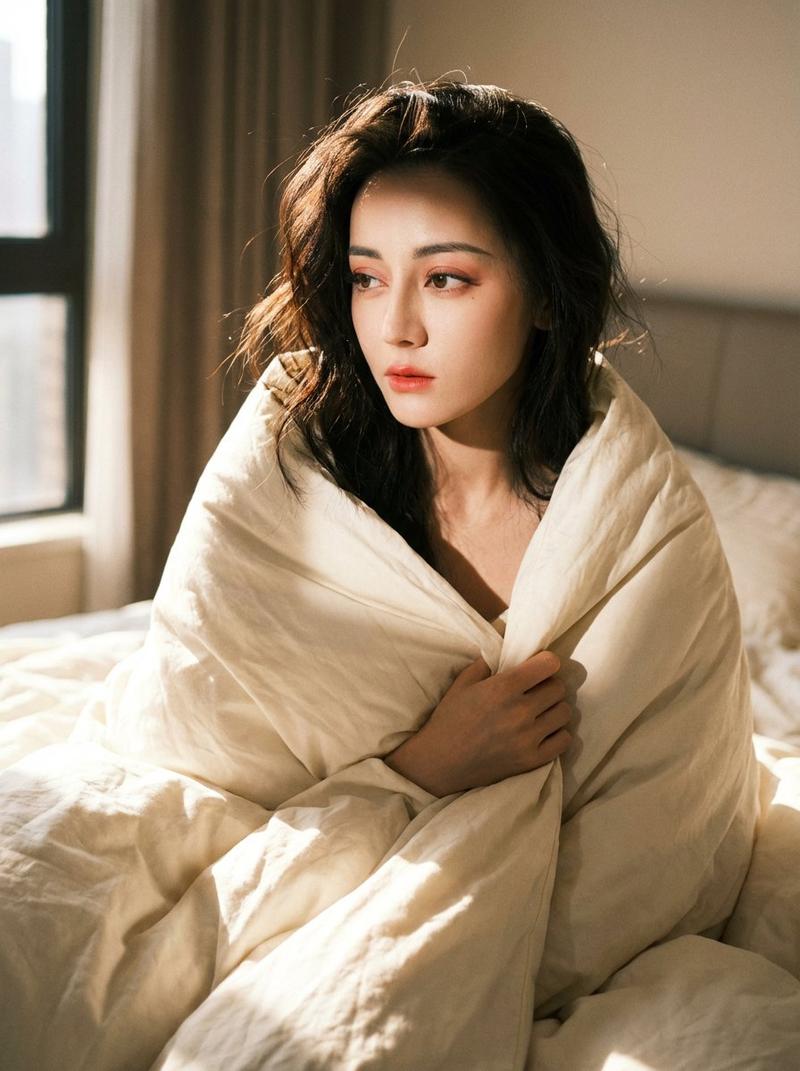
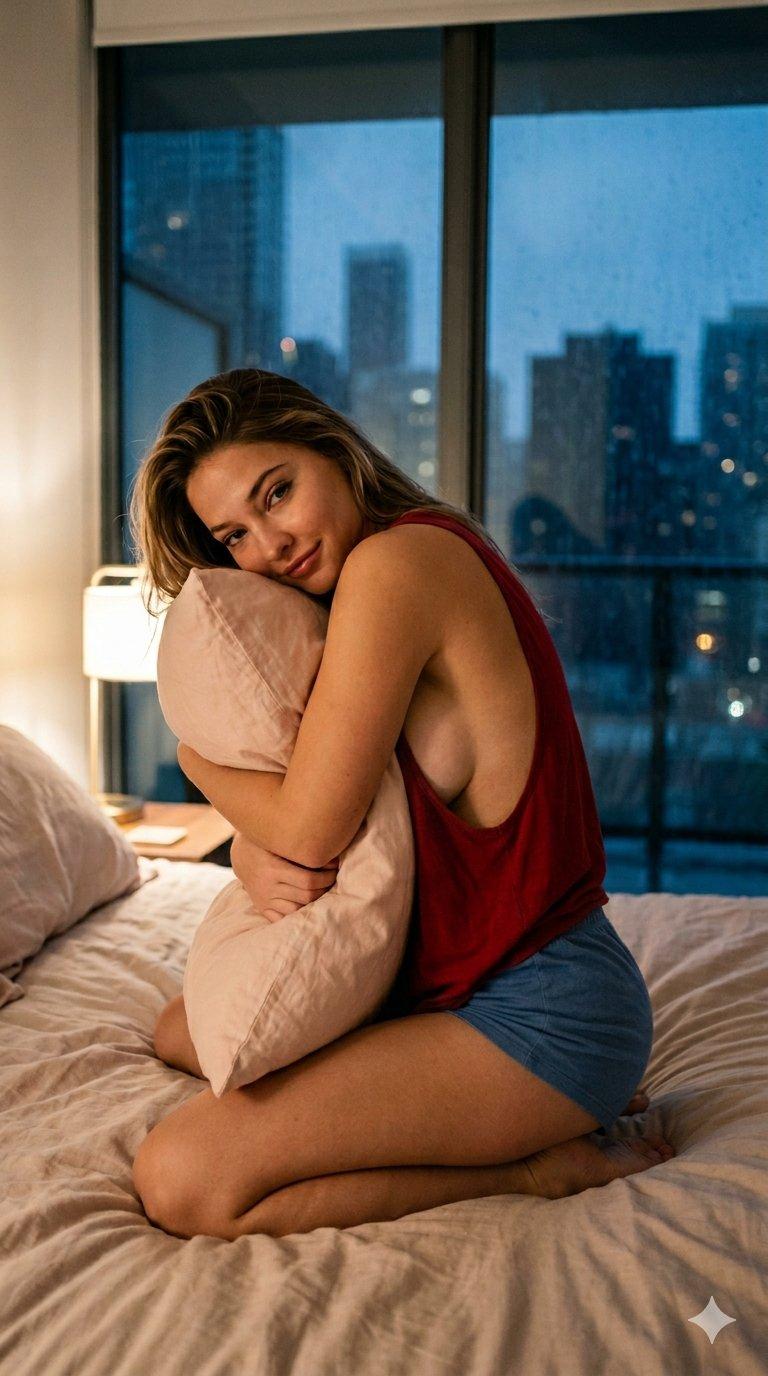
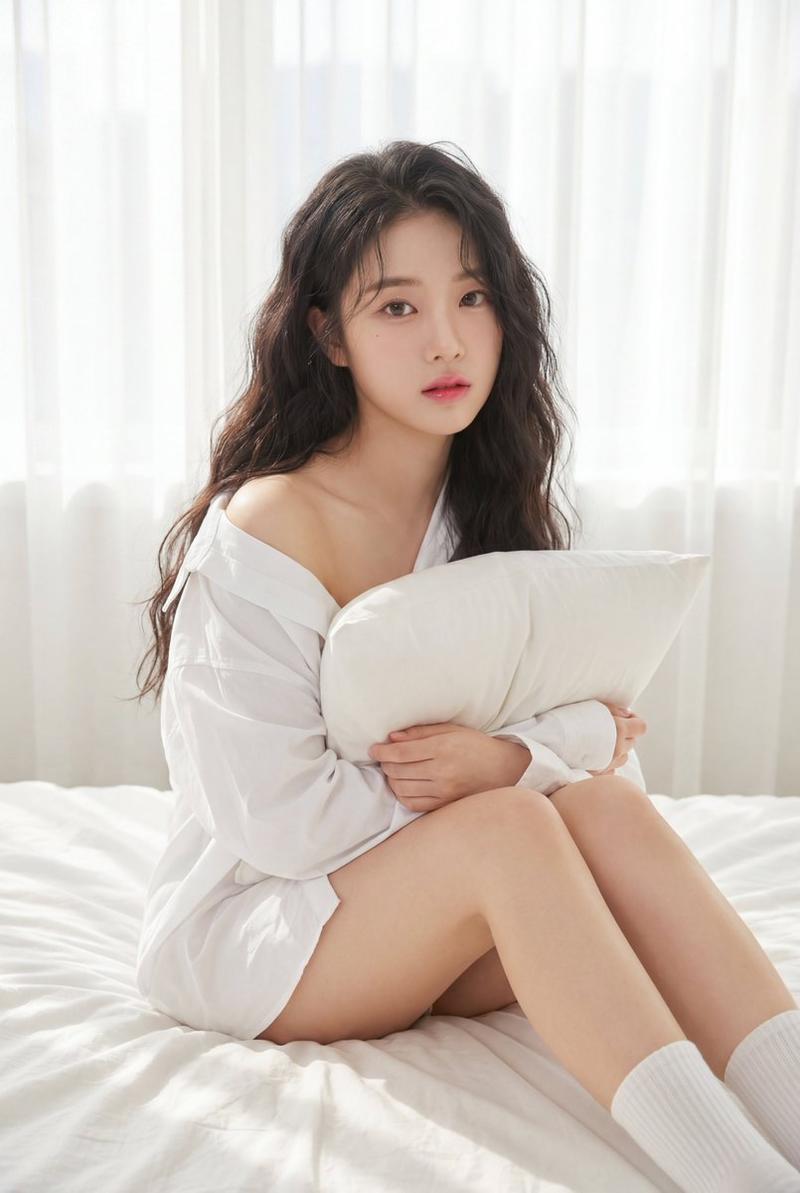
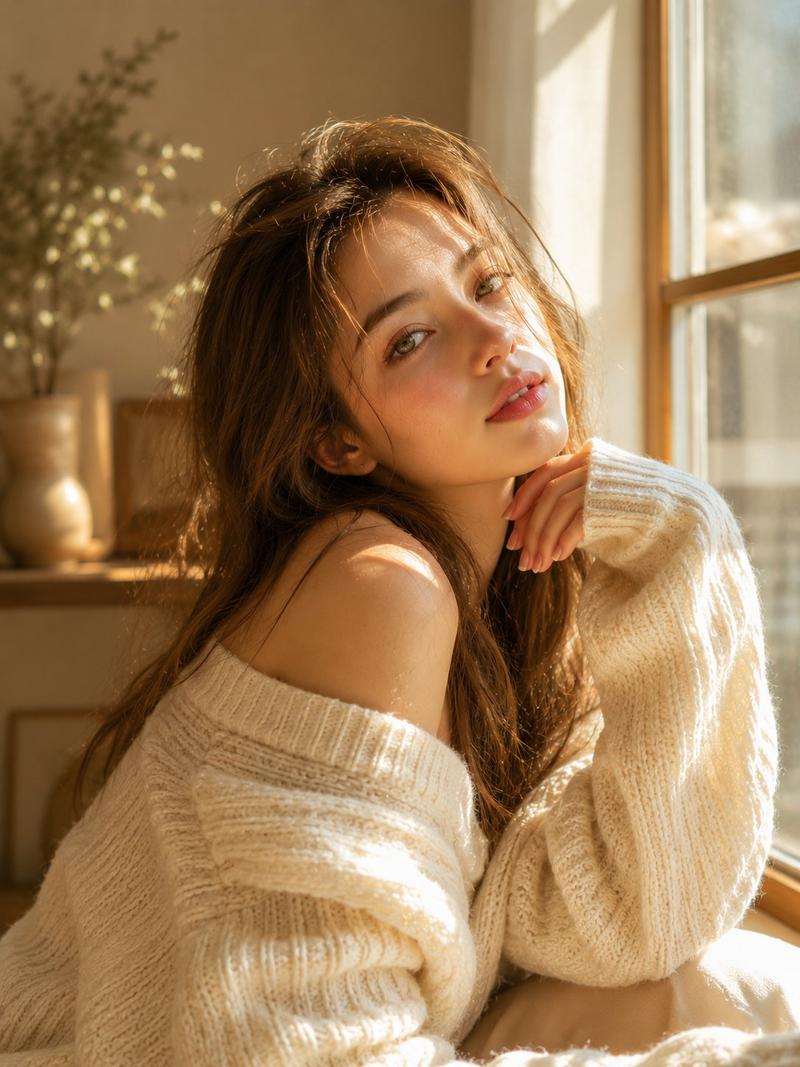
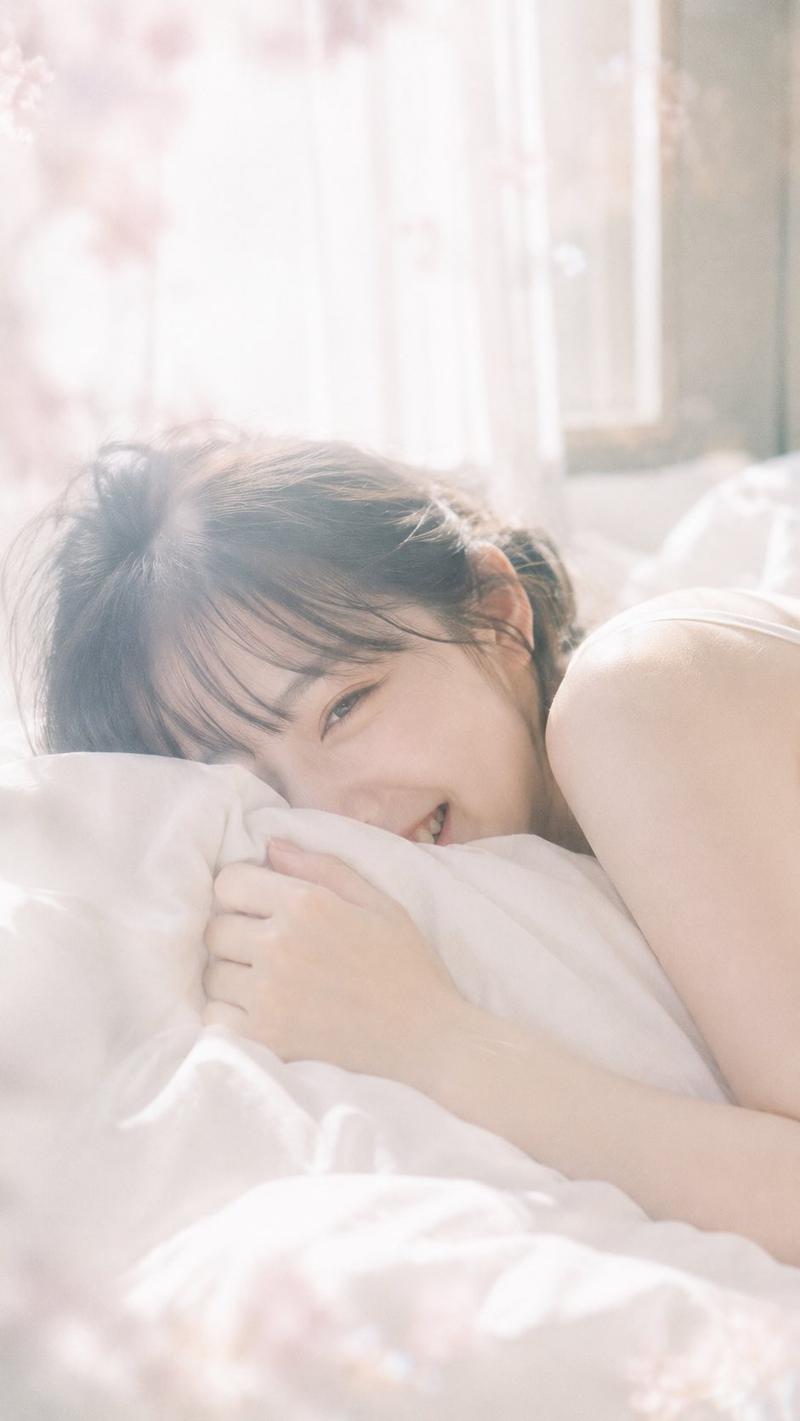
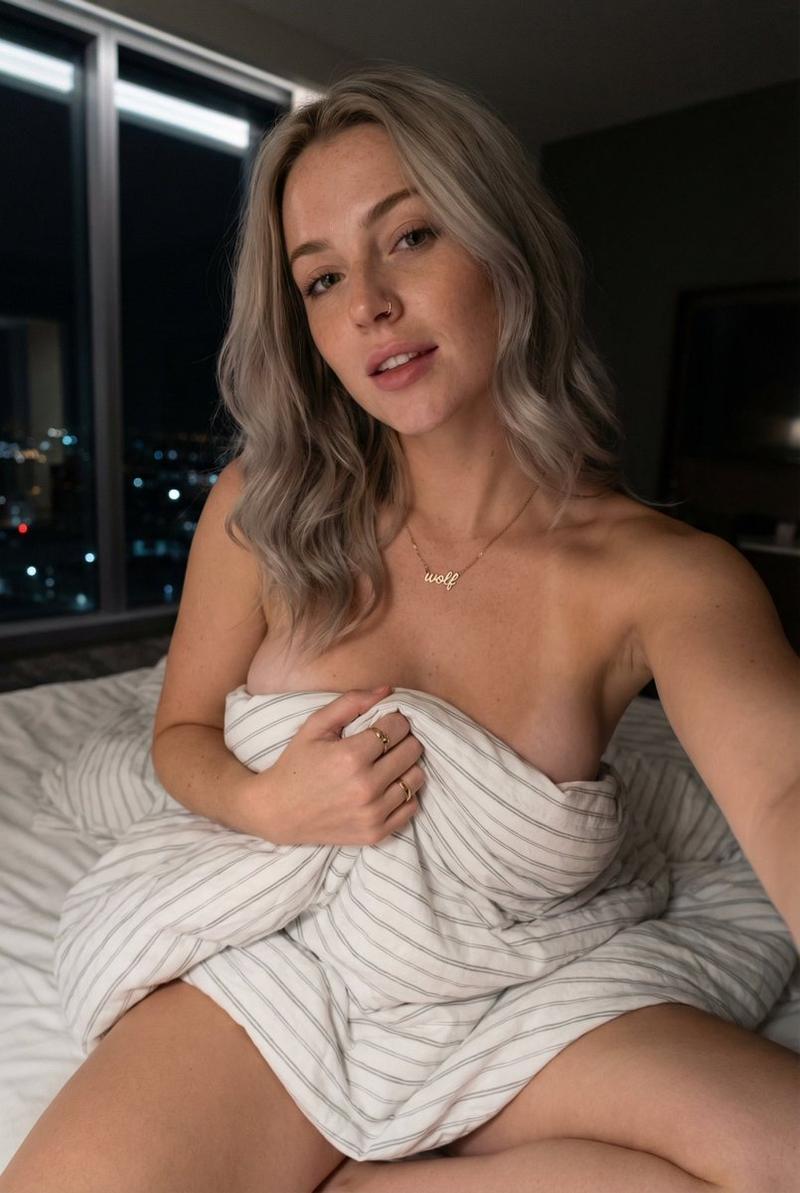
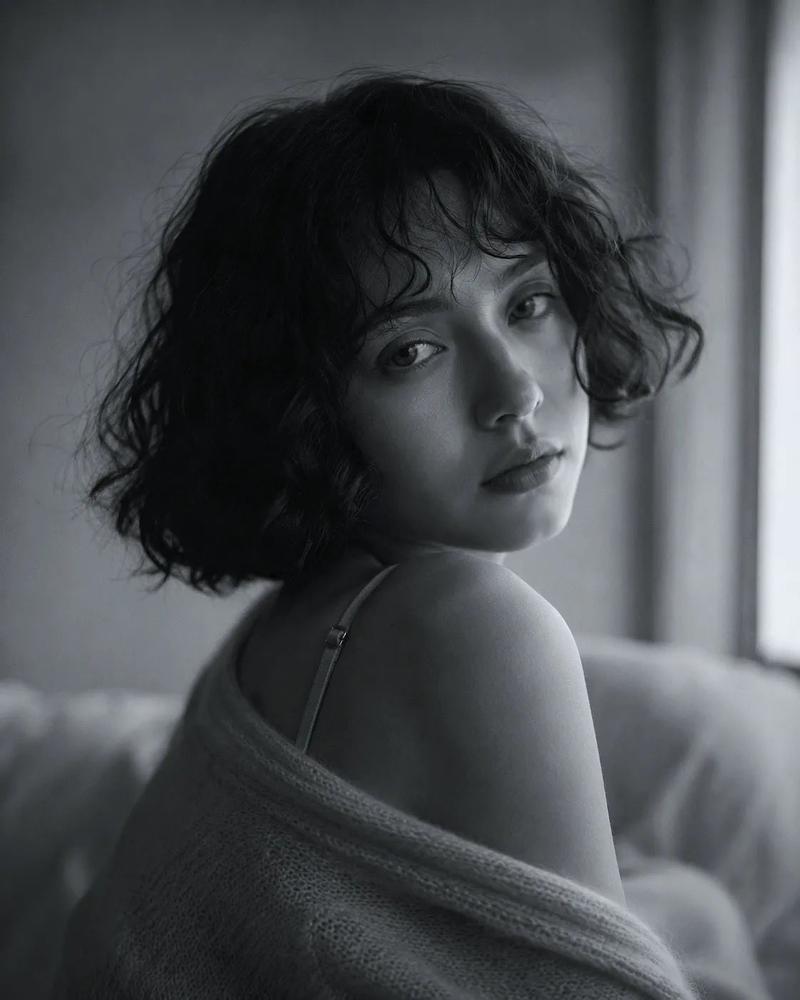
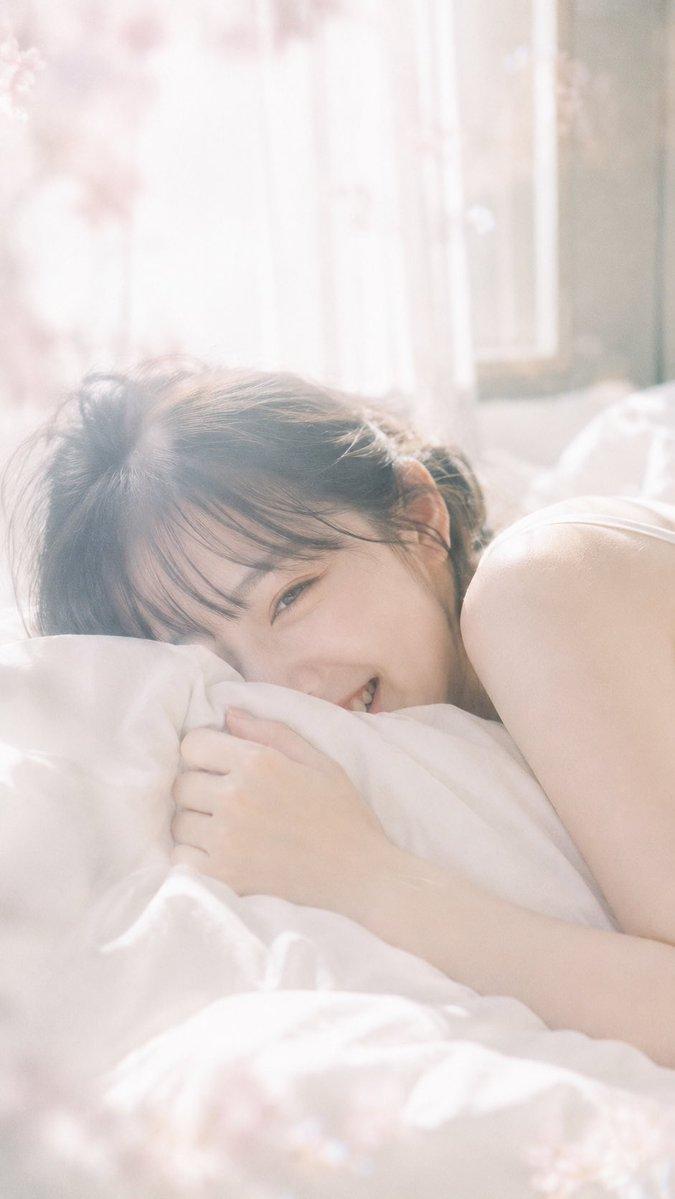
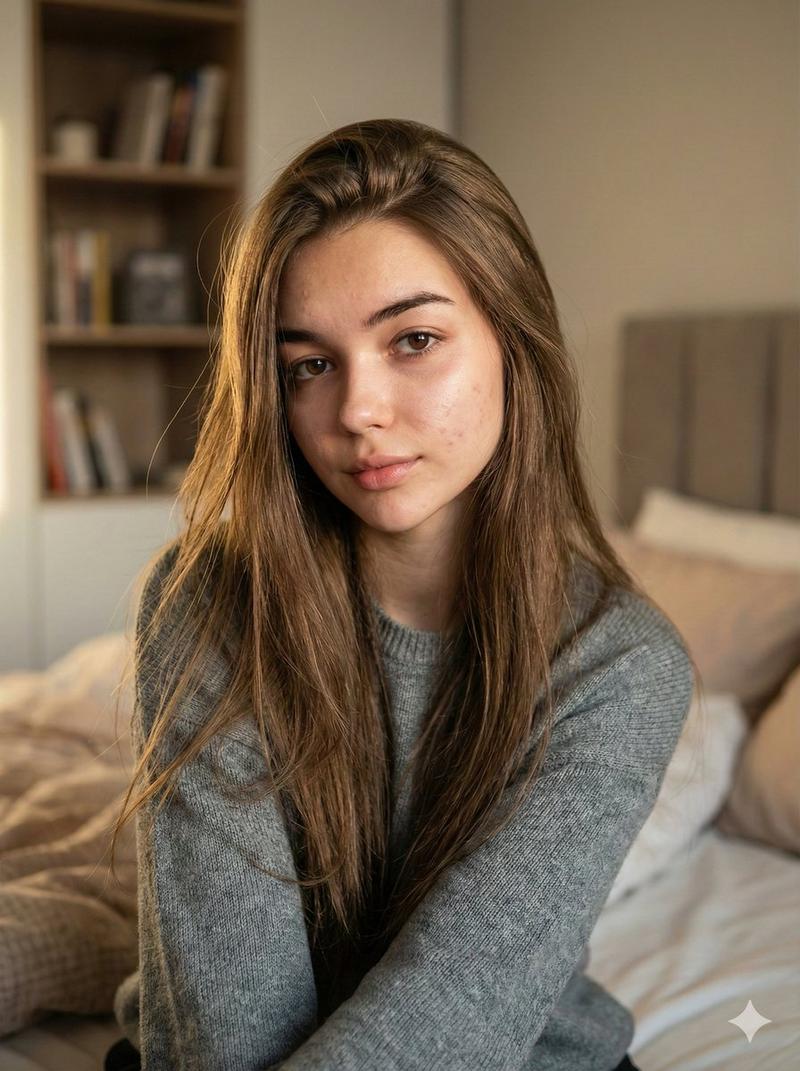
晨光中的丝裙美人
Enlarge

晨光中的丝裙美人

Prompt
{ "album_malomat": { "unwan": "Morning Light Series", "theme": "Aesthetic, Calm, aur Cinematic", "lighting_style": "Golden Hour (Subah ki naram dhoop)" }, "tasveerein": [ { "file_name": "20260131_215030.jpg", "model_naam": "Ana de Armas", "visual_details": { "facial_features": "Halki freckles, bhuri aankhen (hazel eyes), aur pink lipstick.", "baal": "Kandhon tak lambe, messy wavy style, gehra bhura rang.", "libas": "Bareek straps wala silk slip dress, beige rang mein.", "pose": "Bed par baith kar takiye (pillow) ko seene se lagaya hua hai." }, "technical_details": { "focus": "Chehre par sharp focus hai.", "bokeh_effect": "Background halka blur hai taake saari tawajjo model par rahe.", "shadows": "Chehre par dhoop ki wajah se ek taraf naram saaye (soft shadows) ban rahe hain." } }, { "file_name": "20260131_215027.jpg", "model_naam": "Sydney Sweeney", "visual_details": { "facial_features": "Neeli aankhen, glowing skin, aur peach-toned makeup.", "baal": "Sunehre (blonde) aur ghunghrayale baal jo bikhre hue hain.", "libas": "Pehli tasvir jaisa hi silk ka nightwear.", "pose": "Takiye ko zor se pakra hua hai, nazar seedhi camera ki taraf hai." }, "technical_details": { "composition": "Model frame ke darmiyan mein hai.", "branding": "Tasvir ke nichle hisse mein 'MORNING LIGHT' text maujood hai.", "contrast": "Dhoop aur kamre ke andhere hisson ke darmiyan gehra fark (high contrast) hai." } } ] }
Category
Brand & Logos
Model
Nano Banana Pro
Creator
@TzqQaiser
Views49
Source ID
10572
Published
May 1, 2026

Guide

About "晨光中的丝裙美人"

What is this prompt for?

"晨光中的丝裙美人" AI image prompt for Nano Banana Pro (Brand & Logos). { "album_information": { "title": "晨光系列", "theme": "唯美、宁静、电影感", "lighting_style": "黄金时段(柔和的晨光)"…

The full copyable prompt and example visuals above are ready for AI image generation or one-click recreate in Picva.

How to use this prompt

  1. Step 1

    Open the prompt detail

    Review the example visuals, category, and full prompt text for "晨光中的丝裙美人".

  2. Step 2

    Copy the prompt

    Copy the prompt body from this page, or load it directly in Studio.

  3. Step 3

    Pick a model (Nano Banana Pro)

    Prefer Nano Banana Pro. If you switch models, keep subject and composition and tweak style terms.

  4. Step 4

    Generate and export

    Recreate the look in Picva, or export into your workflow for editing and publishing.

FAQ

What is the "晨光中的丝裙美人" prompt?
It is an AI image-generation prompt for Nano Banana Pro in the Brand & Logos category. This page includes the full prompt text, example visuals, and a one-click recreate path in Picva.
How do I use this prompt to generate an image?
Copy the prompt from this page, or use Generate / Studio. Paste it into a compatible image model, or recreate the look in Picva with optional reference images.
Which model is this prompt for?
This page lists Nano Banana Pro. Most descriptive prompts also transfer to nearby image models such as GPT Image, Flux, or Midjourney with light style tweaks.
Can I use the result commercially?
You can usually copy the prompt for creation, but commercial use of the final image depends on the model terms, reference-image rights, and the generated content. Follow the source author and platform rules.