20

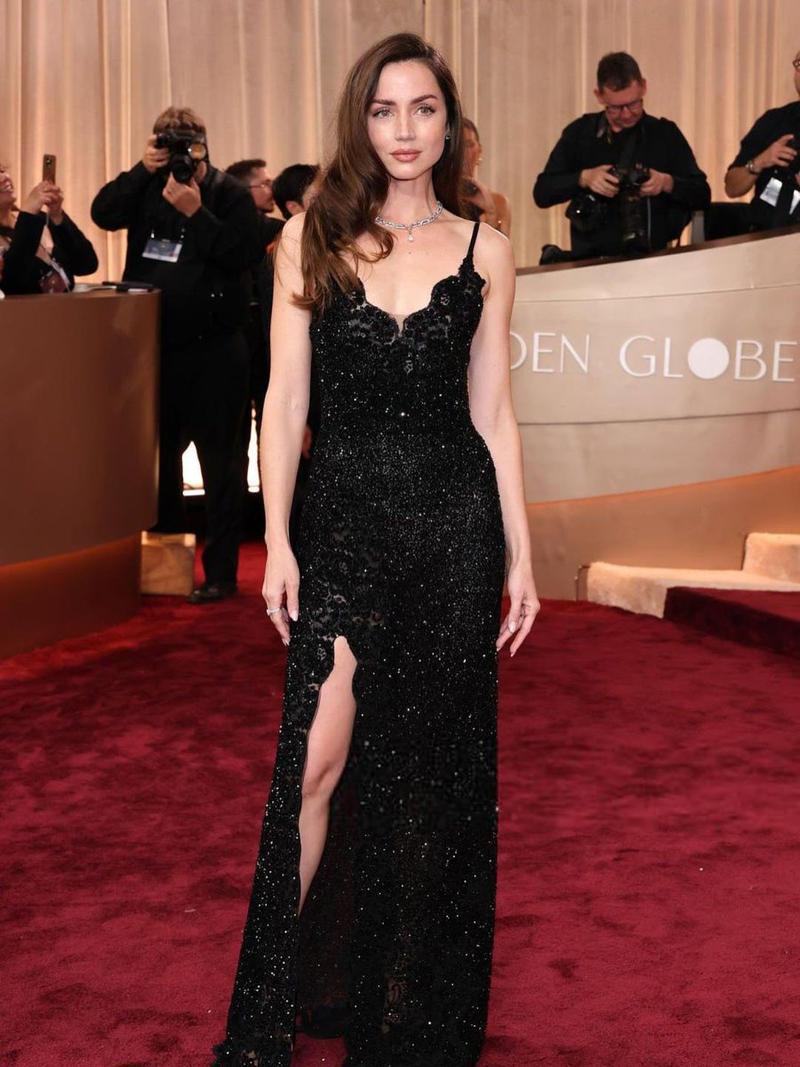
聚光灯下好莱坞红毯名流气场全开
Enlarge

聚光灯下好莱坞红毯名流气场全开

Prompt
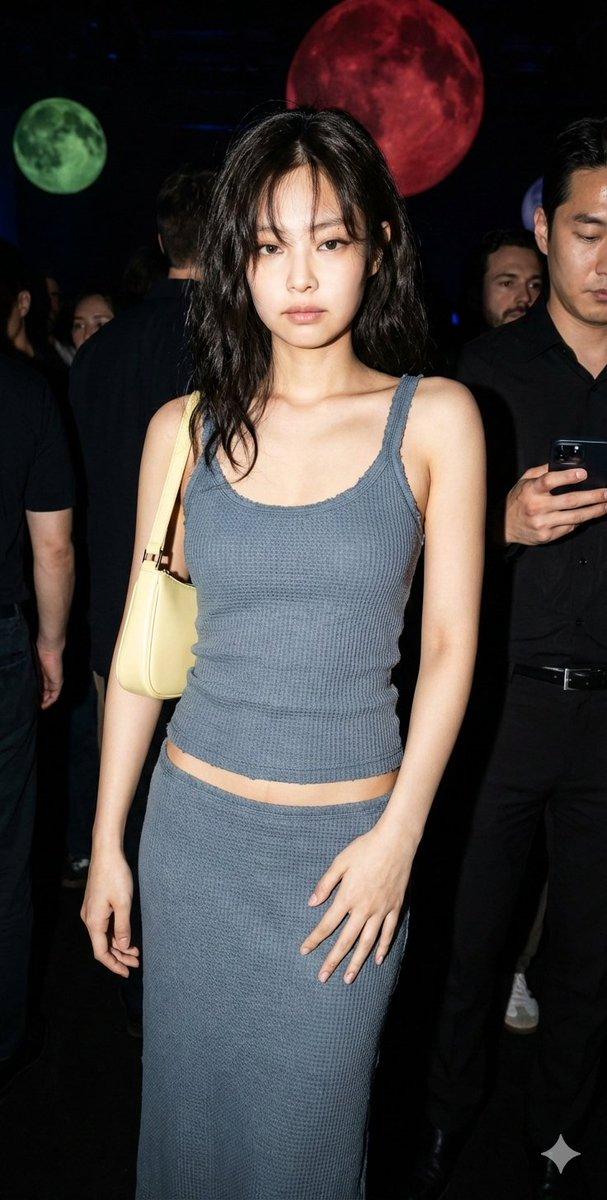
{ "model": "nano-banana-pro", "prompt": { "scene_type": "cinematic paparazzi photoshoot", "subject": { "identity": "use provided reference image face exactly", "pose": "walking forward confidently while looking slightly to the side", "expression": "calm, bold, confident, celebrity presence" }, "outfit": { "top": "light gray blazer worn open over a dark inner shirt", "bottom": "dark fitted jeans", "style": "modern celebrity fashion" }, "environment": { "location": "red carpet style press event", "background": "crowd of photographers on both sides holding cameras", "lighting_sources": "multiple camera flashes firing from all directions", "atmosphere": "dramatic, high-profile celebrity arrival" }, "lighting": { "main_light": "strong flash lighting from photographers", "rim_light": "backlight creating glow around shoulders and head", "contrast": "high contrast cinematic lighting" }, "camera": { "angle": "eye level", "lens": "85mm portrait lens", "depth_of_field": "shallow depth of field, background slightly blurred", "focus": "sharp focus on subject" }, "color_tone": { "mood": "dark cinematic tone", "temperature": "cool neutral", "style": "Hollywood red carpet look" }, "quality": { "realism": "ultra photorealistic", "details": "high skin texture, natural fabric folds, realistic light reflections", "resolution": "8K", "render": "professional photography" } } }
Category
Posters & Typography
Model
Nano Banana Pro
Views5
Source ID
8748
Published
Jun 3, 2026

Guide

About "聚光灯下好莱坞红毯名流气场全开"

What is this prompt for?

"聚光灯下好莱坞红毯名流气场全开" AI image prompt for Nano Banana Pro (Posters & Typography). { "model": "nano-banana-pro", "prompt": { "scene_type": "电影式狗仔队拍摄", "subject": {…

The full copyable prompt and example visuals above are ready for AI image generation or one-click recreate in Picva.

How to use this prompt

  1. Step 1

    Open the prompt detail

    Review the example visuals, category, and full prompt text for "聚光灯下好莱坞红毯名流气场全开".

  2. Step 2

    Copy the prompt

    Copy the prompt body from this page, or load it directly in Studio.

  3. Step 3

    Pick a model (Nano Banana Pro)

    Prefer Nano Banana Pro. If you switch models, keep subject and composition and tweak style terms.

  4. Step 4

    Generate and export

    Recreate the look in Picva, or export into your workflow for editing and publishing.

FAQ

What is the "聚光灯下好莱坞红毯名流气场全开" prompt?
It is an AI image-generation prompt for Nano Banana Pro in the Posters & Typography category. This page includes the full prompt text, example visuals, and a one-click recreate path in Picva.
How do I use this prompt to generate an image?
Copy the prompt from this page, or use Generate / Studio. Paste it into a compatible image model, or recreate the look in Picva with optional reference images.
Which model is this prompt for?
This page lists Nano Banana Pro. Most descriptive prompts also transfer to nearby image models such as GPT Image, Flux, or Midjourney with light style tweaks.
Can I use the result commercially?
You can usually copy the prompt for creation, but commercial use of the final image depends on the model terms, reference-image rights, and the generated content. Follow the source author and platform rules.