17

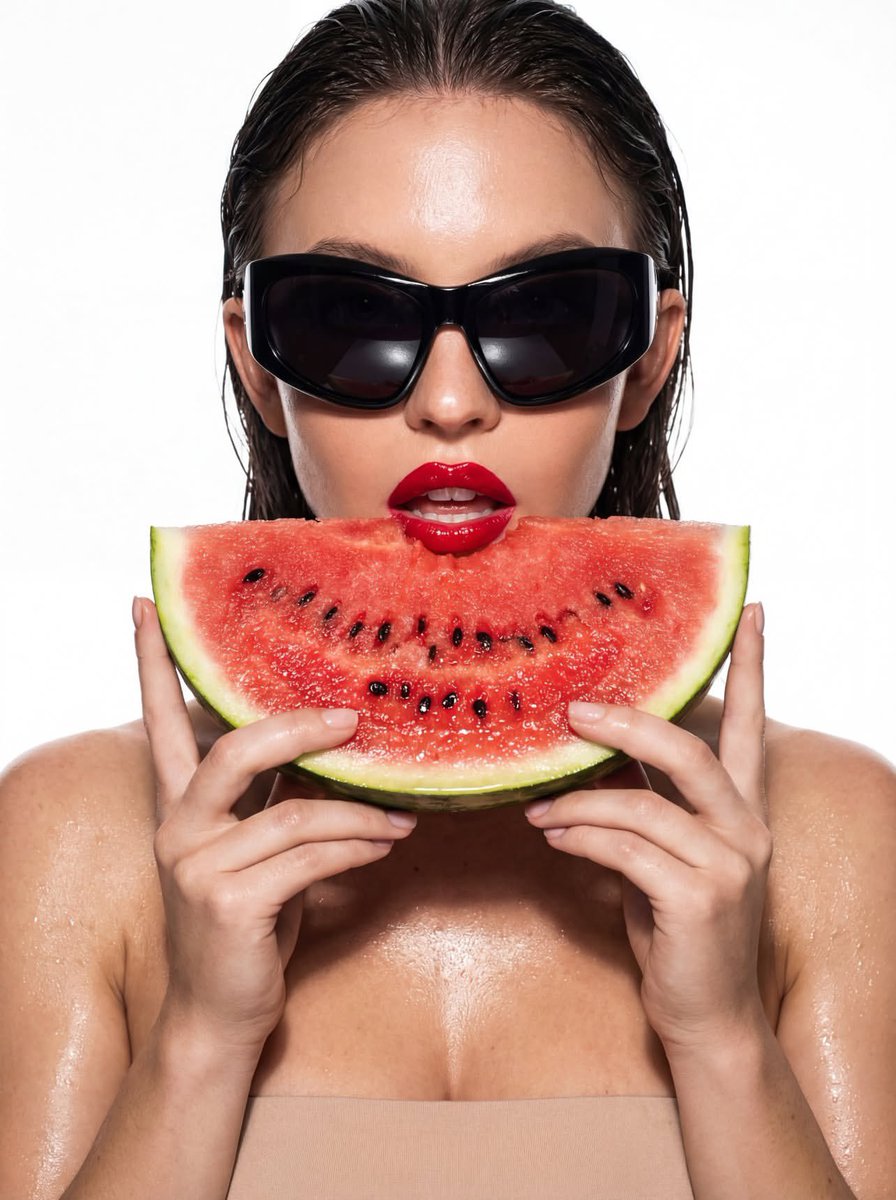
白棚高光照西瓜御姐
Enlarge

白棚高光照西瓜御姐

Prompt
{
  "shot": {
    "composition": "Hyper-stylized close-up, 85mm lens, shallow depth of field, shot on RED Komodo 6K",
    "camera_motion": "static",
    "frame_rate": "24fps",
    "film_grain": "digital clean with gloss post-grade"
  },
  "subject": {
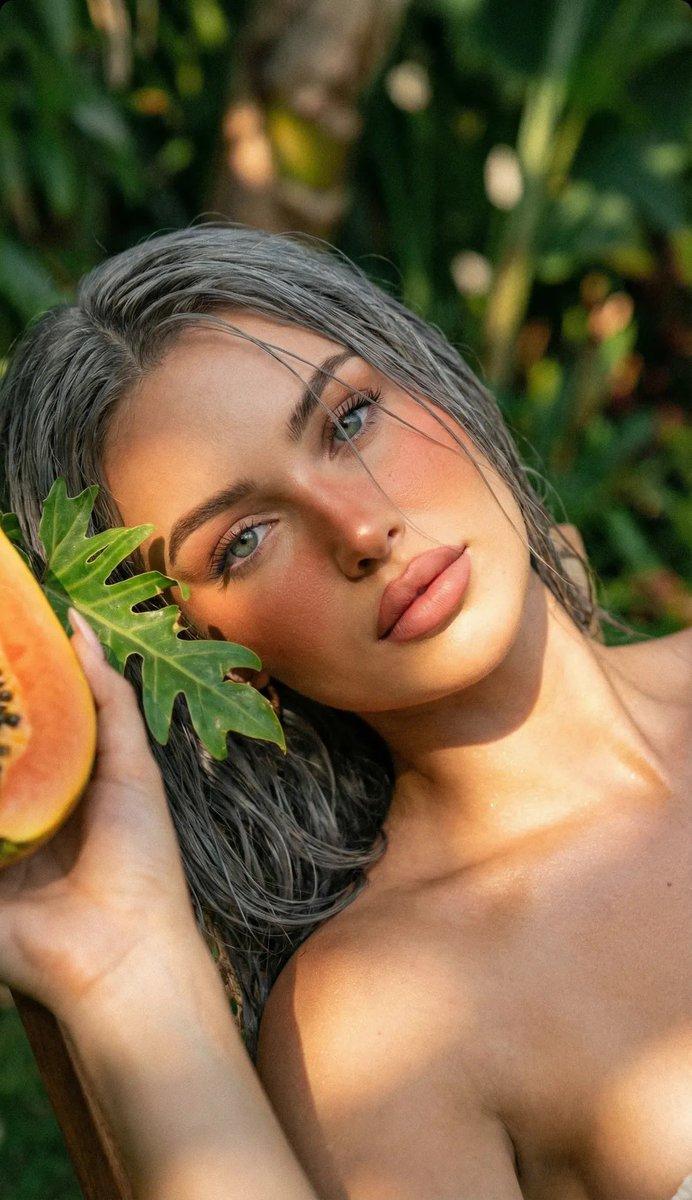
    "description": "A woman with wet slicked-back hair, bold glossy red lips, wearing oversized black futuristic sunglasses",
    "wardrobe": "bare shoulders, likely nude or minimal to enhance focus on face and accessories",
    "props": "large slice of juicy watermelon held in front of her mouth"
  },
  "scene": {
    "location": "high-key white background studio with strong directional light",
    "time_of_day": "midday impression (stylized lighting)",
    "environment": "wet gloss aesthetic with moisture drops on skin"
  },
  "visual_details": {
    "action": "she holds the watermelon close to her mouth, lips parted sensually",
    "lighting_effects": "hard light reflections on sunglasses, wet skin and watermelon surface"
Category
Photography & Realism
Model
Nano Banana Pro
Creator
@xmliisu
Views70
Source ID
2112
Published
Jan 20, 2026

Guide

About "白棚高光照西瓜御姐"

What is this prompt for?

"白棚高光照西瓜御姐" AI image prompt for Nano Banana Pro (Photography & Realism). { "shot": { "composition": "超风格化特写,85mm镜头,浅景深,使用RED Komodo 6K拍摄", "camera_motion": "静态…

The full copyable prompt and example visuals above are ready for AI image generation or one-click recreate in Picva.

How to use this prompt

  1. Step 1

    Open the prompt detail

    Review the example visuals, category, and full prompt text for "白棚高光照西瓜御姐".

  2. Step 2

    Copy the prompt

    Copy the prompt body from this page, or load it directly in Studio.

  3. Step 3

    Pick a model (Nano Banana Pro)

    Prefer Nano Banana Pro. If you switch models, keep subject and composition and tweak style terms.

  4. Step 4

    Generate and export

    Recreate the look in Picva, or export into your workflow for editing and publishing.

FAQ

What is the "白棚高光照西瓜御姐" prompt?
It is an AI image-generation prompt for Nano Banana Pro in the Photography & Realism category. This page includes the full prompt text, example visuals, and a one-click recreate path in Picva.
How do I use this prompt to generate an image?
Copy the prompt from this page, or use Generate / Studio. Paste it into a compatible image model, or recreate the look in Picva with optional reference images.
Which model is this prompt for?
This page lists Nano Banana Pro. Most descriptive prompts also transfer to nearby image models such as GPT Image, Flux, or Midjourney with light style tweaks.
Can I use the result commercially?
You can usually copy the prompt for creation, but commercial use of the final image depends on the model terms, reference-image rights, and the generated content. Follow the source author and platform rules.