18

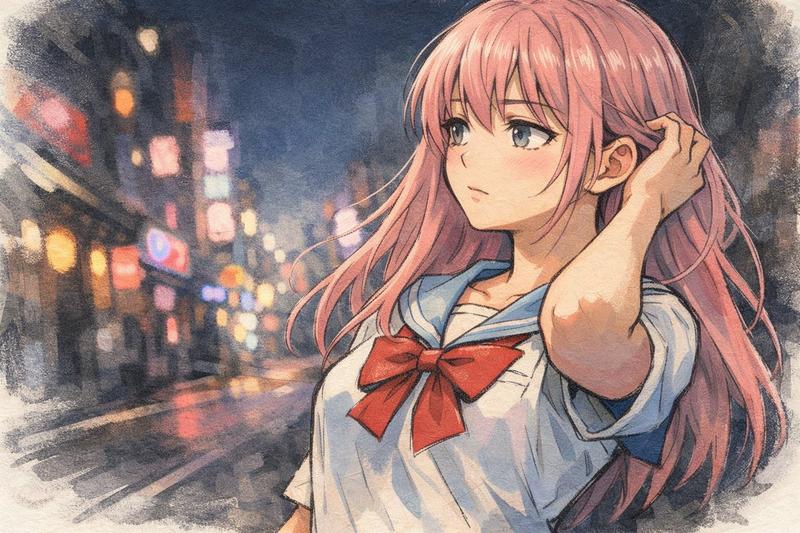
暖色街头紫发少女的惊艳回眸

Prompt
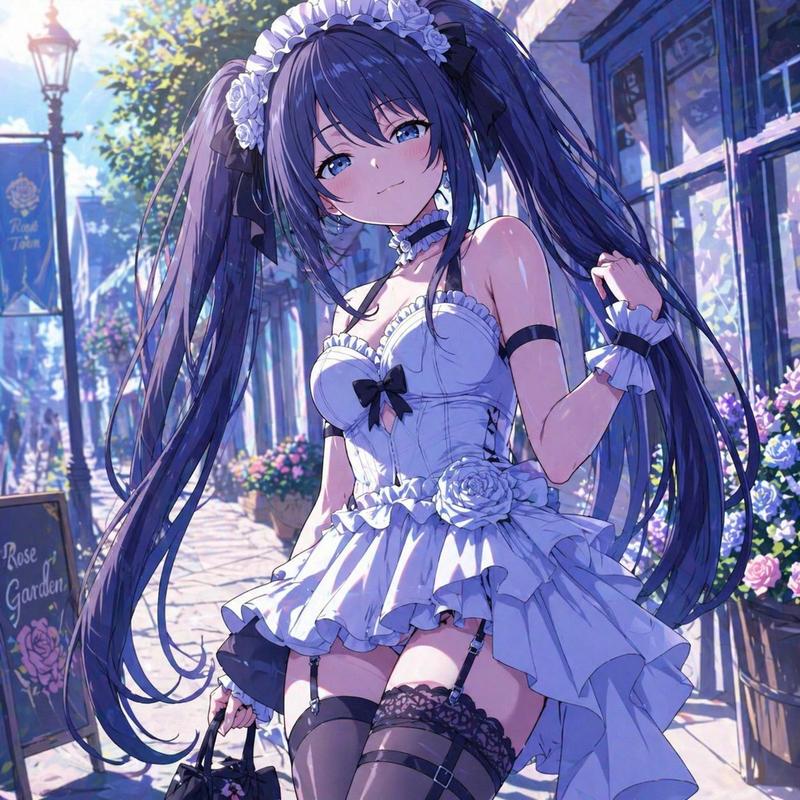
Anime style, first-person perspective, I am walking on a lively street, accidentally lightly bumping into the girl in front of me, she slowly turns her head back, purple twin tails gently rising along with the movement, hair tips carrying a soft luster, green eyes like emeralds illuminated by sunlight, clean and translucent. Long eyelashes trembling gently, side profile lines clean and soft, the moment of looking up, clean and stunning, I (male) say to the girl in Japanese: "Sorry! I didn't mean it", The girl says: "It's okay~" with subtitles below. Behind is a warm-toned street, signboard lights are hazy, wind gently blows, setting off her whole person as if she walked out of an anime, gentle and dazzling, background music hits the beat exactly at the moment the girl turns around.
Category
Video Prompts
Model
Seedance 2.0
Creator
@liyue_ai
Views231
Source ID
2728
Published
Feb 28, 2026

Guide

About "暖色街头紫发少女的惊艳回眸"

What is this prompt for?

"暖色街头紫发少女的惊艳回眸" AI image prompt for Seedance 2.0 (Video Prompts). 动漫风格,第一视角,我走在热闹的街道上,不小心轻轻撞到了身前的女孩,她缓缓回过头,紫色的双马尾顺着动作轻轻扬起,发梢带着柔和的光泽,绿色的眼眸像被阳光照透的翡翠,干净又透亮。 长长的睫毛…

The full copyable prompt and example visuals above are ready for AI image generation or one-click recreate in Picva.

How to use this prompt

  1. Step 1

    Open the prompt detail

    Review the example visuals, category, and full prompt text for "暖色街头紫发少女的惊艳回眸".

  2. Step 2

    Copy the prompt

    Copy the prompt body from this page, or load it directly in Studio.

  3. Step 3

    Pick a model (Seedance 2.0)

    Prefer Seedance 2.0. If you switch models, keep subject and composition and tweak style terms.

  4. Step 4

    Generate and export

    Recreate the look in Picva, or export into your workflow for editing and publishing.

FAQ

What is the "暖色街头紫发少女的惊艳回眸" prompt?
It is an AI image-generation prompt for Seedance 2.0 in the Video Prompts category. This page includes the full prompt text, example visuals, and a one-click recreate path in Picva.
How do I use this prompt to generate an image?
Copy the prompt from this page, or use Generate / Studio. Paste it into a compatible image model, or recreate the look in Picva with optional reference images.
Which model is this prompt for?
This page lists Seedance 2.0. Most descriptive prompts also transfer to nearby image models such as GPT Image, Flux, or Midjourney with light style tweaks.
Can I use the result commercially?
You can usually copy the prompt for creation, but commercial use of the final image depends on the model terms, reference-image rights, and the generated content. Follow the source author and platform rules.