17

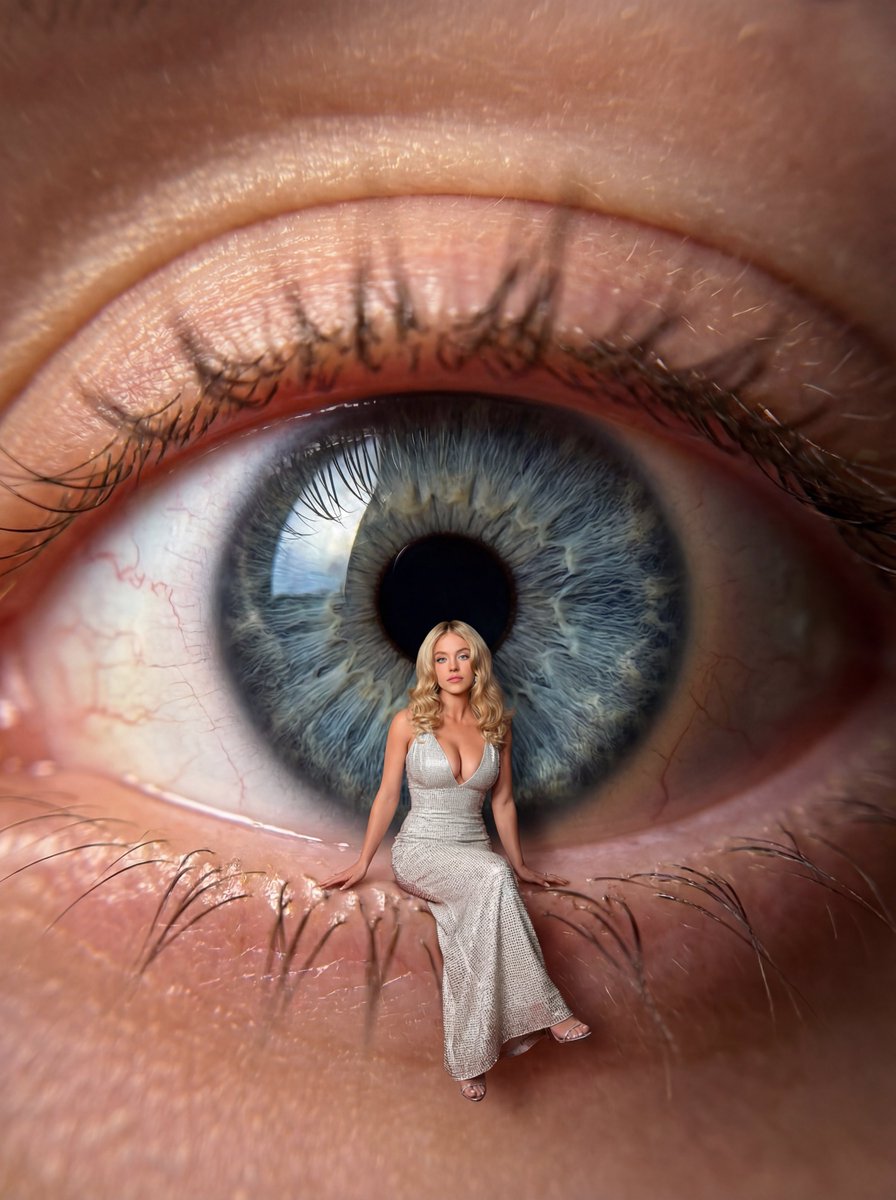
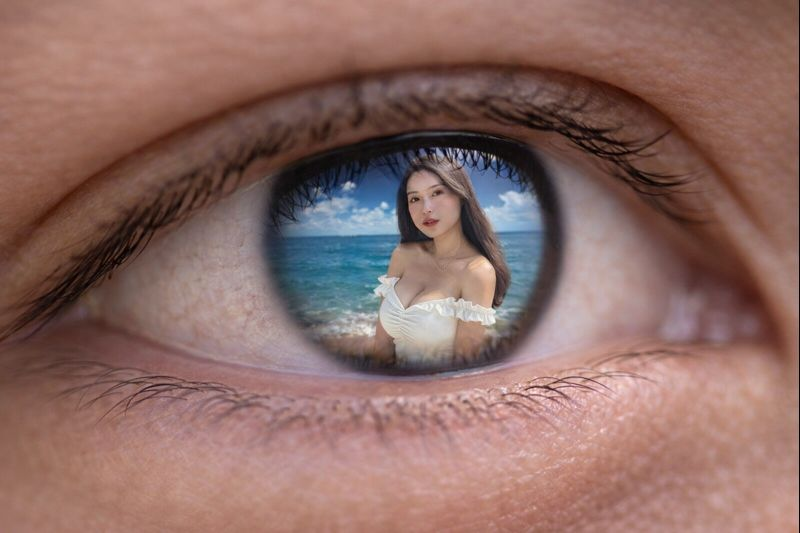
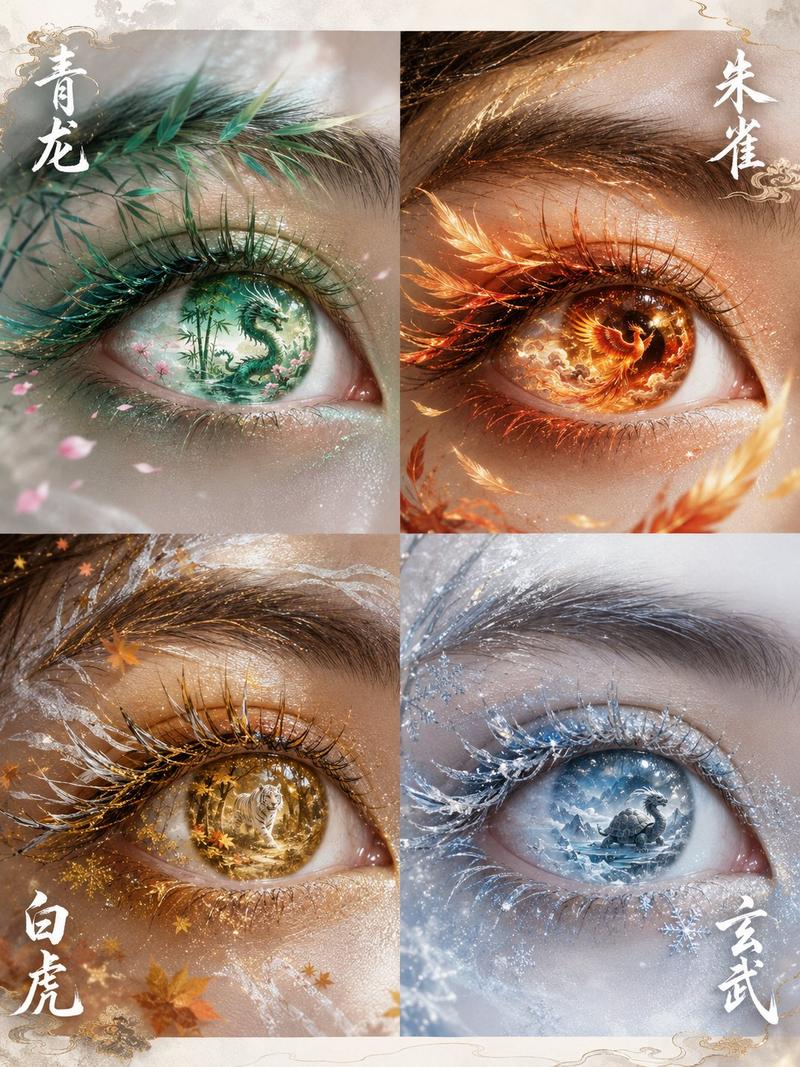
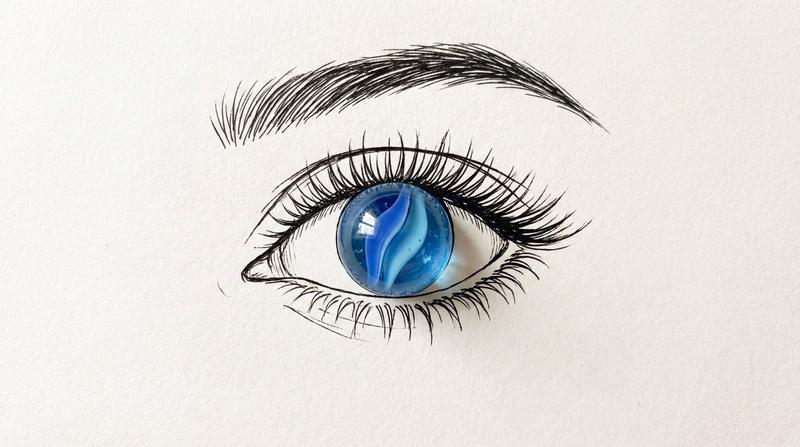
霓虹虹膜中的超现实时尚少女
Enlarge

霓虹虹膜中的超现实时尚少女

Prompt
surreal, ultra-realistic macro photograph of a human eye filling the entire frame, highly detailed eyelashes, natural skin texture, cinematic lighting. Inside the colorful iris reflection sits a stylish young woman in a confident pose, wearing oversized sunglasses, layered gold chains, a trendy cap, a loose purple graphic t-shirt tucked into wide-leg beige pants, and chunky sneakers. She is sitting casually on the lower eyelid as if it were a ledge, holding a luxury green handbag beside her. The iris has vibrant neon green and rainbow tones with glossy reflections, dreamy bokeh highlights, sharp focus on the woman and iris, shallow depth of field, high-fashion editorial style, 8k, photorealistic, dramatic lighting.
Category
Posters & Typography
Model
Nano Banana 2
Views110
Source ID
2826
Published
Mar 1, 2026

Guide

About "霓虹虹膜中的超现实时尚少女"

What is this prompt for?

"霓虹虹膜中的超现实时尚少女" AI image prompt for Nano Banana 2 (Posters & Typography). 超现实,超写实微距摄影,一只人眼填满整个画面,高度细致的睫毛,自然的皮肤纹理,电影级布光。在五彩斑斓的虹膜倒影中坐着一位姿态自信的时尚年轻女性,戴着超大号太阳镜,多层金链…

The full copyable prompt and example visuals above are ready for AI image generation or one-click recreate in Picva.

How to use this prompt

  1. Step 1

    Open the prompt detail

    Review the example visuals, category, and full prompt text for "霓虹虹膜中的超现实时尚少女".

  2. Step 2

    Copy the prompt

    Copy the prompt body from this page, or load it directly in Studio.

  3. Step 3

    Pick a model (Nano Banana 2)

    Prefer Nano Banana 2. If you switch models, keep subject and composition and tweak style terms.

  4. Step 4

    Generate and export

    Recreate the look in Picva, or export into your workflow for editing and publishing.

FAQ

What is the "霓虹虹膜中的超现实时尚少女" prompt?
It is an AI image-generation prompt for Nano Banana 2 in the Posters & Typography category. This page includes the full prompt text, example visuals, and a one-click recreate path in Picva.
How do I use this prompt to generate an image?
Copy the prompt from this page, or use Generate / Studio. Paste it into a compatible image model, or recreate the look in Picva with optional reference images.
Which model is this prompt for?
This page lists Nano Banana 2. Most descriptive prompts also transfer to nearby image models such as GPT Image, Flux, or Midjourney with light style tweaks.
Can I use the result commercially?
You can usually copy the prompt for creation, but commercial use of the final image depends on the model terms, reference-image rights, and the generated content. Follow the source author and platform rules.