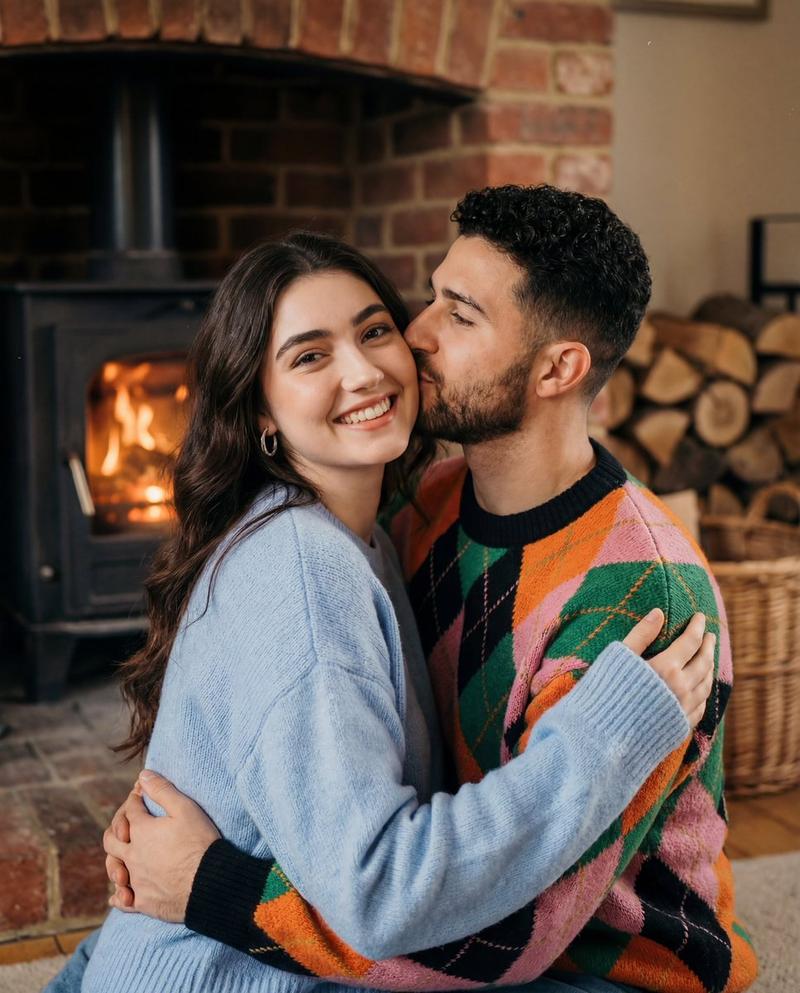
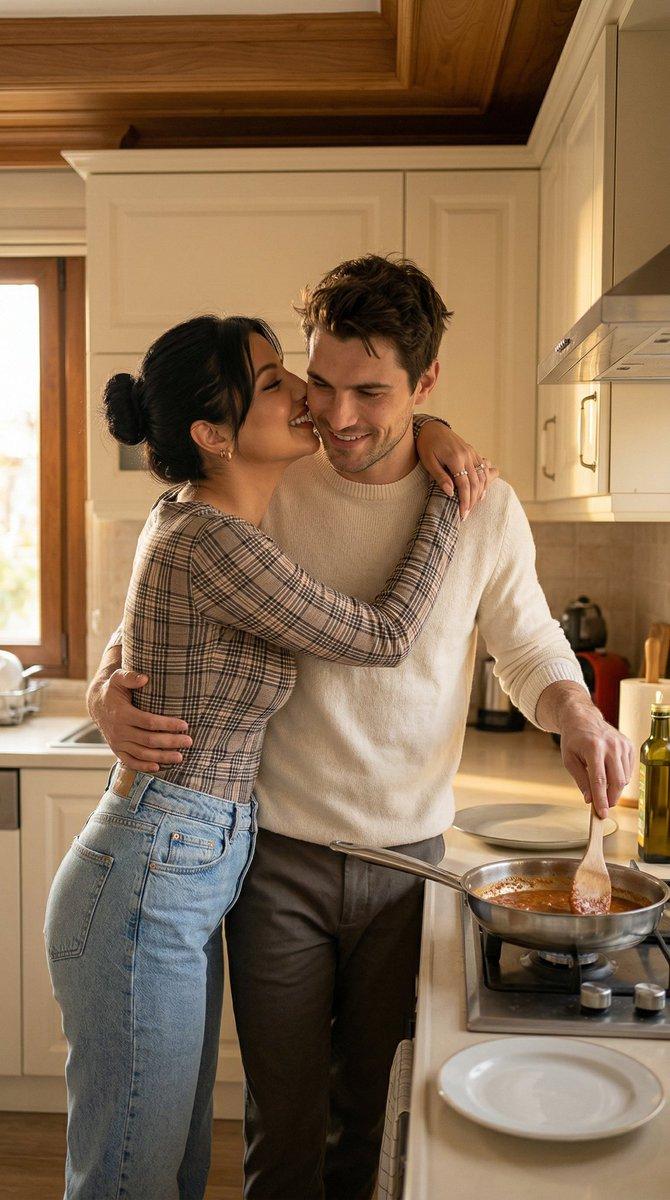
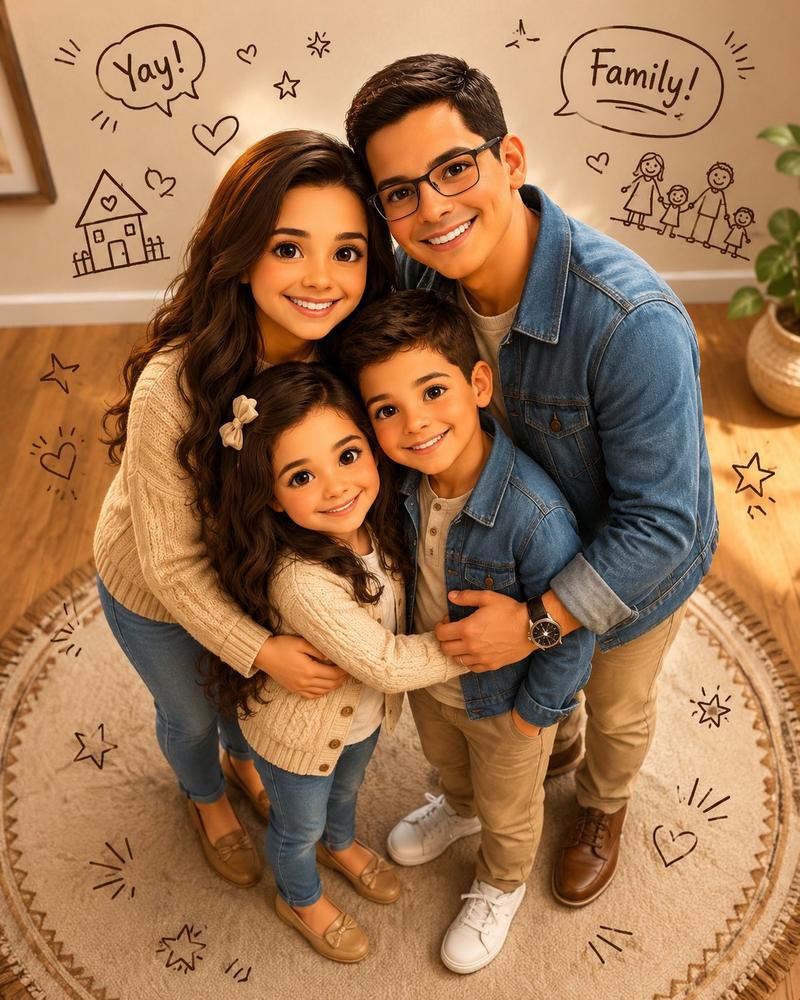
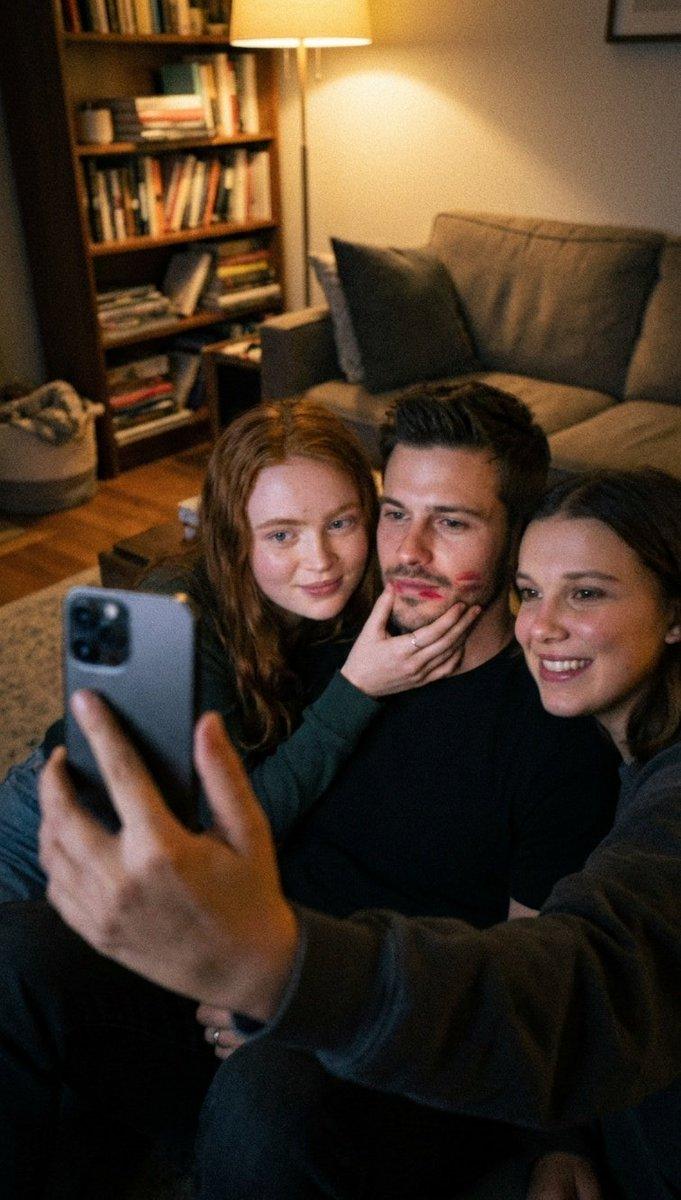
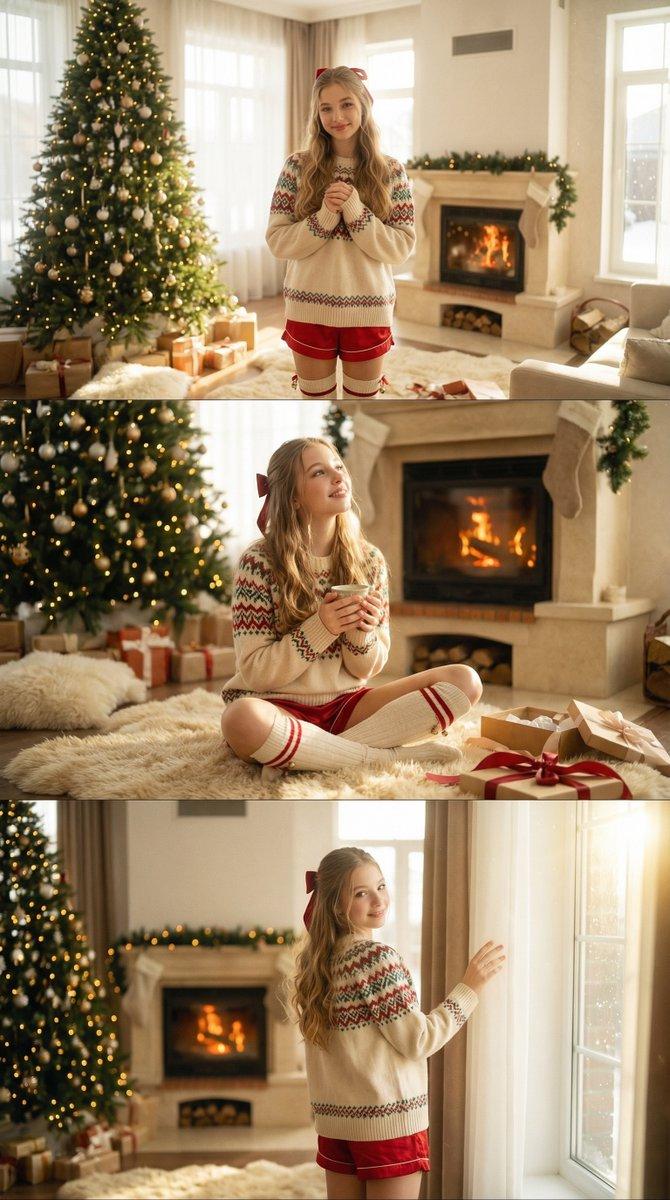
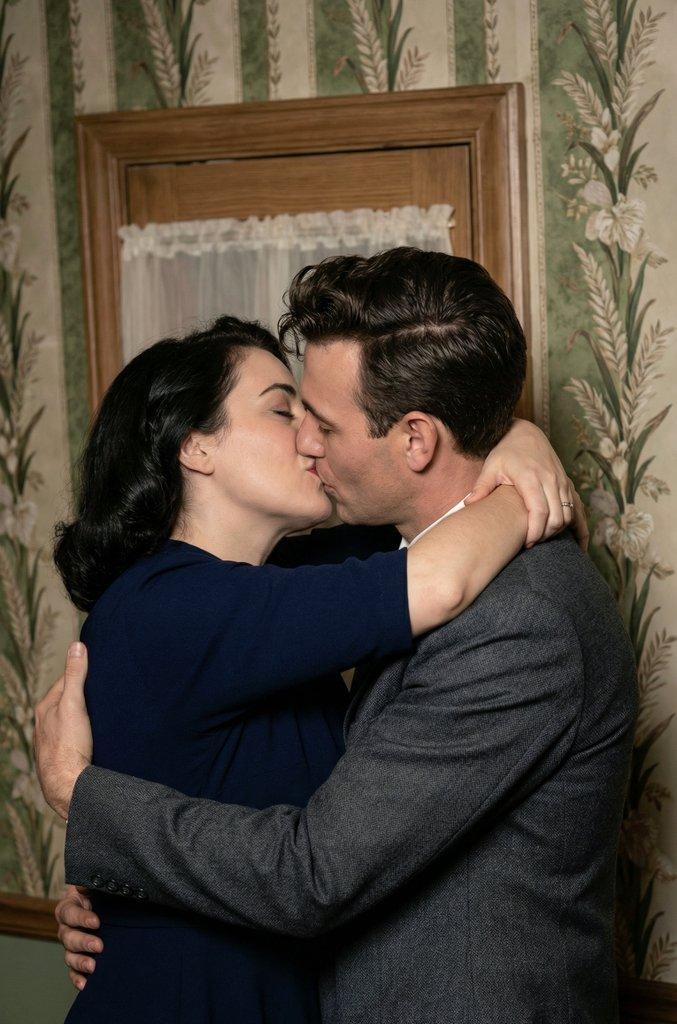
壁炉火光下的甜蜜恋人温馨拥吻
Prompt
{ "scene_type": "intimate lifestyle portrait", "composition": { "framing": "medium close-up", "orientation": "horizontal", "subjects_position": "centered, tightly framed", "camera_angle": "eye-level", "crop": "waist-up", "visual_balance": "subjects dominate foreground with symmetrical warmth from background fireplace", "depth": "shallow depth of field with softly blurred background elements" }, "subjects": [ { "gender_expression": "female-presenting", "age_range": "young adult", "pose": "facing camera, arms wrapped around partner", "facial_expression": "broad genuine smile, relaxed eyes", "gaze": "directly at camera", "hair": { "color": "dark brown", "style": "long, straight, natural part" }, "clothing": { "type": "knit sweater", "color": "soft pastel blue", "texture": "fuzzy, wool-like" }, "accessories": ["silver hoop earrings"], "emotion": "joyful, affectionate" }, { "gender_expression": "male-presenting", "age_range": "young adult", "pose": "turned toward partner, leaning in", "facial_expression": "soft smile, affectionate", "gaze": "toward partner", "hair": { "color": "dark brown", "style": "short, wavy, slightly tousled" }, "clothing": { "type": "knit sweater", "pattern": "argyle-style blocks", "colors": ["orange", "green", "pink", "black"], "texture": "soft, thick knit" }, "emotion": "tender, affectionate" } ], "interaction": "embrace with cheek kiss, close physical proximity conveying warmth and intimacy", "environment": { "location_type": "indoor residential living space", "background_elements": [ "brick fireplace", "wood-burning stove with visible flame", "stacked firewood", "woven basket", "shelving" ], "setting_mood": "cozy, rustic, intimate" }, "lighting": { "primary_source": "warm ambient firelight", "secondary_source": "soft indoor lighting", "quality": "diffused and gentle", "color_temperature": "warm", "shadows": "soft, minimal harsh contrast" }, "color_palette": { "dominant_colors": ["warm orange", "brick red", "soft blue"], "accent_colors": ["green", "pink", "black"], "overall_tone": "warm, nostalgic" }, "technical_characteristics": { "camera_type": "digital or film-style capture", "lens_look": "standard focal length", "focus": "sharp on subjects, slightly soft background", "grain": "visible fine grain", "noise": "moderate, intentional for aesthetic" }, "artistic_style": { "genre": "lifestyle photography", "aesthetic": "candid, cozy, nostalgic", "influences": ["film photography", "indie lifestyle editorial"], "post_processing": { "contrast": "low to moderate", "saturation": "slightly muted", "highlights": "soft roll-off", "color_grading": "warm bias with earthy tones" } }, "background": { "texture": "brick and wood", "lighting_effect": "flickering fire glow", "blur_level": "moderate" }, "overall_mood": "warm, affectionate, intimate, nostalgic" }- Category
- Posters & Typography
- Model
- Nano Banana Pro
- Creator
- @ZaraIrahh
- Source ID
- 8770
- Published
- Jun 4, 2026
Views7