18

剧院后台的紧张时刻与聚光灯下的表演

Prompt
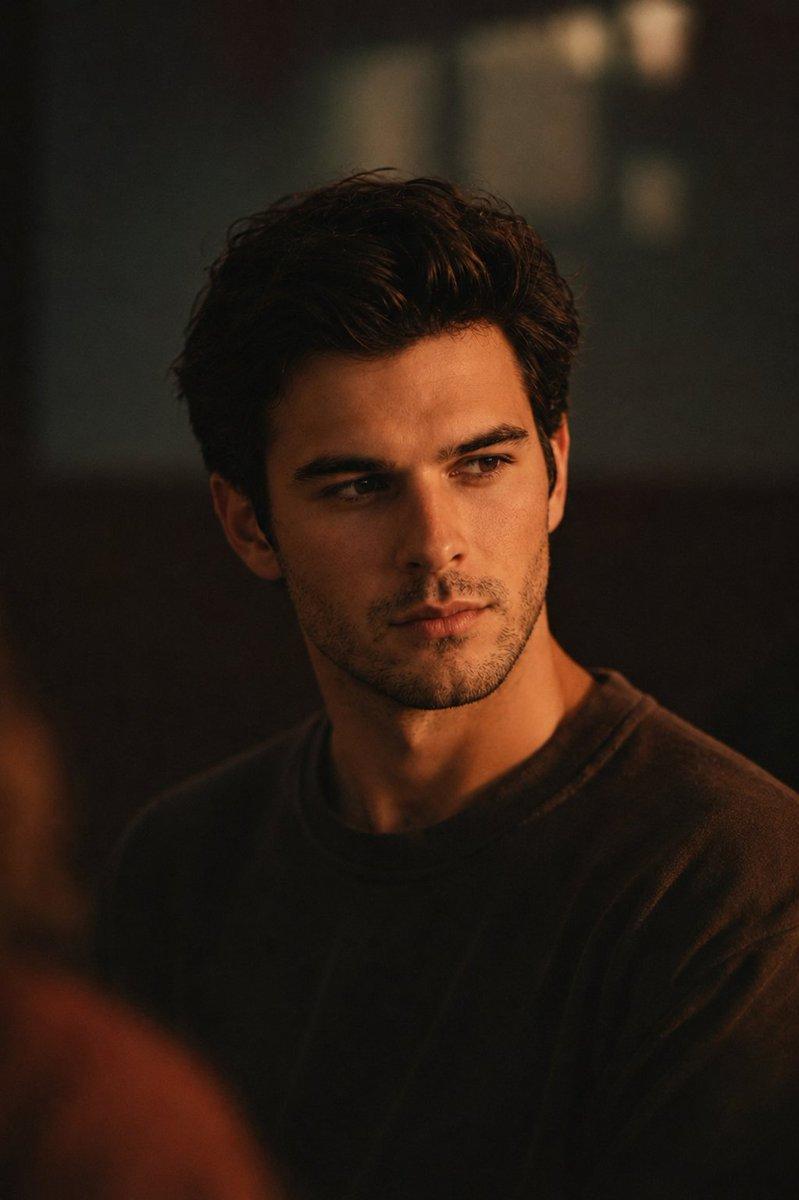
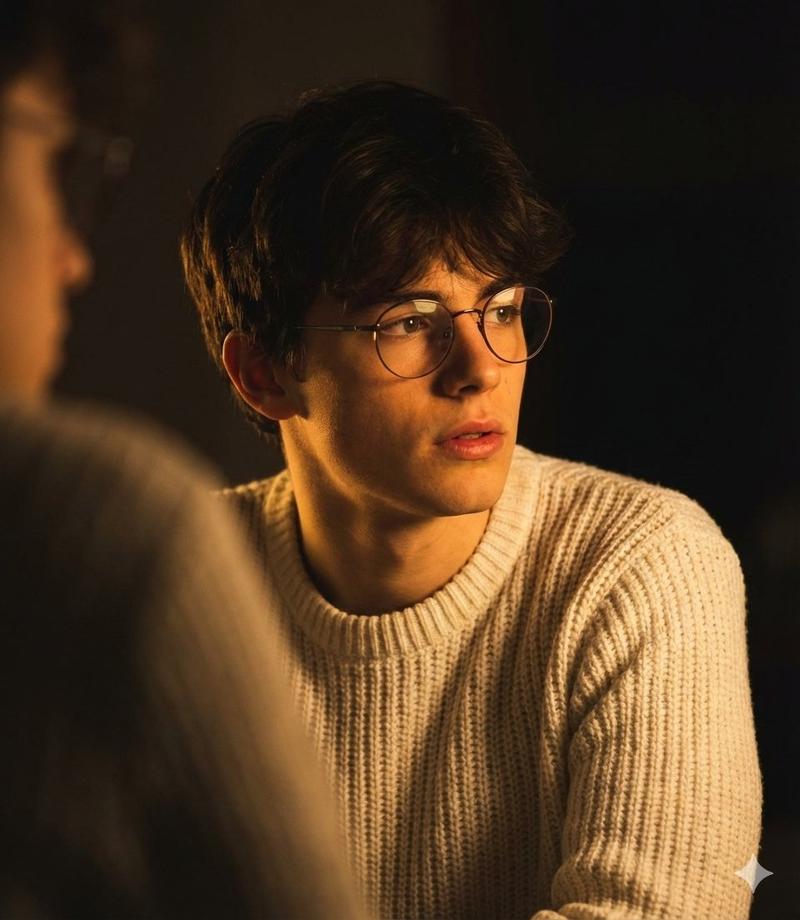
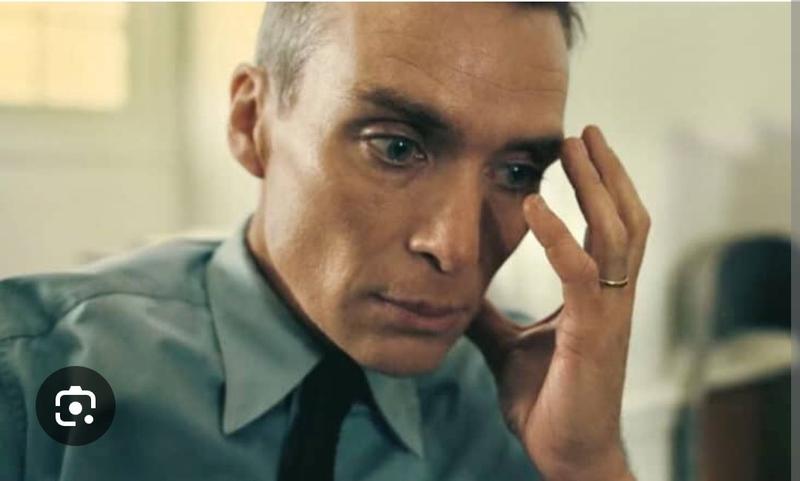
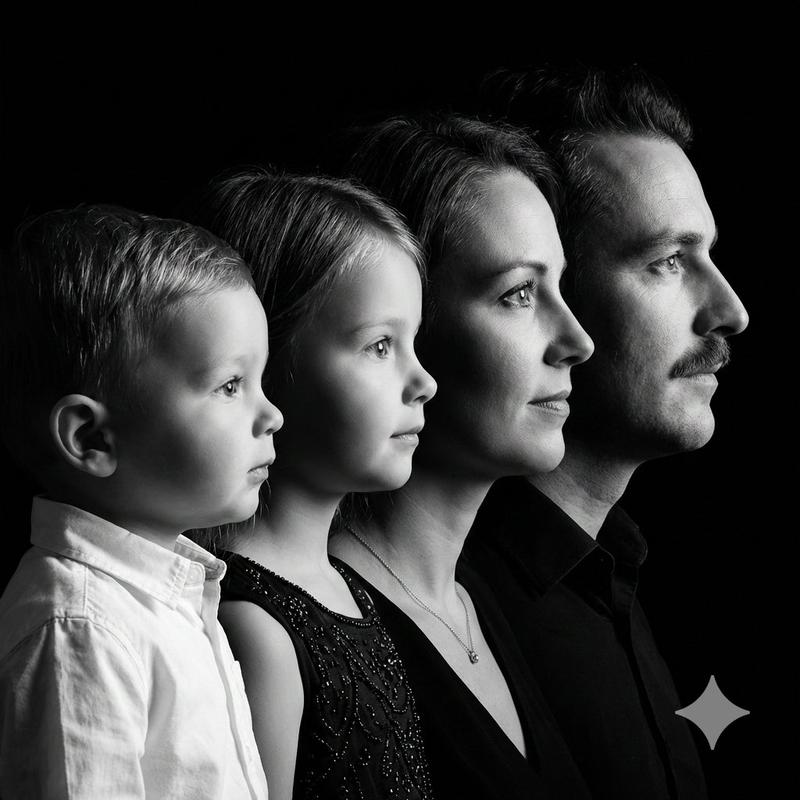
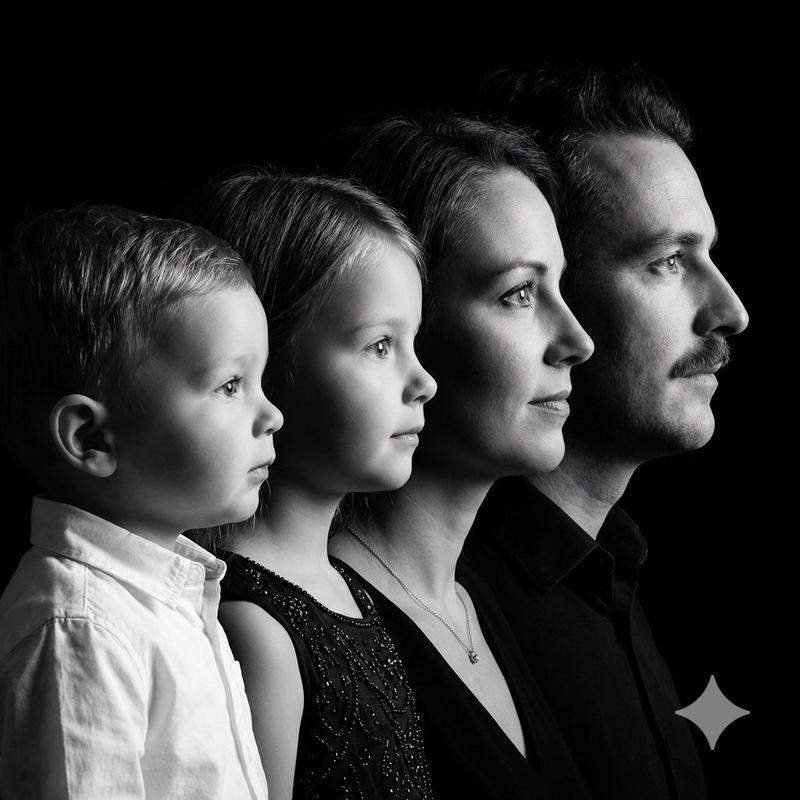
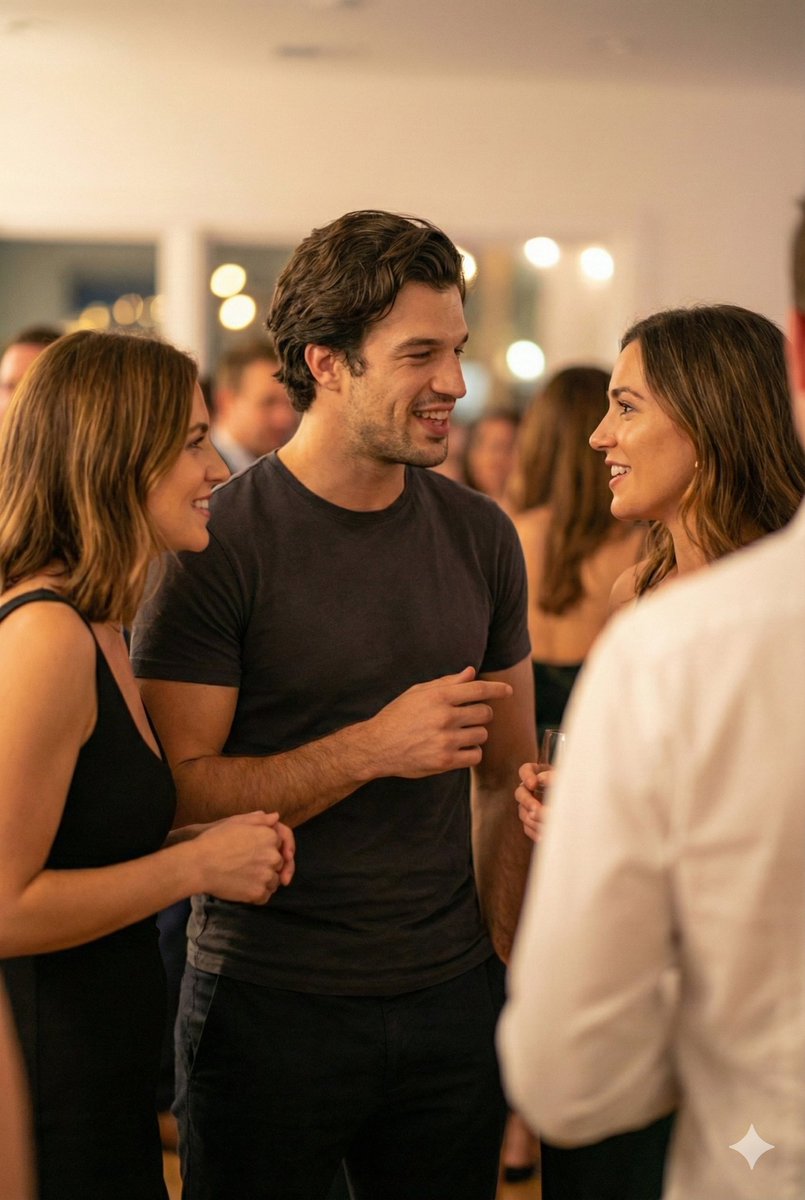
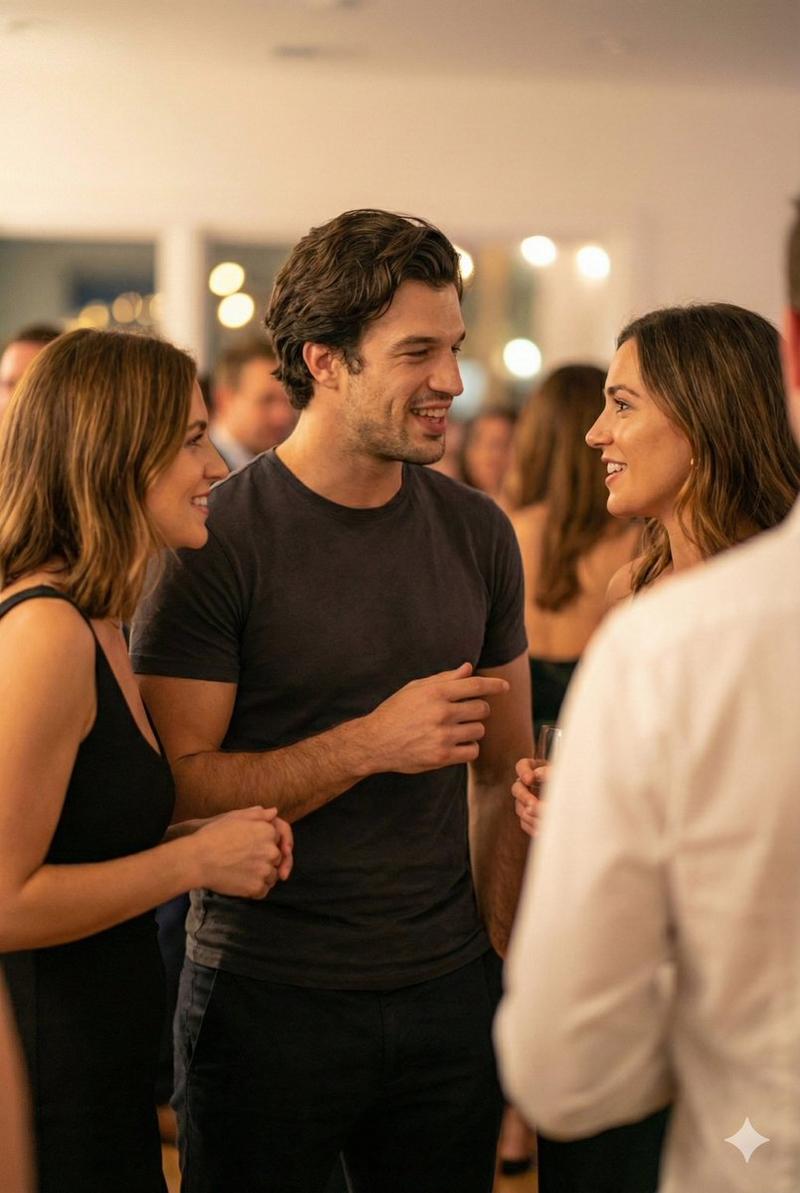
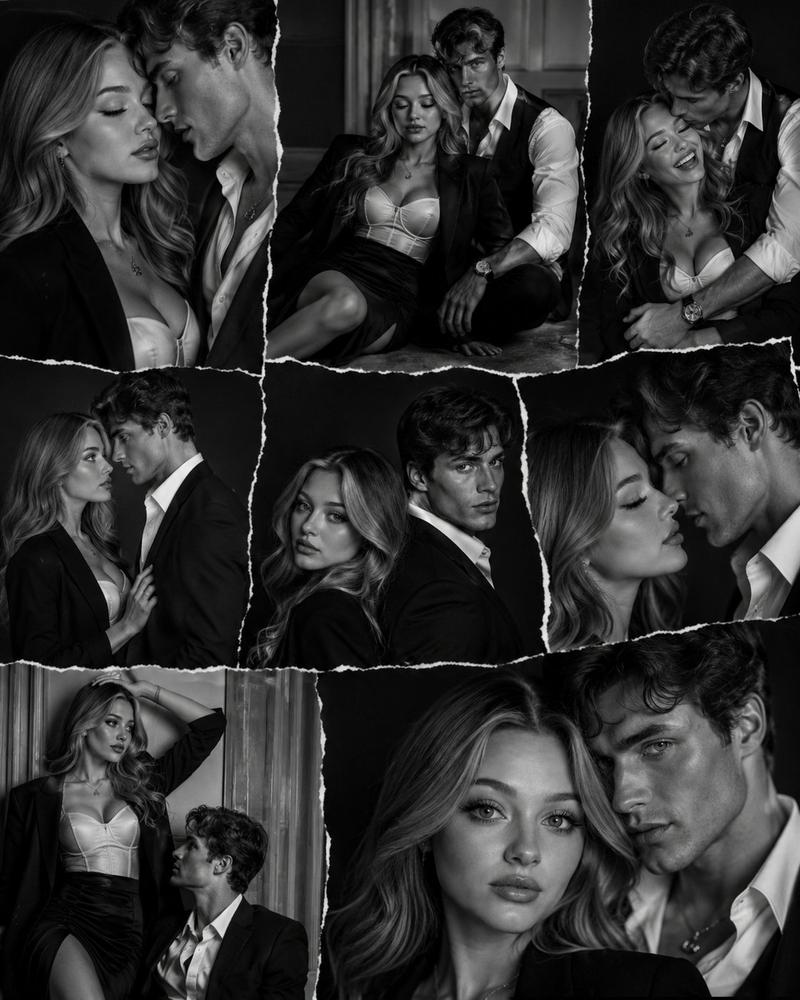
Scene setup (0–5 sec) Backstage of a small theater. Warm practical lights. Close-up of three actors standing in a tight circle, nervous energy. Camera handheld, intimate. Soft ambient crowd noise in distance. Actor 1 (whispering): “This isn’t just another audition.” Actor 2 (half-smile): “No. This one sees everything.” Mid shot (5–10 sec) Stage lights flare on. Curtains slowly part. The three step forward into a bright, cinematic spotlight. Camera shifts to smooth dolly-in. Actor 3 (steady, confident): “Seedance Two… record this.” Final beat (10–15 sec) Quick cuts: intense eye contact, subtle emotion shift, one tear forming, one restrained laugh, one sharp breath. Ultra-detailed facial expressions. Dramatic score rises. Actor 1 (softly, to camera): “Let’s show it what real feels like.” Cut to black. Low bass hit. Title card: SEEDANCE 2.
Category
Video Prompts
Model
Seedance 2.0
Creator
@creacas
Views133
Source ID
3098
Published
Mar 18, 2026

Guide

About "剧院后台的紧张时刻与聚光灯下的表演"

What is this prompt for?

"剧院后台的紧张时刻与聚光灯下的表演" AI image prompt for Seedance 2.0 (Video Prompts). 场景设置(0–5秒)小剧院的后台。温暖的实用灯光。三位演员紧紧围成一圈站立的特写,紧张的能量。手持摄像机,亲切感。远处柔和的环境人群噪音。演员1(耳语):“这不仅仅是又一次试镜。…

The full copyable prompt and example visuals above are ready for AI image generation or one-click recreate in Picva.

How to use this prompt

  1. Step 1

    Open the prompt detail

    Review the example visuals, category, and full prompt text for "剧院后台的紧张时刻与聚光灯下的表演".

  2. Step 2

    Copy the prompt

    Copy the prompt body from this page, or load it directly in Studio.

  3. Step 3

    Pick a model (Seedance 2.0)

    Prefer Seedance 2.0. If you switch models, keep subject and composition and tweak style terms.

  4. Step 4

    Generate and export

    Recreate the look in Picva, or export into your workflow for editing and publishing.

FAQ

What is the "剧院后台的紧张时刻与聚光灯下的表演" prompt?
It is an AI image-generation prompt for Seedance 2.0 in the Video Prompts category. This page includes the full prompt text, example visuals, and a one-click recreate path in Picva.
How do I use this prompt to generate an image?
Copy the prompt from this page, or use Generate / Studio. Paste it into a compatible image model, or recreate the look in Picva with optional reference images.
Which model is this prompt for?
This page lists Seedance 2.0. Most descriptive prompts also transfer to nearby image models such as GPT Image, Flux, or Midjourney with light style tweaks.
Can I use the result commercially?
You can usually copy the prompt for creation, but commercial use of the final image depends on the model terms, reference-image rights, and the generated content. Follow the source author and platform rules.