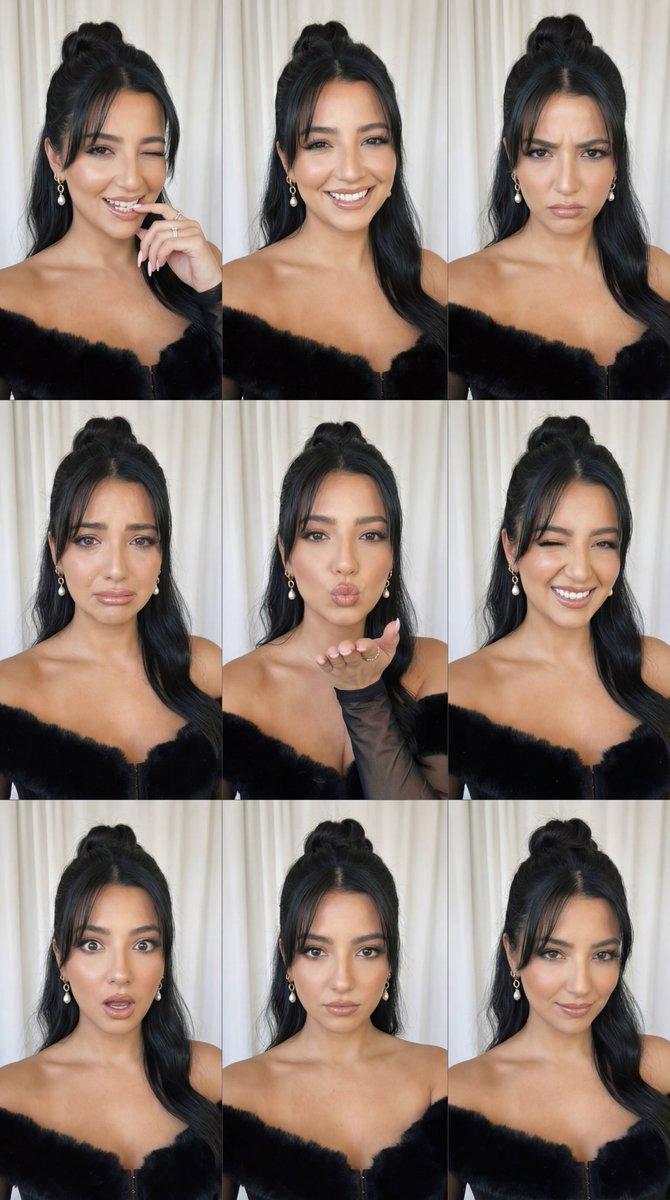
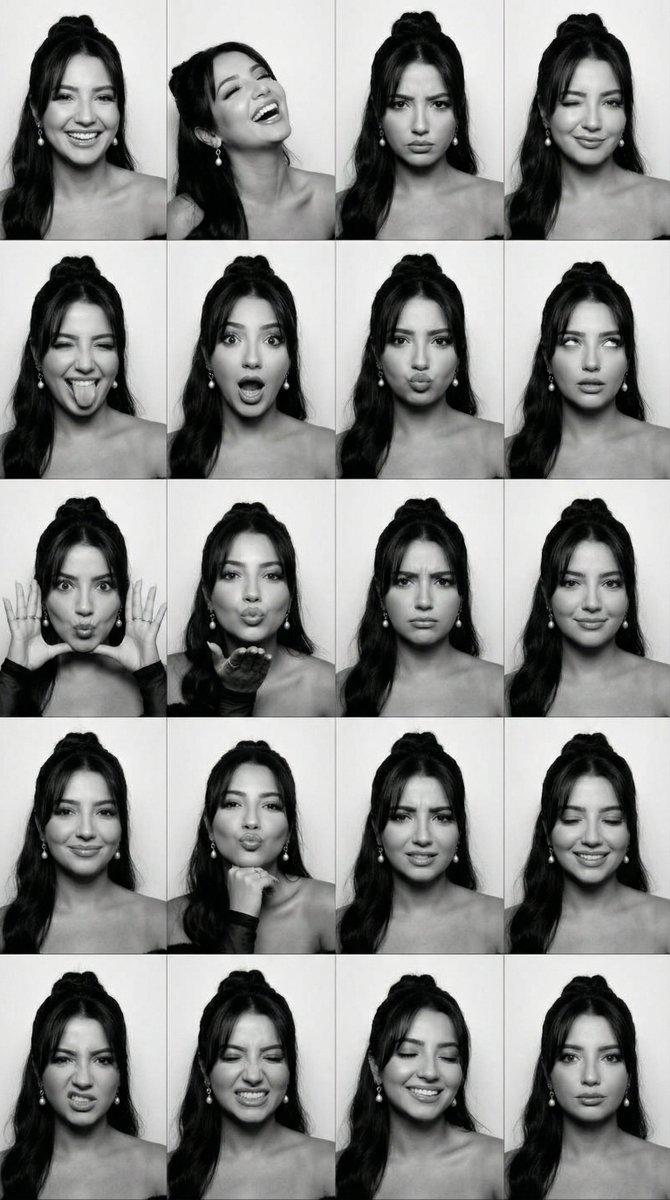
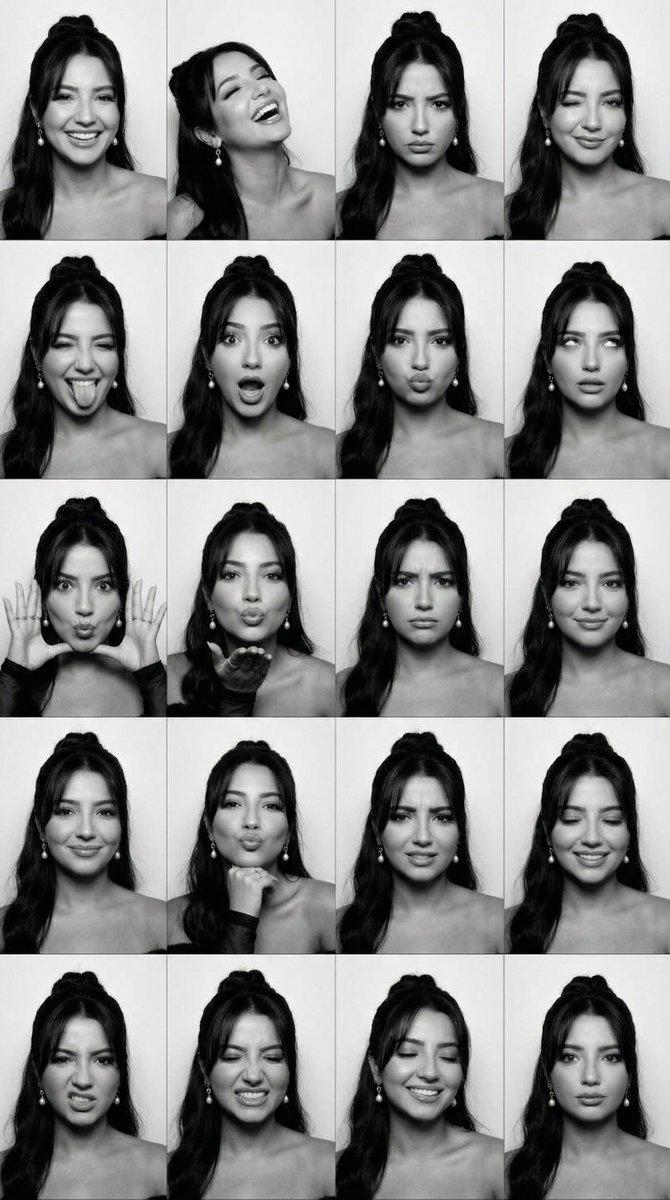
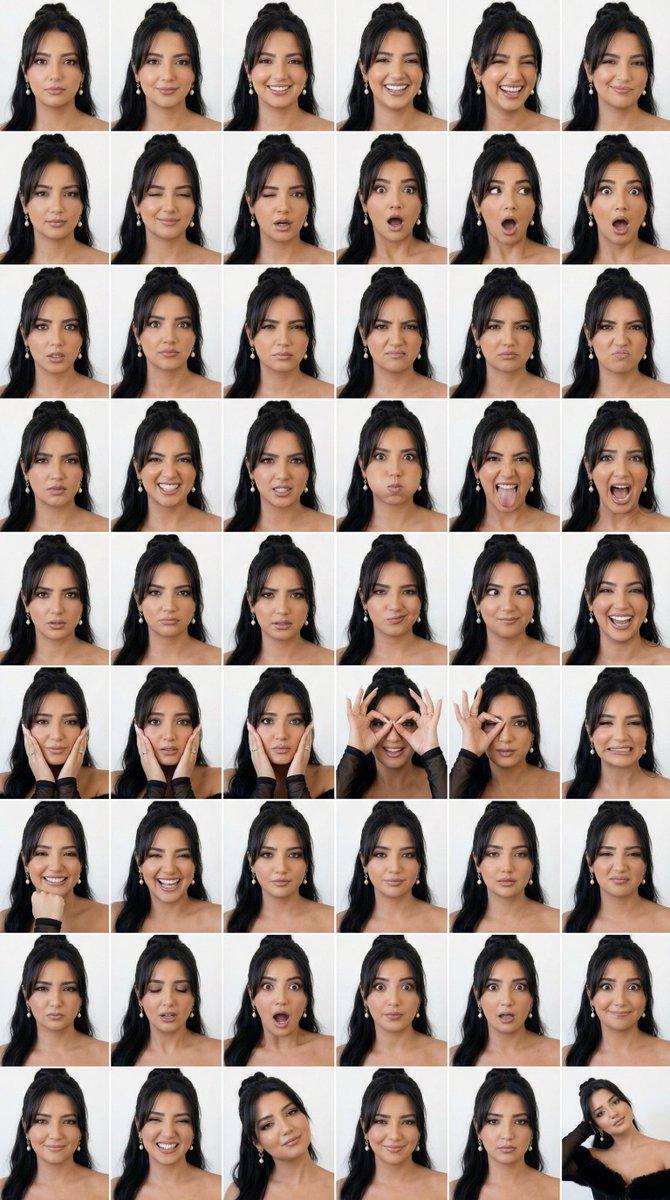
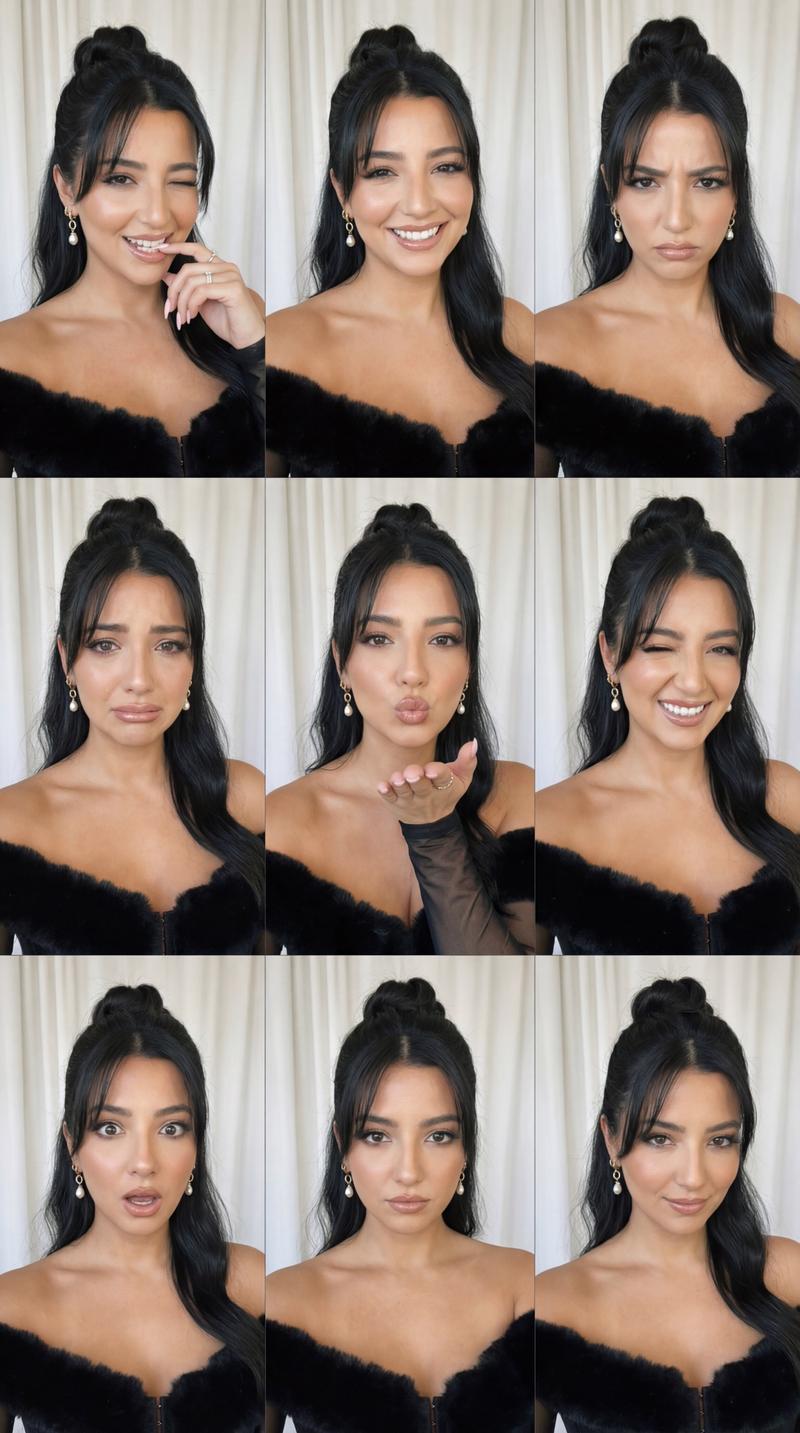
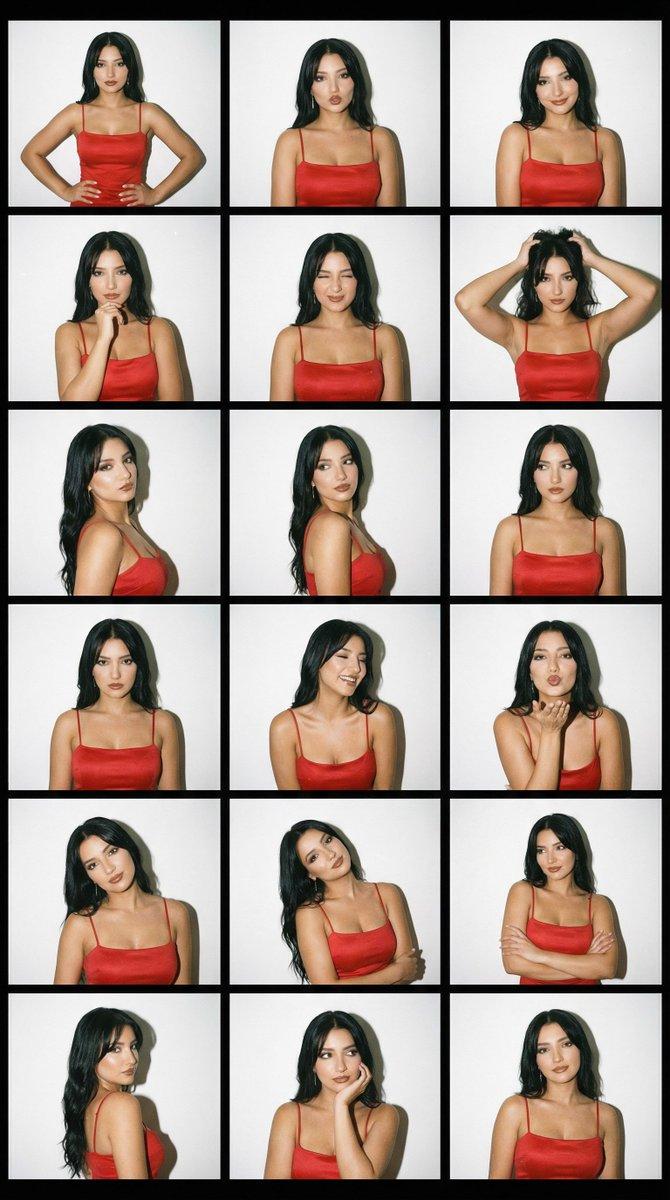
超写实四乘四表情矩阵替换
Prompt
{ "generation_request": { "meta_data": { "task_type": "identity_swap_into_existing_expression_grid", "language": "en", "priority": "highest", "version": "v1.0_KEEP_GRID_SWAP_IDENTITY_4X4" }, "input": { "mode": "image_to_image", "reference_image_usage": "very_high", "preserve_identity": true, "preserve_facial_features": true, "preserve_hairstyle": true, "notes": "PRIMARY STRUCTURE ANCHOR: use the uploaded 4x4 expression grid image. Keep the exact grid layout, crop, panel framing, pose variety, hand positions, and background. PRIMARY IDENTITY ANCHOR: use the uploaded reference portrait of the target person. Replace the person in every panel with the reference identity while keeping each panel's expression and gesture. Maintain natural skin texture, realistic anatomy, correct hands." }, "output": { "aspect_ratio": "2:3", "resolution": "ultra_high", "num_images": 1, "sharpness": "crisp", "grain": "subtle_analog" }, "style": { "keep_original": true, "background": "keep exactly the same as the grid image", "lighting": "match the grid image lighting", "color": "keep original (or convert to pure black and white if requested)", "finish": "clean, realistic, no plastic skin" }, "quality_control": { "identity_lock": "strict", "hands_priority": "very_high", "avoid": [ "extra fingers", "missing fingers", "deformed hands", "warped face", "uneven eyes", "melted mouth", "text", "watermark", "logo" ] }, "negative_prompt": [ "low resolution", "blur", "distorted anatomy", "face mismatch", "plastic skin", "over-smoothing" ] } }- Category
- Posters & Typography
- Model
- Nano Banana Pro
- Creator
- @astronomerozge1
- Source ID
- 12176
- Published
- Apr 20, 2026
Views40