14

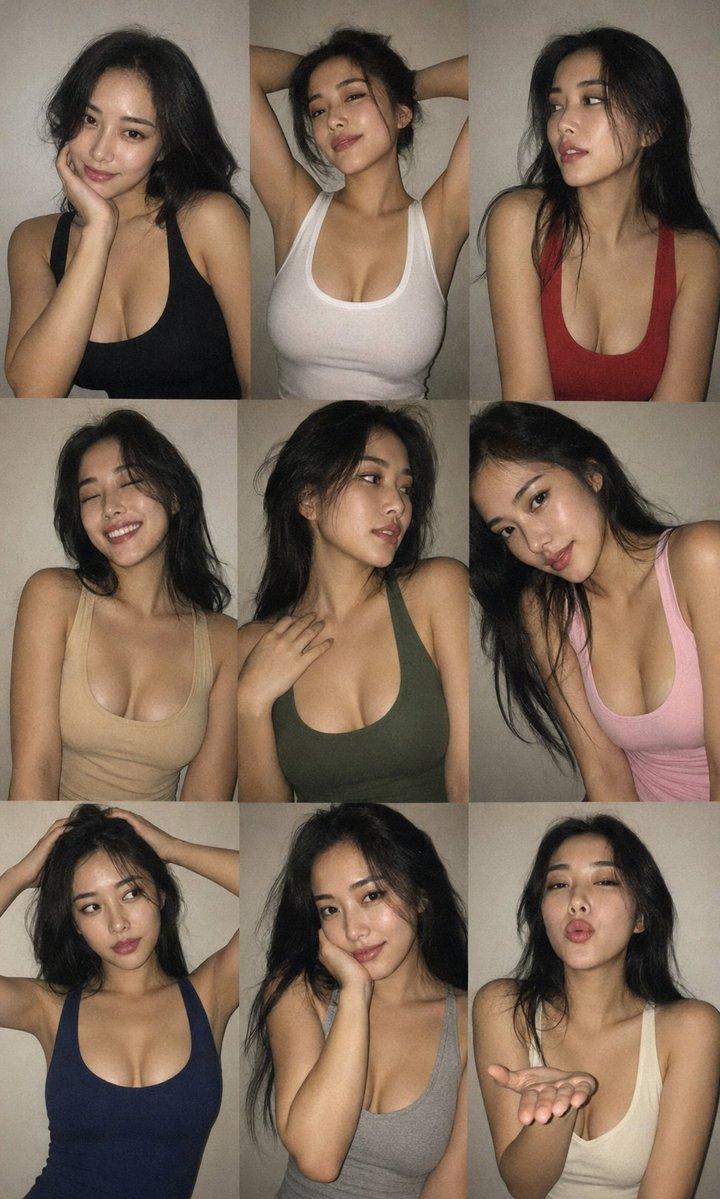
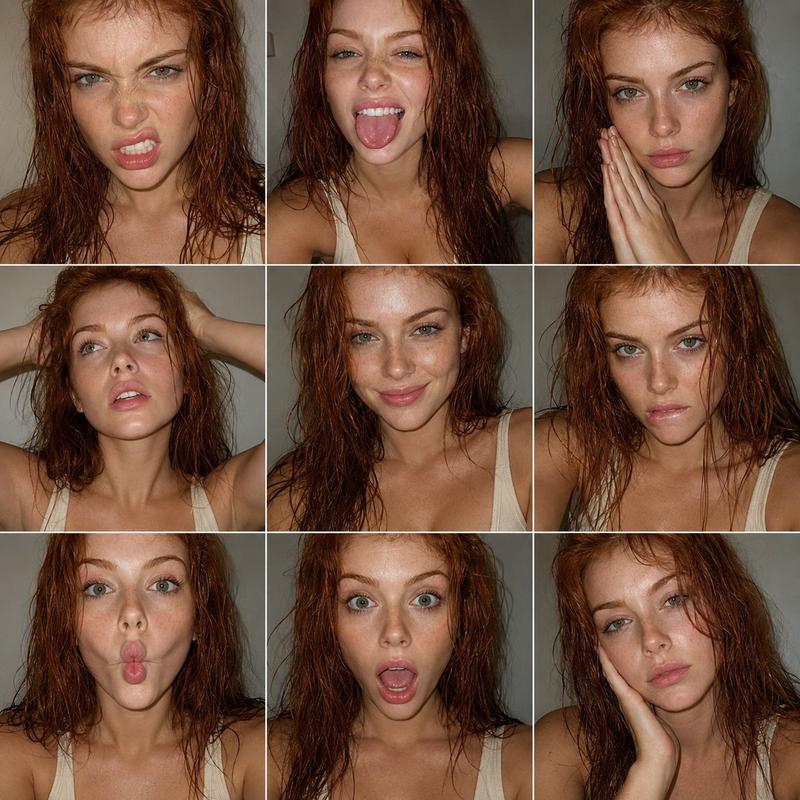
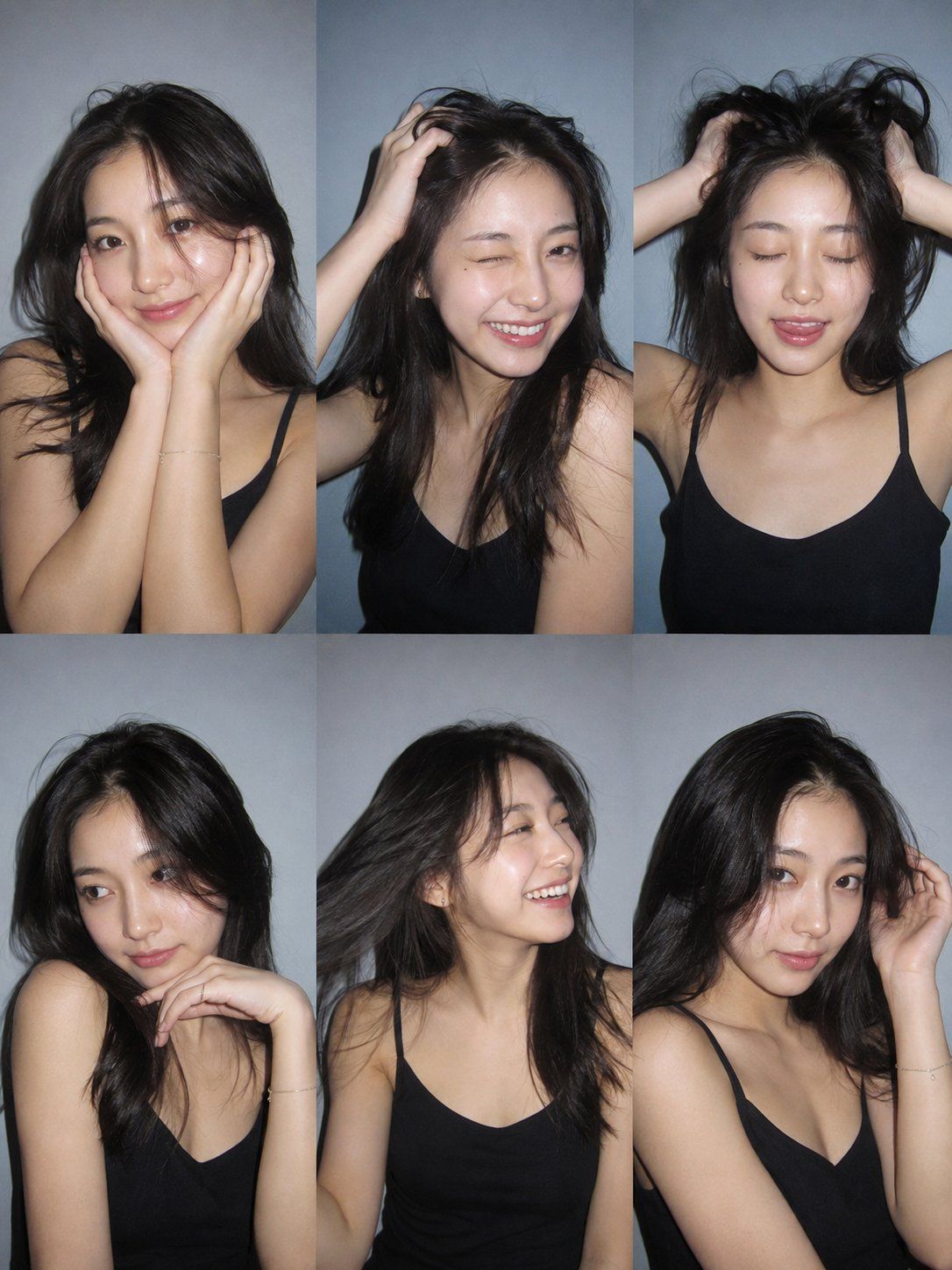
超写实胶片感人像六宫格拼接摄影
Enlarge

超写实胶片感人像六宫格拼接摄影

Prompt
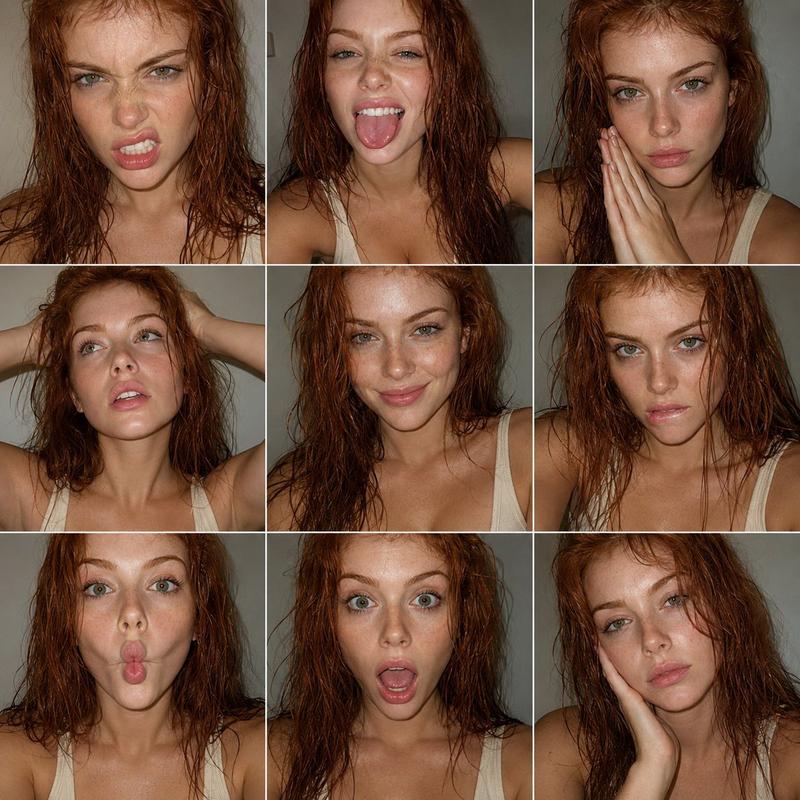
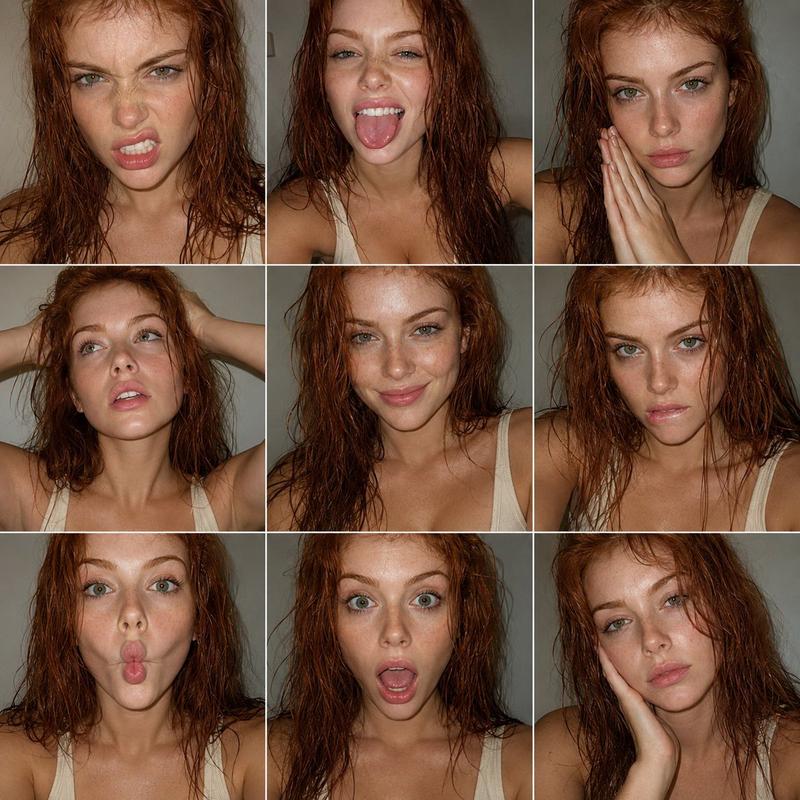
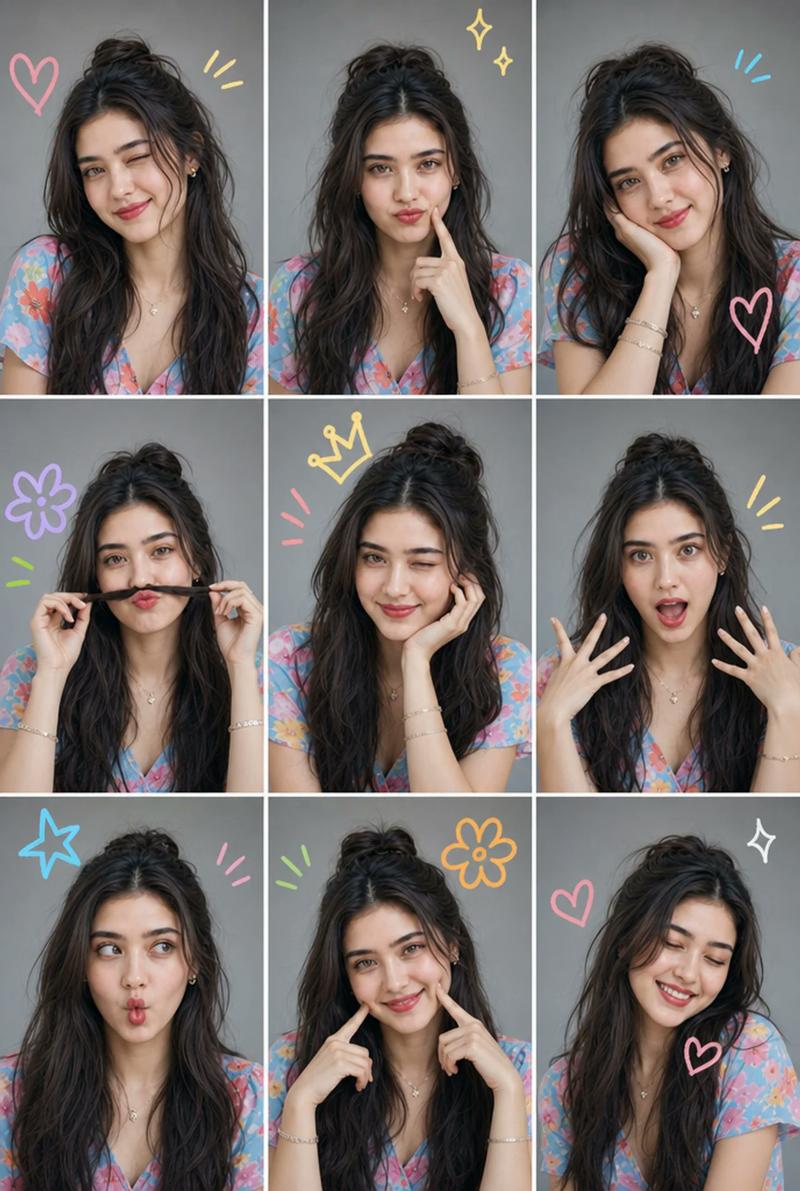
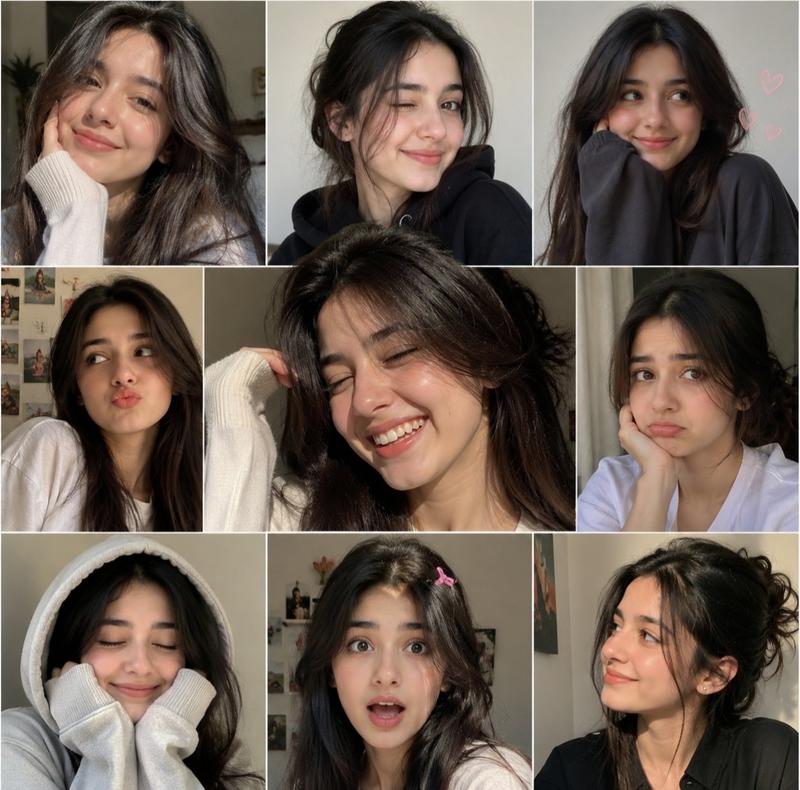
Ultra-realistic 6-photo collage (3×2 grid) of the same person using client photo for identity only (exact face, facial features, eye color, natural hair color/length/volume/texture). Plain light grey-blue wall background, black thin-strap camisole, minimal jewelry, Canon PowerShot G7X Mark III strong direct flash, hard shadows, sharp focus, natural skin texture, slight film grain.

Instagram photo dump aesthetic. Six unique expressions/poses: 
(1) soft smile, hands on cheeks, 
(2) wink, big smile, hand in hair, 
(3) eyes closed, tongue slightly out, both hands lifting hair, 
(4) confident side glance, hand under chin, (5) laughing, looking away, hair flipped, (6) dreamy look, hand touching hair. Different hair positions in every frame. No AI look, no distorted hands, no extra fingers. --ar 3:4
Category
Brand & Logos
Model
ChatGPT
Views4
Source ID
17615
Published
Jul 9, 2026

Guide

About "超写实胶片感人像六宫格拼接摄影"

What is this prompt for?

"超写实胶片感人像六宫格拼接摄影" AI image prompt for ChatGPT (Brand & Logos). 超写实6张照片拼接(3×2网格),同一人,仅使用客户照片作为身份识别(准确的面部、面部特征、眼睛颜色、自然的头发颜色/长度/发量/质地)。纯浅灰蓝色墙面背景,黑色细吊带背心,极简珠宝,佳能 P…

The full copyable prompt and example visuals above are ready for AI image generation or one-click recreate in Picva.

How to use this prompt

  1. Step 1

    Open the prompt detail

    Review the example visuals, category, and full prompt text for "超写实胶片感人像六宫格拼接摄影".

  2. Step 2

    Copy the prompt

    Copy the prompt body from this page, or load it directly in Studio.

  3. Step 3

    Pick a model (ChatGPT)

    Prefer ChatGPT. If you switch models, keep subject and composition and tweak style terms.

  4. Step 4

    Generate and export

    Recreate the look in Picva, or export into your workflow for editing and publishing.

FAQ

What is the "超写实胶片感人像六宫格拼接摄影" prompt?
It is an AI image-generation prompt for ChatGPT in the Brand & Logos category. This page includes the full prompt text, example visuals, and a one-click recreate path in Picva.
How do I use this prompt to generate an image?
Copy the prompt from this page, or use Generate / Studio. Paste it into a compatible image model, or recreate the look in Picva with optional reference images.
Which model is this prompt for?
This page lists ChatGPT. Most descriptive prompts also transfer to nearby image models such as GPT Image, Flux, or Midjourney with light style tweaks.
Can I use the result commercially?
You can usually copy the prompt for creation, but commercial use of the final image depends on the model terms, reference-image rights, and the generated content. Follow the source author and platform rules.