18

超写实韩式高端时尚杂志红色西装女模人像
Enlarge

超写实韩式高端时尚杂志红色西装女模人像

Prompt
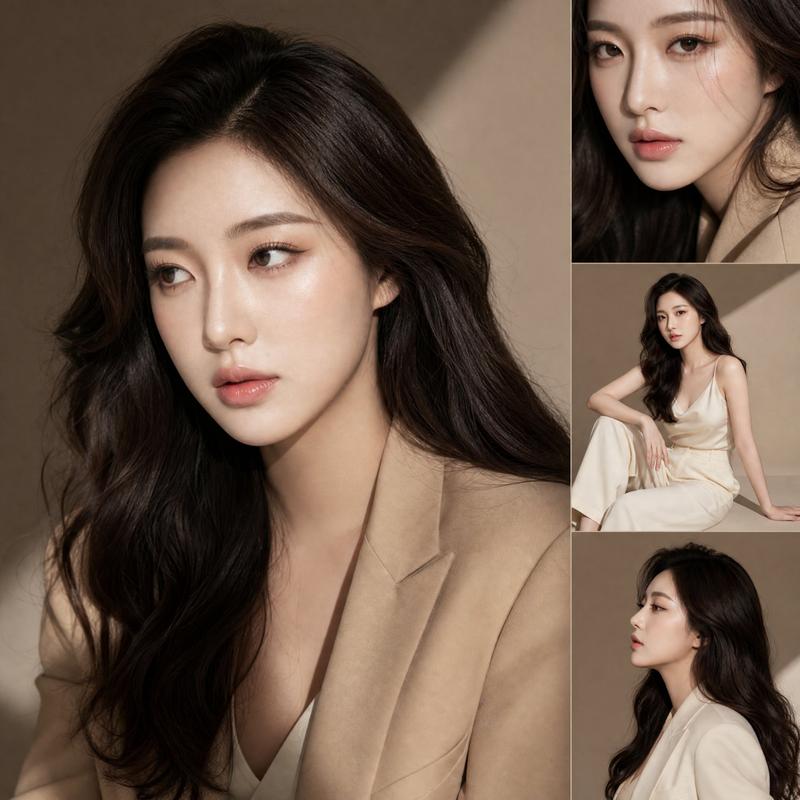
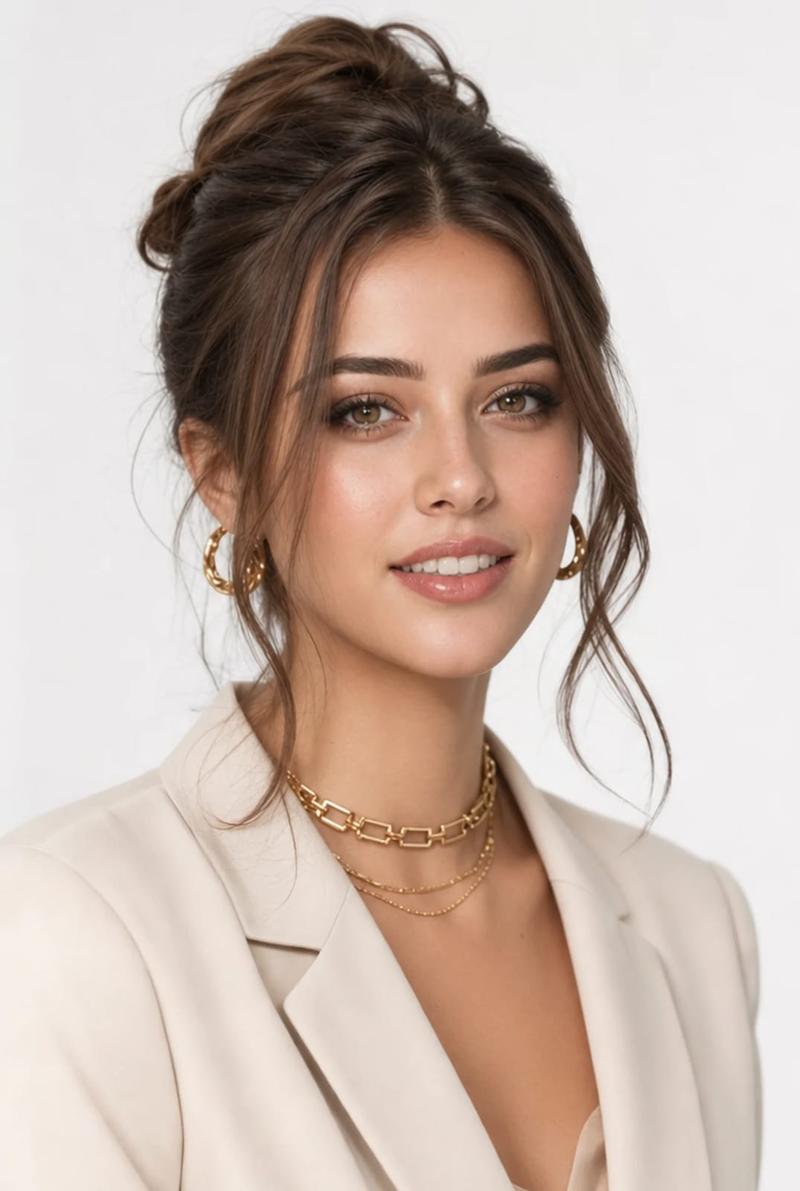
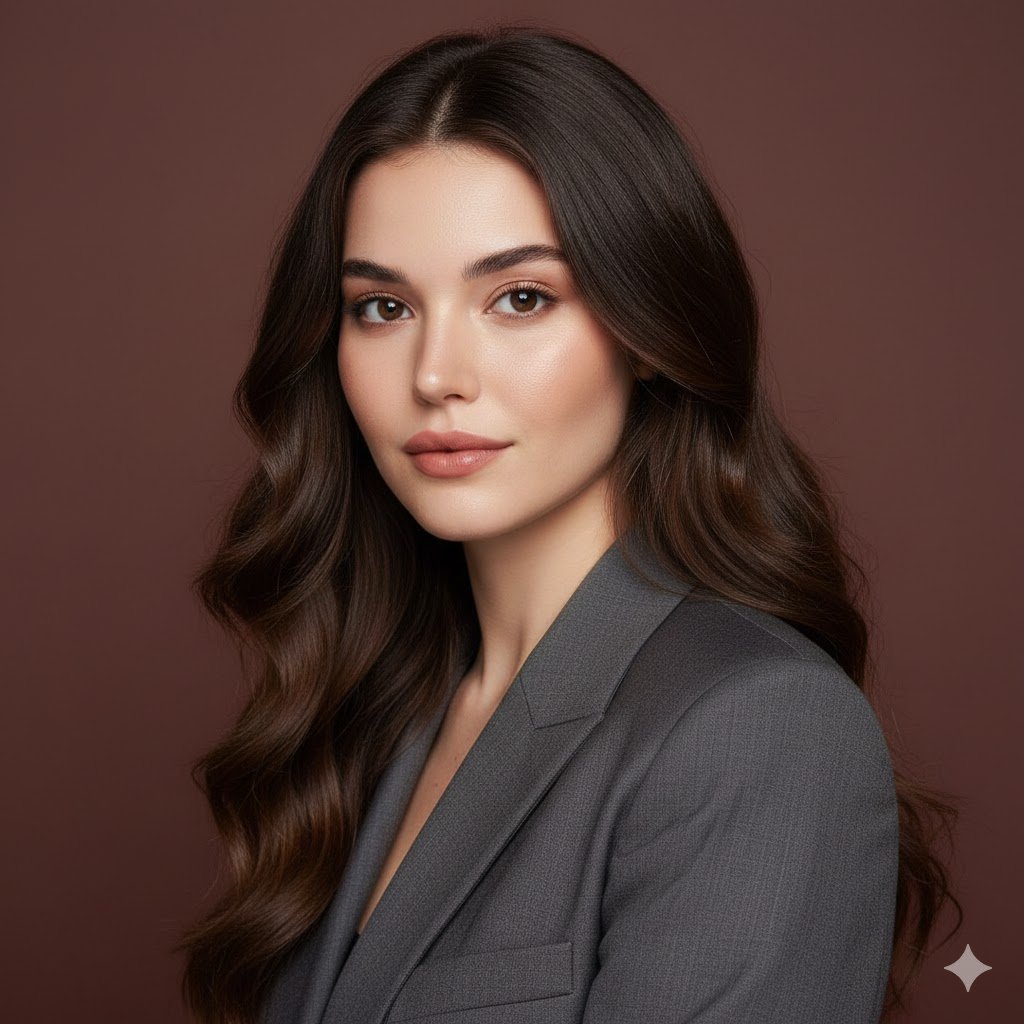
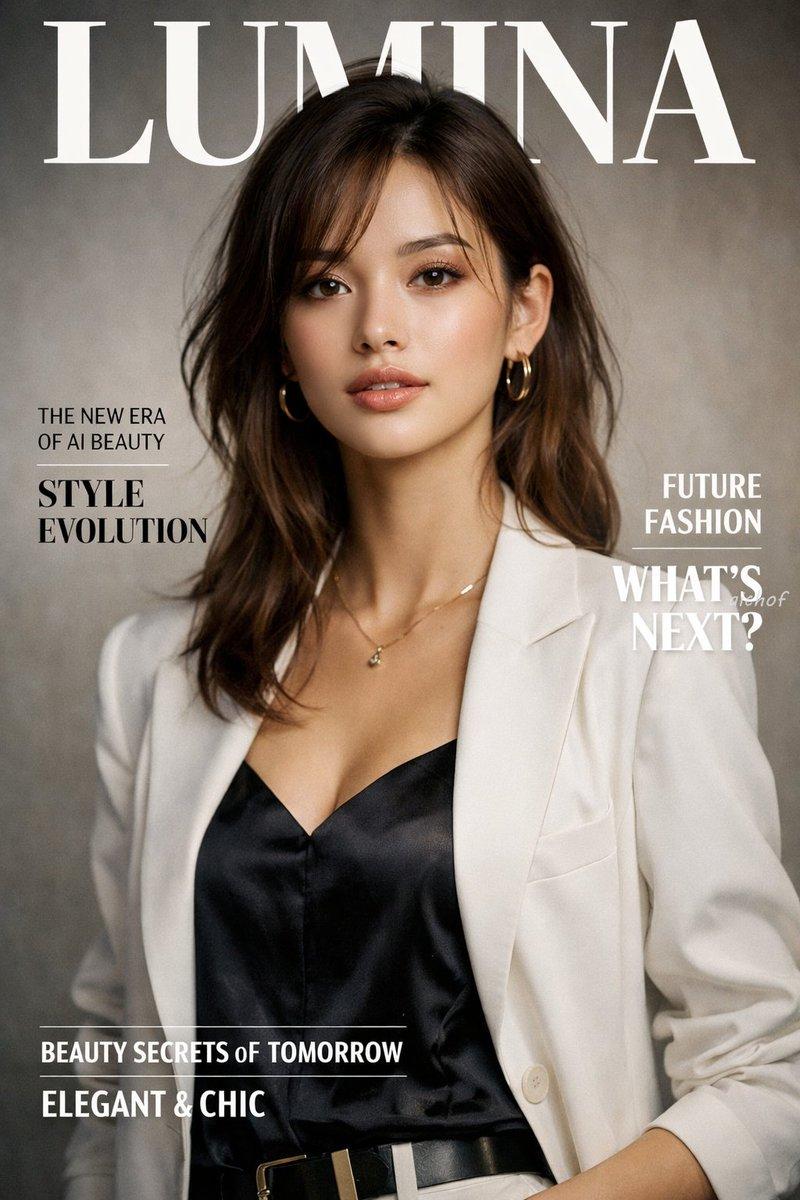
Ultra-realistic high-end Korean fashion editorial portrait of a beautiful young woman wearing an elegant monochrome deep red tailored blazer suit with structured shoulders and luxury minimalist styling. Sleek low ponytail hairstyle with soft face-framing strands, long thin silver dangling earrings, smooth flawless porcelain skin, glossy pink-red lips, sharp winged eyeliner, natural soft glam makeup, calm confident expression, direct eye contact.
Studio photoshoot lighting with soft shadows, clean modern background split between light gray and deep red panels, cinematic composition, luxury fashion magazine aesthetic, ultra-detailed fabric texture, sharp focus, soft depth of field, polished editorial color grading, sophisticated and elegant atmosphere, Vogue Korea inspired, 85mm lens, photorealistic, premium beauty photography, 8k.
Category
Posters & Typography
Model
ChatGPT
Views81
Source ID
14615
Published
May 18, 2026

Guide

About "超写实韩式高端时尚杂志红色西装女模人像"

What is this prompt for?

"超写实韩式高端时尚杂志红色西装女模人像" AI image prompt for ChatGPT (Posters & Typography). 超写实高端韩国时尚杂志人像,一位美丽的年轻女性穿着优雅的单色深红色修身西装,垫肩设计,极简奢华风格。低扎平滑马尾发型,带柔和的修饰脸型发丝,长款细银吊坠耳环,细腻无暇的瓷…

The full copyable prompt and example visuals above are ready for AI image generation or one-click recreate in Picva.

How to use this prompt

  1. Step 1

    Open the prompt detail

    Review the example visuals, category, and full prompt text for "超写实韩式高端时尚杂志红色西装女模人像".

  2. Step 2

    Copy the prompt

    Copy the prompt body from this page, or load it directly in Studio.

  3. Step 3

    Pick a model (ChatGPT)

    Prefer ChatGPT. If you switch models, keep subject and composition and tweak style terms.

  4. Step 4

    Generate and export

    Recreate the look in Picva, or export into your workflow for editing and publishing.

FAQ

What is the "超写实韩式高端时尚杂志红色西装女模人像" prompt?
It is an AI image-generation prompt for ChatGPT in the Posters & Typography category. This page includes the full prompt text, example visuals, and a one-click recreate path in Picva.
How do I use this prompt to generate an image?
Copy the prompt from this page, or use Generate / Studio. Paste it into a compatible image model, or recreate the look in Picva with optional reference images.
Which model is this prompt for?
This page lists ChatGPT. Most descriptive prompts also transfer to nearby image models such as GPT Image, Flux, or Midjourney with light style tweaks.
Can I use the result commercially?
You can usually copy the prompt for creation, but commercial use of the final image depends on the model terms, reference-image rights, and the generated content. Follow the source author and platform rules.