16

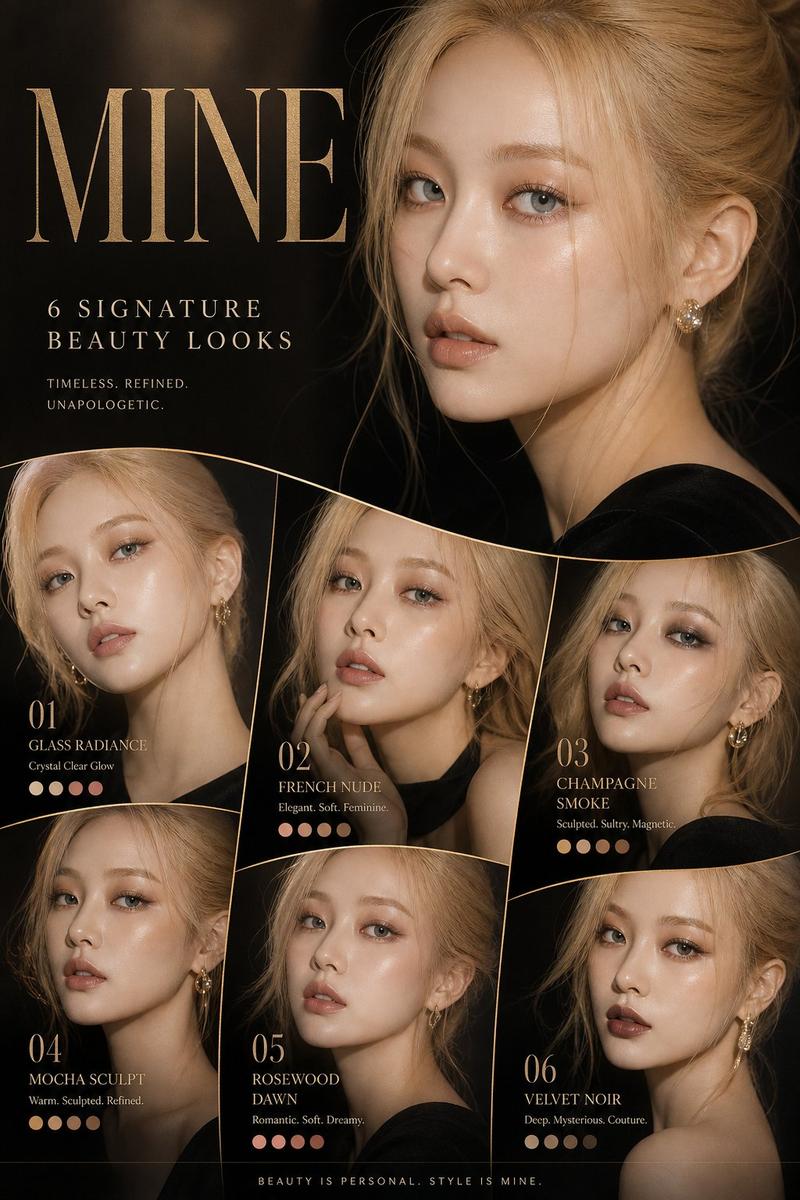
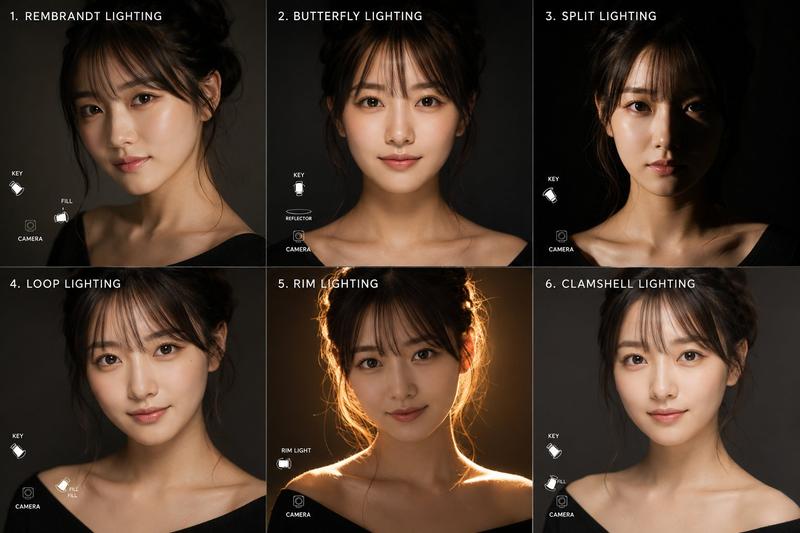
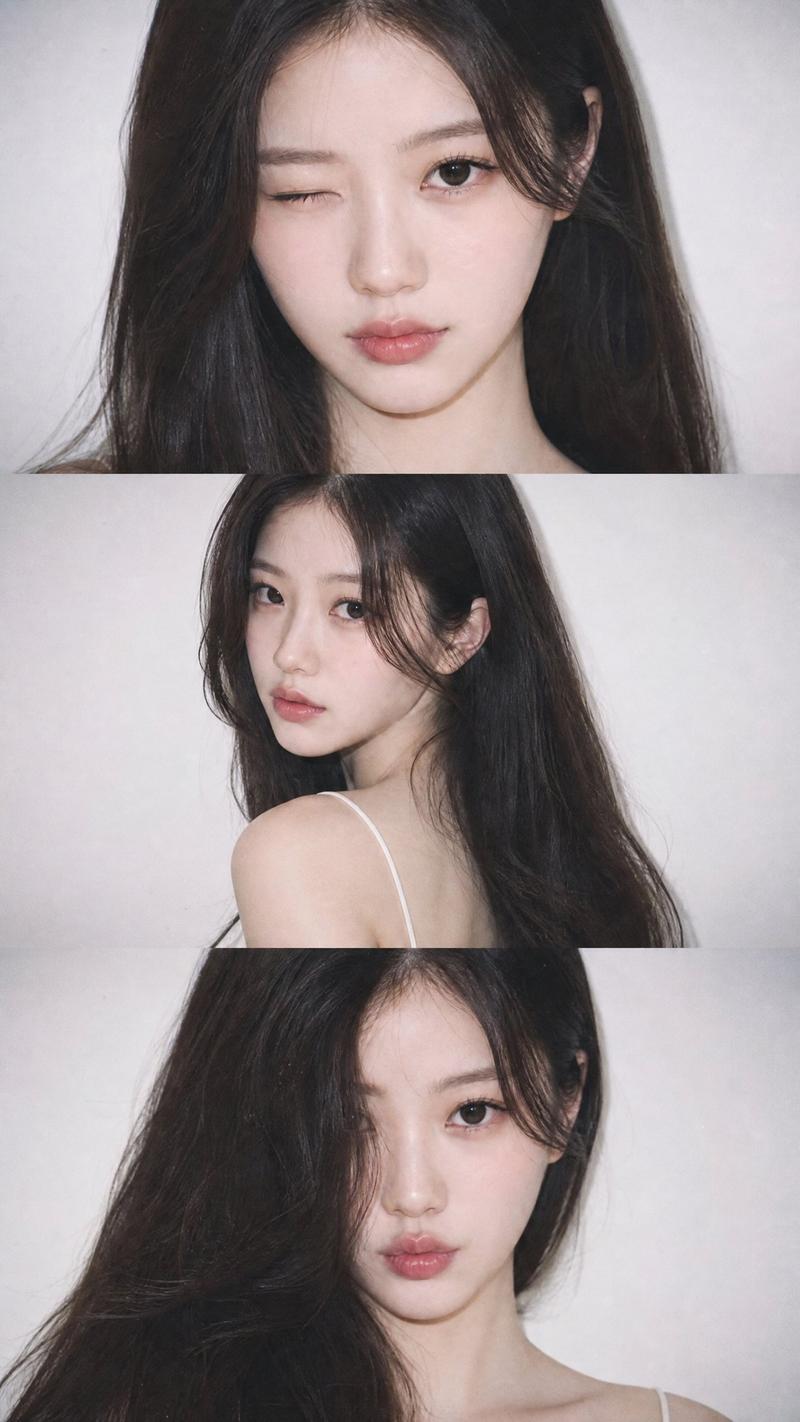
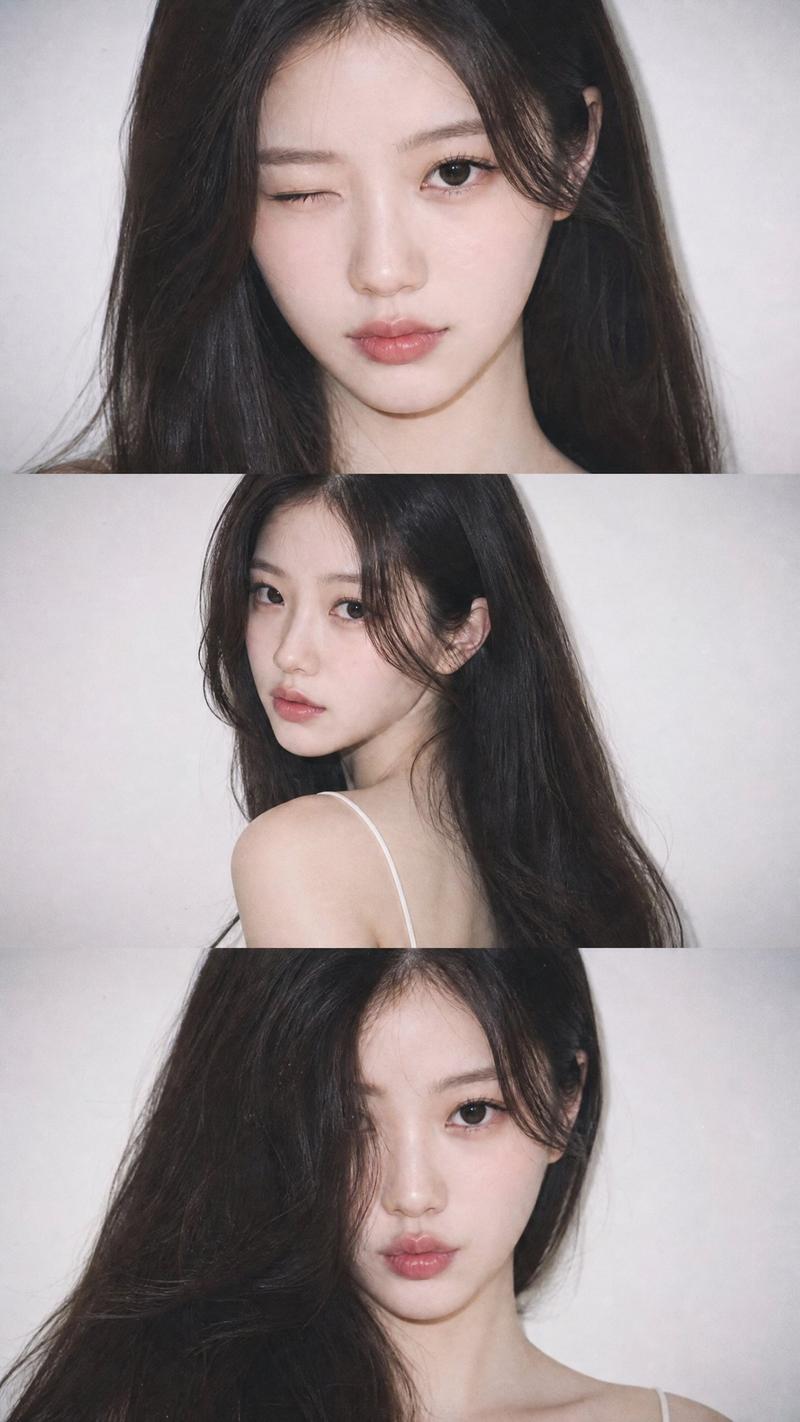
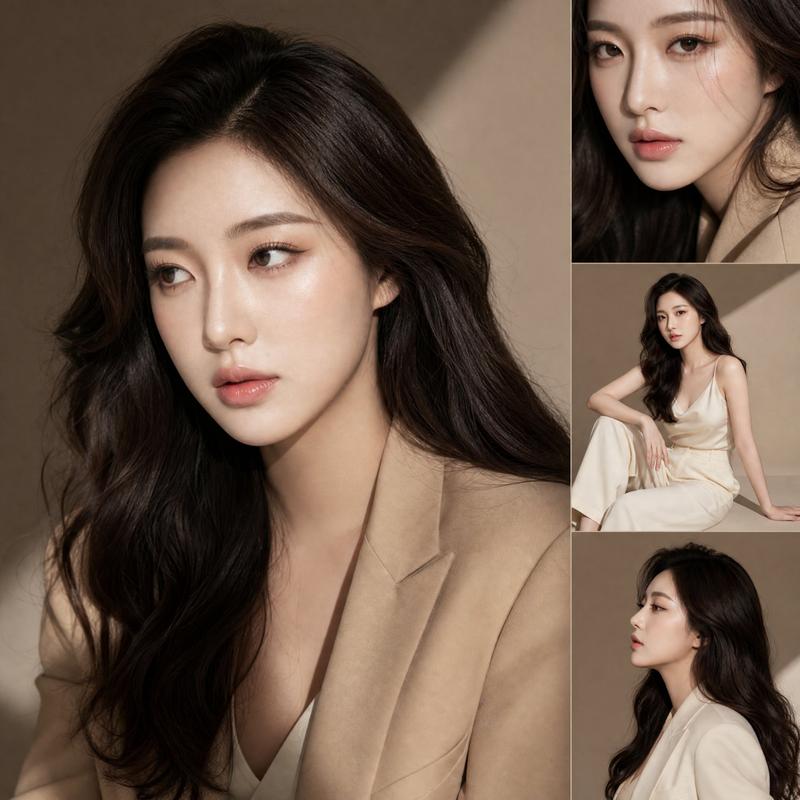
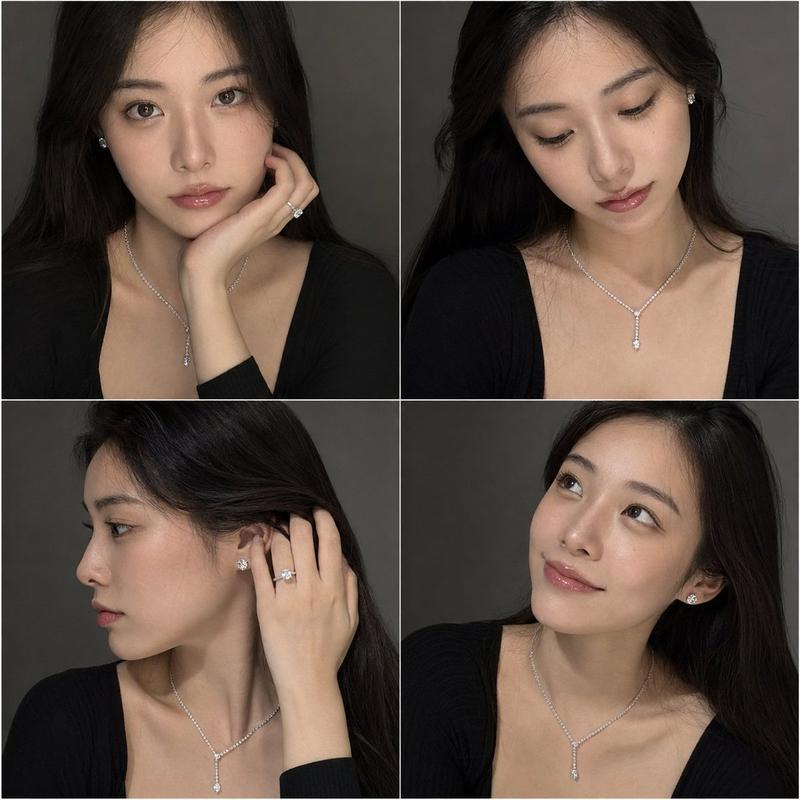
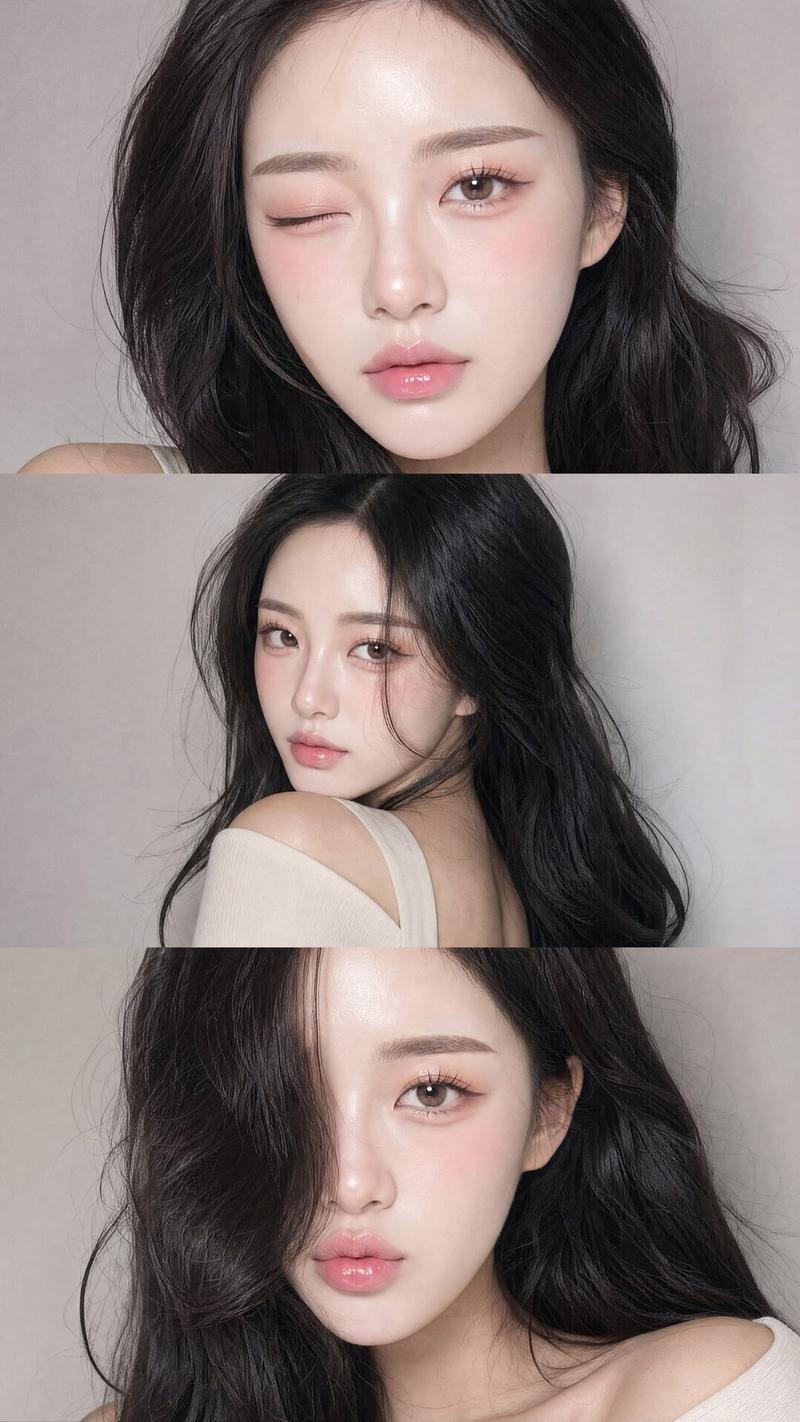
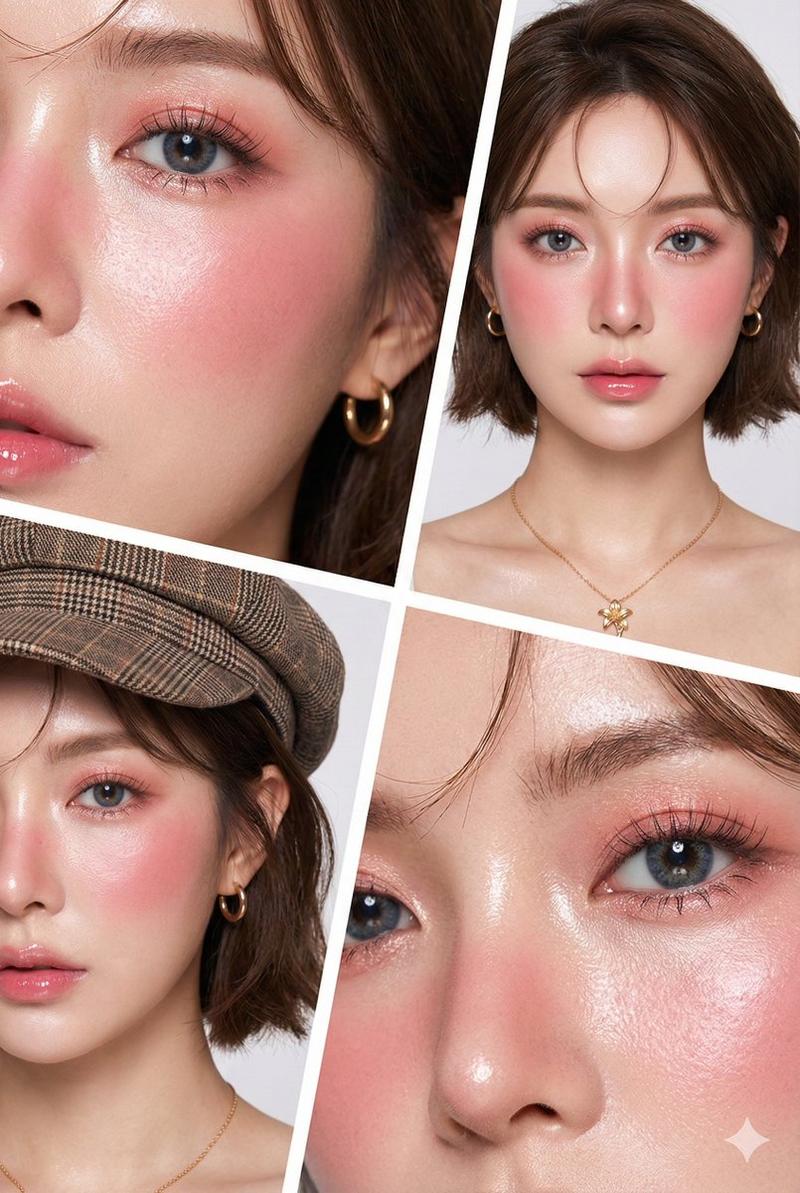
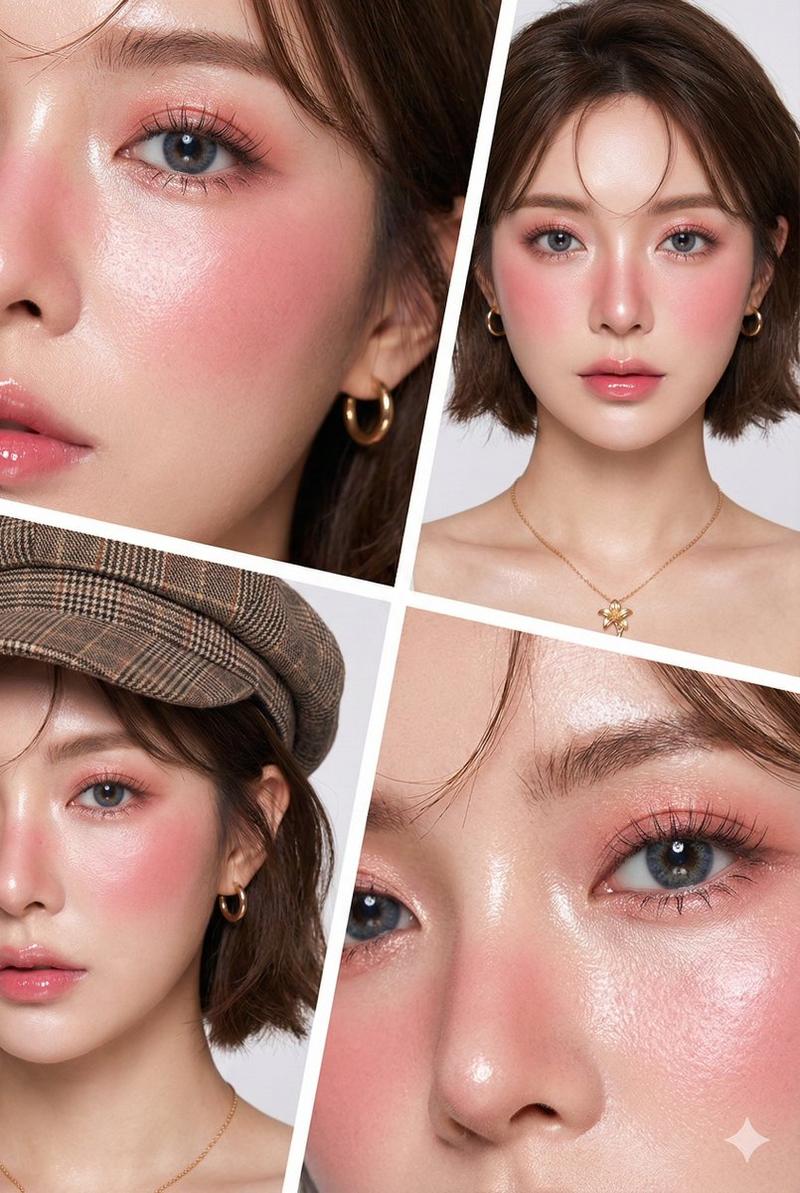
超写实奢华美容杂志封面多角度人像摄影
Enlarge

Example images

超写实奢华美容杂志封面多角度人像摄影

Prompt
Use the uploaded reference image as the exact face reference. Preserve identical facial features, skin tone, proportions, and expression in every portrait.
Create an ultra-realistic luxury beauty magazine cover for [MAGAZINE NAME] – BEAUTY ISSUE with 1 large hero portrait + 3 smaller portraits (close-up, three-quarter, side profile), all featuring the same woman.

Soft-glam makeup, glowing skin, glossy nude lips, soft waves, gold jewelry, champagne & ivory tones. Luxury gold foil masthead, premium headlines, collector's badge, barcode, matte paper, embossed typography.
Photorealistic 8K, soft beauty lighting, realistic skin pores.
Negative: different face, inconsistent identity, full body, CGI, anime, illustration, plastic skin, blur, text artifacts.
Category
Charts & Infographics
Model
ChatGPT
Views0
Source ID
17535
Published
Jul 7, 2026

Guide

About "超写实奢华美容杂志封面多角度人像摄影"

What is this prompt for?

"超写实奢华美容杂志封面多角度人像摄影" AI image prompt for ChatGPT (Charts & Infographics). 使用上传的参考图像作为精确的面部参考。在每一张肖像中保持相同的面部特征、肤色、比例和表情。为 [MAGAZINE NAME] – BEAUTY ISSUE 创建一个超写实…

The full copyable prompt and example visuals above are ready for AI image generation or one-click recreate in Picva.

How to use this prompt

  1. Step 1

    Open the prompt detail

    Review the example visuals, category, and full prompt text for "超写实奢华美容杂志封面多角度人像摄影".

  2. Step 2

    Copy the prompt

    Copy the prompt body from this page, or load it directly in Studio.

  3. Step 3

    Pick a model (ChatGPT)

    Prefer ChatGPT. If you switch models, keep subject and composition and tweak style terms.

  4. Step 4

    Generate and export

    Recreate the look in Picva, or export into your workflow for editing and publishing.

FAQ

What is the "超写实奢华美容杂志封面多角度人像摄影" prompt?
It is an AI image-generation prompt for ChatGPT in the Charts & Infographics category. This page includes the full prompt text, example visuals, and a one-click recreate path in Picva.
How do I use this prompt to generate an image?
Copy the prompt from this page, or use Generate / Studio. Paste it into a compatible image model, or recreate the look in Picva with optional reference images.
Which model is this prompt for?
This page lists ChatGPT. Most descriptive prompts also transfer to nearby image models such as GPT Image, Flux, or Midjourney with light style tweaks.
Can I use the result commercially?
You can usually copy the prompt for creation, but commercial use of the final image depends on the model terms, reference-image rights, and the generated content. Follow the source author and platform rules.