15

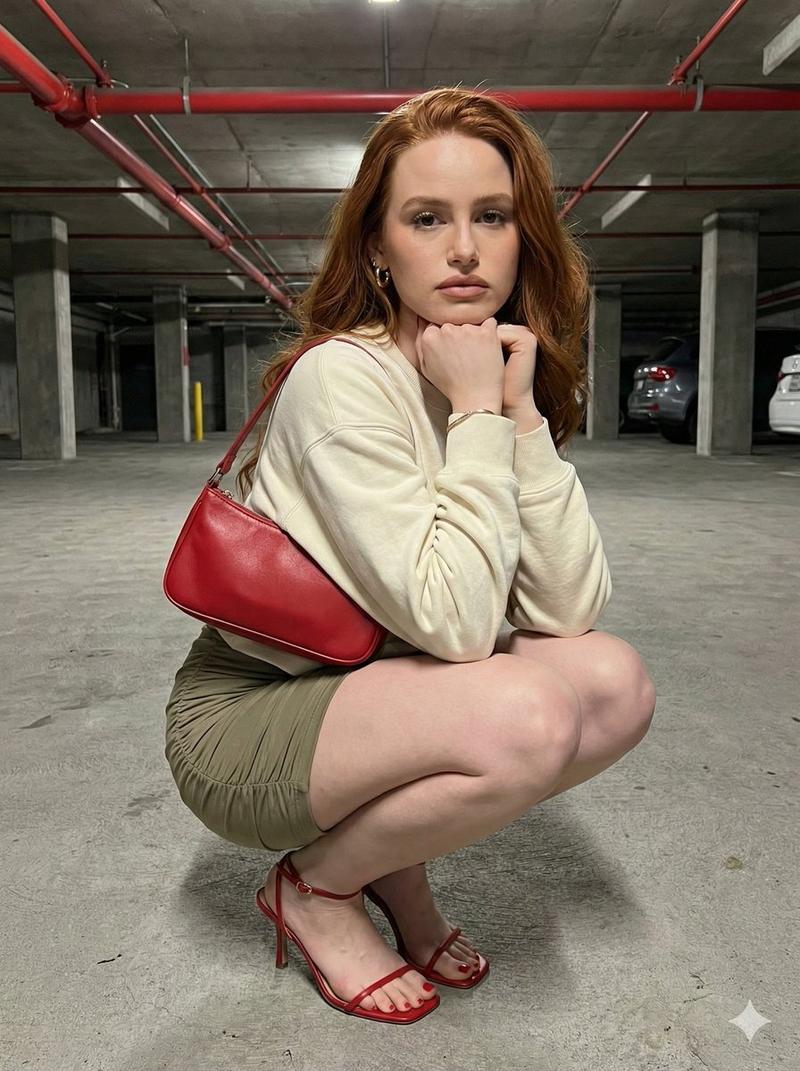
超广角镜头下镜室中艾玛沃特森的诡异蹲姿
Enlarge

超广角镜头下镜室中艾玛沃特森的诡异蹲姿

Prompt
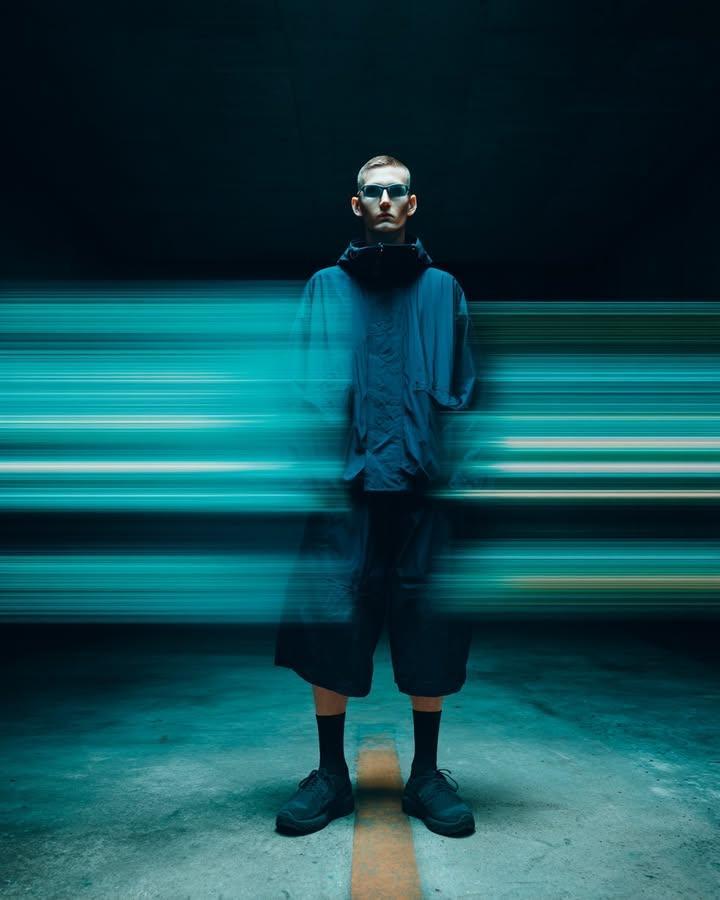
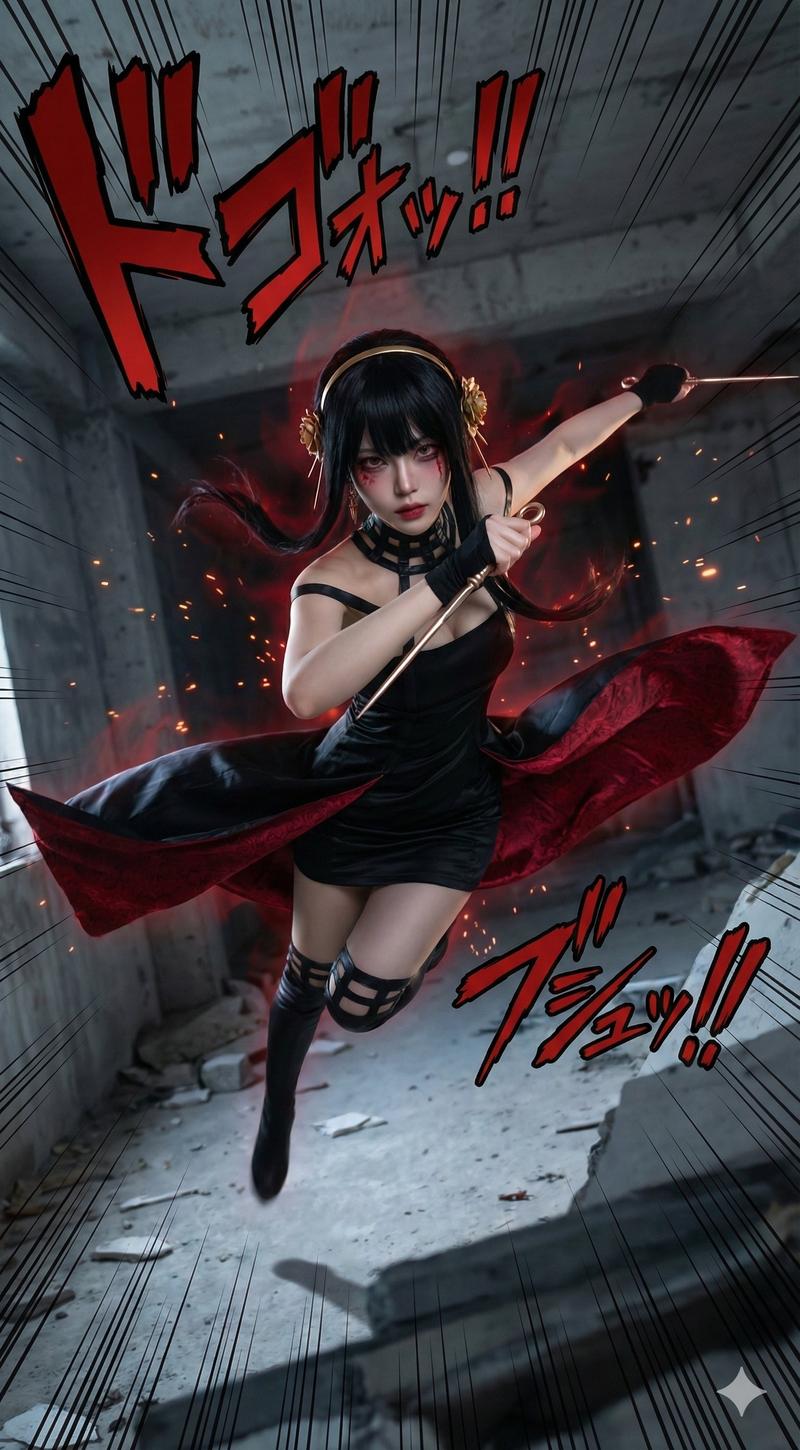
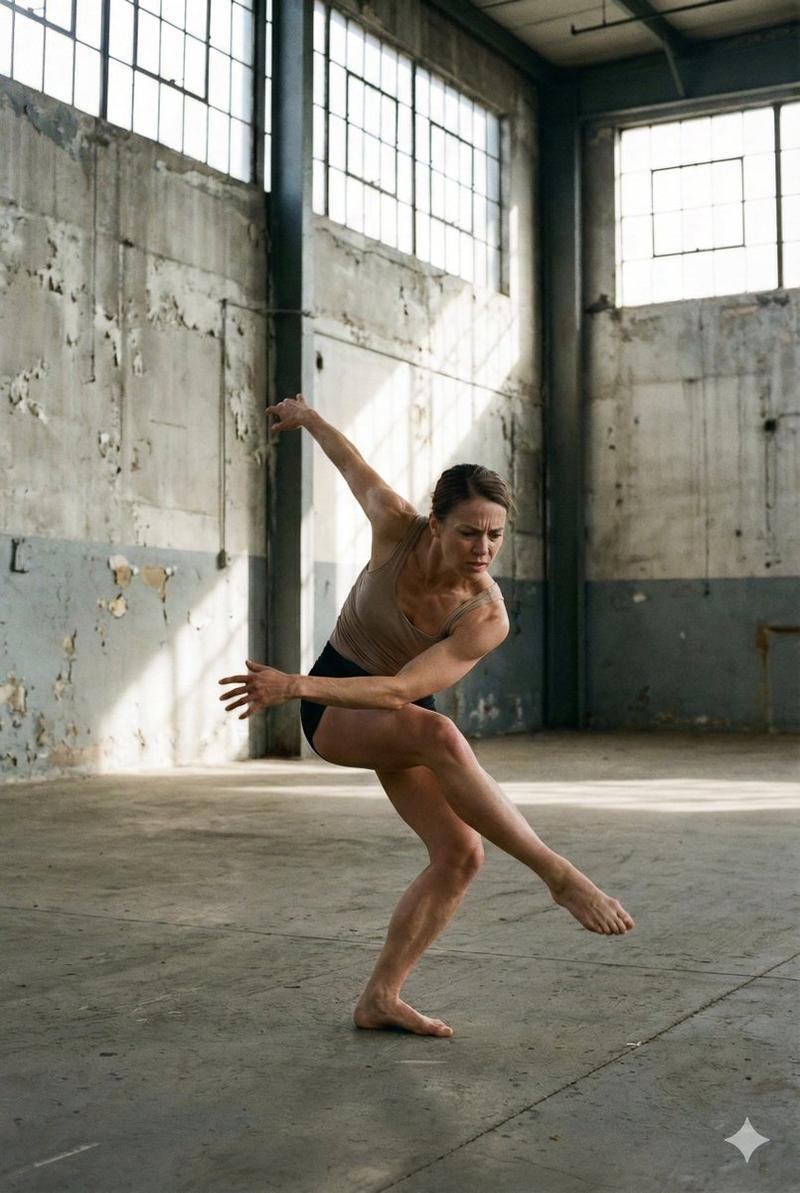
{ "subject": { "person": { "hollywood_star": "emma Watson" }, "appearance": { "hair": "Pulled-back tight ponytail", "eyes": "Wide-set hazel eyes", "facial_expression": "Blank expression, lips pressed, unsettling calm" }, "pose": { "body_position": "Crouching low with knees pointed outward", "head_position": "Neck craned forward toward camera", "hands": "Fingers splayed awkwardly on the floor", "intent": "Deliberately uncomfortable, anti-glam pose" }, "outfit": { "top": "Structured high-neck top", "color": "Marble red", "bottom": "Asymmetrical short skirt", "shoes": "Chunky leather long boots" } }, "setting": { "location": " royal mirror room", "surroundings": "visible mirror floor " }, "camera": { "angle": "Extreme low-angle", "lens": "14mm ultra-wide", "aperture": "f/4", "distortion": "Intentional facial and limb distortion", "lighting": "Hard overhead light creating harsh shadows", "orientation": "Vertical" } }
Category
Posters & Typography
Model
Nano Banana Pro
Views83
Source ID
10331
Published
Mar 24, 2026

Guide

About "超广角镜头下镜室中艾玛沃特森的诡异蹲姿"

What is this prompt for?

"超广角镜头下镜室中艾玛沃特森的诡异蹲姿" AI image prompt for Nano Banana Pro (Posters & Typography). { "subject": { "person": { "hollywood_star": "{argument name=\"celebrity name…

The full copyable prompt and example visuals above are ready for AI image generation or one-click recreate in Picva.

How to use this prompt

  1. Step 1

    Open the prompt detail

    Review the example visuals, category, and full prompt text for "超广角镜头下镜室中艾玛沃特森的诡异蹲姿".

  2. Step 2

    Copy the prompt

    Copy the prompt body from this page, or load it directly in Studio.

  3. Step 3

    Pick a model (Nano Banana Pro)

    Prefer Nano Banana Pro. If you switch models, keep subject and composition and tweak style terms.

  4. Step 4

    Generate and export

    Recreate the look in Picva, or export into your workflow for editing and publishing.

FAQ

What is the "超广角镜头下镜室中艾玛沃特森的诡异蹲姿" prompt?
It is an AI image-generation prompt for Nano Banana Pro in the Posters & Typography category. This page includes the full prompt text, example visuals, and a one-click recreate path in Picva.
How do I use this prompt to generate an image?
Copy the prompt from this page, or use Generate / Studio. Paste it into a compatible image model, or recreate the look in Picva with optional reference images.
Which model is this prompt for?
This page lists Nano Banana Pro. Most descriptive prompts also transfer to nearby image models such as GPT Image, Flux, or Midjourney with light style tweaks.
Can I use the result commercially?
You can usually copy the prompt for creation, but commercial use of the final image depends on the model terms, reference-image rights, and the generated content. Follow the source author and platform rules.