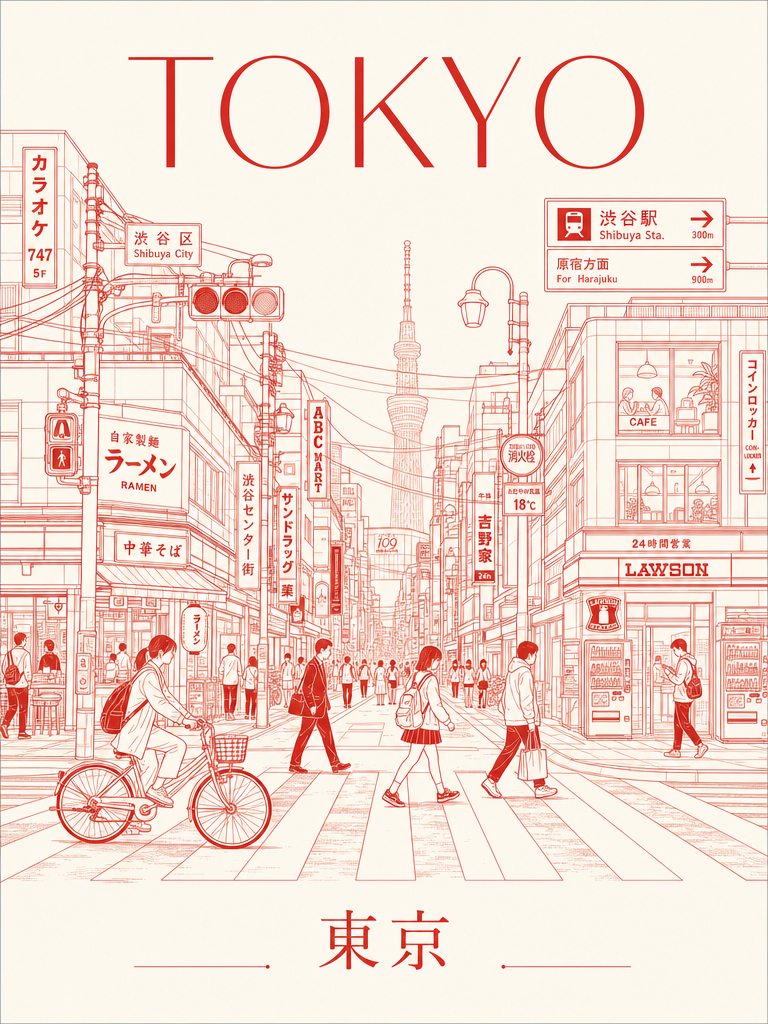
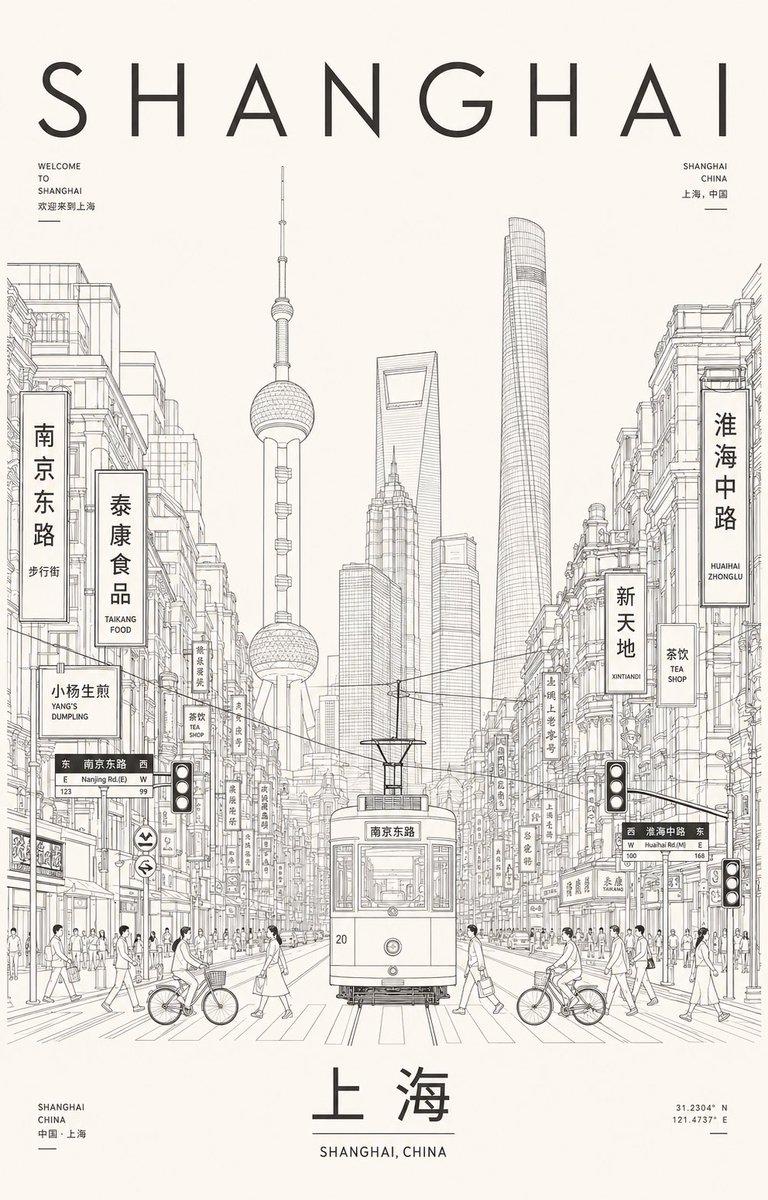
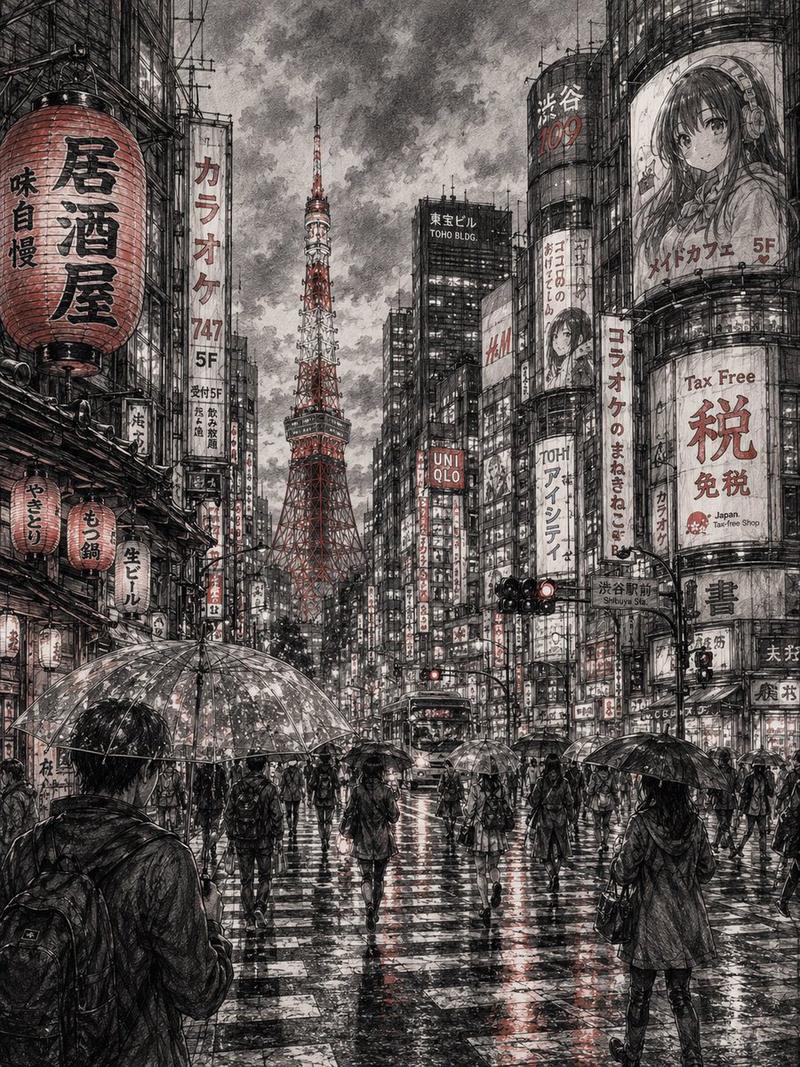
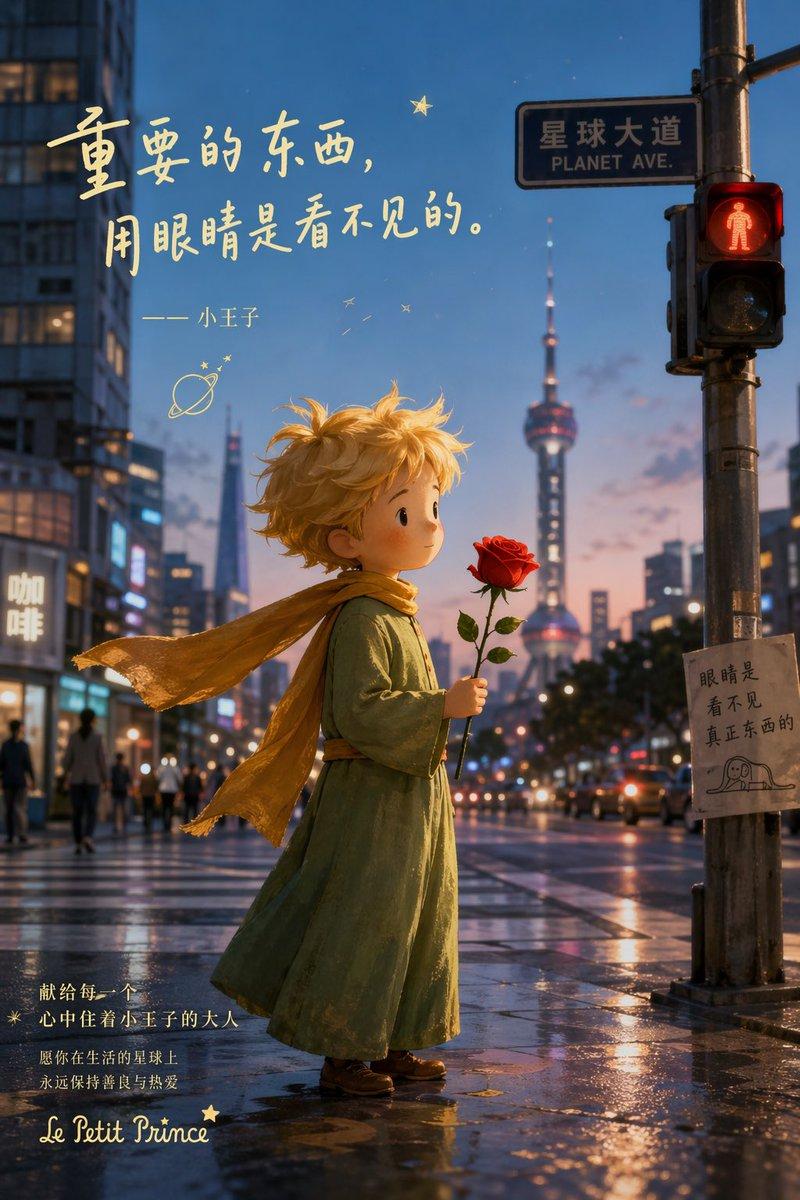
极简单色城市建筑线描海报生成指令
Prompt
Generate a high-fidelity "Urban Line Atlas Poster." The design is based on the visual language of a monochrome urban line-drawing travel poster, featuring a visual framework consisting of a top title, middle streetscape depth, core landmarks, flanking buildings, foreground figures, and a bottom footer.

[Theme City Details]
- City Name: [Insert Name]
- Main English Title: [e.g., TOKYO RHYTHM / SHIBUYA PULSE / URBAN LINE ATLAS]
- Local Language Title: [Chinese or native name]
- Country/Region: [Location]
- Core Landmark: [Representative landmark]
- Street Scene: [Specific neighborhood or atmosphere]
- Mood Theme: [Commuter morning / Rainy street / Weekend afternoon / Sunset cycling / Twilight walk]
- Color Palette: [Vermilion / Black-gray / Deep indigo / Dark green / Umber / Burgundy]
- Aspect Ratio: [3:4 or 2:3 vertical]

[Positioning]
This is a hybrid of a travel memorial, urban visual atlas, architectural manuscript, and editorial cover. It should feel like a high-end urban archive rather than a generic tourist brochure—combining city recognition with authentic street-life vitality.

[Composition]
1. Top Title Area: Bold and striking English titles, potentially including city codes, series numbers, coordinates, or subheadings.
2. Middle Streetscape: Deep perspective view. The angle can be centered, slightly tilted, or a high-angle view to ensure a unique composition.
3. Visual Anchor: Core landmarks should be recognizable in the mid or background, integrated naturally into the daily street scene.
4. High-Density Details: Flanking buildings should feature local facades, shops, road signs, traffic lights, subway entrances, and wires.
5. Human Elements: Include natural foreground elements like commuters, cyclists, tourists, coffee cups, or taxis to add a sense of life.
6. Footer: A standalone area designed like a city tag, travel receipt, or archive index.

[Typography & Style]
Text must be crisp and integrated into the design system. Use monochrome or minimal duotone line-drawing style on paper textures (cream/light gray). Lines should be precise and restrained, resembling architectural pen sketches or screen prints.

[Innovation & Constraints]
Please innovate in title placement, street perspective, and information modules. Avoid: Watercolors, thick painting, cartoon/chibi styles, cyberpunk, large color blocks, or cheap souvenir aesthetics. Generate a high-definition, clean-lined, collectible vertical urban poster.
- Category
- Charts & Infographics
- Model
- ChatGPT
- Creator
- @MrLarus
- Source ID
- 14260
- Published
- May 12, 2026
Views92