13

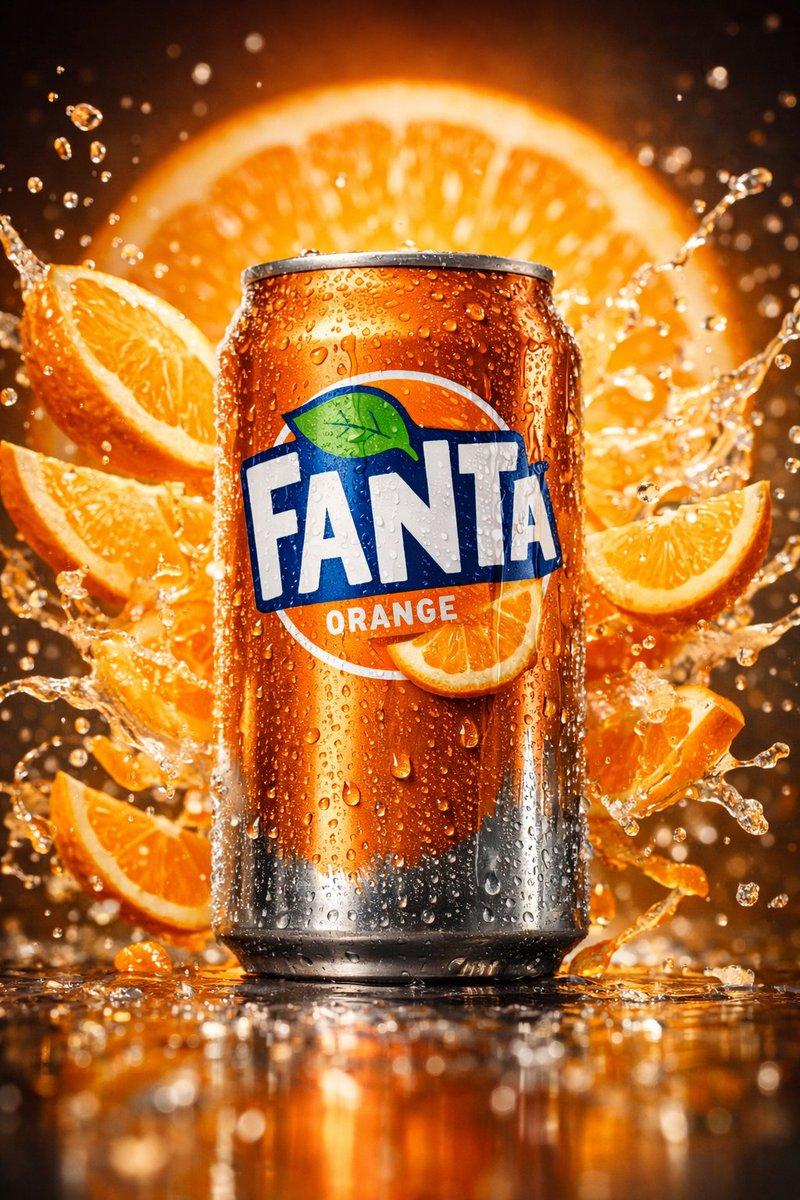
鲜艳霓虹光影下的动感苏打水飞溅商业海报
Enlarge

鲜艳霓虹光影下的动感苏打水飞溅商业海报

Prompt
{
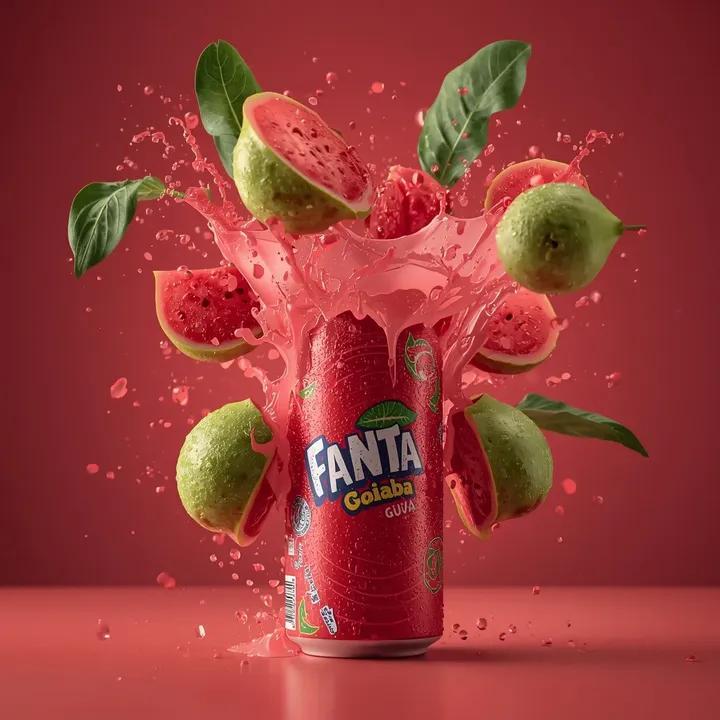
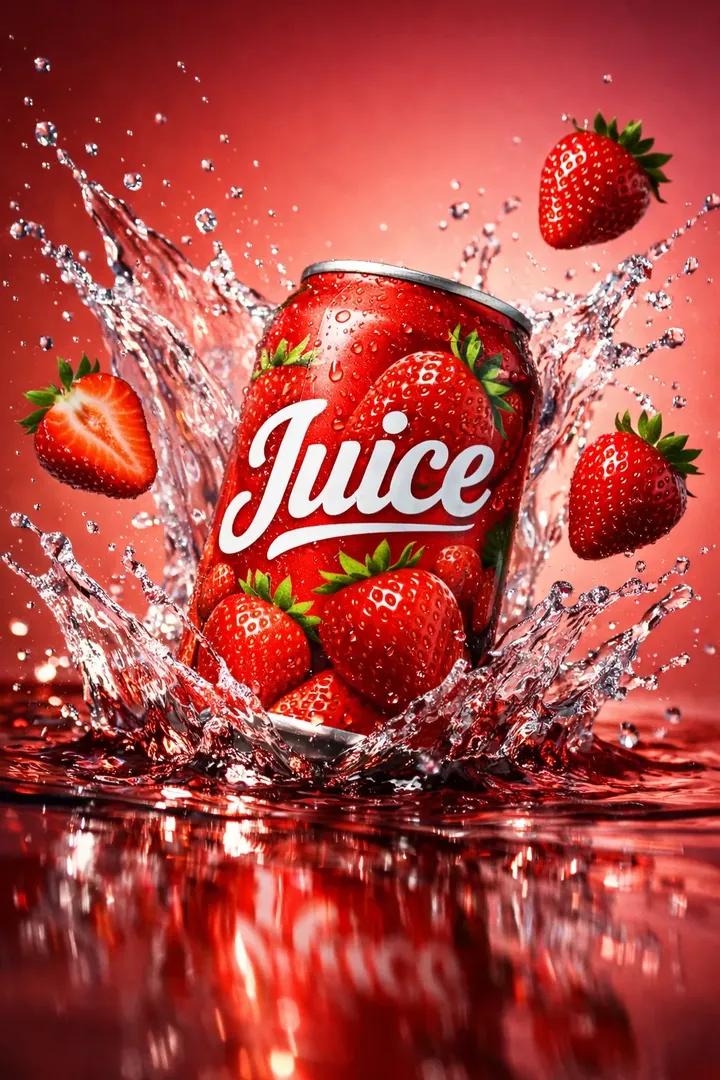
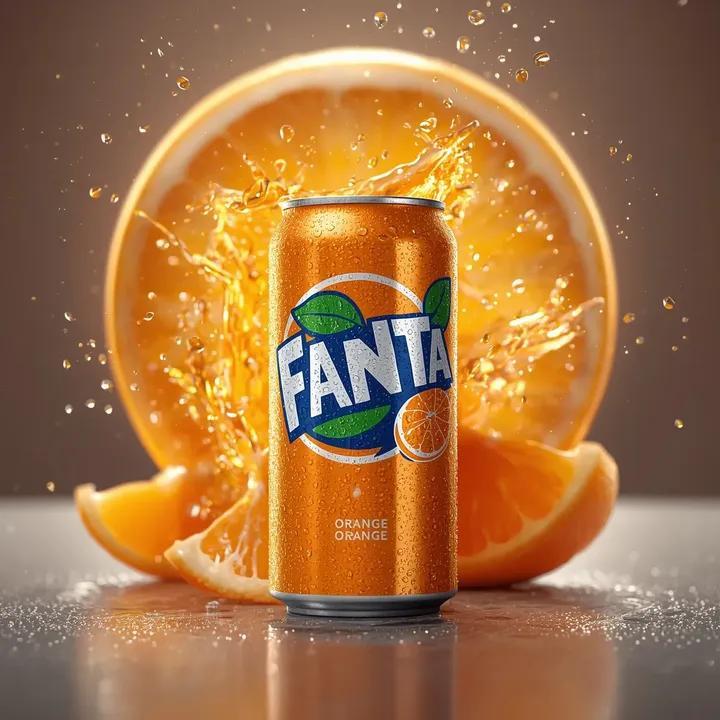
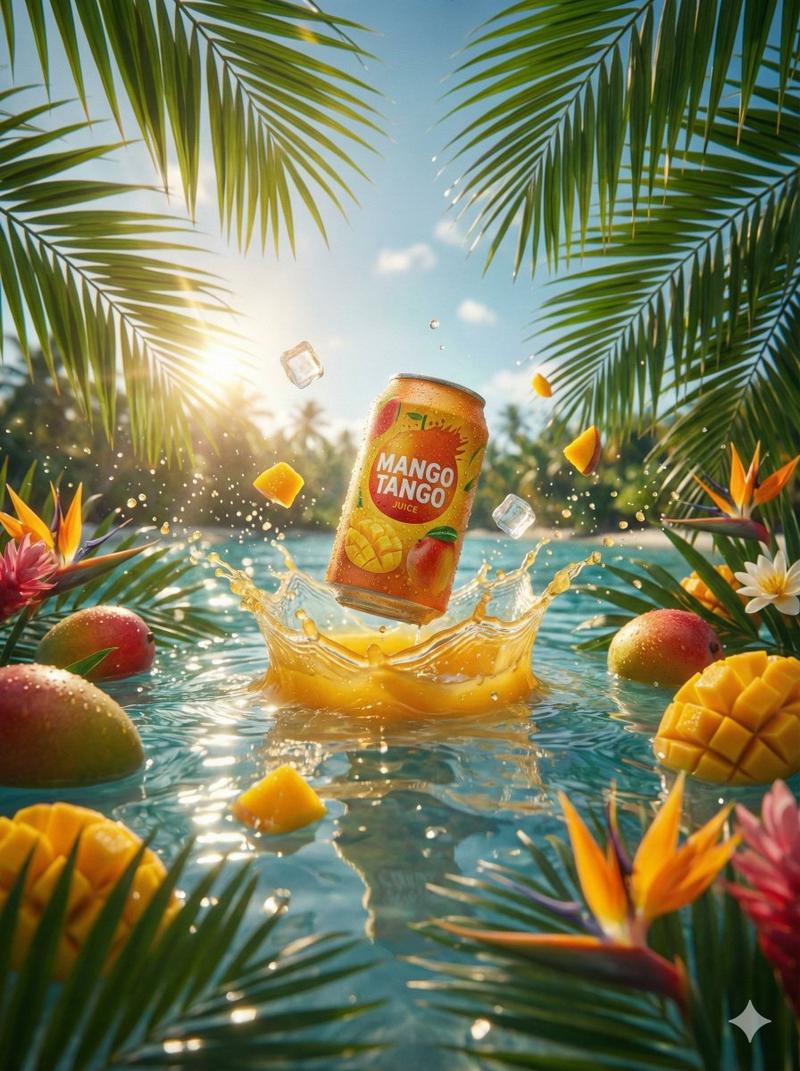
  "prompt": "Three ultra-dynamic soda cans in one vibrant high-end advertising composition — a can of TROPICAL RUSH exploding with dramatic water and tropical fruit splash, vibrant orange and pink background lighting; a can of LEMON ICED splashed with cold water against a glowing green dynamic light background; both cans covered in realistic condensation and motion-blurred droplets, bursting with fruity, refreshing energy. Deep orange, pink, and neon green lighting blend together in a bold studio setup. Captured by a professional photographer using a Canon 50mm lens, hyper-realistic textures, crisp details, ultra high resolution, bright commercial poster aesthetic, rich color vibrancy, cinematic splash effects --ar 3:4"
}
Category
Posters & Typography
Model
ChatGPT
Views240
Source ID
2879
Published
Mar 2, 2026

Guide

About "鲜艳霓虹光影下的动感苏打水飞溅商业海报"

What is this prompt for?

"鲜艳霓虹光影下的动感苏打水飞溅商业海报" AI image prompt for ChatGPT (Posters & Typography). { "prompt": "一个充满活力的高端广告构图中的三个超动态苏打水罐 —— 一罐热带冲刺苏打水伴随着戏剧性的水和热带水果飞溅而爆炸,鲜艳的橙色和粉色背景光;一罐柠檬…

The full copyable prompt and example visuals above are ready for AI image generation or one-click recreate in Picva.

How to use this prompt

  1. Step 1

    Open the prompt detail

    Review the example visuals, category, and full prompt text for "鲜艳霓虹光影下的动感苏打水飞溅商业海报".

  2. Step 2

    Copy the prompt

    Copy the prompt body from this page, or load it directly in Studio.

  3. Step 3

    Pick a model (ChatGPT)

    Prefer ChatGPT. If you switch models, keep subject and composition and tweak style terms.

  4. Step 4

    Generate and export

    Recreate the look in Picva, or export into your workflow for editing and publishing.

FAQ

What is the "鲜艳霓虹光影下的动感苏打水飞溅商业海报" prompt?
It is an AI image-generation prompt for ChatGPT in the Posters & Typography category. This page includes the full prompt text, example visuals, and a one-click recreate path in Picva.
How do I use this prompt to generate an image?
Copy the prompt from this page, or use Generate / Studio. Paste it into a compatible image model, or recreate the look in Picva with optional reference images.
Which model is this prompt for?
This page lists ChatGPT. Most descriptive prompts also transfer to nearby image models such as GPT Image, Flux, or Midjourney with light style tweaks.
Can I use the result commercially?
You can usually copy the prompt for creation, but commercial use of the final image depends on the model terms, reference-image rights, and the generated content. Follow the source author and platform rules.