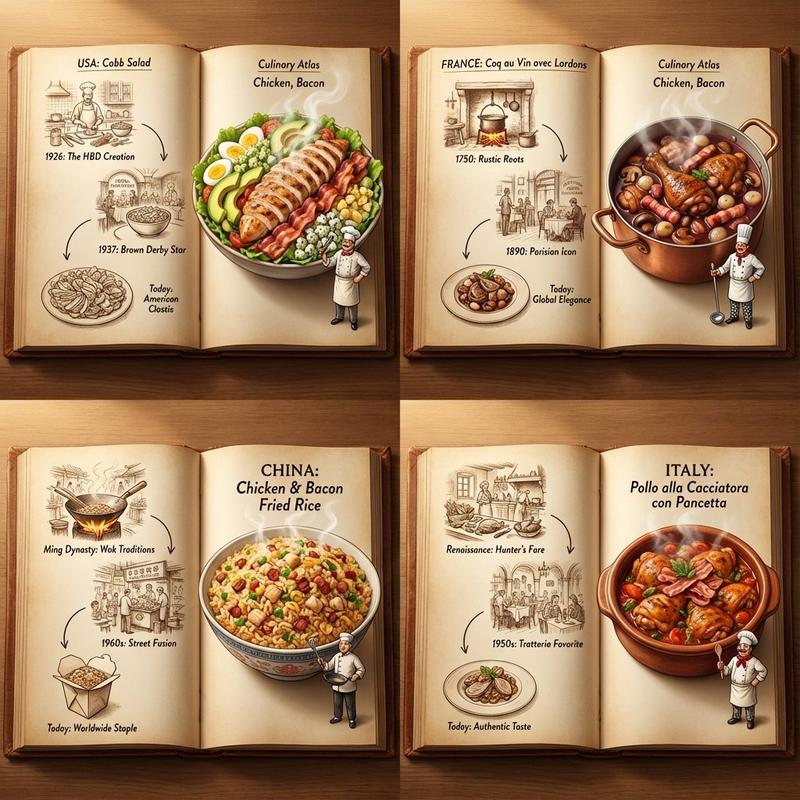
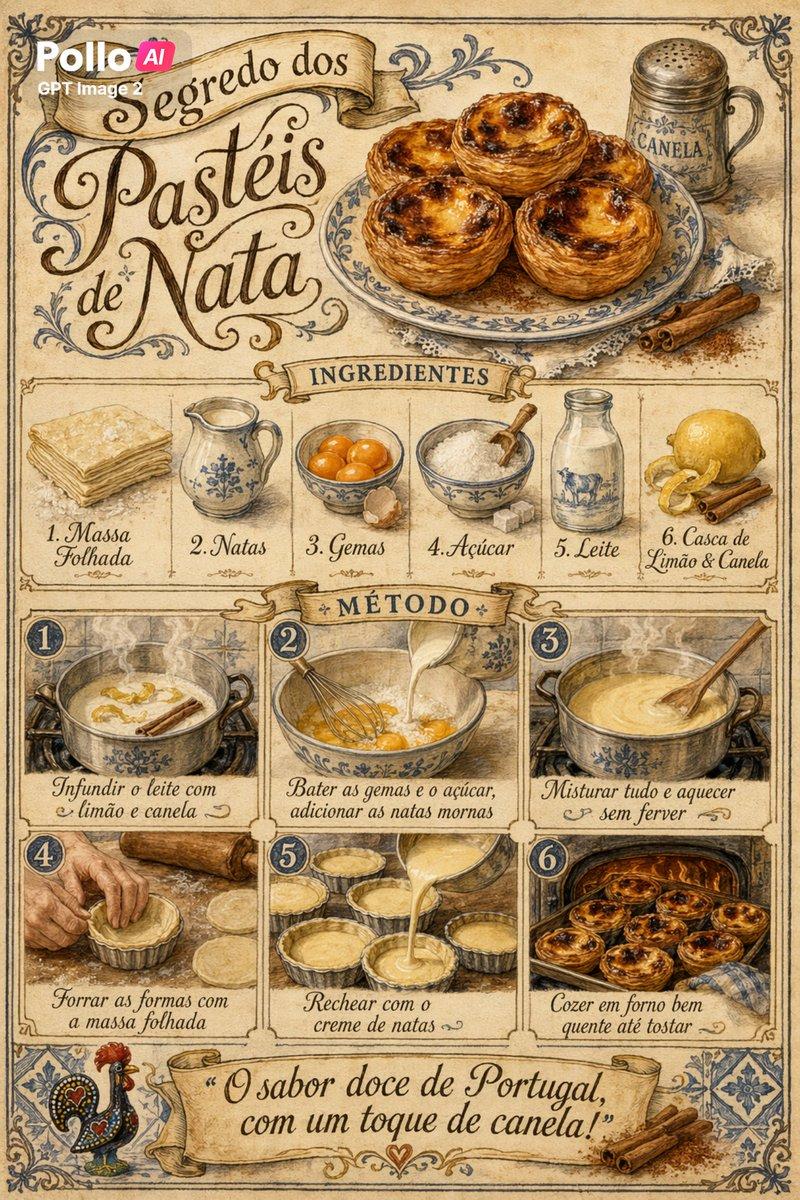
16

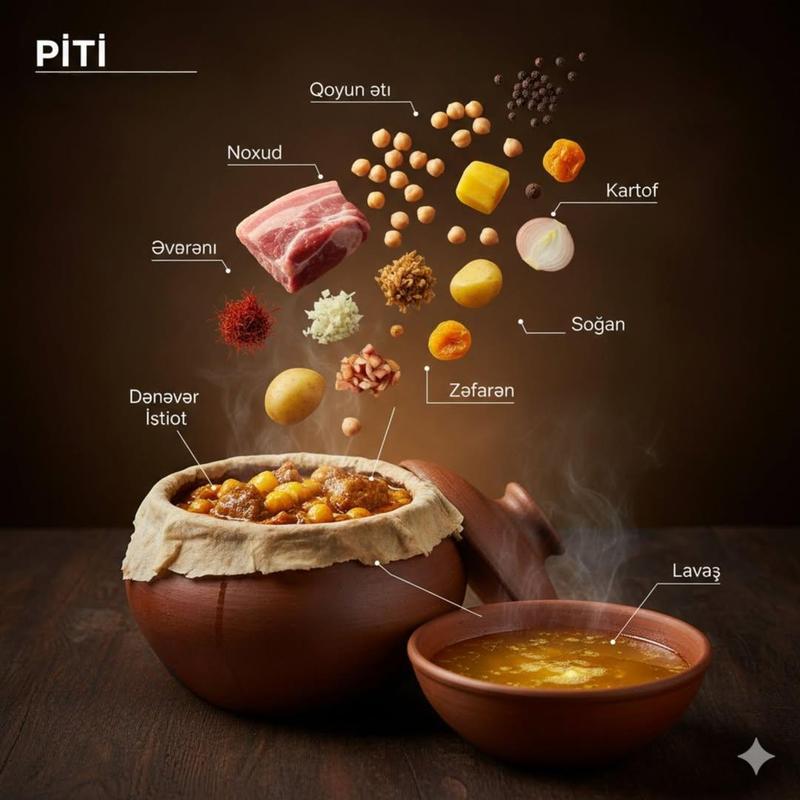
复古植物学风格的精致手绘美食分解图
Enlarge

Example images

复古植物学风格的精致手绘美食分解图

Prompt
Vintage botanical and anatomical illustration style of [DISH], rendered as if from a 19th century French culinary encyclopedia. Aged parchment background with subtle foxing and texture. Every ingredient drawn in exquisite hand-illustrated detail: cross-hatching, stippling, watercolor washes of natural food color. Exploded diagram with each component labeled in elegant copperplate script with hand-drawn bracket lines: "Nº [X]  [INGREDIENT NAME]" with preparation notes in small cursive below. Central hero dish rendered in full warm color, surrounding ingredient studies in sepia-and-color mixed media. Decorative border with culinary motifs. Title in ornate letterpress: "[DISH NAME]". Subtitle in italic copperplate: "[TAGLINE]". Mood: Le Cordon Bleu 1880 meets Larousse Gastronomique. Ultra detailed, rich warm tones, extraordinary.
Category
Charts & Infographics
Model
Nano Banana 2
Creator
OpenNana
Views132
Source ID
2784
Published
Mar 1, 2026

Guide

About "复古植物学风格的精致手绘美食分解图"

What is this prompt for?

"复古植物学风格的精致手绘美食分解图" AI image prompt for Nano Banana 2 (Charts & Infographics). [DISH]的复古植物学和解剖学插图风格,渲染得仿佛出自19世纪法国烹饪百科全书。带有细微色斑和纹理的陈旧羊皮纸背景。每一种食材都以精致的手绘细节绘制:交叉排线…

The full copyable prompt and example visuals above are ready for AI image generation or one-click recreate in Picva.

How to use this prompt

  1. Step 1

    Open the prompt detail

    Review the example visuals, category, and full prompt text for "复古植物学风格的精致手绘美食分解图".

  2. Step 2

    Copy the prompt

    Copy the prompt body from this page, or load it directly in Studio.

  3. Step 3

    Pick a model (Nano Banana 2)

    Prefer Nano Banana 2. If you switch models, keep subject and composition and tweak style terms.

  4. Step 4

    Generate and export

    Recreate the look in Picva, or export into your workflow for editing and publishing.

FAQ

What is the "复古植物学风格的精致手绘美食分解图" prompt?
It is an AI image-generation prompt for Nano Banana 2 in the Charts & Infographics category. This page includes the full prompt text, example visuals, and a one-click recreate path in Picva.
How do I use this prompt to generate an image?
Copy the prompt from this page, or use Generate / Studio. Paste it into a compatible image model, or recreate the look in Picva with optional reference images.
Which model is this prompt for?
This page lists Nano Banana 2. Most descriptive prompts also transfer to nearby image models such as GPT Image, Flux, or Midjourney with light style tweaks.
Can I use the result commercially?
You can usually copy the prompt for creation, but commercial use of the final image depends on the model terms, reference-image rights, and the generated content. Follow the source author and platform rules.