19

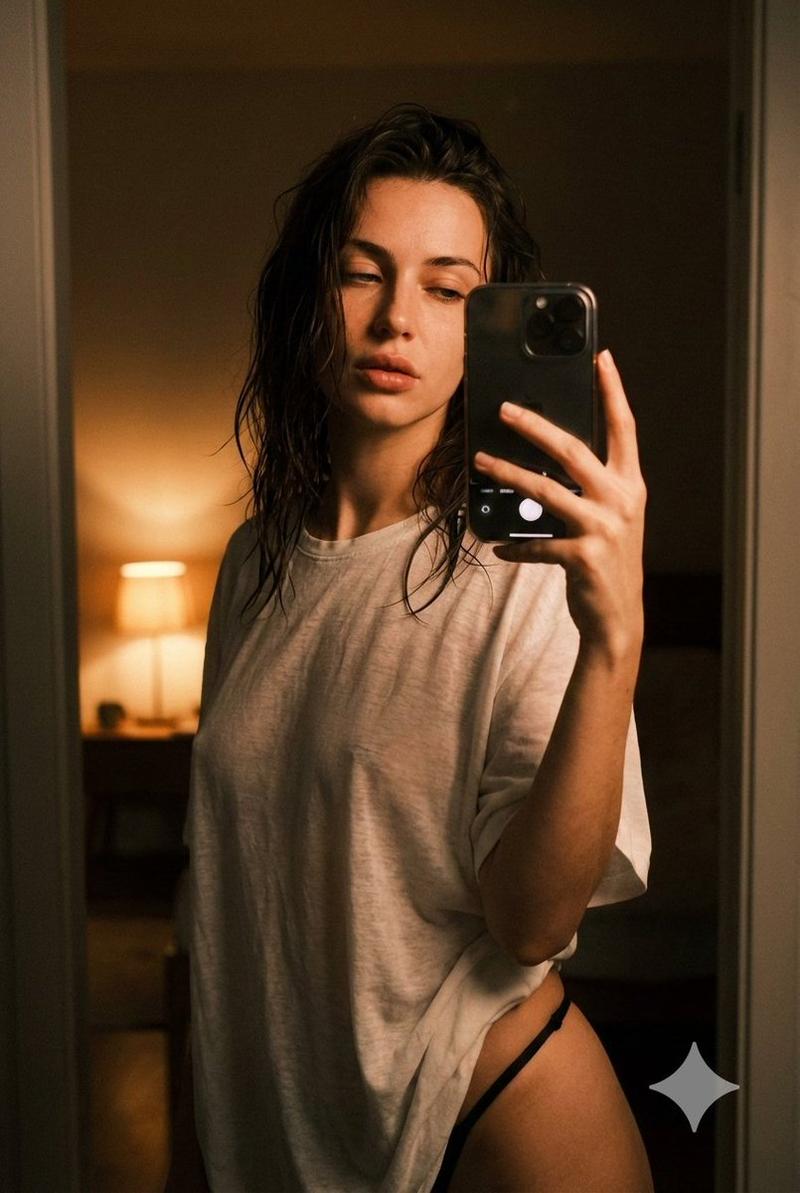
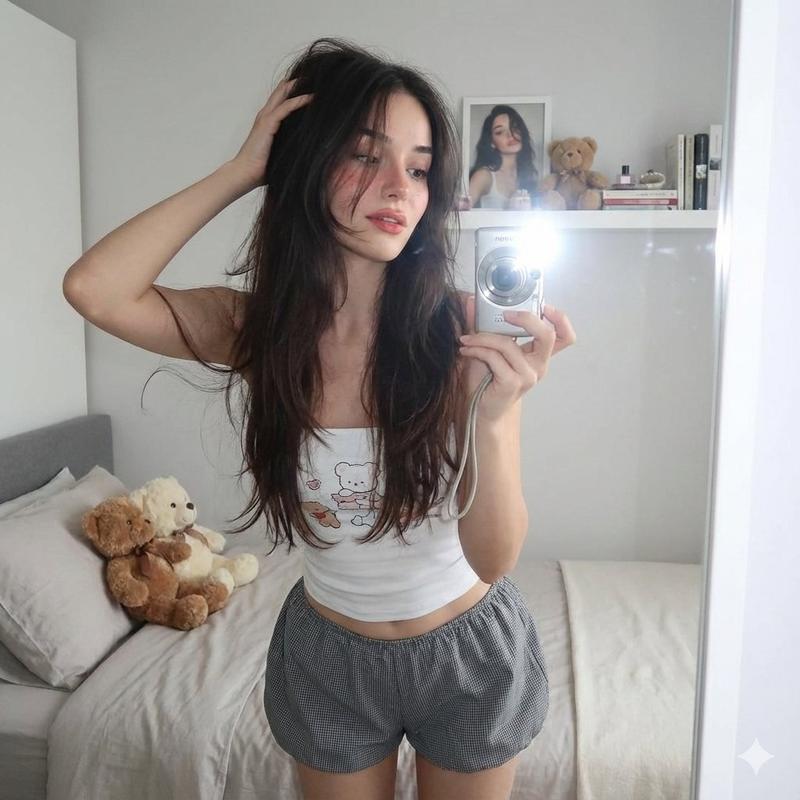
暖光卧室里的慵懒私密自拍
Enlarge

暖光卧室里的慵懒私密自拍

Prompt
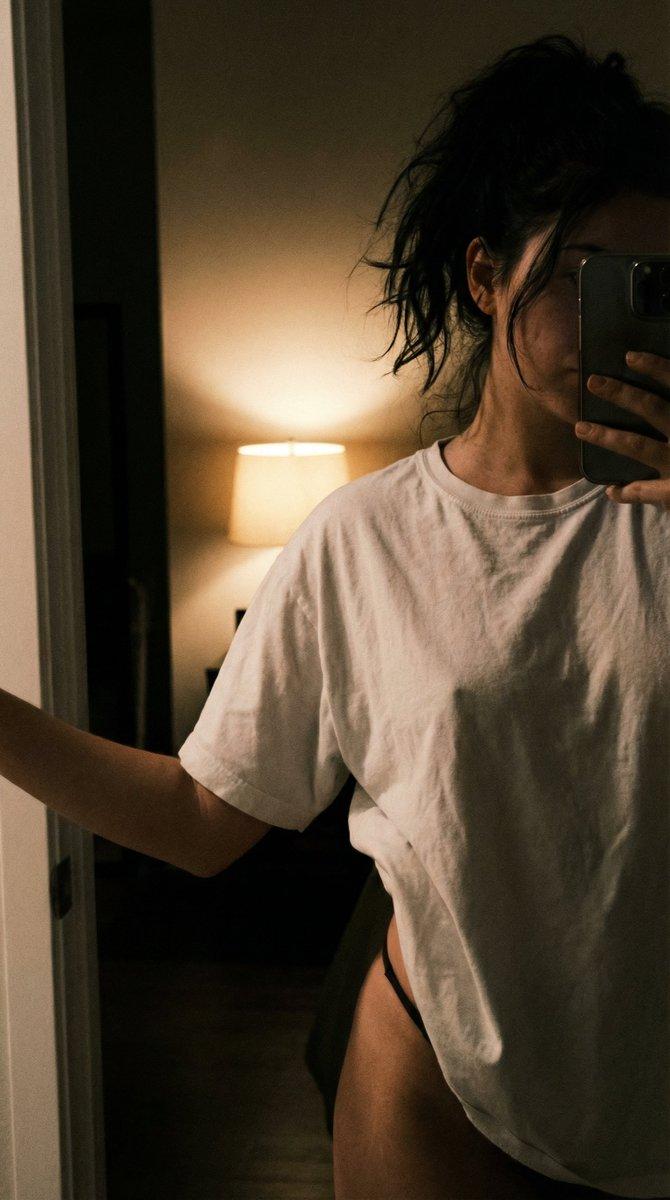
{ "quality": "ultra photorealistic 8K", "camera": "iPhone 15 Pro Max, 24mm wide, 2:3", "style": "raw iPhone close shot, warm tungsten light, deep shadows, subtle grain", "subject": { "age": "mid-20s adult woman", "appearance": "European brunette, messy slightly damp dark brown hair, hazel eyes, curvy hourglass figure", "pose": "standing in apartment bedroom doorway taking close selfie, slightly high angle, very close framing (torso to upper thighs)", "expression": "heavy-lidded eyes, lips softly parted", "outfit": "oversized ultra-thin white t-shirt, black high-cut cotton thong strap visible at hip" }, "lighting": "single warm bedside lamp behind her creating contrast and soft glowing skin", "scene": "late night, dark bedroom background, minimal light, intimate quiet atmosphere", "photography_rules": { "iphone_only_look": true, "suggestive_not_explicit": true, "no_male_presence": true } }
Category
Architecture & Spaces
Model
Nano Banana Pro
Views104
Source ID
12330
Published
Apr 18, 2026

Guide

About "暖光卧室里的慵懒私密自拍"

What is this prompt for?

"暖光卧室里的慵懒私密自拍" AI image prompt for Nano Banana Pro (Architecture & Spaces). { "quality": "超逼真 8K", "camera": "iPhone 15 Pro Max, 24mm 广角, 2:3", "style": "iPhon…

The full copyable prompt and example visuals above are ready for AI image generation or one-click recreate in Picva.

How to use this prompt

  1. Step 1

    Open the prompt detail

    Review the example visuals, category, and full prompt text for "暖光卧室里的慵懒私密自拍".

  2. Step 2

    Copy the prompt

    Copy the prompt body from this page, or load it directly in Studio.

  3. Step 3

    Pick a model (Nano Banana Pro)

    Prefer Nano Banana Pro. If you switch models, keep subject and composition and tweak style terms.

  4. Step 4

    Generate and export

    Recreate the look in Picva, or export into your workflow for editing and publishing.

FAQ

What is the "暖光卧室里的慵懒私密自拍" prompt?
It is an AI image-generation prompt for Nano Banana Pro in the Architecture & Spaces category. This page includes the full prompt text, example visuals, and a one-click recreate path in Picva.
How do I use this prompt to generate an image?
Copy the prompt from this page, or use Generate / Studio. Paste it into a compatible image model, or recreate the look in Picva with optional reference images.
Which model is this prompt for?
This page lists Nano Banana Pro. Most descriptive prompts also transfer to nearby image models such as GPT Image, Flux, or Midjourney with light style tweaks.
Can I use the result commercially?
You can usually copy the prompt for creation, but commercial use of the final image depends on the model terms, reference-image rights, and the generated content. Follow the source author and platform rules.